
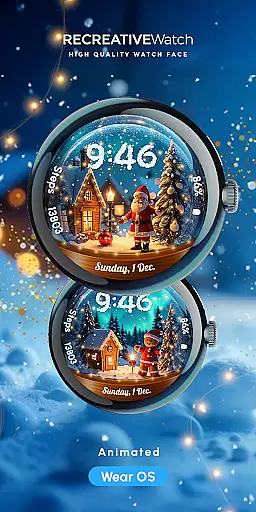
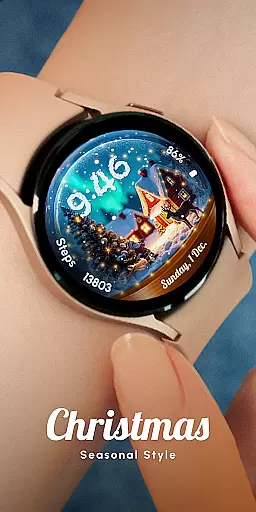
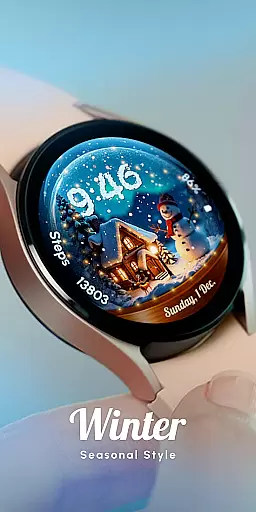
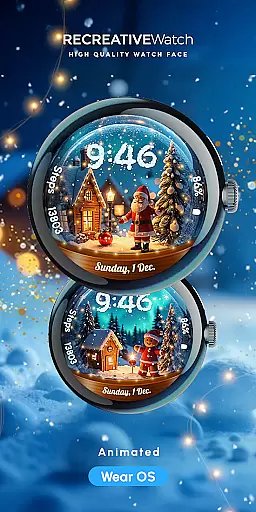
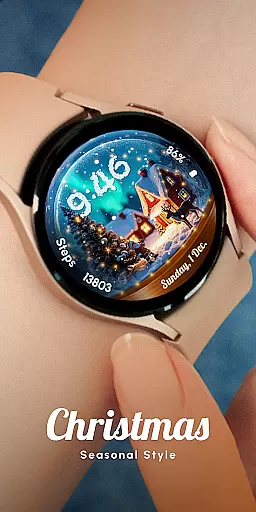
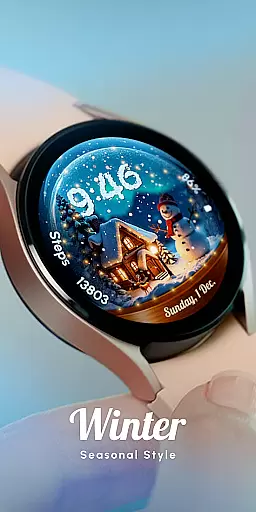
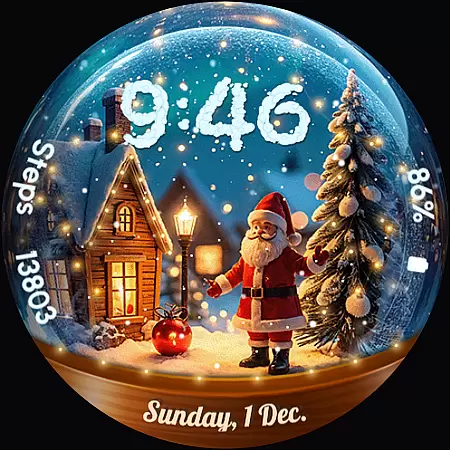
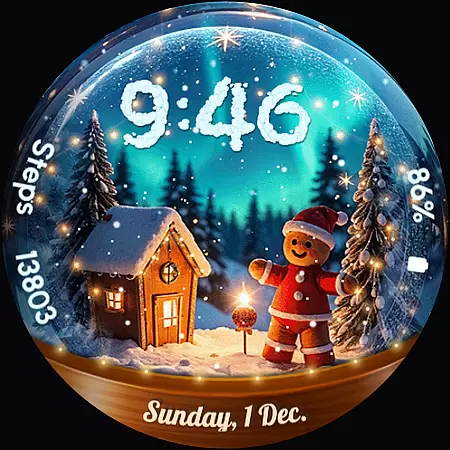
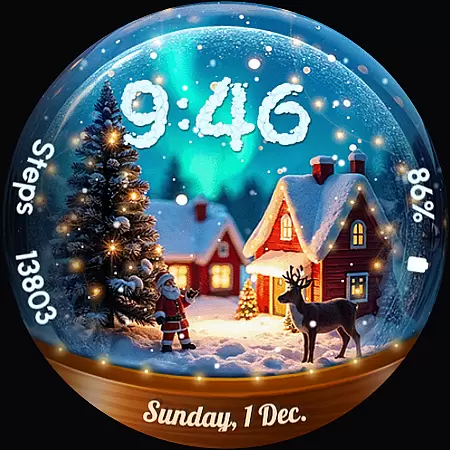
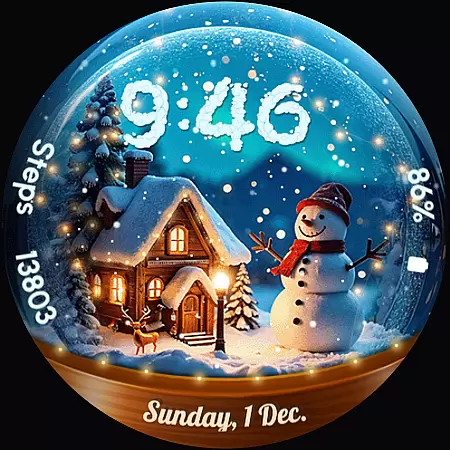
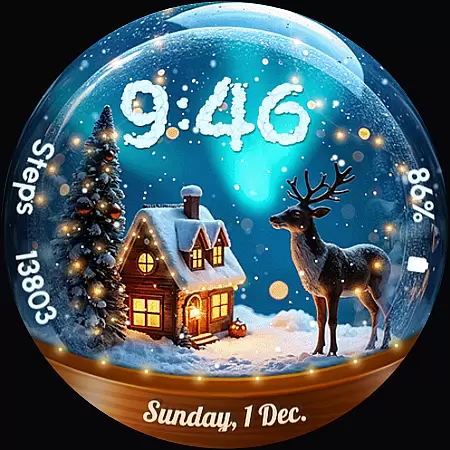
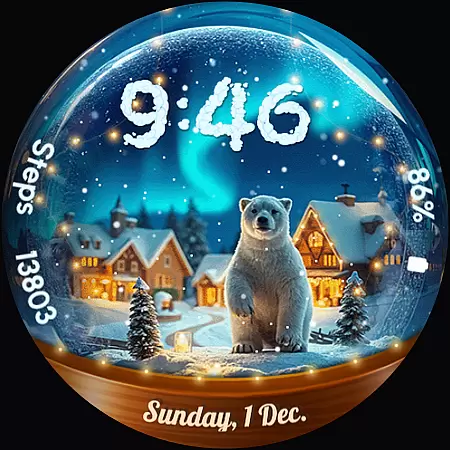
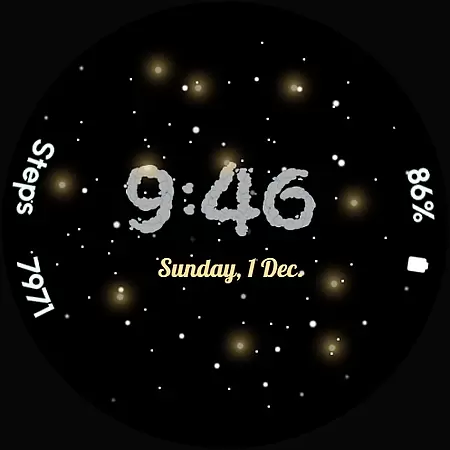
ReS56 is a festive watch face app designed to bring holiday cheer directly to your smartwatch. Featuring animated falling snow and magical sparkles, it creates an enchanting snow globe effect on your wrist. The app includes various charming elements such as Santa Claus, a reindeer, polar bear, gingerbread man, and snowman, making it perfect for the holiday season.
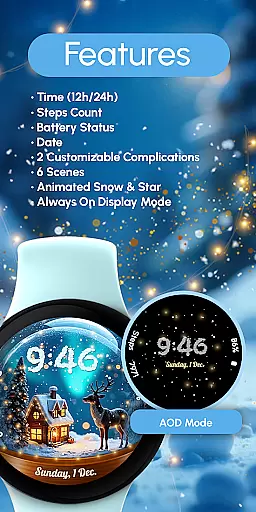
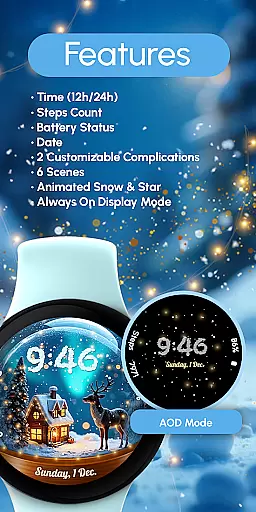
Beyond its delightful aesthetics, ReS56 offers practical functionalities including digital time display in 12/24hr format, date, battery status, step count, and two customizable complications. With compatibility across API level 33+ devices like Google Pixel and Galaxy Watch series, this app ensures both style and utility are at your fingertips.
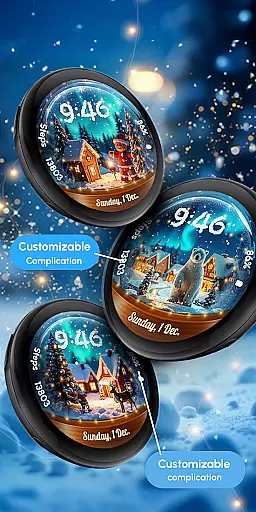
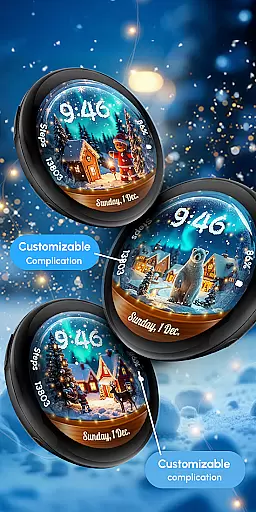
ReS56 stands out with its unique combination of festive charm and functional features. Users can enjoy six different scenes filled with animated snow and magic spark effects, creating a dynamic and engaging visual experience. The inclusion of classic holiday characters adds a personalized touch to your watch face.
In terms of functionality, the app provides essential information at a glance, such as time, date, battery level, and step count. Two customizable complications allow users to tailor their watch face to display the data most important to them. Additionally, the Always ON Display feature ensures that these details are accessible without needing to wake the device, although users may disable this for improved battery performance.
Companion app integration is essential for a seamless wearable experience. ReS56 excels in this area by offering users a cohesive ecosystem between their smartphone and Wear OS devices. The application ensures that all features are synchronized effortlessly, providing real-time updates across devices.
The watch face supports crucial functionalities like displaying 12/24hr digital time, date, battery status, and step count. Additionally, it offers two customizable complications that allow users to tailor the information displayed on their watch face. This level of synchronization ensures that users have access to vital information at a glance without needing to reach for their phone.
Users benefit from six unique scenes filled with animated snow and magic spark effects, bringing holiday cheer directly to their wrists. These animations are not only visually appealing but also optimized to maintain performance and battery life. By recommending disabling the Always On Display mode, ReS56 helps enhance battery longevity while still delivering an enchanting visual experience.
Ensuring broad device compatibility is crucial for any Wear OS application. ReS56 is designed to work seamlessly with API level 33+ Google Pixel watches, Galaxy Watch series (4, 5, 6, 7), and other Wear OS models. This wide compatibility range guarantees that most Wear OS users can enjoy the magical snow globe scene on their smartwatches.
The application leverages the robust capabilities of Wear OS to deliver high-quality graphics and smooth animations. Users can customize their watch faces easily through intuitive touch controls. By touching and holding the display, they can access customization options such as setting up complications or choosing different festive scenes featuring characters like Santa Claus and polar bears.
For optimal performance, especially concerning battery life, ReS56 provides recommendations to disable Always On Display mode. This feature ensures that even with extended usage, the watch maintains satisfactory battery levels. With comprehensive support documentation available via https://www.recreative-watch.com/help/#installation-methodes, users can quickly resolve installation issues and maximize their wearable's potential.
User-friendly interface
Visually appealing design
Customizable complications
Compatible with multiple devices
Holiday-themed animations
Limited to festive themes
Potential battery drain
Fewer features than some competitors
Requires newer devices
No automatic application post-install

Diet tracker for weight loss - track calories, food and macros. Simple and easy!
 4.70
4.70
Walking app for weight loss: walk & step tracker, pedometer, indoor treadmill
4.60
Wear Os Watch Face - Animated Snow Effect & Christmas Lights
4.0
Precision analog watch face with 7 complications and style options
4.5
Christmas is near, let's count together the days left until Santa comes
4.1
A watch face that fuses motorsport precision with contemporary smartwatch design
4.3
Stylish digital watch face for Wear OS devices with customizable features
4.3
Kia Access makes getting your vehicle information easier than ever
4.60
Fitbit is dedicated to helping people lead healthier, more active lives.
4.10
Christmas - Festive - Christmas Village - Winter - Christmas lights
5.00
A modern premium sporty hybrid watch face for Wear OS by Ballozi
4.70
Be an elegant and classy secret agent, with this carefully detailed watch face
4.70
A realistic hybrid watch face with many customization options.
4.60
Digital watch face. For Wear OS devices.
4.40
Your music, your playlists, and more—offline and unlimited.
4.20
Daily Weather forecast with 15 weather images for Day & Night plus Big Bold time
4.10
Sleek, highly customizable watch face inspired by Galaxy Watch Circle Dashboard.
4.0
3 Complications. All shadow on/off. 30 Themes color palette...
4.3
Minimalistic design modern digital watch face.
4.1



User Reviews