
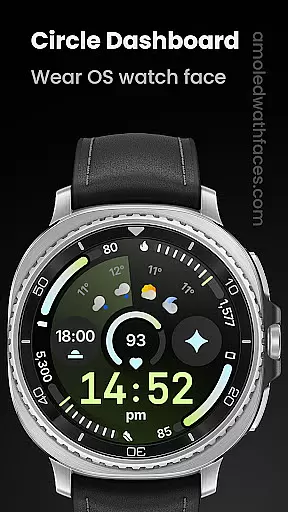
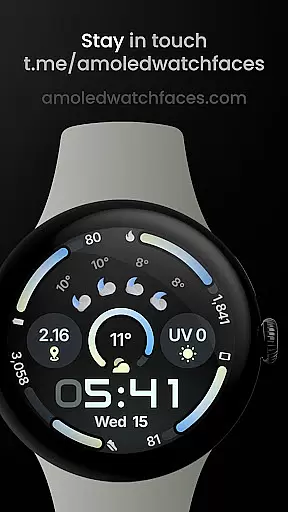
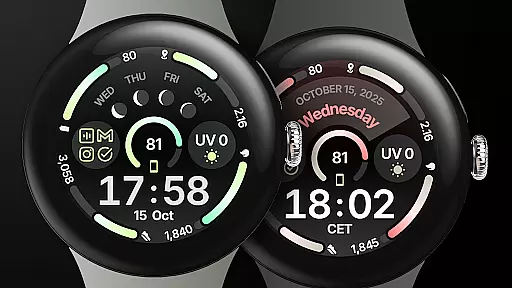
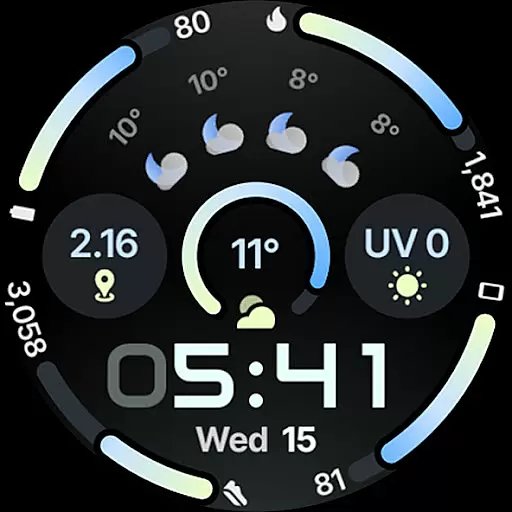
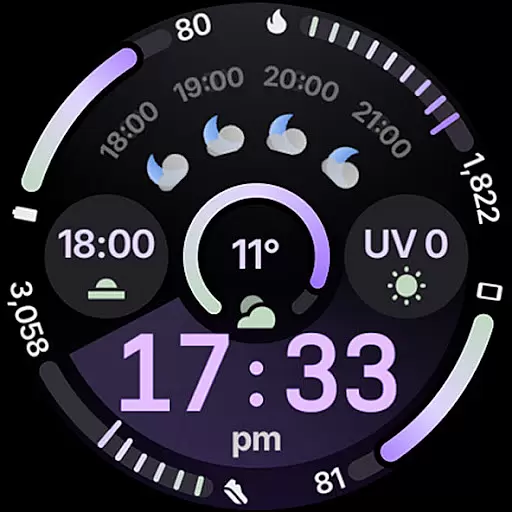
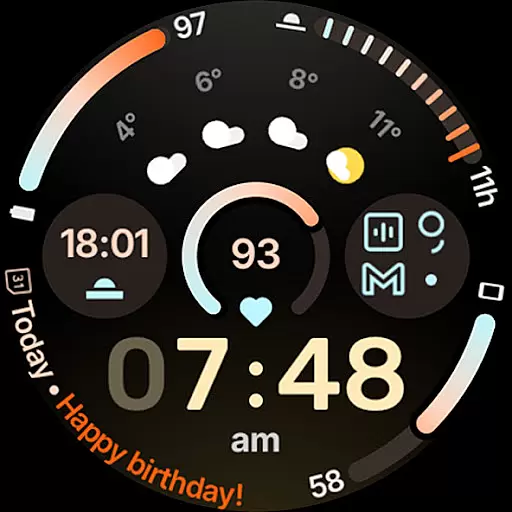
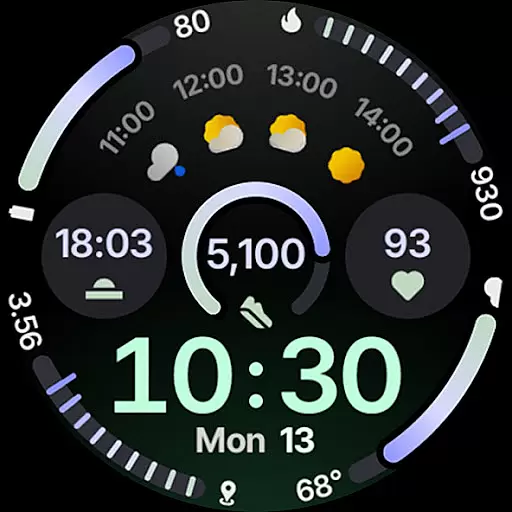
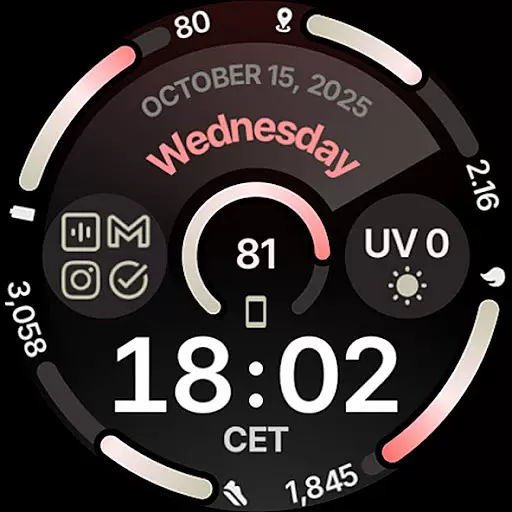
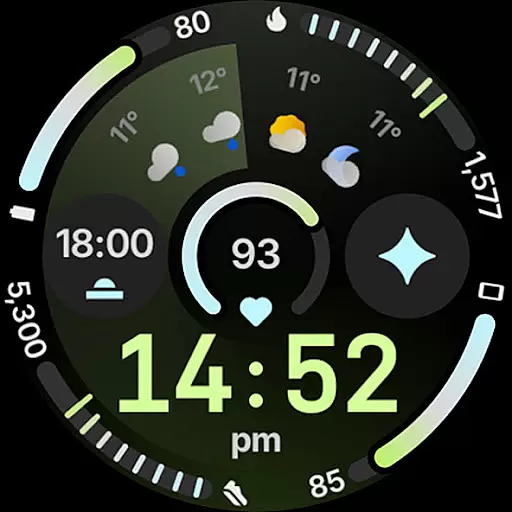
Circle Dashboard Watch Face is a feature-rich watch face designed exclusively for Wear OS 4+ devices. Inspired by the Galaxy Watch 8 series, it offers advanced customization options and supports multiple complications. The watch face provides users with an interactive and visually appealing interface that enhances their smartwatch experience.
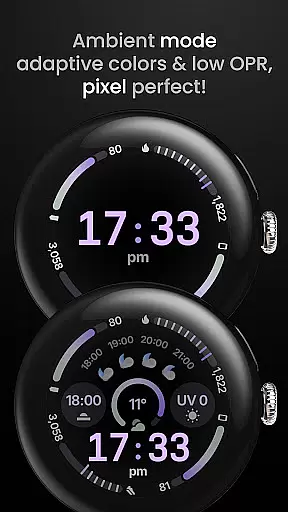
With support for various complication types, adaptive text sizing, and multiple always-on display styles, this watch face ensures both functionality and aesthetics. Its true black background and battery-friendly design make it ideal for AMOLED displays, while the multilingual support caters to a global audience.
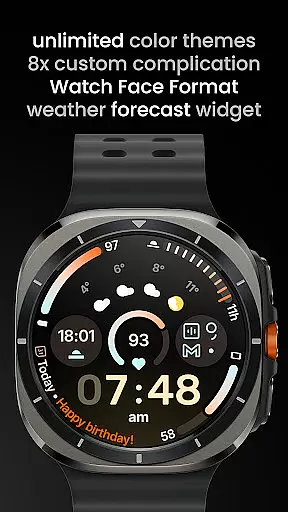
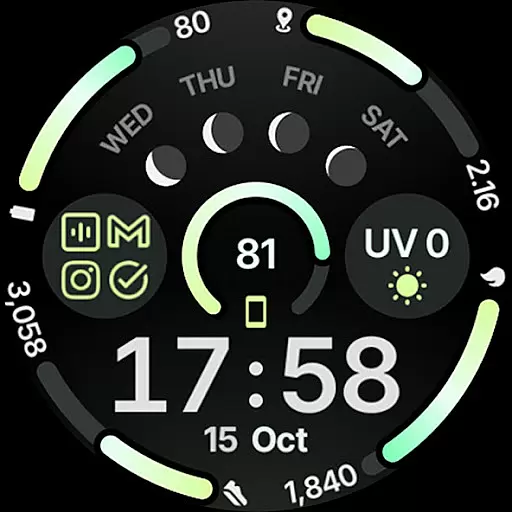
The Circle Dashboard Watch Face stands out with its innovative features tailored for power users. It supports up to eight custom complication slots, allowing integration of apps like weather forecasts and moon phases. The inclusion of material 3 expressive progress bars and optional seconds indicators adds to its visual appeal.
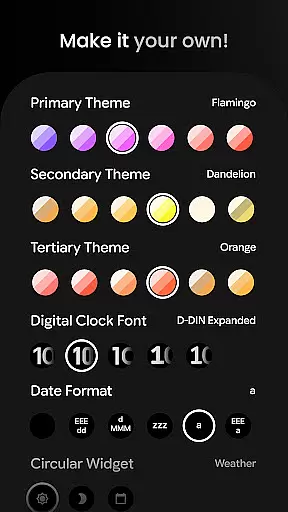
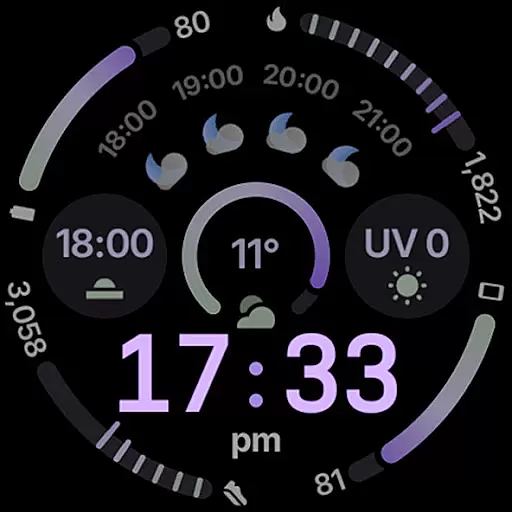
Users can enjoy unlimited color theme combinations, three distinct always-on display styles, and animated AOD transitions on Wear OS 6+. The ability to customize digital clock fonts, toggle settings like leading zeros or vivid clock effects, and choose from over 60 theme variations makes this watch face exceptionally versatile.
Companion app integration is essential for wearable devices to synchronize data and settings with a smartphone. Circle Dashboard Watch Face ensures seamless connectivity between your Wear OS device and Android phone. This synchronization allows users to receive notifications, customize watch face settings, and manage complications directly from their mobile device.
The integration supports advanced features like custom complication slots, enabling users to display personalized information on their watch face. With support for various complication types such as SHORT_TEXT, LONG_TEXT, and RANGED_VALUE, the app provides versatile customization options. Additionally, the Phone Battery Complication feature requires a companion app to display relevant smartphone information on the watch face.
By leveraging companion app integration, Circle Dashboard enhances user experience through real-time updates and customizable options. Users can access weather forecasts, moon phases, and other widgets that rely on smartphone data. This connectivity ensures that all displayed information remains accurate and up-to-date, providing maximum utility for daily wear.
Device compatibility is crucial for ensuring optimal performance across different Wear OS versions. Circle Dashboard Watch Face is designed specifically for Wear OS 4+ devices, guaranteeing smooth operation on supported smartwatches. The application takes full advantage of the latest Wear OS features while maintaining backward compatibility with older versions where possible.
This watch face utilizes Watch Face Format 4, offering improved performance and additional customization options compared to previous formats. Advanced features such as animated AOD entering and adaptive complication text size are available exclusively on Wear OS 6+ devices. However, core functionalities remain accessible on Wear OS 4 and 5 devices, ensuring broad compatibility.
Circle Dashboard maintains high standards of device compatibility by supporting various screen sizes and resolutions. The true black background and battery-friendly design make it suitable for AMOLED displays, while unlimited color theme combinations cater to diverse user preferences. By prioritizing compatibility across multiple Wear OS versions, this watch face delivers consistent quality and performance regardless of the specific device model.
Highly customizable
Battery efficient
True black AMOLED friendly
Supports multiple complications
Visually stunning design
Wear OS 4+ only
Weather widget limited to Wear OS 5+
Some features need additional apps
Complication setup may be complex
Limited to specific devices

Christmas - Festive - Christmas Village - Winter - Christmas lights
 5.00
5.00
Elegant animated Christmas tree with multiple customization options
4.20
Stunning modern digital watch face with 7 complications and strong contrast
4.1
Hyperlocal rain alerts by MyRadar using patent-pending technology, radar & more
4.80
Locate your family members by GPS phone location tracker everywhere and anytime
4.30
The Chevron App allows you to pay for fuel from the comfort of your car!
4.80
Hyper-Realistic Airplane Dashboard Watch Face With 10 Skins and Custom AOD
4.00
A modern hybrid informative watch face for Wear OS designed by BALLOZI
4.80
A white realistic classic analog watch face with many customization options.
4.40
Beautiful, colorful and practical watch face. For Wear OS devices.
5.00
Diet tracker for weight loss - track calories, food and macros. Simple and easy!
4.70
Highly customizable hybrid watch face for Wear OS, perfect for everyday use.
4.60
Real-time results, stats, schedules and player profiles for all leagues
4.60
Stylish, Energizing and Modern Watch Face crafted by Dominus Mathias.
4.50
Premium hybrid watch face with many customizations for Wear OS devices.
4.40
"PER27 Galaxy Digital" is a digital Wear OS watch face designed by PERSONA
4.10
Structured watch face with seven complications and modular UI elements
3.90
3 Complications. All shadow on/off. 30 Themes color palette...
4.5
Hybrid Vibrant Health Watch Face for Wear OS
4.4



User Reviews