
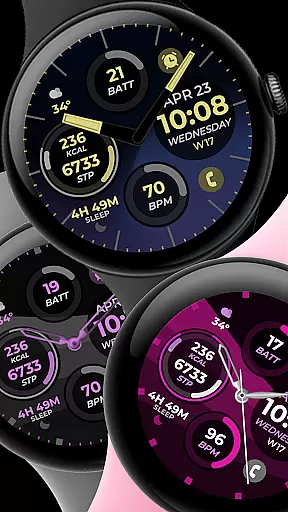
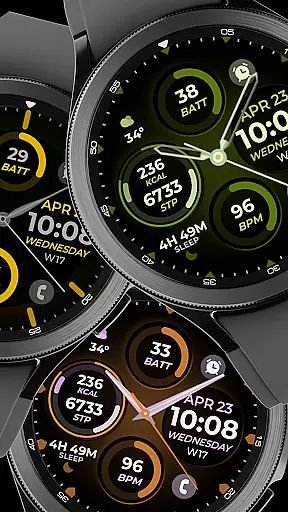
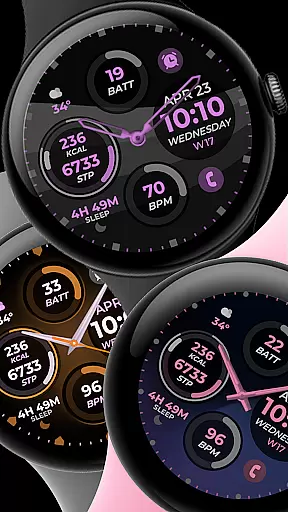
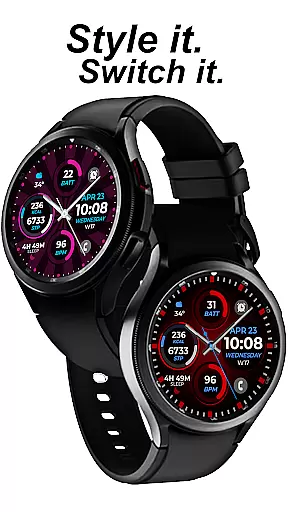
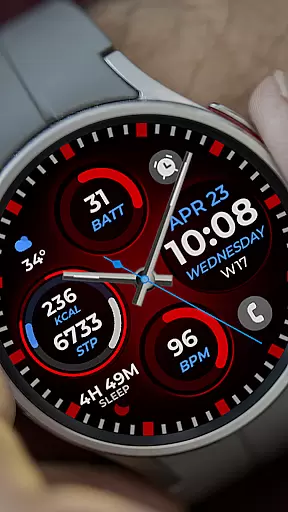
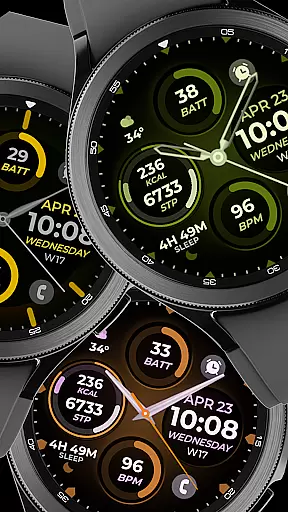
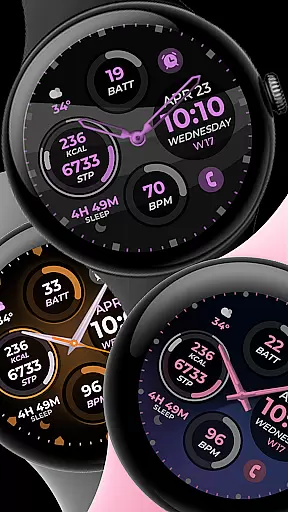
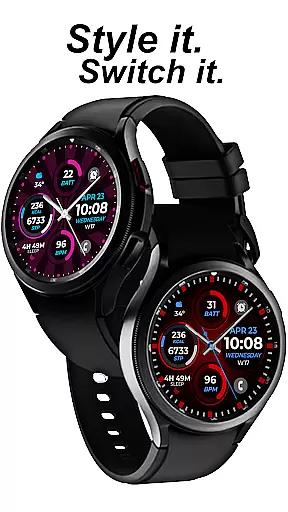
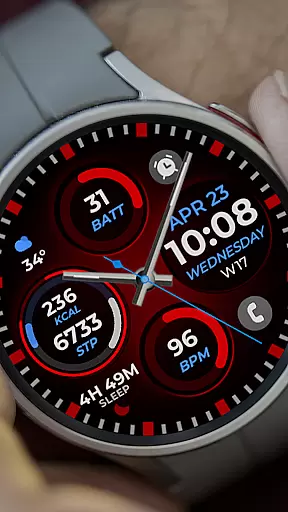
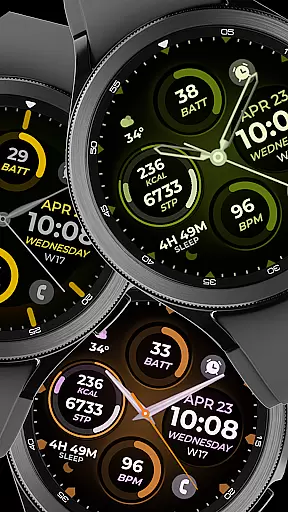
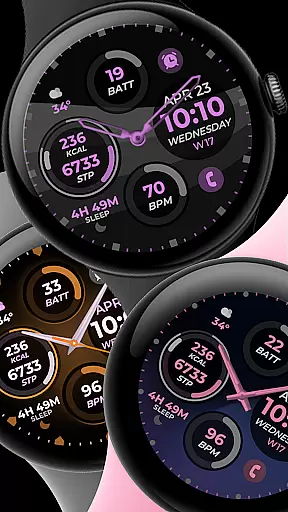
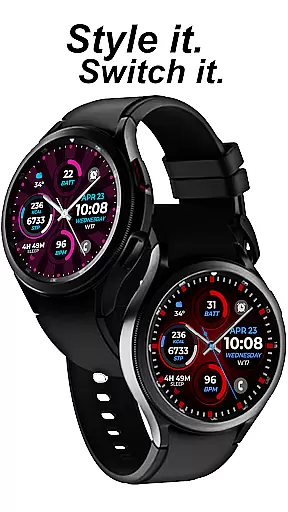
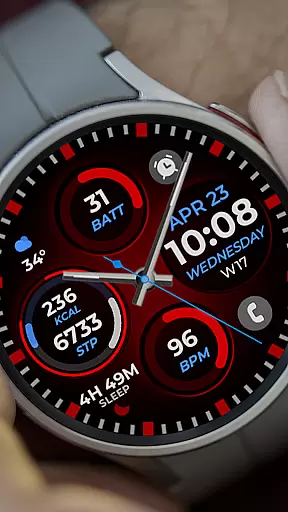
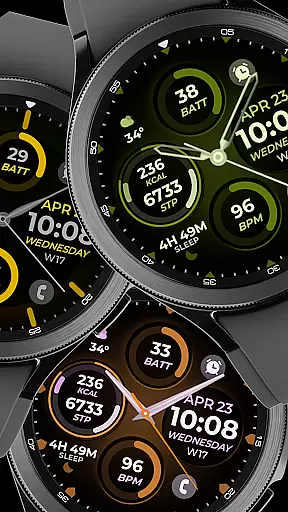
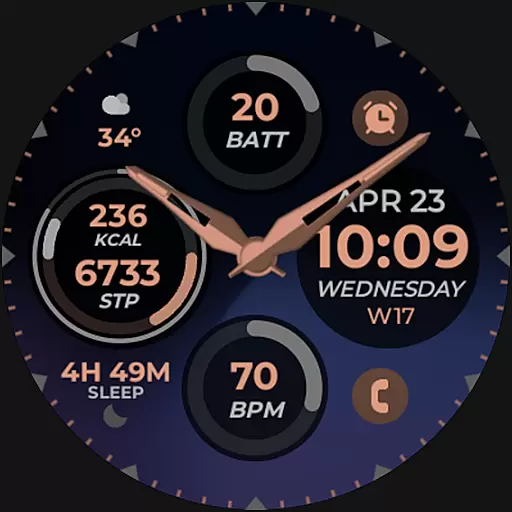
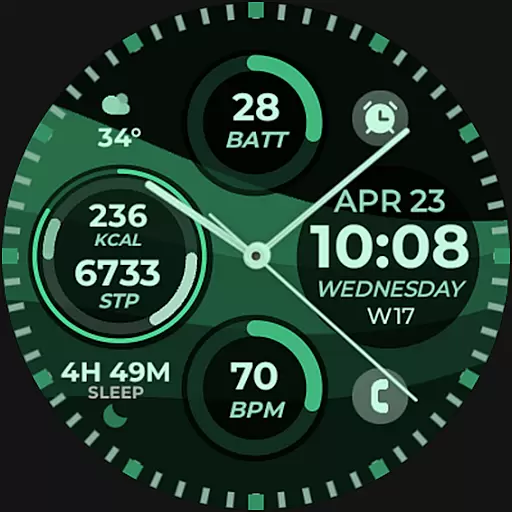
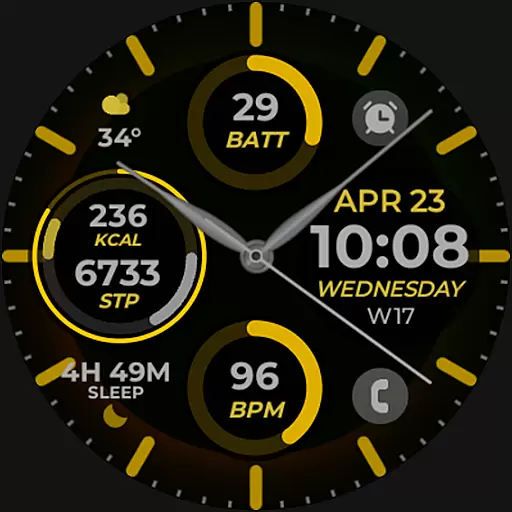
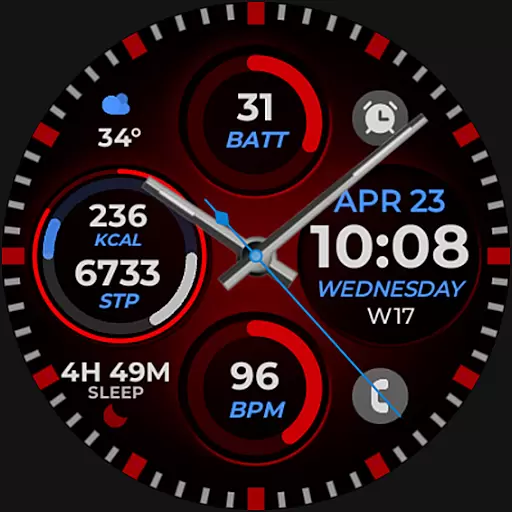
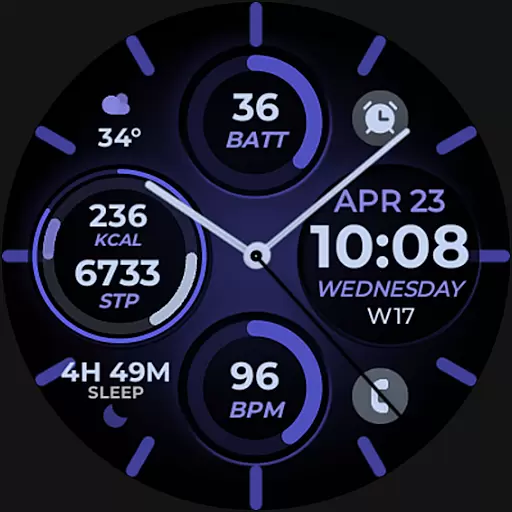
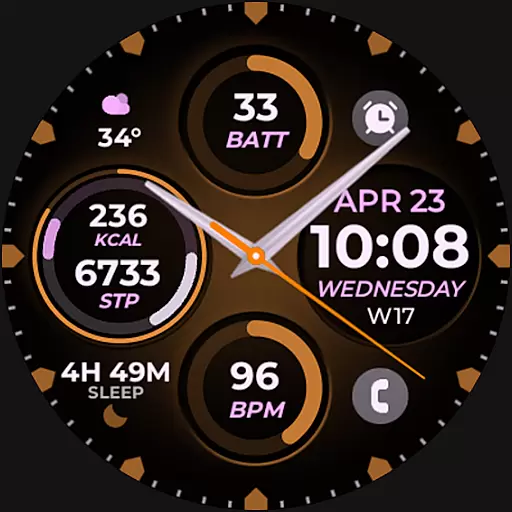
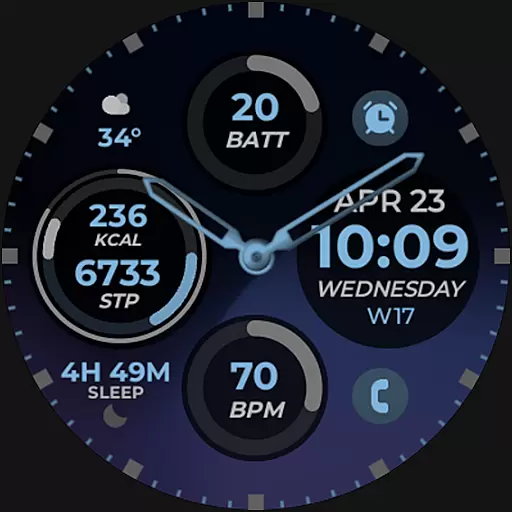
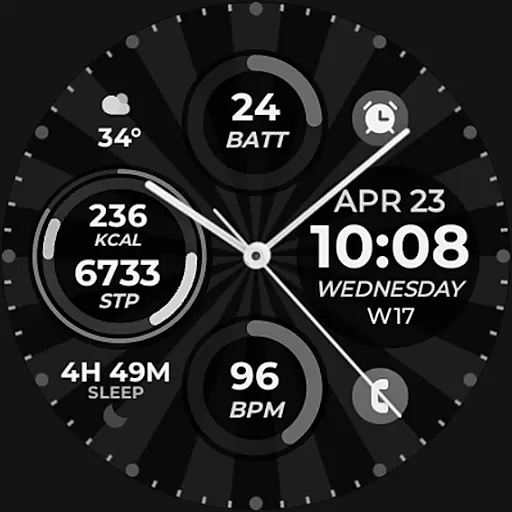
Vibrant Fit Hybrid is a feature-rich watch face app designed specifically for Wear OS devices, including the Samsung Galaxy Watch 4. This application offers users a customizable and visually appealing interface that enhances their smartwatch experience.
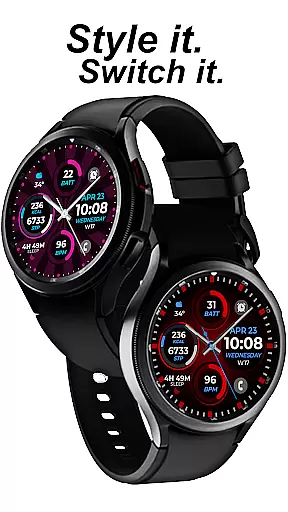
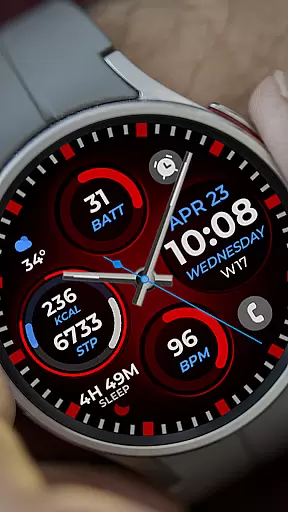
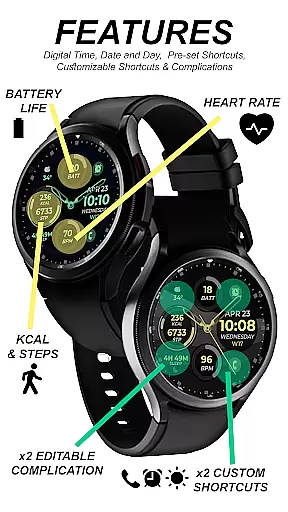
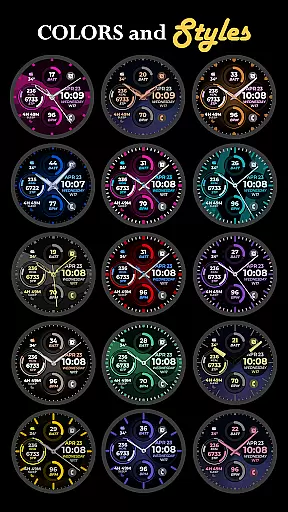
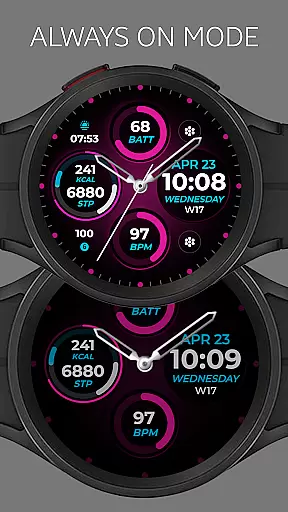
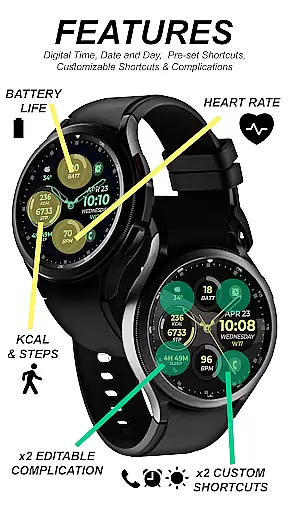
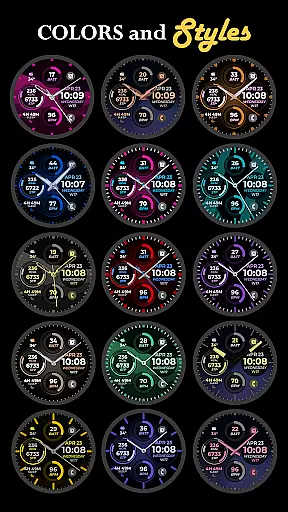
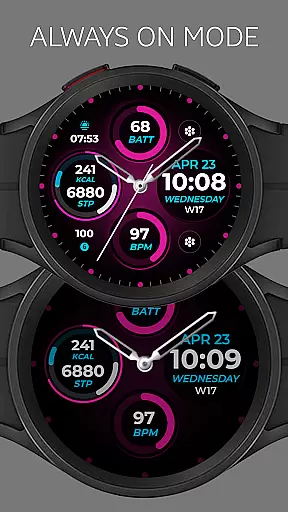
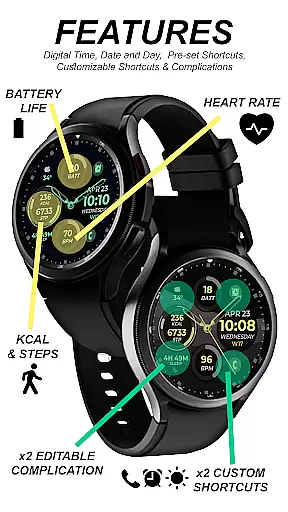
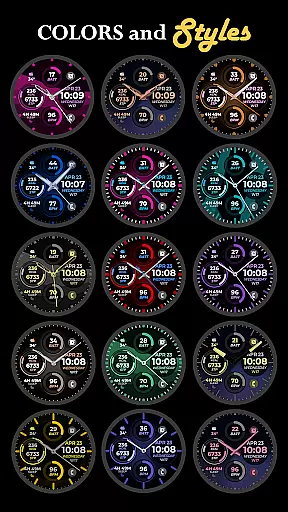
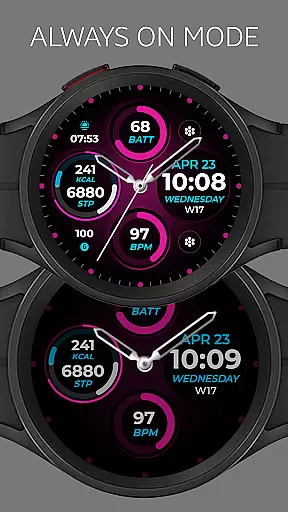
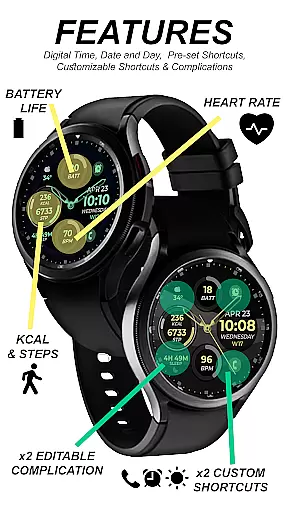
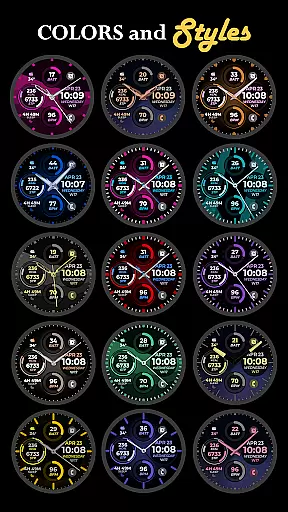
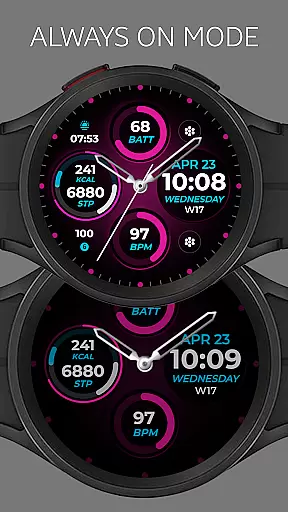
The app provides essential timekeeping functions through digital and analog clock displays, along with date information and an Always-On Display (AOD) feature. Users can personalize their watch faces with preset or custom app shortcuts, complications, color palettes, watch hands, and index styles. These customization options allow for a tailored look that suits individual preferences while maintaining functionality.
Whether you're monitoring your daily schedule or simply appreciating a well-designed timepiece on your wrist, Vibrant Fit Hybrid ensures seamless integration between aesthetics and utility. Its compatibility with Samsung's 'Watch Face Studio' tool makes it a versatile choice for those seeking both form and function in their wearable technology.
Vibrant Fit Hybrid stands out with its comprehensive set of features tailored to enhance user interaction and personalization on Wear OS devices. The app includes digital and analog clock options, ensuring users have flexibility in how they view time on their smartwatches.
One notable aspect is the ability to customize various elements such as app shortcuts, complications, color schemes, watch hands, and index styles. This level of customization empowers users to create a unique watch face that reflects their personality while still providing quick access to frequently used apps and information.
In addition to aesthetic enhancements, Vibrant Fit Hybrid supports practical functionalities like date display and Always-On Display (AOD), which are crucial for maintaining awareness without needing to interact directly with the device. By leveraging Samsung's 'Watch Face Studio' tool, this app guarantees high-quality performance across compatible devices, making it an ideal choice for tech-savvy individuals who value both style and substance in their wearables.
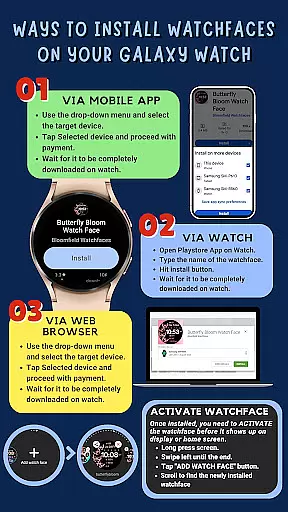
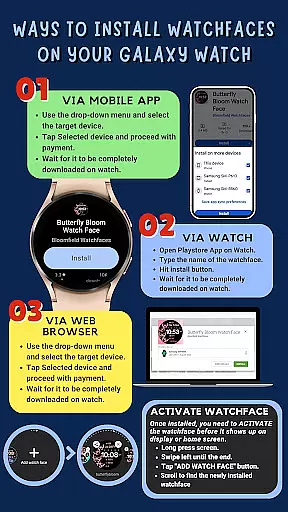
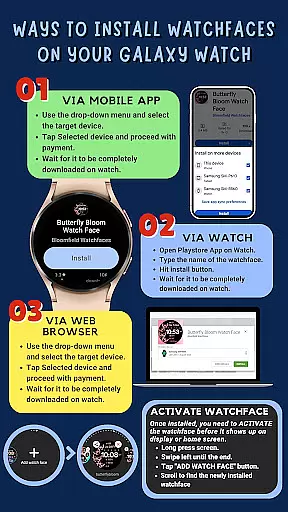
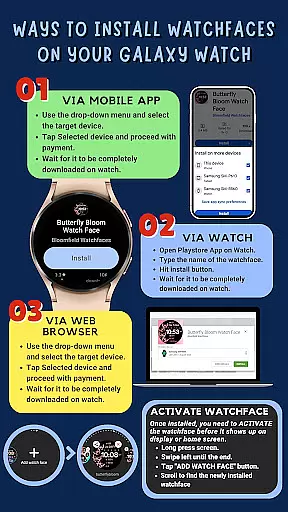
Companion app integration is essential for ensuring that your wearable device functions seamlessly with your smartphone. Vibrant Fit Hybrid has been meticulously designed to offer a smooth installation process directly on your Galaxy Watch 4, providing users with an intuitive experience.
The app requires a strong connection between the phone and the watch, preferably using the same Wi-Fi network, and mandates logging into the Google account on the watch itself. This ensures that all features are readily accessible and that data synchronization occurs without any hitches.
After downloading, users might need to wait a few minutes for the watch face to transfer completely. Notifications will confirm successful installation, but if issues arise, users can manually search for 'Vibrant Fit Hybrid' in the Play Store on their watch and hit install.
This streamlined companion app integration allows users to enjoy features like Digital/Analog Clock, Date, Always-On Display (AOD), and more, enhancing the overall utility and user experience of their wearable device.
Ensuring compatibility across various Wear OS devices is crucial for delivering a consistent user experience. Vibrant Fit Hybrid is developed using Samsung's 'Watch Face Studio' tool, making it compatible with devices based on the new Wear OS by Google and One UI Samsung operating systems, such as the Samsung Galaxy Watch 4.
This compatibility extends to a range of features including customizable app shortcuts, complications, color palettes, watch hands, and index styles. However, it's important to note that some features may not be available on all watches due to hardware or software limitations.
Users are encouraged to enable all permissions from settings to fully utilize the appu2019s capabilities. The emphasis on compatibility ensures that whether you're using a Samsung device or another Wear OS-based smartwatch, Vibrant Fit Hybrid will function optimally.
For those interested in exploring more designs, the full collection is available on the developer's page, offering a variety of options to suit different preferences and devices.
Highly customizable
User-friendly interface
Compatible with Wear OS
Enhances smartwatch utility
Visually appealing design
Limited to Wear OS
Some features may not be available on all watches
Requires strong WiFi connection
Installation process can be complex
Refund only within 48 hours

Walking app for weight loss: walk & step tracker, pedometer, indoor treadmill
 4.60
4.60
A Wintery Snow Globe on Your Wrist; now celebrating Christmas!
4.1
A heartwarming Christmas scene featuring a cute image of Santa and Rudolf
4.4
Beautiful artistic animated digital watch face, with a customizable layout!
4.40
Let's celebrate Thanksgiving - Wear Os watch face
4.20
Authentic military-tactical design with ZULU time! Realistic and functional!
3.80
Minimalistic design modern digital watch face.
4.2
The most customizable hybrid watch face. For Wear OS 5.0, API 34+ and later
4.70
Track your active life in one place and share the journey with friends.
4.40
The most customizable minimal watch face. For Wear OS 5.0, API 34+ and later
4.70
Rose gold watch face with festive lights & customizable features.
4.60
Real-time results, stats, schedules and player profiles for all leagues
4.60
Simple, helpful messaging by Google
4.60
Deck out your Wear OS Watch face with a beautifully decorated pine wreath!
4.50
Ideal for surviving in the wasteland left after nuclear fallout
4.50
Animated video-game inspired “secret agent” simulation, right on your wrist!
4.20
Professional weather radar and more
3.90
Want to take charge of your health? Let Google Fit help you reach your goals.
3.50
Analog watch face with 8 complications and expedition styling
4.2



User Reviews