
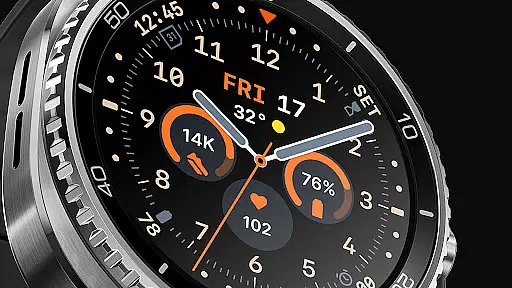
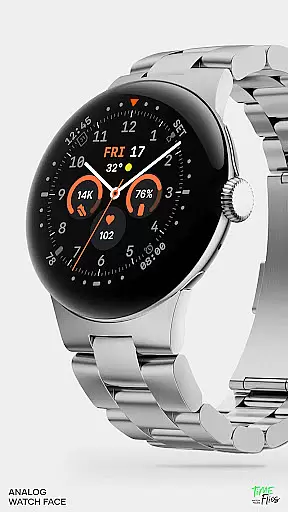
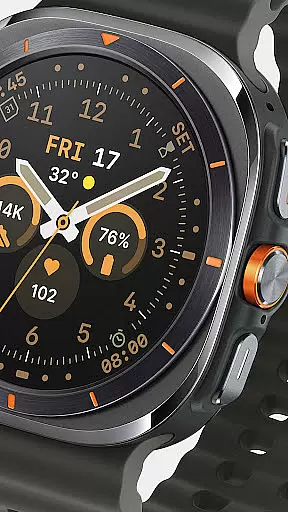
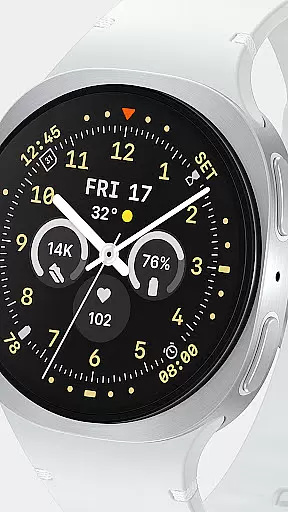
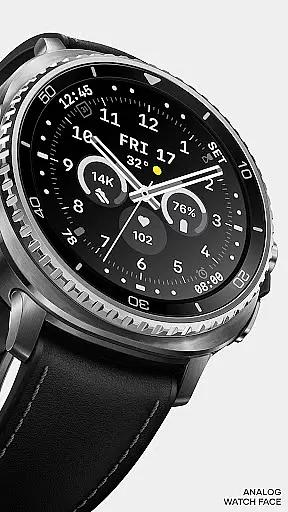
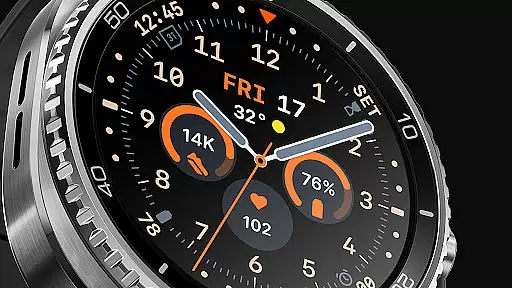
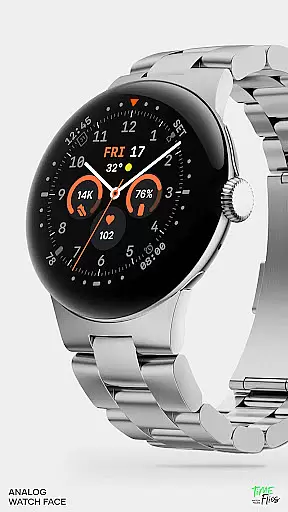
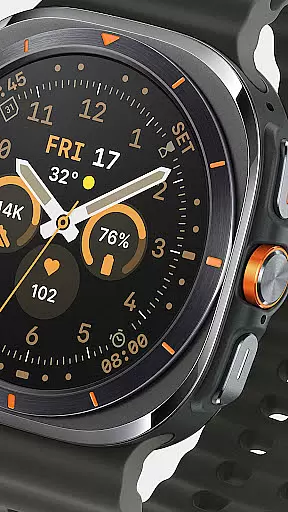
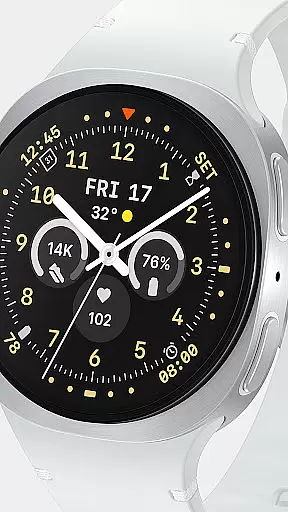
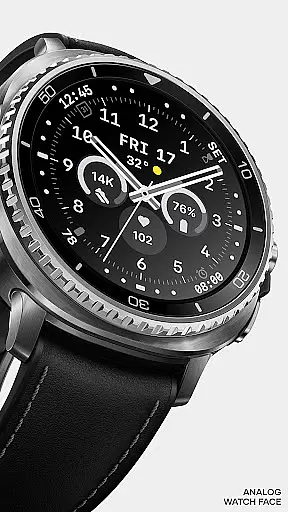
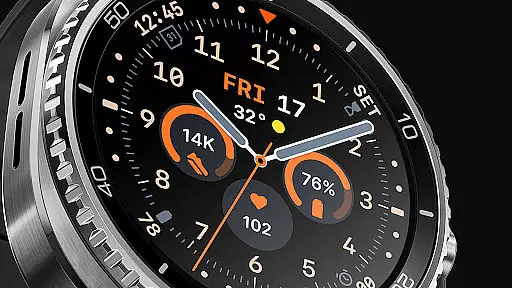
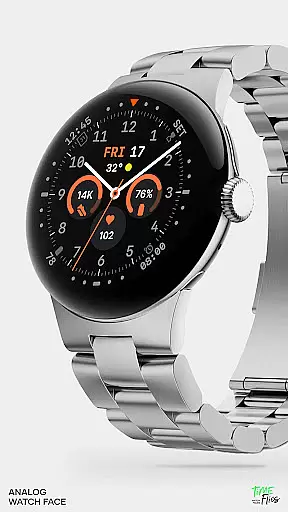
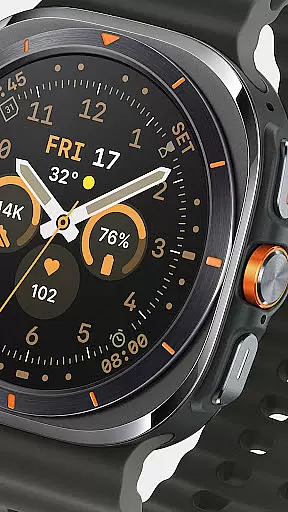
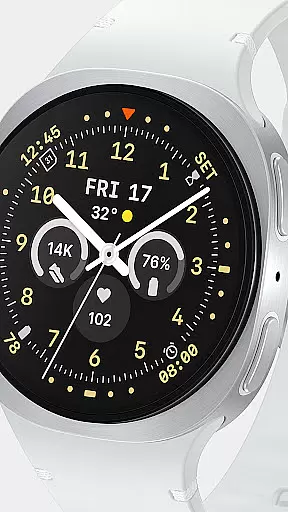
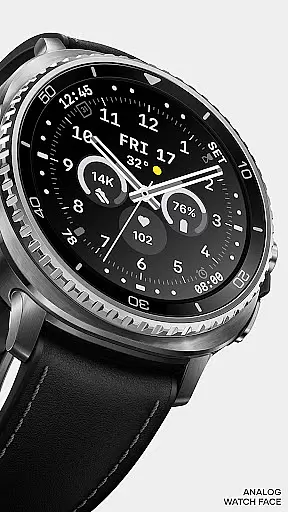
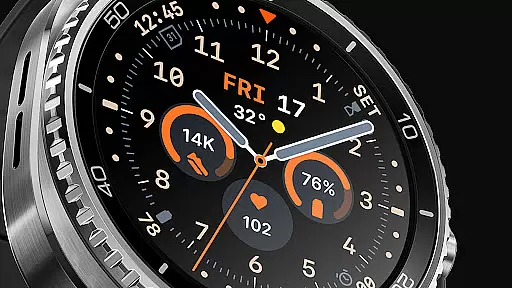
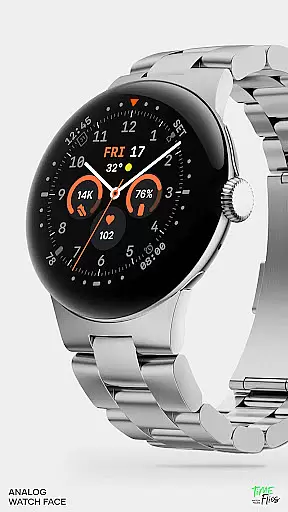
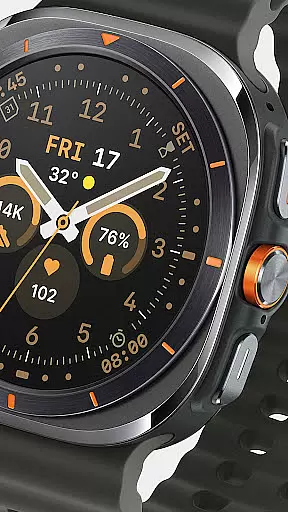
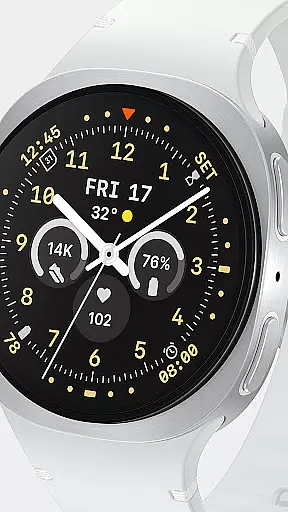
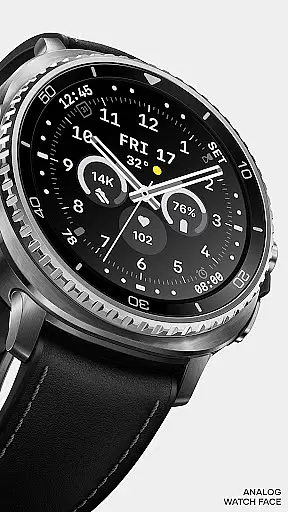
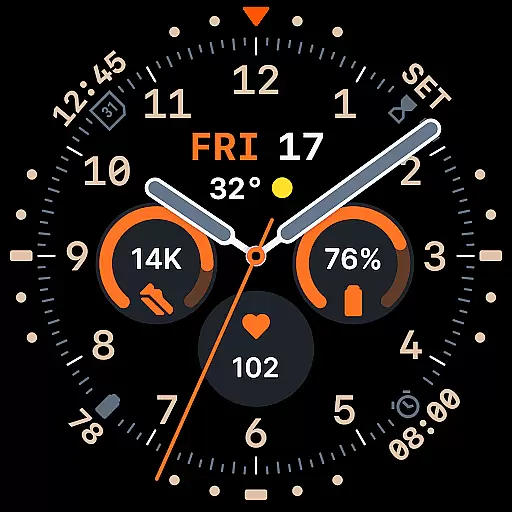
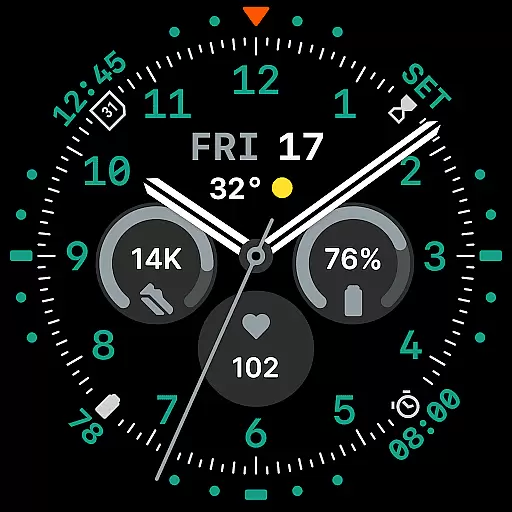
Way To Go Analog is a meticulously crafted Wear OS watch face that blends the charm of classic field tools with modern digital functionality. Designed for adventurers and explorers, it offers a unique combination of utility and clarity.
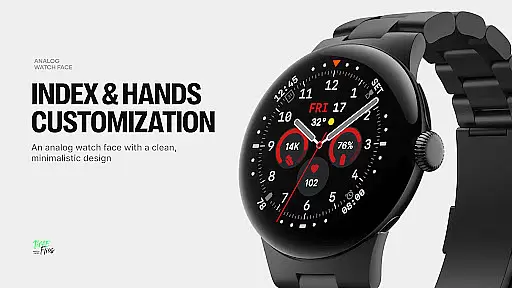
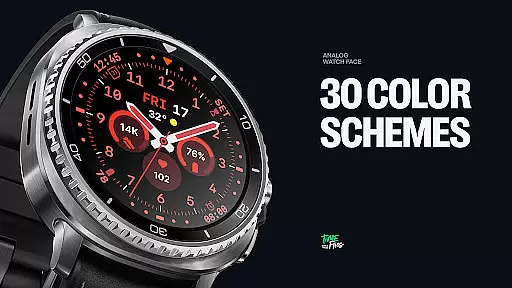
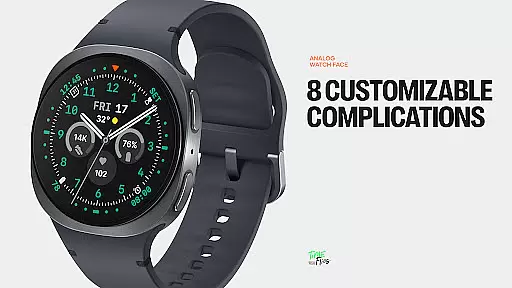
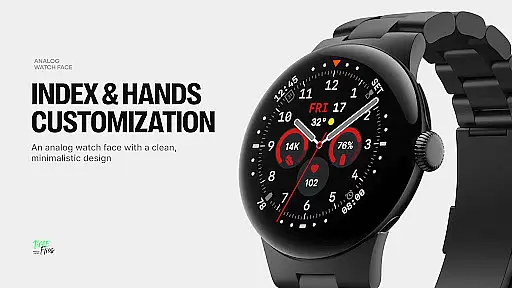
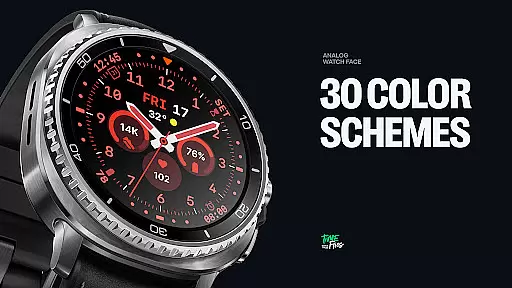
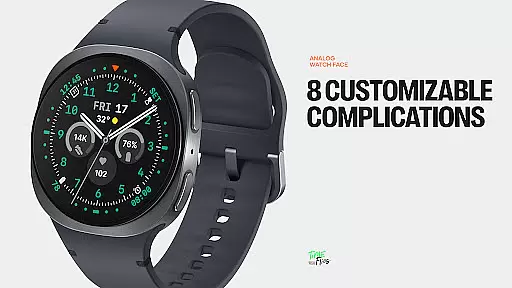
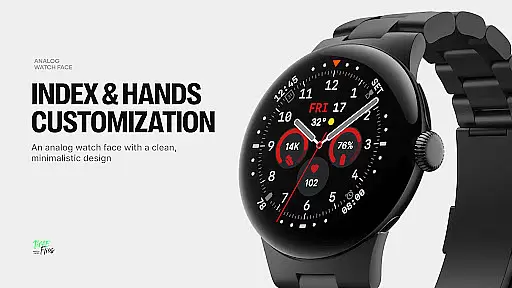
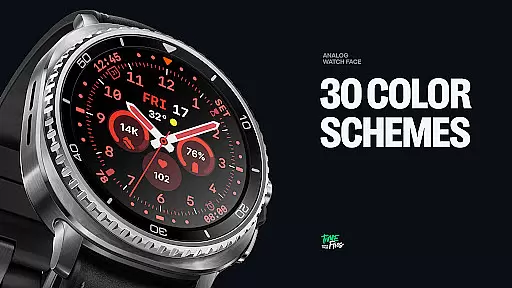
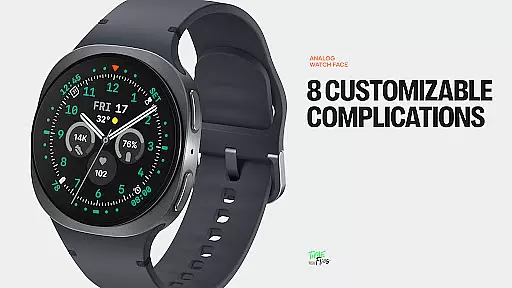
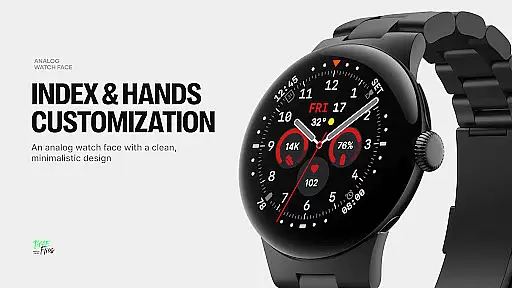
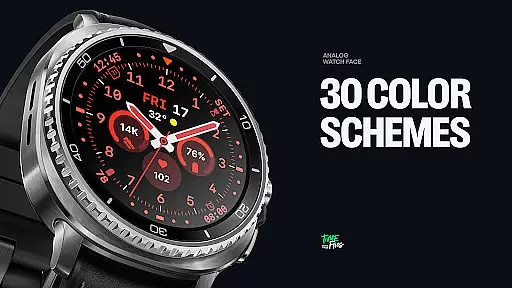
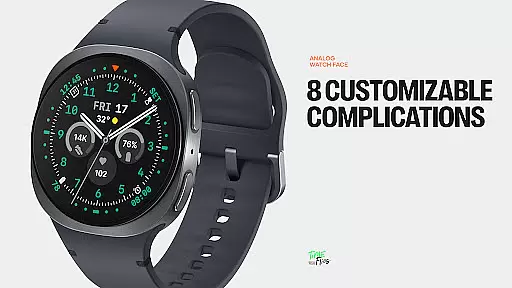
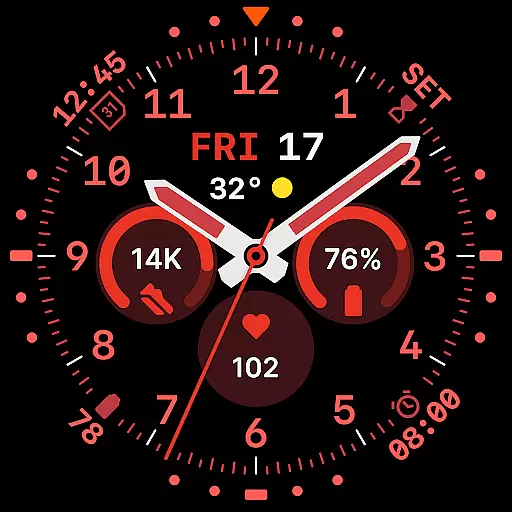
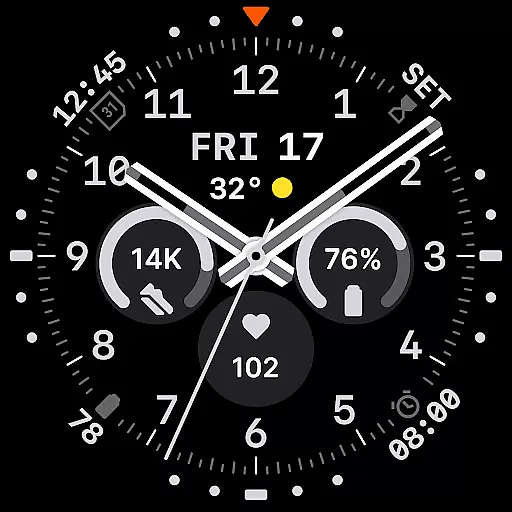
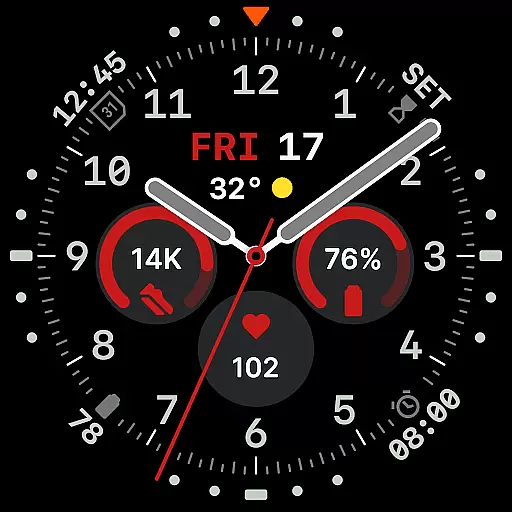
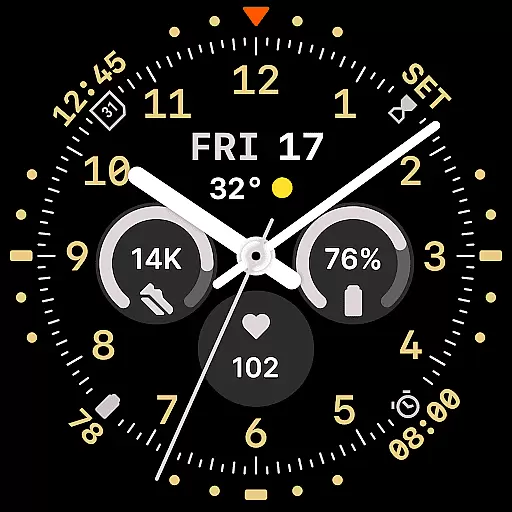
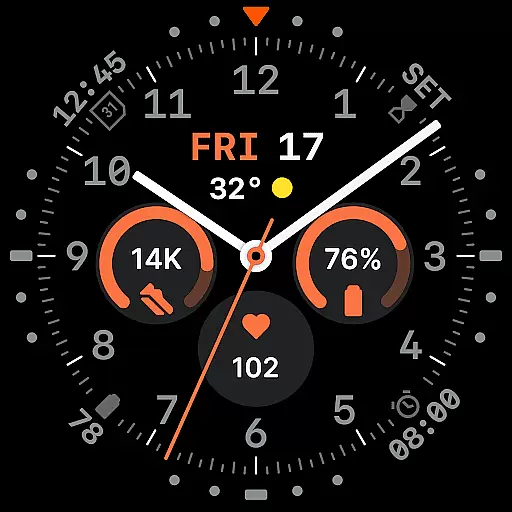
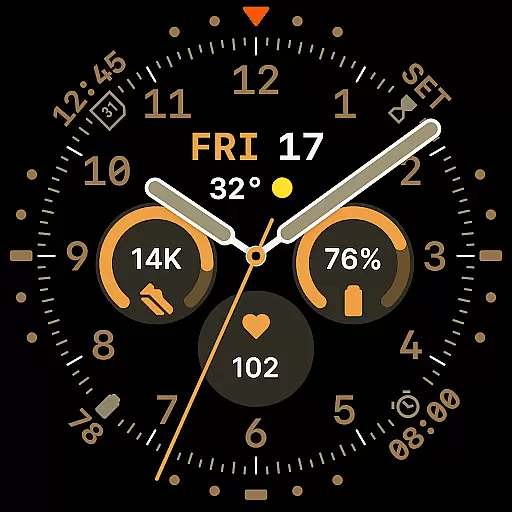
The watch face features a versatile layout with 8 customizable complications, 10 hand styles, and 30 color schemes. Its built-in day and date window, along with six Always-on Display (AoD) modes, ensures optimal readability and energy efficiency.
Perfect for those who appreciate both aesthetics and performance, Way To Go Analog provides a customizable and efficient timekeeping solution for smartwatch users.
Way To Go Analog stands out with its thoughtfully designed interface that integrates 8 customizable complications seamlessly across the dial. These include three central circular slots, a short-text complication below the hands, and four additional ones discreetly placed around the dial.
The time display incorporates a day and date window, while offering 10 distinct hand styles for varied contrast and viewing preferences. With 30 color schemes ranging from utilitarian to monochromatic, users can tailor the appearance to their liking.
Six Always-on Display (AoD) modes provide flexibility in ambient settings, ensuring extended battery life without compromising on functionality. Built using the energy-efficient Watch Face File Format, this watch face guarantees both visual precision and performance.
Companion app integration is crucial for a seamless smartwatch experience. Way To Go Analog offers an optional Android companion app that enhances user control over the watch face's features.
This companion app allows users to conveniently access customization options, making it easy to adjust colors and complications directly from their phone. Such integration ensures that personalization is not limited to the watch interface alone but extends to the smartphone for more accessible adjustments.
By providing this level of integration, Way To Go Analog empowers users with quick modifications without the need to navigate through the watch settings. This saves time and enhances the overall user experience by streamlining the customization process.
Compatibility with Wear OS and various devices is essential for a versatile watch face. Way To Go Analog is designed to work seamlessly across different Wear OS-powered smartwatches.
The application supports a wide range of devices, ensuring that whether you have a newer model or an older version, you can enjoy the same high-quality experience. Its design takes into account the varying screen sizes and resolutions found in the Wear OS ecosystem.
With its energy-efficient Watch Face File Format, Way To Go Analog delivers both visual precision and performance on all compatible devices. This commitment to compatibility means users can expect consistent functionality and aesthetics, regardless of their specific device.
Highly customizable
Energy-efficient design
Versatile color schemes
Multiple AoD modes
Classic yet modern aesthetic
Limited to Wear OS
Companion app required for full customization
Premium features may require purchase
Complexity may overwhelm new users
Battery optimization varies by device

A customizable Christmas watch face for Wear OS with a countdown.
 4.20
4.20
Simple Analog-Digital Watchface For Wear OS 3.0 and Up Smartwatches
4.4
Your second brain for organizing your life: to-do, calendar, reminder.
4.70
A digital watch face that celebrates Christmas.
4.00
A realistic hybrid watch face with many customization options.
4.60
Your music, your playlists, and more—offline and unlimited.
4.20
Want to take charge of your health? Let Google Fit help you reach your goals.
3.50
Start and succeed with PAP
4.10
Control your Samsung Smart TVs, appliances, and SmartThings-compatible devices
4.60
Beautiful, colorful and practical watch face. For Wear OS devices.
5.00
Period, ovulation & pregnancy tracker. Fertility insights & menstrual calendar.
4.90
Be an elegant and classy secret agent, with this carefully detailed watch face
4.70
Nutrition, Macro tracker: Food, fitness & healthy diet tracking for weight loss
4.60
Ideal for surviving in the wasteland left after nuclear fallout
4.50
Calming & relaxing sounds for sleeping and stress relief. Stay focused all day!
4.20
Animated Watch Face and Customizable with 24 Backgrounds. Perfect for Christmas!
3.90
Christmas and New Year - Themed Watchface
4.4
an Analog Watch Face for winter season with freeze winter background for Wear OS
4.5
Fitness interactive virtual pet super fighter boy watch face
4.2



User Reviews