
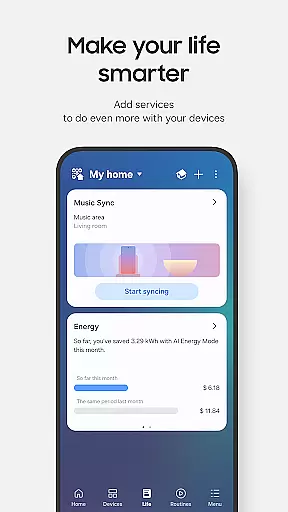
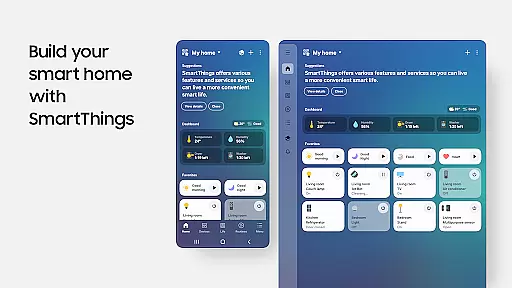
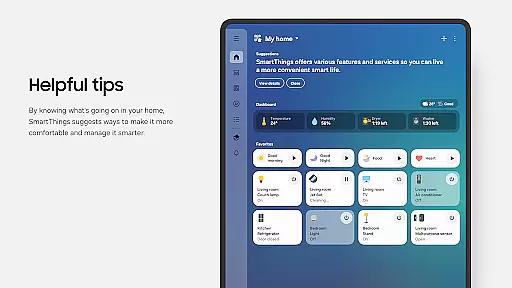
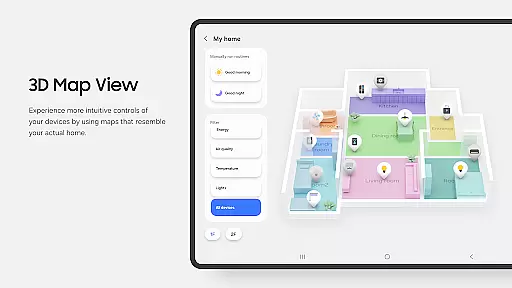
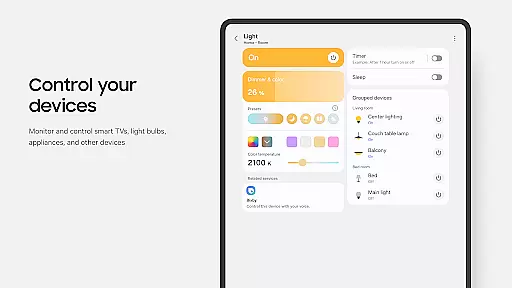
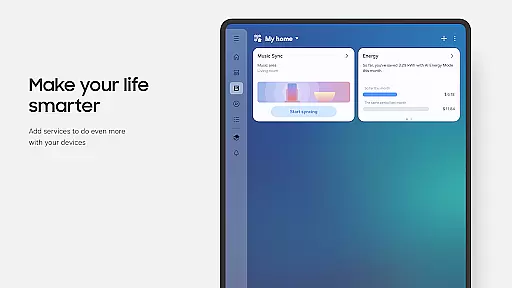
SmartThings is a comprehensive smart home management application that allows users to connect, monitor, and control multiple smart devices from various brands in one place. The app supports hundreds of smart home brands including Samsung Smart TVs, smart appliances, and third-party devices like Ring, Nest, and Philips Hue.
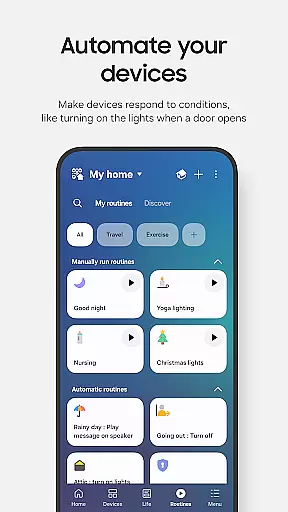
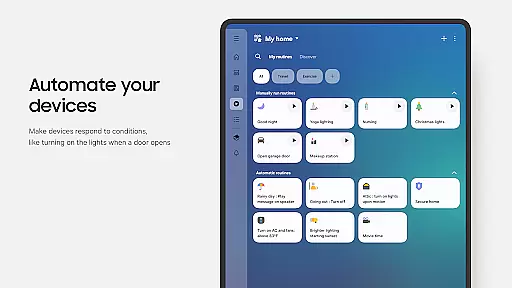
With its intuitive interface, SmartThings enables users to create automated routines based on time, weather, or device status, ensuring smooth operation of their smart home environment. The app also integrates with popular voice assistants such as Alexa, Bixby, and Google Assistant, providing hands-free control over connected devices.
Whether you're at home or away, SmartThings offers real-time monitoring and remote access to your smart home ecosystem. It's an essential tool for anyone looking to streamline their smart home experience while enjoying the convenience of centralized control.
SmartThings stands out with its extensive compatibility across different smart home brands and devices. Users can seamlessly integrate their existing smart gadgets, from lights and thermostats to security cameras and door locks, all within a single platform.
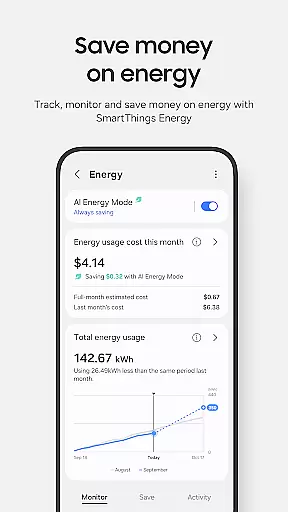
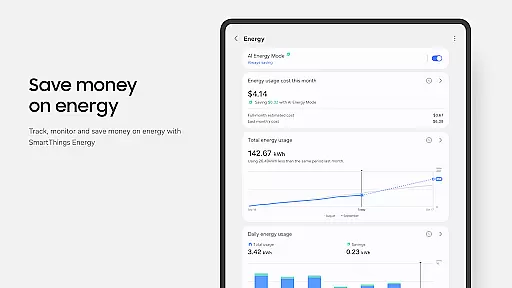
The app's routine-building feature is particularly noteworthy. It allows users to automate complex sequences of actions based on specific triggers like time of day, weather conditions, or the status of other devices. This automation capability not only simplifies daily tasks but also enhances energy efficiency and home security.
Another key aspect is its robust sharing functionality. SmartThings lets users grant controlled access to family members or guests, ensuring everyone can interact with the smart home system according to predefined permissions. Additionally, the app provides timely notifications about device statuses and events, keeping users informed about their home's activities.
Companion app integration is essential for users who want a seamless experience between their mobile devices and wearables. SmartThings excels in this area by offering robust connectivity options that ensure your smart home devices work harmoniously with your Wear OS-based watches.
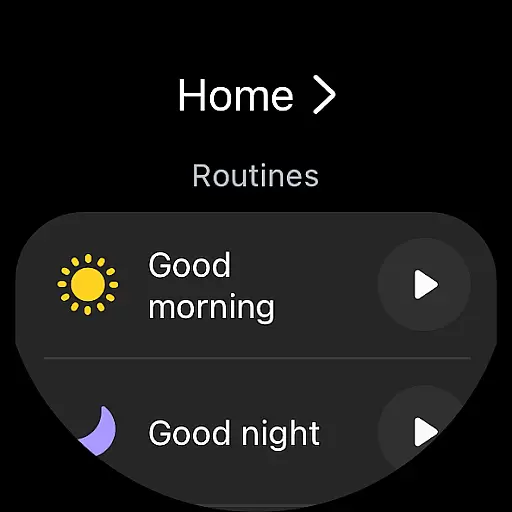
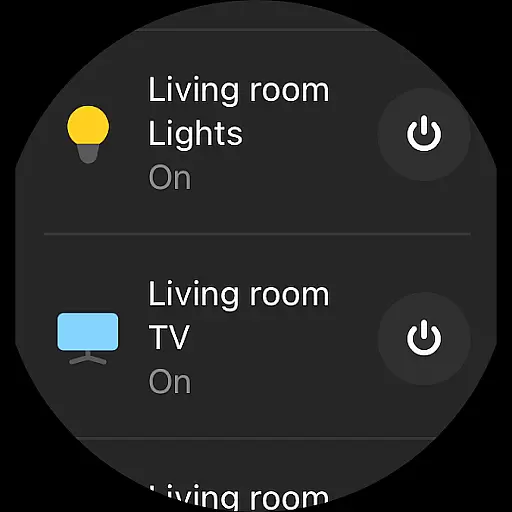
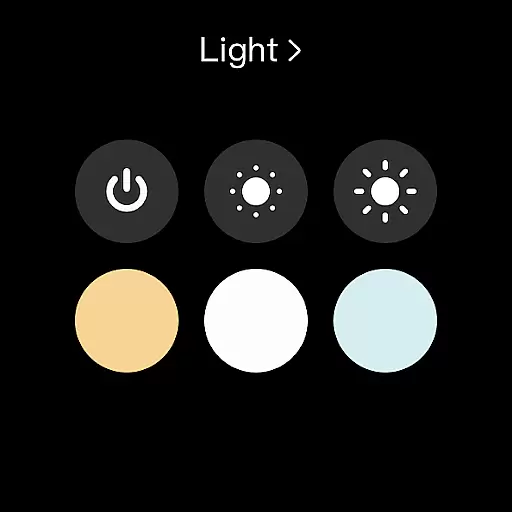
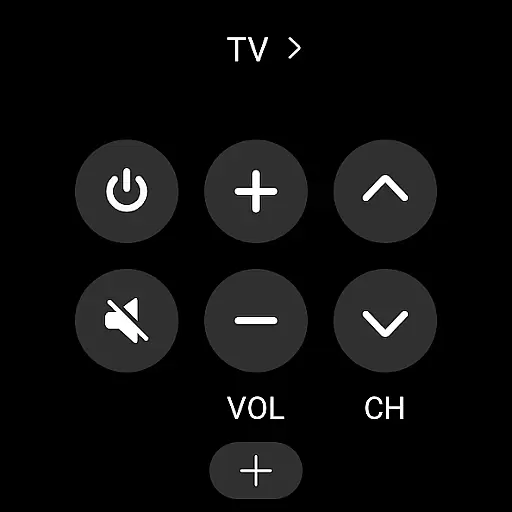
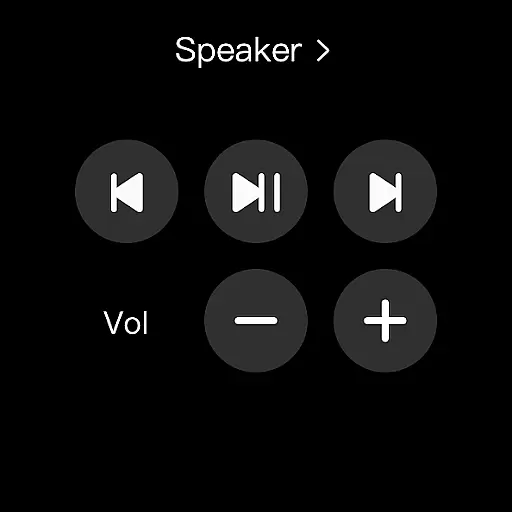
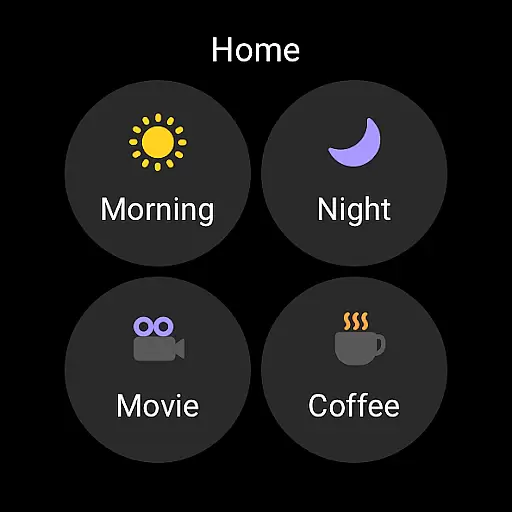
The SmartThings app allows you to control your smart home gadgets directly from your wearable device, providing convenience and accessibility. By adding the SmartThings tile on your watch, you gain quick access to routine runs and device controls without needing to reach for your phone.
This level of integration means that whether you're at home or on the go, you can manage your smart devices effortlessly. The ability to enter the SmartThings app service directly from the watch face through complications enhances user interaction and makes smart living more intuitive.
Device compatibility is crucial when selecting a smart home management app, especially for those using Wear OS devices. SmartThings offers extensive support for various smart home brands, ensuring that your Samsung Smart TV, smart appliances, and other connected devices are easily manageable from your Wear OS watch.
SmartThings is optimized for Samsung smartphones but also provides functionality for other vendors' devices, although some features might be limited. This flexibility ensures that you can enjoy a wide range of smart home controls regardless of your primary mobile device.
Moreover, the app's requirements, such as memory size and optional access permissions like location and notifications, enhance its capability to connect, monitor, and control multiple smart home devices efficiently. These features collectively contribute to a comprehensive smart home ecosystem that adapts to your lifestyle needs.
User-friendly interface
Wide device compatibility
Advanced automation features
Seamless voice assistant integration
Comprehensive notification system
Limited functionality on non-Samsung devices
Some features restricted by region
Occasional connectivity issues
Requires stable internet connection
Complex setup for beginners

Embrace the festive spirit with our Christmas Countdown watchface for Wear OS
 4.10
4.10
Deck out your Wear OS Watch face with a beautifully decorated pine wreath!
4.50
Easy Voice Recorder is your everyday companion to record important moments.
4.70
Beautiful, colorful and practical watch face. For Wear OS devices.
5.00
A modern premium sporty hybrid watch face for Wear OS by Ballozi
4.70
Watch face for Wear OS.
4.20
Professional weather radar and more
3.90
Bold weather Digital watchface with forecast & optional animated background
4.40
Animated video-game inspired “secret agent” simulation, right on your wrist!
4.20
Hyperlocal rain alerts by MyRadar using patent-pending technology, radar & more
4.80
The Chevron App allows you to pay for fuel from the comfort of your car!
4.80
Your second brain for organizing your life: to-do, calendar, reminder.
4.70
Fast and smart typing with Emojis, GIFs, and more
4.50
A customizable Christmas watch face for Wear OS with a countdown.
4.20
Daily Weather forecast with 15 weather images for Day & Night plus Big Bold time
4.10
Connect, create, and collaborate with Gmail, part of Google Workspace.
4.10
Viewer for Wyze/Yi/Eufy/Arlo/ONVIF/RTSP/P2P IP cams w/ adv. features & DIY DVR
4.00
Watch face designed for Thanksgiving Day. 7 Background Styles included.
3.20
Contemporary digital watch face with five complications
4.1




User Reviews