
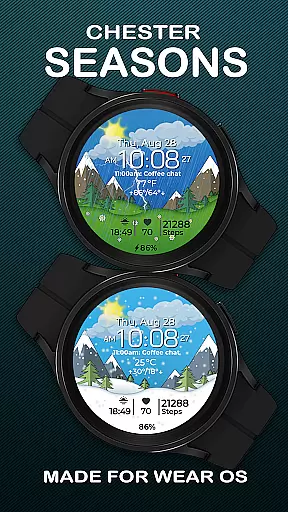
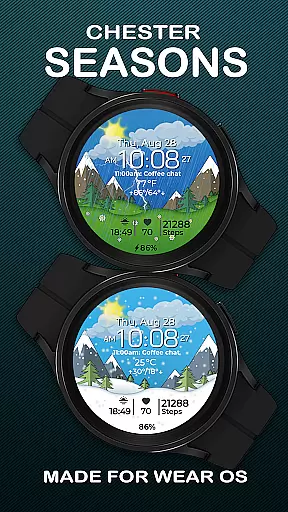
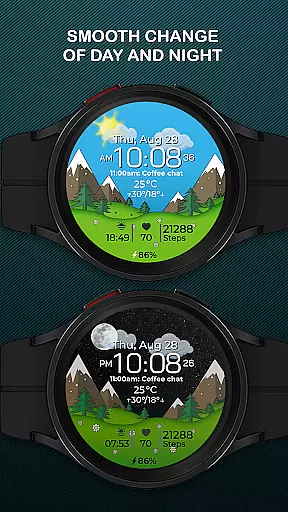
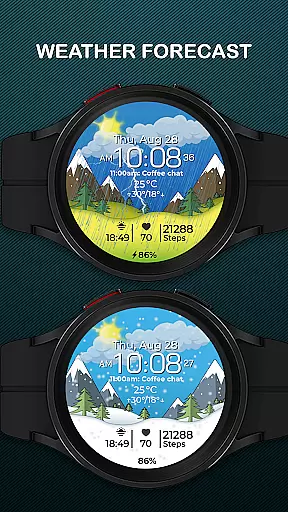
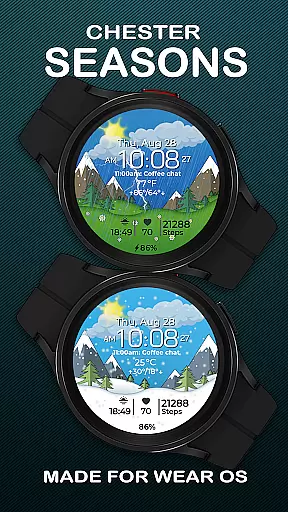
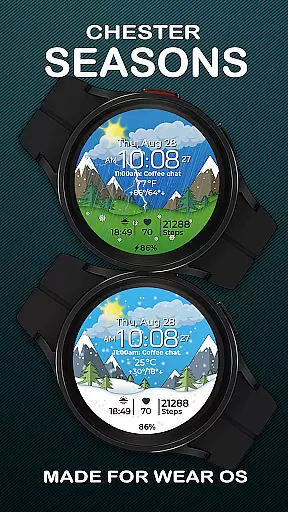
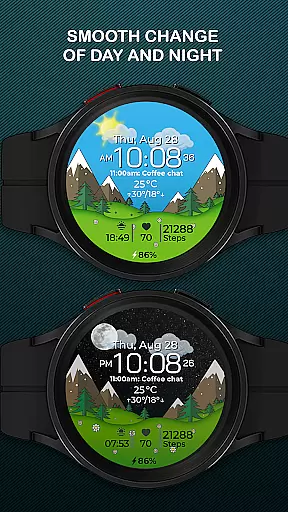
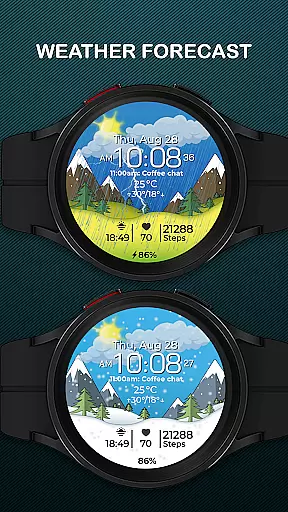
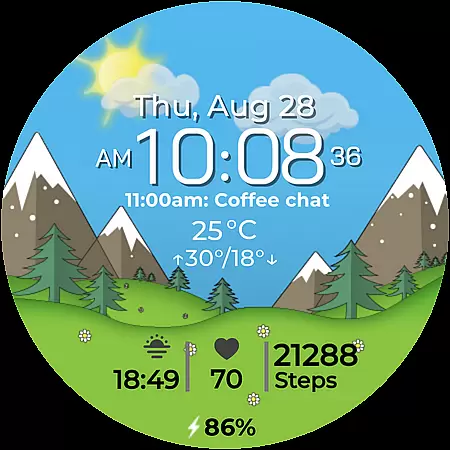
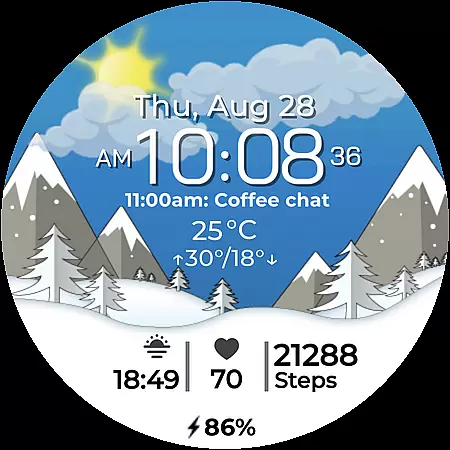
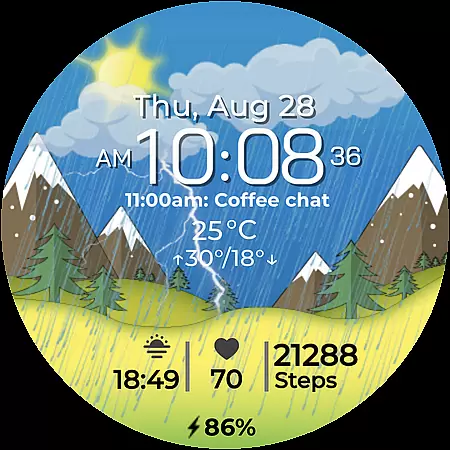
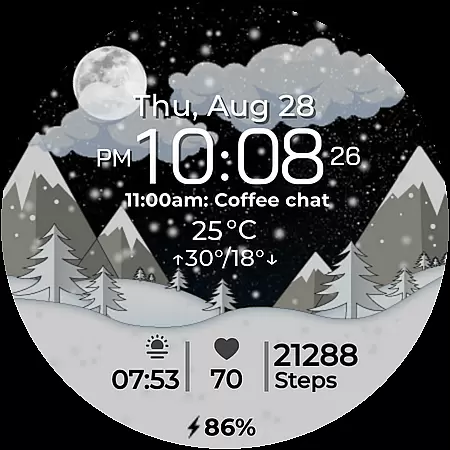
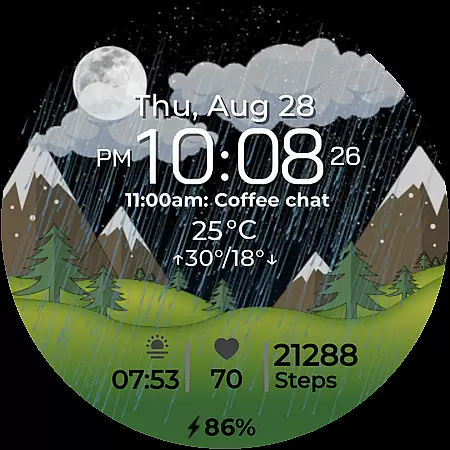
Chester Seasons is a dynamic and stylish watch face designed for Wear OS smartwatches. This application brings both essential timekeeping features and visually appealing seasonal animations directly to your wrist. With rich customization options, interactive tap zones, and smooth day-night transitions, it transforms your smartwatch into a personalized accessory that adapts to your lifestyle.
The watch face displays not only the time but also offers complications like date, battery level, and weather conditions. It supports both Celsius and Fahrenheit temperature formats and provides quick access to apps and workouts. Compatible with Wear OS API 30+ devices, Chester Seasons ensures your smartwatch remains both functional and fashionable throughout the year.
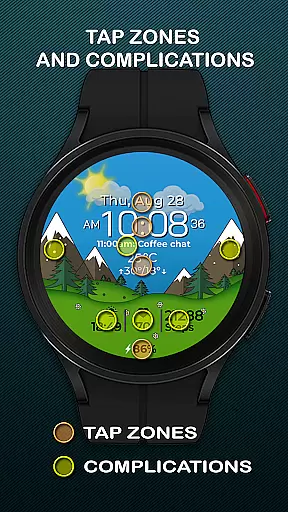
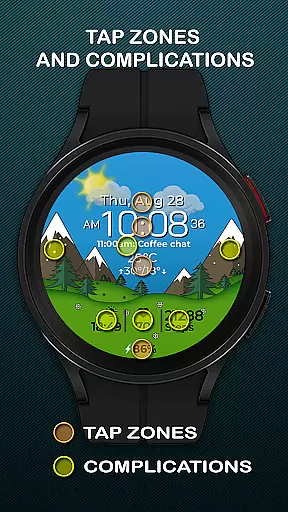
Chester Seasons stands out with its comprehensive feature set tailored for Wear OS users. The watch face includes a dynamic time display, date, month, and day indicators, as well as a battery level tracker. One of its key highlights is the inclusion of four customizable complications, allowing users to choose what information is displayed on their watch face.
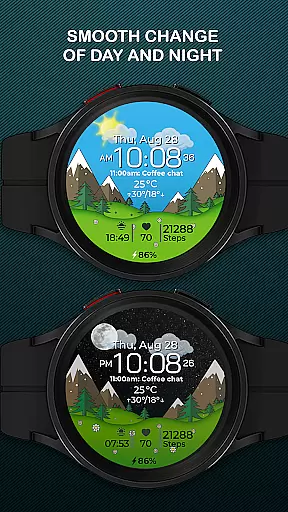
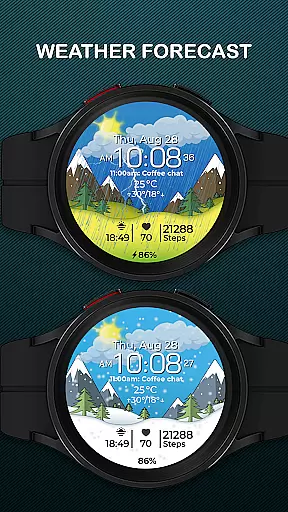
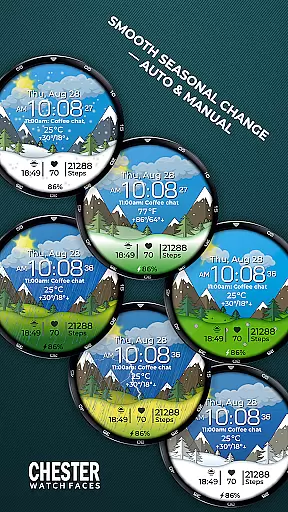
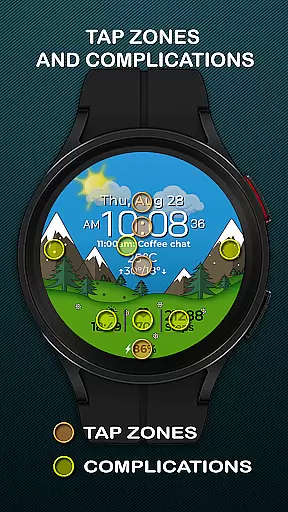
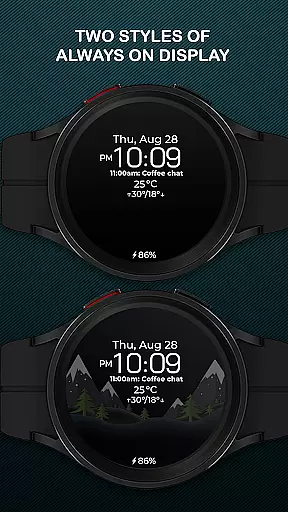
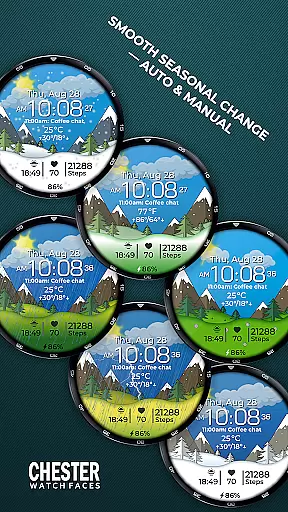
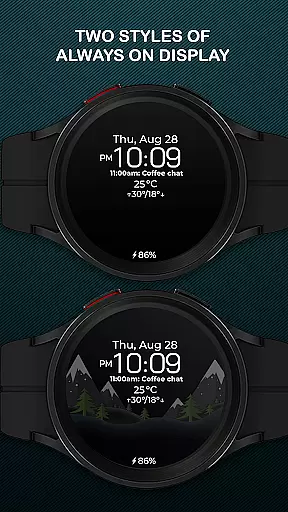
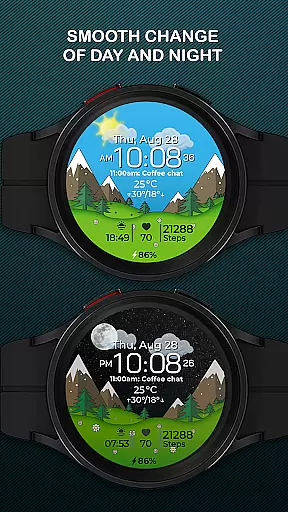
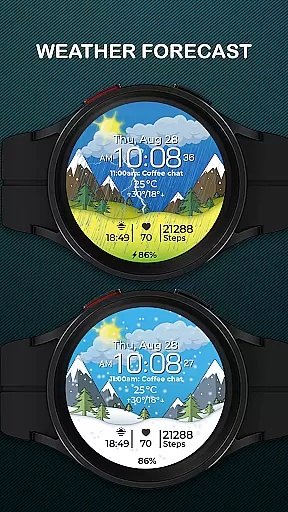
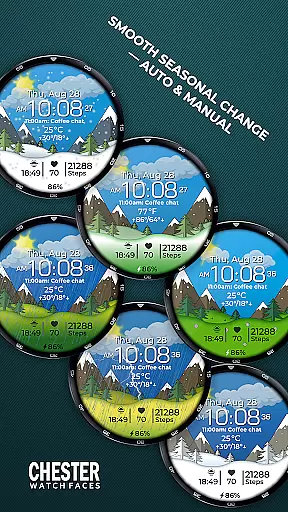
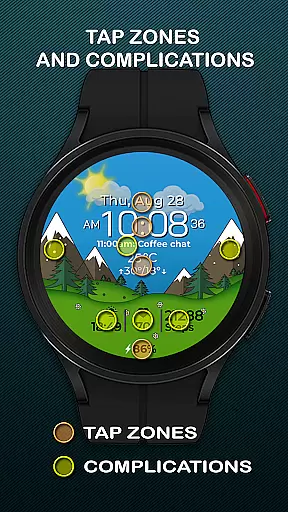
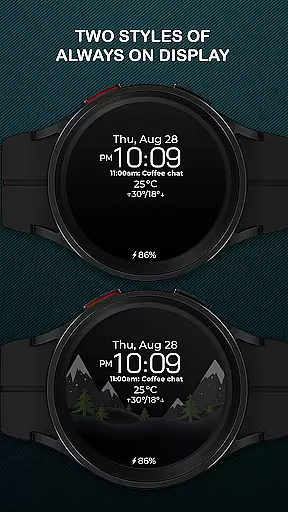
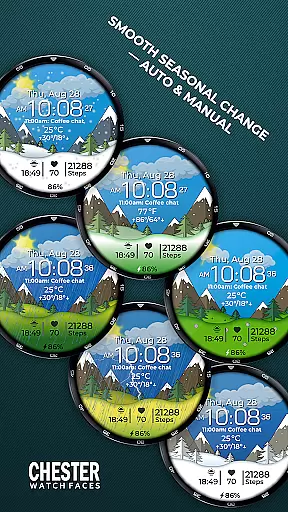
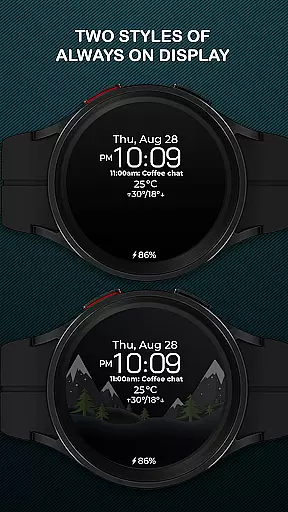
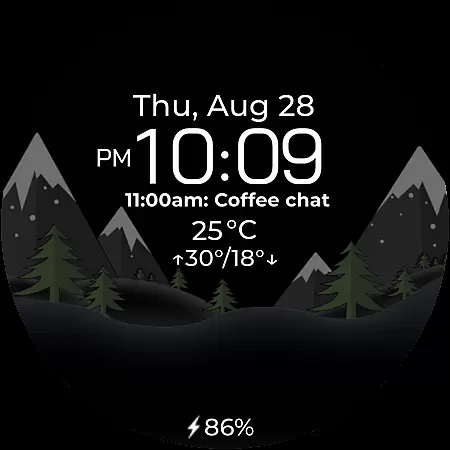
In addition to these practical features, Chester Seasons offers three quick-access zones for apps and workouts, interactive tap zones, and smooth transitions between day and night as well as seasons. Weather functionality displays current conditions and daily temperature ranges. While some advanced features like weather display are limited to devices running Wear OS API 34+, the overall design ensures broad compatibility across popular models such as Google Pixel Watch and Samsung Galaxy Watch series.
Companion app integration is essential for a seamless wearable experience. Chester Seasons watch face offers robust companion app support that ensures all features are fully accessible and customizable from your smartphone.
The dedicated companion app allows users to adjust settings such as seasonal changes, weather display, and complications with ease. This synchronization ensures that your watch face remains up-to-date with your preferences and the latest information.
By using the companion app, users can access advanced customization options like manual background changes for seasons and detailed weather conditions. This level of control enhances the overall utility and personalization of the watch face.
Ultimately, the integration provides a cohesive ecosystem where your Wear OS device becomes an extension of your smartphone, delivering both functionality and style directly to your wrist.
Ensuring broad device compatibility is crucial for any Wear OS application. Chester Seasons is designed to work seamlessly with all Wear OS API 30+ devices, including popular models like Google Pixel Watch and Samsung Galaxy Watch series.
This compatibility ensures that users across different devices can enjoy the stylish and functional aspects of Chester Seasons without limitations. The watch face takes full advantage of the hardware capabilities, providing smooth animations and dynamic seasonal changes.
However, it's important to note that certain advanced features such as weather display and manual background changes are only available on devices running Wear OS API 34 and above. This distinction ensures optimal performance and user experience based on the device's capabilities.
With its wide compatibility range, Chester Seasons transforms various Wear OS smartwatches into dynamic accessories that adapt to both lifestyle needs and seasonal variations, making it a versatile choice for tech-savvy individuals.
Stylish design
Rich customization
Interactive features
Seasonal animations
Broad device support
No rectangular support
Limited on older OS
Weather needs API 34+
Manual settings required
Complication limit

Gym Log & Workout Tracker | Fitness Journal, Training & Weight Lifting Planner
 4.90
4.90
Calming & relaxing sounds for sleeping and stress relief. Stay focused all day!
4.20
Highly customizable hybrid watch face for Wear OS, perfect for everyday use.
4.60
Christmas - Festive - Christmas Village - Winter - Christmas lights
5.00
A watch face that fuses motorsport precision with contemporary smartwatch design
4.2
Deck out your Wear OS Watch face with a beautifully decorated pine wreath!
4.50
Digital, flexibly customizable watch face. For Wear OS 5.0, API 34+ and later.
5.00
Track airplanes and follow flights with our real-time flight tracker
4.50
Spam call blocker and caller ID for automatic call protection!
4.40
A modern premium sporty hybrid watch face for Wear OS by Ballozi
4.70
Be an elegant and classy secret agent, with this carefully detailed watch face
4.70
Bold weather Digital watchface with forecast & optional animated background
4.40
Wear Os Watch Face - Animated Snow Effect & Magic Spark - 6 Scenes
4.10
A digital watch face that celebrates Christmas.
4.00
Viewer for Wyze/Yi/Eufy/Arlo/ONVIF/RTSP/P2P IP cams w/ adv. features & DIY DVR
4.00
Get helpful reminders, take progress photos and find answers to your questions.
3.90
Sleek, highly customizable watch face inspired by Galaxy Watch Circle Dashboard.
4.3
Funny animated watch face for Thanksgiving
4.4
Hybrid Vibrant Health Watch Face for Wear OS
4.1



User Reviews