
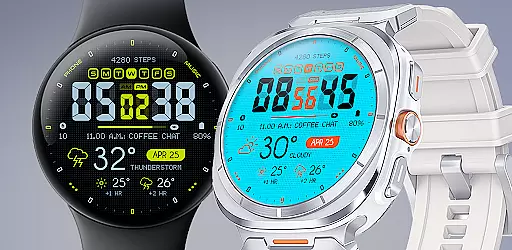
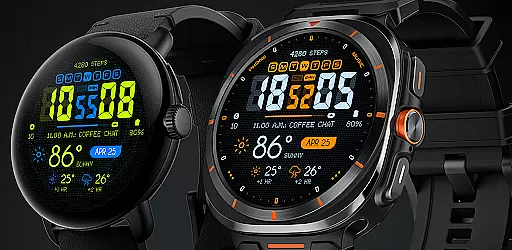
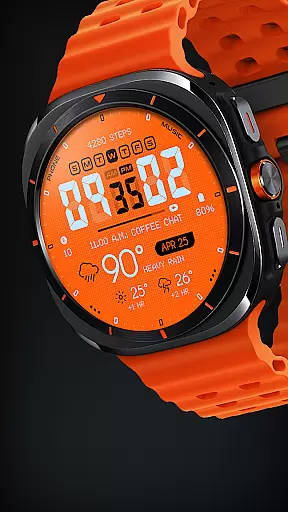
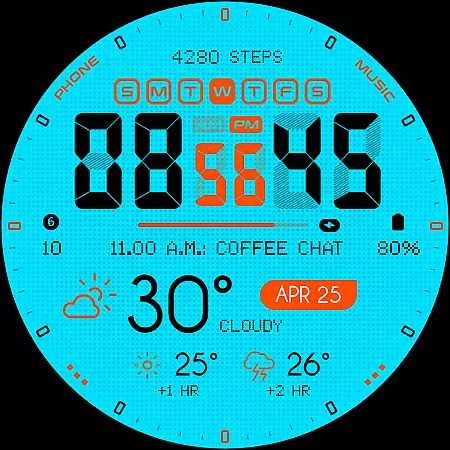
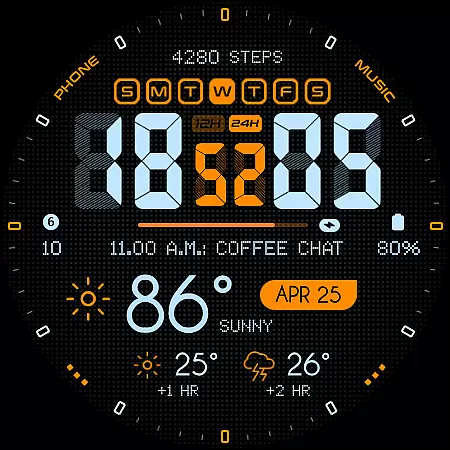
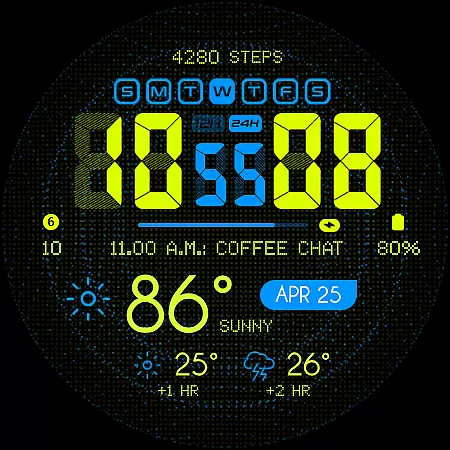
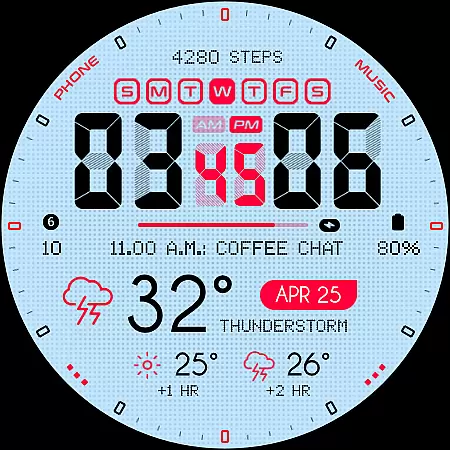
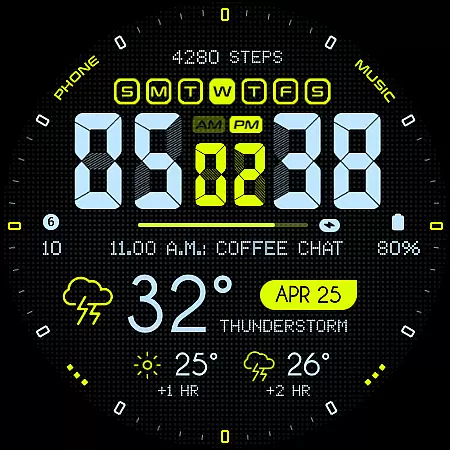
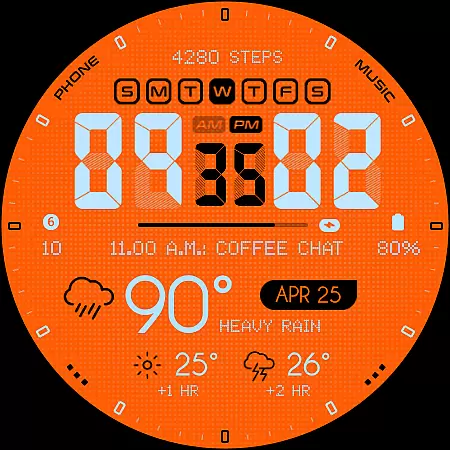
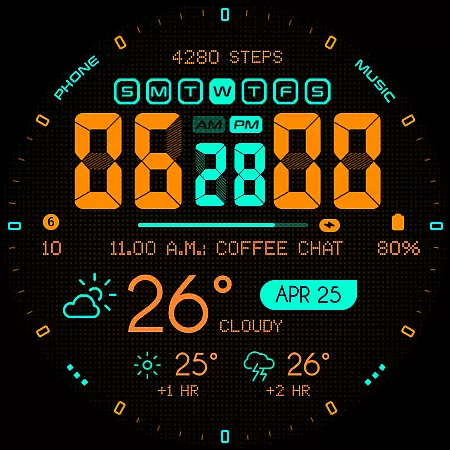
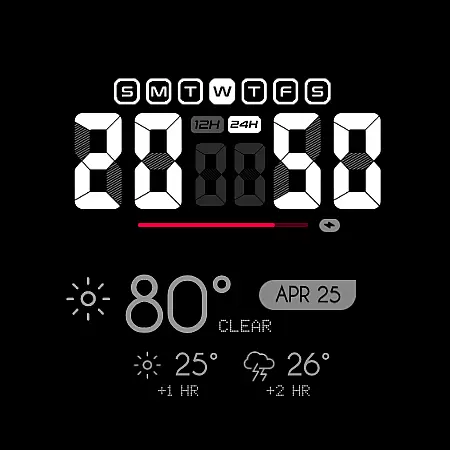
Oogly Atmos is a dynamic weather-themed watch face designed for Wear OS devices. It combines bold aesthetics with practical functionality, offering users vivid colors and an intuitive layout that displays current weather conditions alongside a 2-hour forecast. The watch face supports both 12/24 hour formats and features customizable elements such as background animation toggle, index visibility, and personalized information display.
With its real-time visuals and animated background option, Oogly Atmos keeps users informed while adding a touch of inspiration to their day. Whether you're looking for style or utility, this watch face delivers both form and function, making it suitable for Galaxy Watch 5 or newer, Pixel Watch, Fossil, and other Wear OS devices running API 30 or higher.
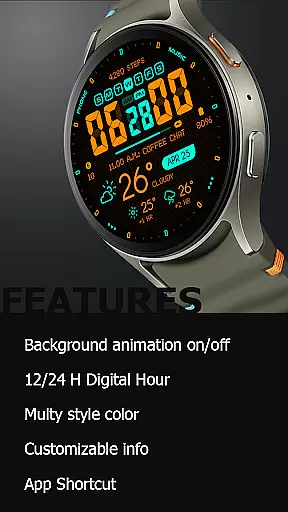
Oogly Atmos stands out with its unique combination of design and functionality tailored for smartwatch users. One of its key features is the animated background, which can be toggled on or off based on user preference. This allows for either a dynamic visual experience or a more focused, distraction-free interface.
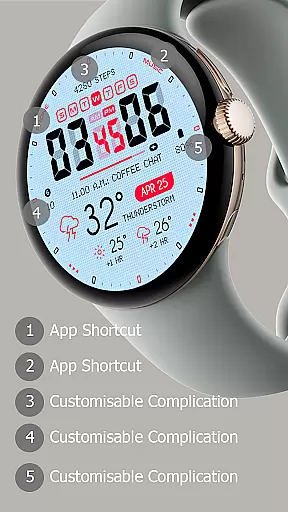
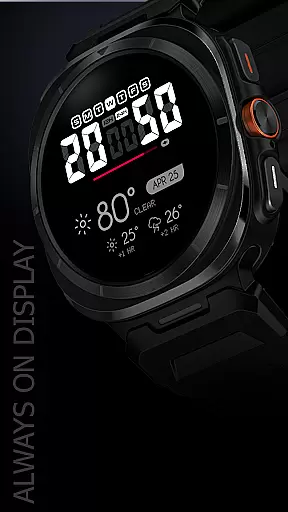
The watch face also includes customizable information display options, enabling users to personalize what data they see at a glance. With support for Always-On Display and app shortcuts, Oogly Atmos ensures convenience and accessibility. These features collectively enhance usability while maintaining a sleek and modern appearance compatible with Wear OS API 34+ devices.
Companion app integration is essential for a seamless wearable experience. Oogly Atmos ensures that your watchface works in perfect harmony with its companion app on your smartphone.
This weather-themed watchface syncs real-time data from the companion app, providing users with up-to-date weather conditions and forecasts directly on their wrist. The vivid colors and clean layout are not just visually appealing but also functional, displaying critical information at a glance.
Users can customize their experience by toggling features such as background animation and index display through the companion app. This flexibility allows for a personalized and clutter-free interface tailored to individual preferences.
The integration extends to practical functionalities like app shortcuts and an always-on display option, ensuring that Oogly Atmos is not only stylish but also highly utilitarian. With these capabilities, users can enjoy both form and function in one cohesive package.
Ensuring broad device compatibility is crucial for reaching a wider audience. Oogly Atmos is meticulously designed for Wear OS API 34+, guaranteeing optimal performance on devices such as Galaxy Watch 5 or newer, Pixel Watch, Fossil, and other Wear OS devices with a minimum API of 30.
This compatibility means that whether you're using a Samsung or a Google device, you'll experience consistent performance and reliability. The design takes full advantage of the hardware capabilities, offering features like 12/24 hour format options and customizable information displays.
Oogly Atmos supports various functionalities across different devices, including background animations and an always-on display. These features ensure that users have a versatile and engaging experience regardless of their specific Wear OS device.
For any issues, users can reach out via email at ooglywatchface@gmail.com or join the community on the official Telegram channel https://t.me/ooglywatchface. This support network underscores the commitment to providing a robust and compatible product for all users.
Visually appealing design
Customizable weather info
Animated background option
Supports Always-On Display
User-friendly interface
Limited to Wear OS
Requires API 30+
No iOS compatibility
Premium feel but not free
Animation may drain battery

A customizable Christmas watch face for Wear OS with a countdown.
 4.20
4.20
Deck out your Wear OS Watch face with a beautifully decorated pine wreath!
4.50
Artistic Digital Watchface
4.5
Watch face designed for Thanksgiving Day. 7 Background Styles included.
3.20
Authentic military-tactical design with ZULU time! Realistic and functional!
3.80
Stylish digital watch face for Wear OS devices with customizable features
4.0
Kia Access makes getting your vehicle information easier than ever
4.60
Find EV charging stations
4.30
Animated video-game inspired “secret agent” simulation, right on your wrist!
4.20
The Chevron App allows you to pay for fuel from the comfort of your car!
4.80
Fast and smart typing with Emojis, GIFs, and more
4.50
Current temperature, weather hourly, weather radar by the weather forecast app
4.40
Bold, Modern Hybrid Watch Face for Wear OS. 10 Colors, Rich Info Display.
4.30
Watch face for Wear OS.
4.20
Your music, your playlists, and more—offline and unlimited.
4.20
"PER27 Galaxy Digital" is a digital Wear OS watch face designed by PERSONA
4.10
Analog watch face with 8 complications and expedition styling
4.3
Contemporary digital watch face with five complications
4.2
3 Complications. All shadow on/off. 30 Themes color palette...
4.0



User Reviews