
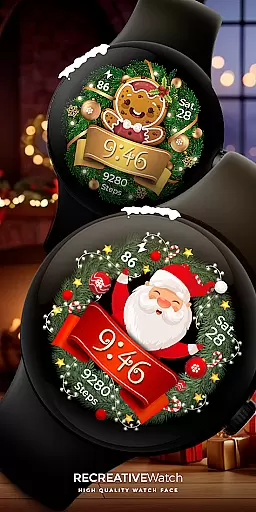
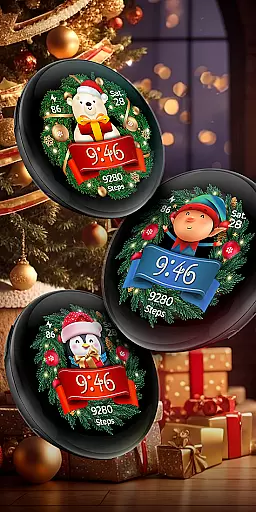
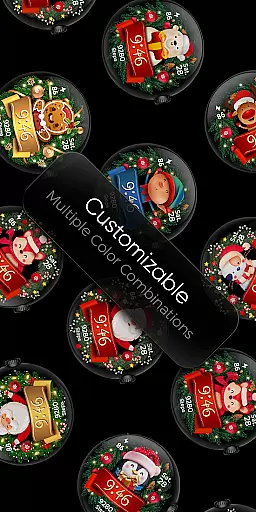
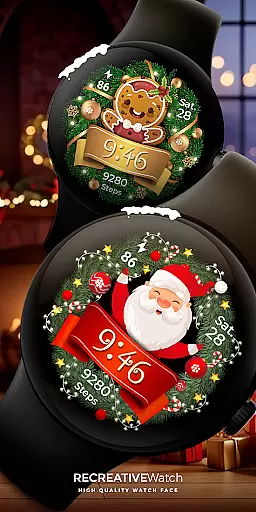
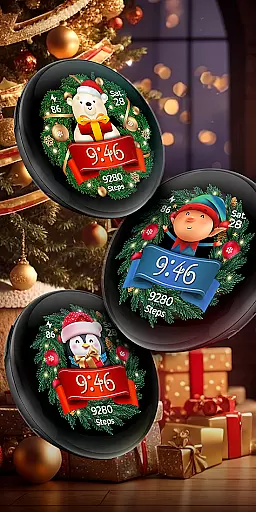
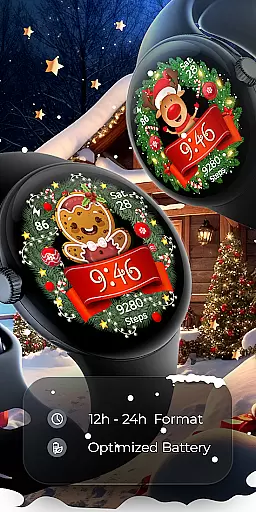
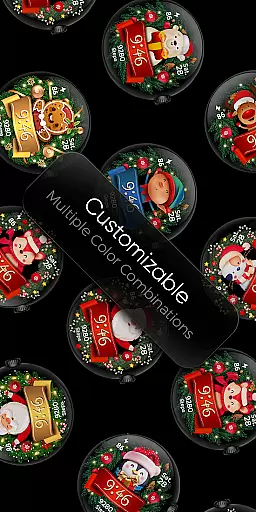
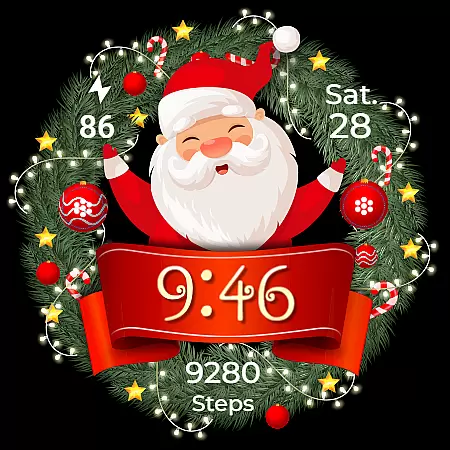
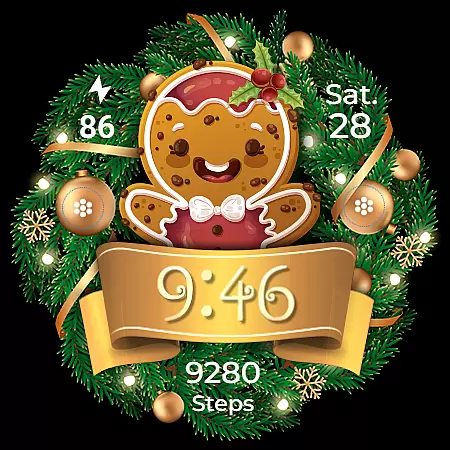
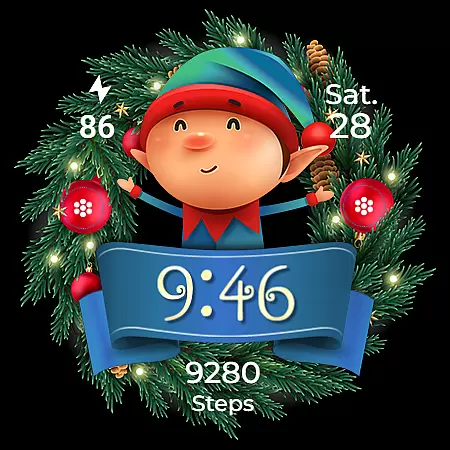
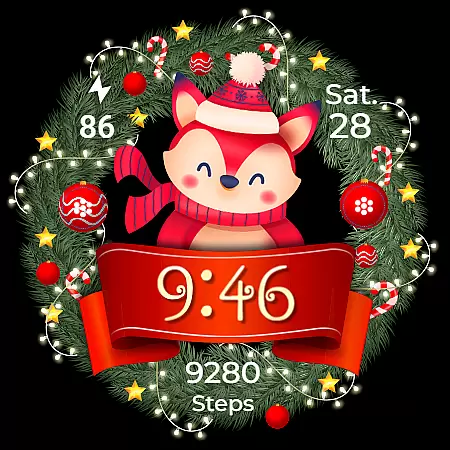
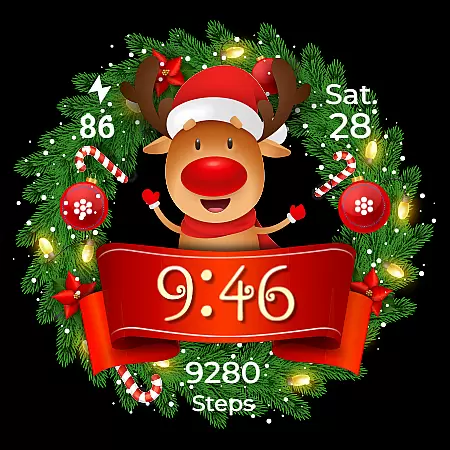
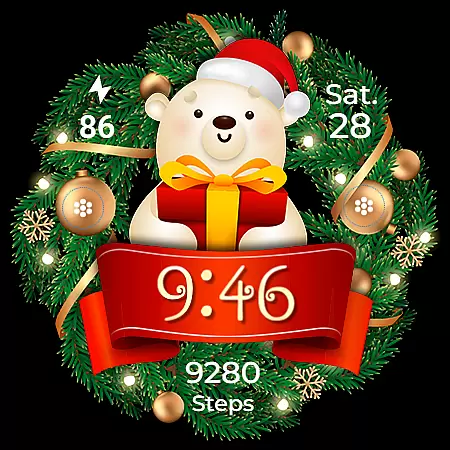
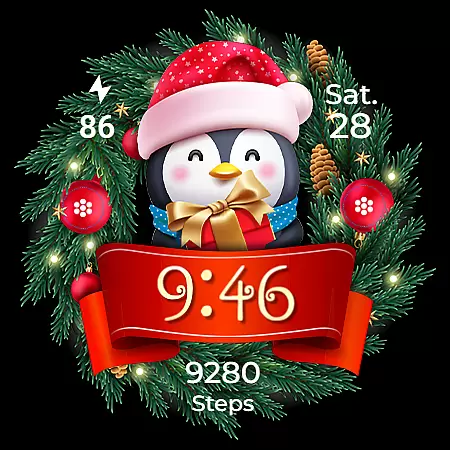
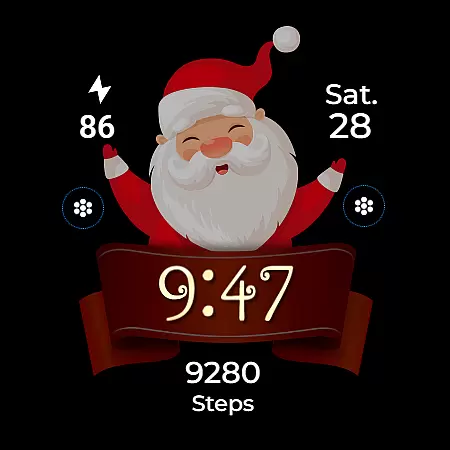
Christmas Frame is a festive-themed watch face app designed specifically for Wear OS devices. This application allows users to customize their smartwatch display with holiday-inspired designs, featuring various characters such as Santa, a reindeer, snowman, or an elf, all set within a decorative pine circle.
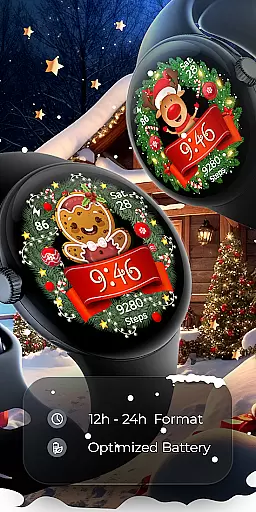
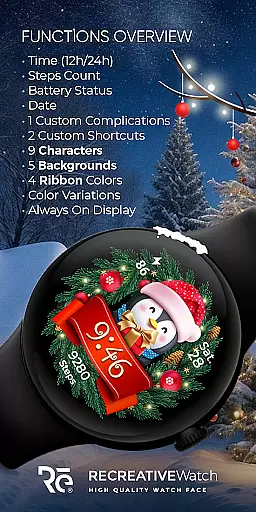
The app not only brings the holiday spirit to your wrist but also provides essential functionalities including digital time display in 12/24h format, date, battery status, and step count. With support for Always ON Display and customizable complications and shortcuts, Christmas Frame ensures both aesthetics and utility.
Ideal for the holiday season, this app is compatible with API level 33+ devices, including Google Pixel and Galaxy Watch series, making it a perfect choice for those looking to add a touch of festivity to their wearable technology.
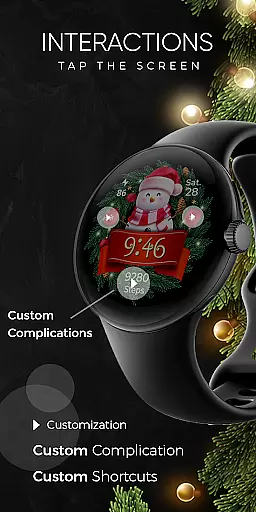
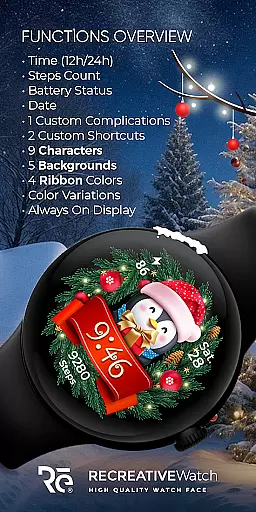
Christmas Frame stands out with its rich customization options. Users can choose from five different backgrounds and nine characters, allowing for a personalized touch to match individual preferences. The app supports four ribbon colors, enhancing the visual appeal.
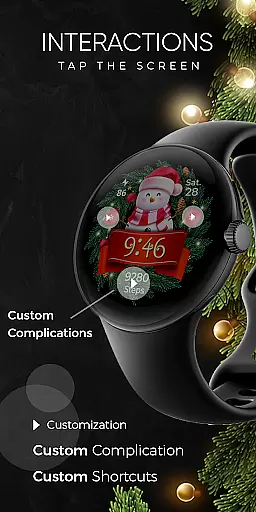
Functionality is not compromised, as the app includes practical features like 12/24h digital time, date display, battery indicator, and step counter. Additionally, one customizable complication and shortcut provide flexibility in data display, catering to user-specific needs.
Advanced features include support for Always ON Display with changeable colors and modes, ensuring visibility and energy efficiency. These comprehensive features make Christmas Frame a versatile and attractive option for Wear OS users seeking to celebrate the season in style.
Companion app integration is crucial for a seamless wearable experience. Christmas Frame offers a dedicated mobile application that simplifies the installation process and helps users locate the watch face on their Wear OS devices.
The phone app acts as a facilitator, ensuring that users can effortlessly set up and manage their festive watch face. This streamlined process allows for quick access to features and settings, enhancing user convenience.
While the mobile app contains ads, it ensures that the core functionality remains unaffected. Users can enjoy an uninterrupted experience on their smartwatches without any compromise in performance or aesthetics.
By bridging the gap between the smartphone and wearable, Christmas Frame creates a cohesive ecosystem where users can maximize the potential of their devices while showcasing their holiday spirit.
Device compatibility is a key consideration for any Wear OS application. Christmas Frame is optimized for API level 33+ devices, including popular models like Google Pixel and Galaxy Watch series.
This wide compatibility range ensures that users with different Wear OS watches can enjoy the festive charm of Christmas Frame. The meticulous optimization guarantees smooth performance across supported devices.
For optimal battery performance, users are advised to disable the Always On Display mode. This thoughtful recommendation demonstrates the developer's commitment to both functionality and device longevity.
With clear installation guidelines and troubleshooting support available, Christmas Frame provides a comprehensive solution for users seeking to enhance their Wear OS experience during the holiday season.
Festive Designs
Customizable Options
Battery Indicator
Step Counter
Always ON Display
Limited Compatibility
Ads in Mobile App
Character Choices
No Analog Time
Single Complication

Walking app for weight loss: walk & step tracker, pedometer, indoor treadmill
 4.60
4.60
Highly customizable hybrid watch face for Wear OS, perfect for everyday use.
4.60
Embrace the holiday spirit with this magical animated watch face!
4.40
Simple Analog-Digital Watchface For Wear OS 3.0 and Up Smartwatches
4.5
Digital watch face with big numbers and many customization for Wear OS devices
4.40
Kia Access makes getting your vehicle information easier than ever
4.60
Hyper-Realistic Airplane Dashboard Watch Face With 10 Skins and Custom AOD
4.00
A digital watch face that celebrates Christmas.
4.00
Simple, helpful messaging by Google
4.60
Christmas Theme Watch Face for Wear Os
5.00
Real-time weather radar with temperatures, warnings, hurricanes, and widgets
4.80
A modern hybrid informative watch face for Wear OS designed by BALLOZI
4.80
Nutrition, Macro tracker: Food, fitness & healthy diet tracking for weight loss
4.60
Reliable phone calls with spam protection, caller ID and more helpful features
4.40
Elegant animated Christmas tree with multiple customization options
4.20
Watch face designed for Thanksgiving Day. 7 Background Styles included.
3.20
Precision analog watch face with 7 complications and style options
4.1
Analog watch face with 8 complications and expedition styling
4.0
Stunning modern digital watch face with 7 complications and strong contrast
4.5





User Reviews