
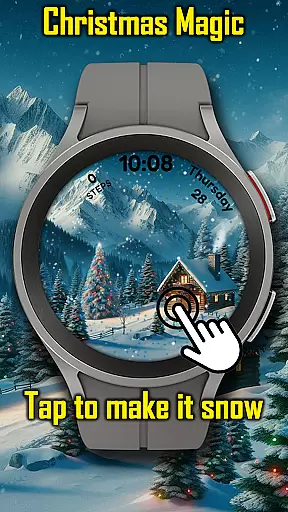
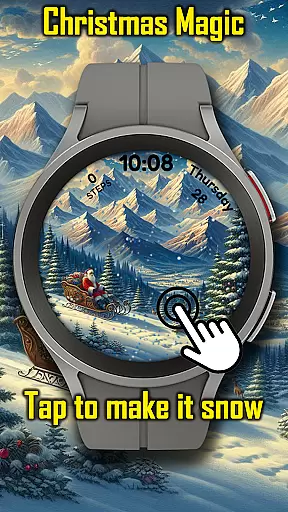
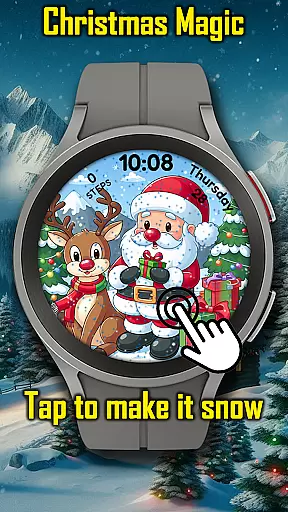
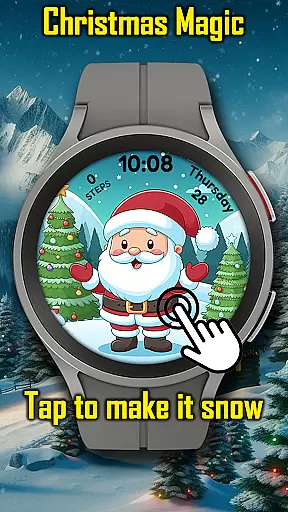
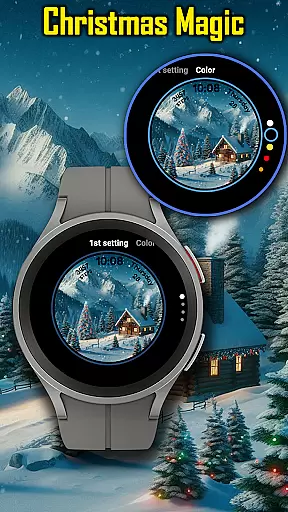
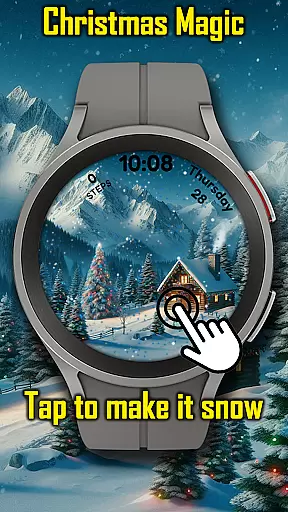
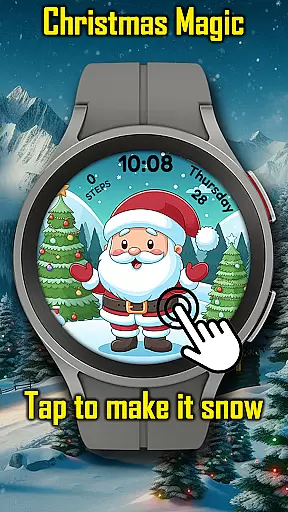
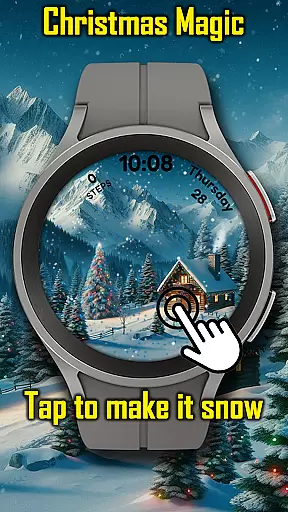
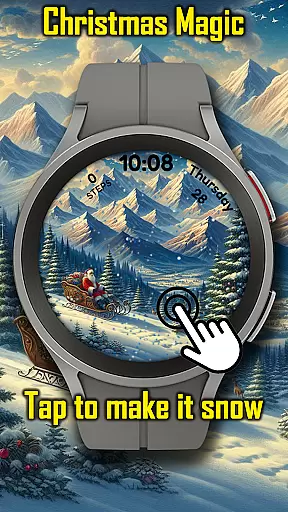
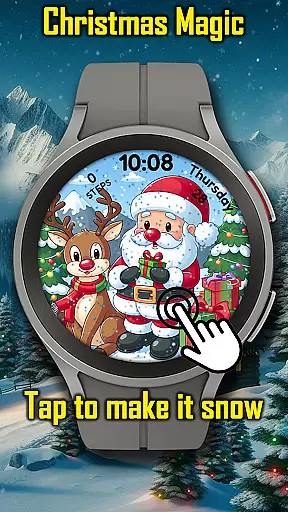
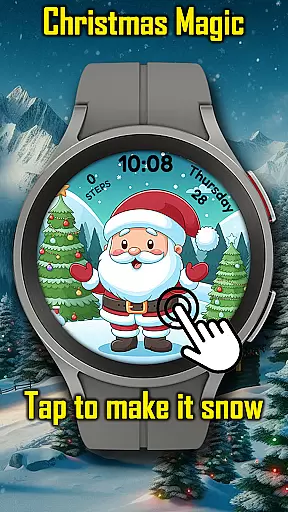
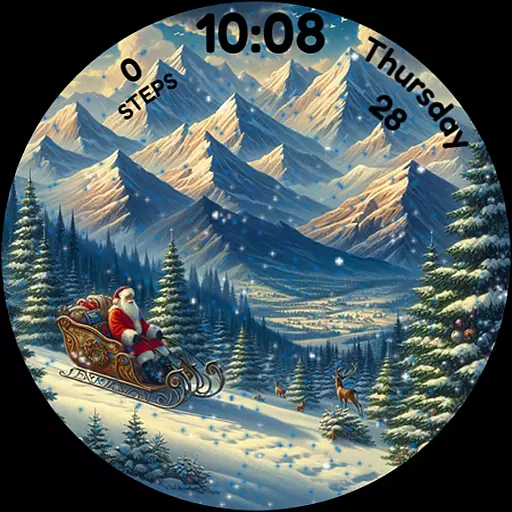
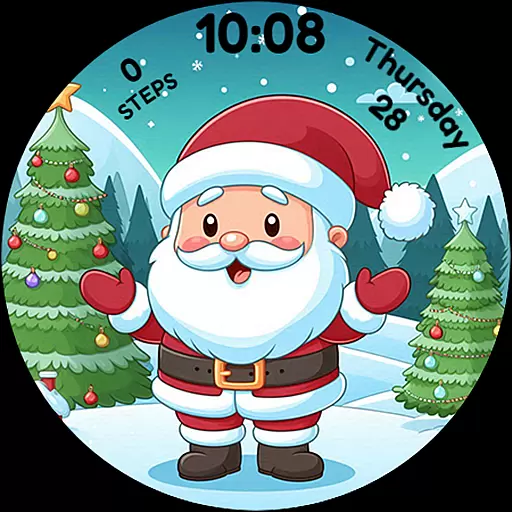
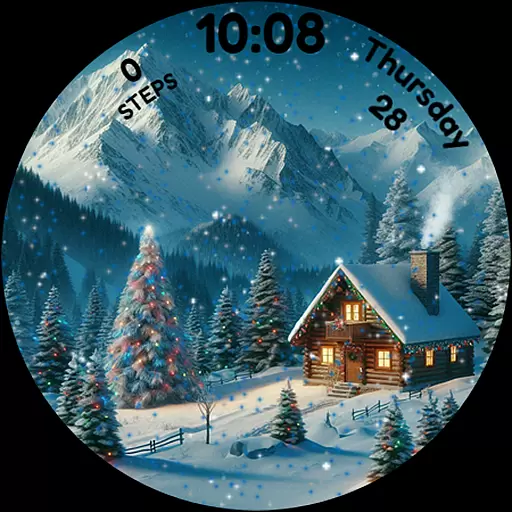
Christmas Magic Watch Face transforms your Wear OS smartwatch into a festive holiday display. Featuring Santa Claus, Christmas trees, and snowy mountains, this watch face brings the Christmas spirit to your wrist.
The animated scenes include falling snow that reacts to touch, customizable colors for personalization, and an Always-On Display (AOD) mode. Perfect for those who love the holidays, it ensures every glance at your watch is filled with festive cheer.
Whether you're at home or out celebrating, this app makes your smartwatch a conversation starter. It's more than just a timepiece; it's a celebration on your wrist that keeps the magic of Christmas alive all season long.
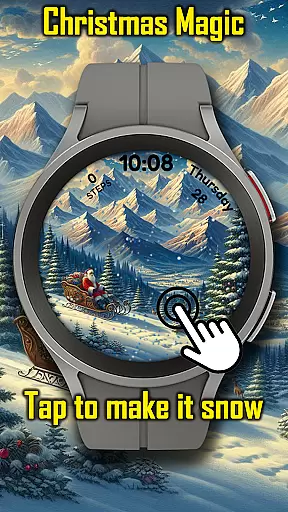
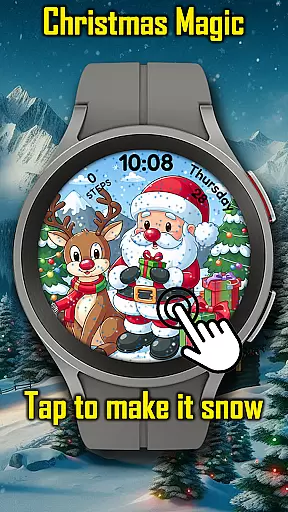
Experience the joy of Christmas with animated scenes featuring Santa and snowfall effects. The interactive touch-to-snow feature adds a playful element to your smartwatch experience.
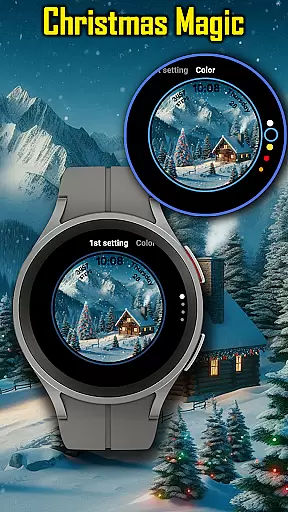
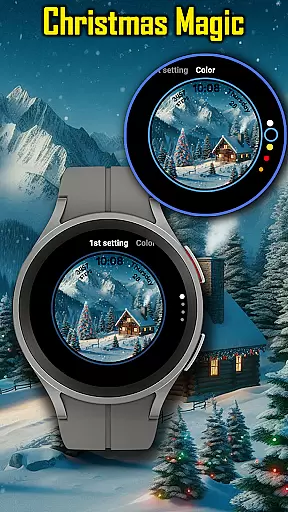
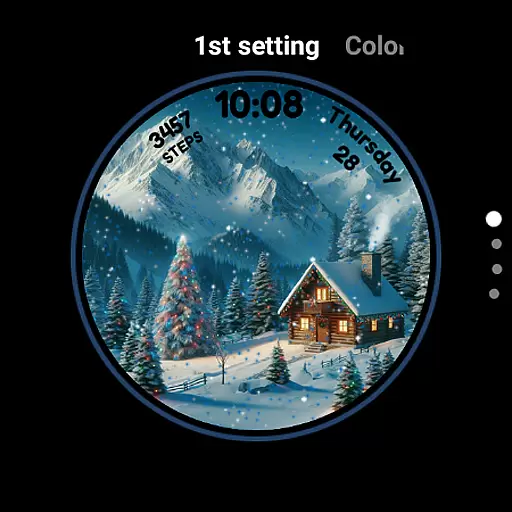
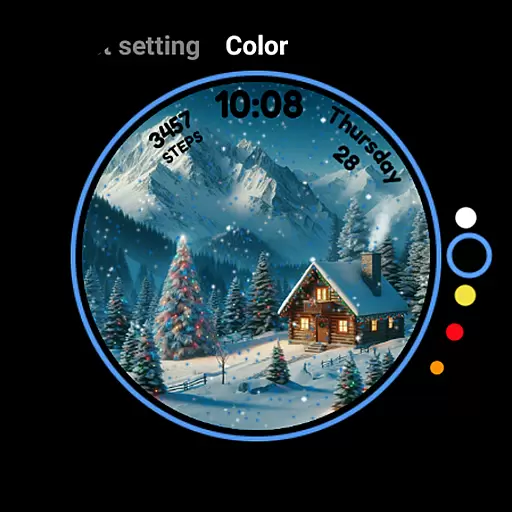
Customize your watch face with different color options to match your holiday attire or mood. The AOD mode ensures that even when your watch is in low-power mode, the festive design remains visible.
This app is designed to make your Wear OS device a unique accessory during the holiday season. With its detailed graphics and engaging animations, it stands out among other watch faces, offering both style and functionality.
For Android Wear applications like Christmas Magic, seamless companion app integration is essential for an enriched user experience. This watch face connects with its corresponding mobile application to synchronize festive animations and settings.
The integration allows users to customize their Christmas-themed watch face directly from their phone. Users can adjust animated features such as snowfall or choose different holiday styles that match their seasonal preferences.
By ensuring real-time data sharing between devices, the Christmas Magic Watch Face maintains a consistent and personalized experience across the user's ecosystem of devices. This synchronization enables wearers to enjoy a cohesive holiday spirit on both their smartwatch and smartphone.
Ultimately, this companion app integration enhances usability by simplifying personalization options while maintaining the magical essence of Christmas throughout all connected devices.
Device compatibility is crucial for Wear OS applications, ensuring they function correctly across various smartwatch models. The Christmas Magic Watch Face is optimized to work seamlessly on all Wear OS supported devices.
This compatibility extends to different screen sizes and resolutions, guaranteeing that animated Christmas scenes display beautifully regardless of the device's specifications. Users can expect consistent performance whether they're using newer models or older versions of Wear OS watches.
Beyond basic functionality, the application supports advanced features like Always-On Display (AOD) mode. This ensures that the festive design remains visible even when the watch is in low-power mode, preserving battery life while maintaining holiday cheer.
By prioritizing broad device compatibility, Christmas Magic guarantees that every user can enjoy its magical Christmas experience regardless of their specific Wear OS device configuration.
Festive Design
Interactive Features
Customizable Options
Always-On Display
Holiday Spirit
Limited to Wear OS
Battery Consumption
Seasonal Only
Premium Features
Compatibility Issues

Highly customizable hybrid watch face for Wear OS, perfect for everyday use.
 4.60
4.60
Precision analog watch face with 7 complications and style options
4.1
Snowflake Rose Gold Watch Face - Digital, modern, & sleek with GYRO effect.
4.10
Analog watch face with 8 complications and expedition styling
4.4
3 Complications. All shadow on/off. 30 Themes color palette...
4.5
Your second brain for organizing your life: to-do, calendar, reminder.
4.70
The #1 source of faces for your smartwatch!
4.00
Retro digital watch face with customizable colors and a unique lighting effect
4.60
Track your active life in one place and share the journey with friends.
4.40
Digital, flexibly customizable watch face. For Wear OS 5.0, API 34+ and later.
5.00
Gym Log & Workout Tracker | Fitness Journal, Training & Weight Lifting Planner
4.90
Kia Access makes getting your vehicle information easier than ever
4.60
Beautiful artistic animated digital watch face, with a customizable layout!
4.40
Reliable phone calls with spam protection, caller ID and more helpful features
4.40
Bold weather Digital watchface with forecast & optional animated background
4.40
Elegant animated Christmas tree with multiple customization options
4.20
Your local weather forecast, storm tracker, radar maps & live weather news
3.40
A heartwarming Christmas scene featuring a cute image of Santa and Rudolf
4.4
Contemporary digital watch face with five complications
4.4




User Reviews