
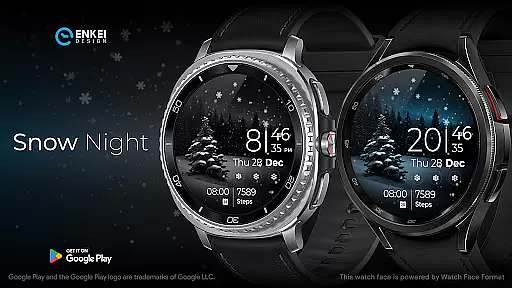
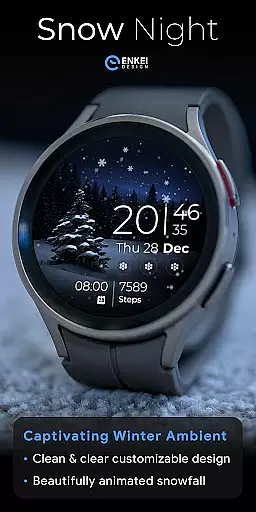
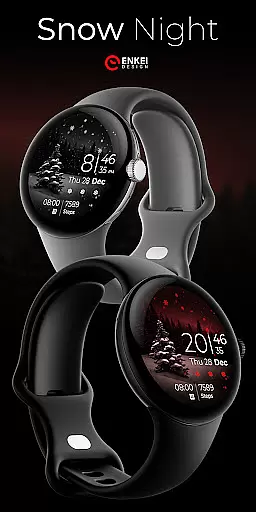
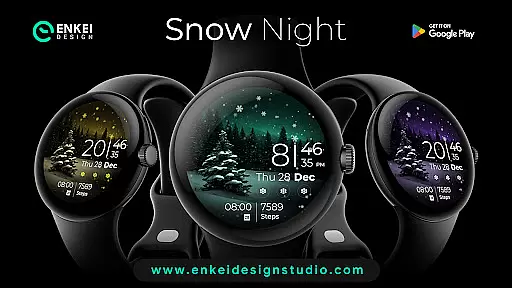
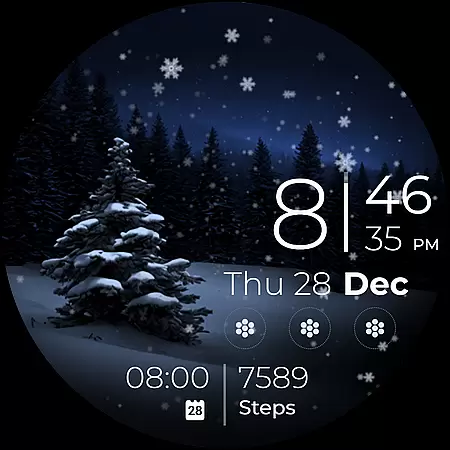
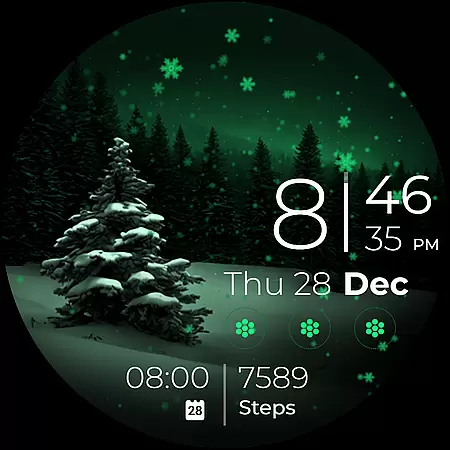
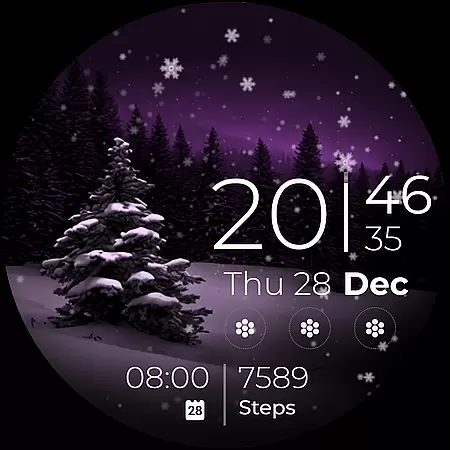
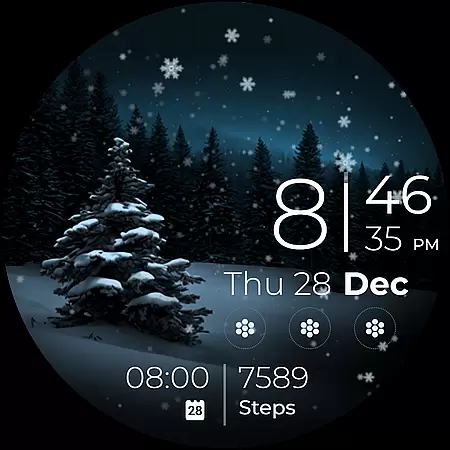
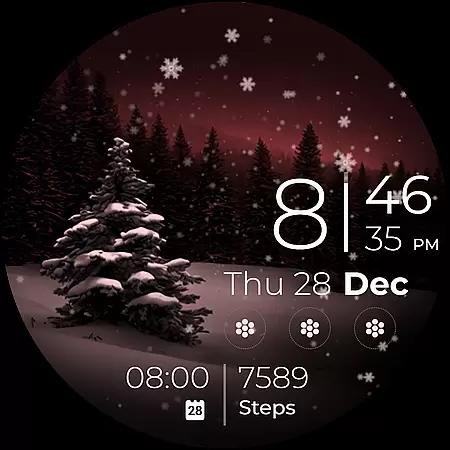
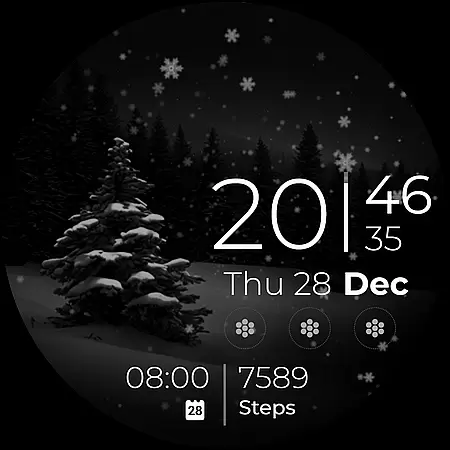
Snow Night is an artistic watch face designed for Wear OS devices, offering a captivating winter-themed experience. The app features ambient snowfall animation and customizable options, allowing users to create their perfect layout with adjustable colors, AOD styles, and complications.
With clear and bright indicators, users can easily view the time, date, and other important information at a glance. Compatible with Wear OS 5.0 and newer versions, this watch face brings both aesthetic appeal and functional utility to your smartwatch, enhancing your overall wearable experience.
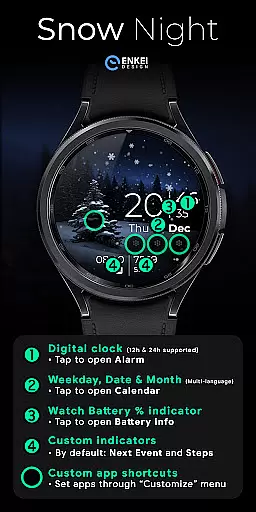
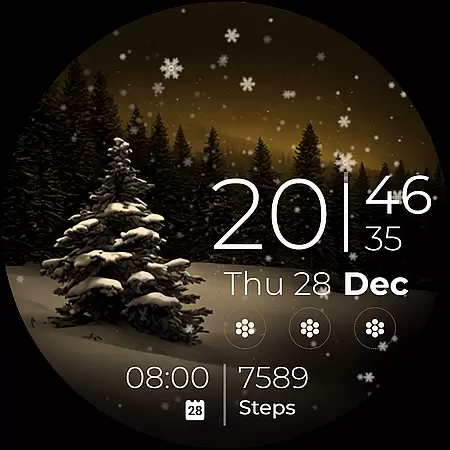
Snow Night offers a rich set of features including a digital clock with 12h/24h format, weekday, date, and month indicators in multiple languages, and a watch battery percentage bar. Users can tap on various elements to access additional functionalities such as setting alarms, opening the calendar, or checking battery info.
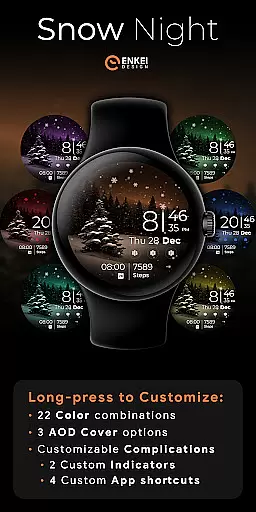
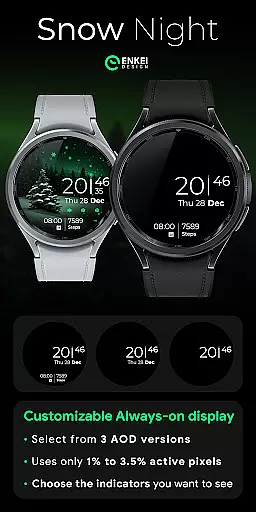
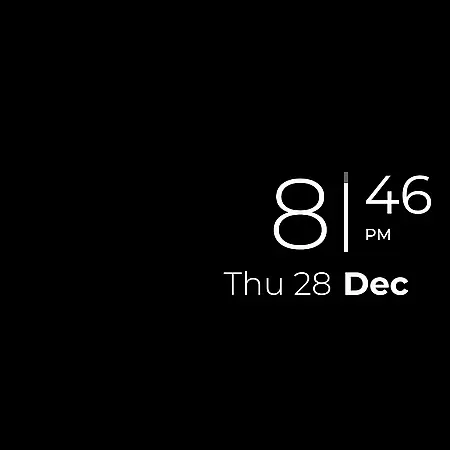
The watch face also includes two customizable short-text indicators and four app shortcuts, providing quick access to frequently used apps. With long-press actions, users can access a comprehensive customization menu to adjust colors, AOD cover options, and complications, ensuring a personalized experience tailored to individual preferences.
Companion app integration is essential for Android Wear applications like Snow Night. This feature ensures seamless synchronization between the watch face and its companion app on your mobile device.
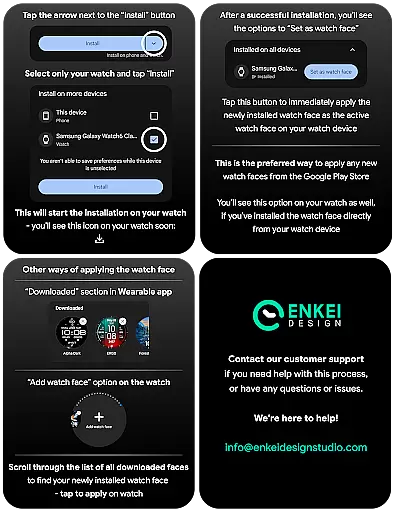
Snow Night's companion app serves as a bridge, allowing users to easily install and manage the watch face directly from their phone. The installation process is streamlined through clear instructions provided on the developer's website, ensuring users can set up the application without hassle.
The integration offers practical benefits such as simplified updates, centralized management of settings, and access to additional features. Users can customize their watch face with ease, adjusting colors, AOD styles, and complications via the companion app.
This cohesive ecosystem enhances user experience by maintaining consistency across devices and providing a reliable support channel for customer inquiries and feedback.
Ensuring proper Wear OS and device compatibility is crucial for applications like Snow Night. This watch face is specifically optimized for devices running Wear OS 5.0 and newer versions (API 34+), guaranteeing optimal performance on supported devices.
The developers have implemented strict compatibility checks to ensure the application runs smoothly on qualified hardware. This includes optimizing the gorgeous ambient snowfall animation and various customization options for modern Wear OS devices.
By targeting newer operating system versions, Snow Night can leverage advanced features of Watch Face Format while maintaining system stability. Users benefit from enhanced functionality, including customizable complications and AOD styles, without compromising device performance.
This focused compatibility approach allows developers to deliver a more refined product while providing users with clear installation guidelines and system requirements for successful implementation.
Visually appealing design
Highly customizable interface
User-friendly navigation
Quick access to essential features
Responsive customer support
Limited to Wear OS devices
Requires newer OS versions
Some features need active pixels
Premium customization options
Installation requires careful steps

Embrace the holiday spirit with this magical animated watch face!
 4.40
4.40
Watch face designed for Thanksgiving Day. 7 Background Styles included.
3.20
Be an elegant and classy secret agent, with this carefully detailed watch face
4.70
Sleek, highly customizable watch face inspired by Galaxy Watch Circle Dashboard.
4.3
Structured watch face with seven complications and modular UI elements
3.90
Your second brain for organizing your life: to-do, calendar, reminder.
4.70
Find EV charging stations
4.30
Connect, create, and collaborate with Gmail, part of Google Workspace.
4.10
Back up your contacts & access them anywhere
4.30
Period, ovulation & pregnancy tracker. Fertility insights & menstrual calendar.
4.90
Real-time weather radar with temperatures, warnings, hurricanes, and widgets
4.80
The most customizable hybrid watch face. For Wear OS 5.0, API 34+ and later
4.70
Hybrid watch face for Wear OS with customizable complications by Matteo Dini MD
4.70
Retro digital watch face with customizable colors and a unique lighting effect
4.60
Current temperature, weather hourly, weather radar by the weather forecast app
4.40
Elegant animated Christmas tree with multiple customization options
4.20
Animated video-game inspired “secret agent” simulation, right on your wrist!
4.20
Watch the sharpness of the sky on your wrist..
3.70
Wear Os Watch Face - Animated Snow Effect & Christmas Lights
4.4



User Reviews