
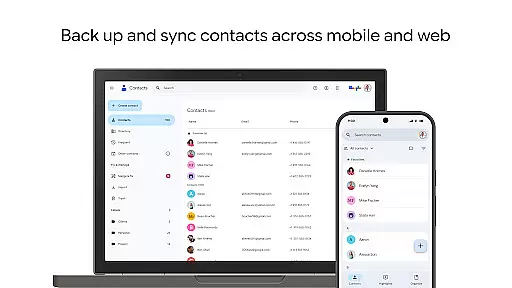
Contacts is a comprehensive contact management application designed specifically for Android Wear devices. The app allows users to back up and sync their contacts across all devices, ensuring that important information is always accessible and secure. By linking with your Google Account, it provides a reliable backup solution and enables seamless transitions between devices.
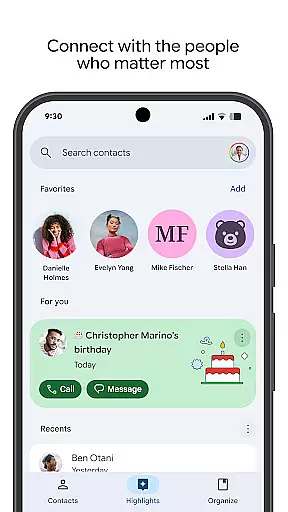
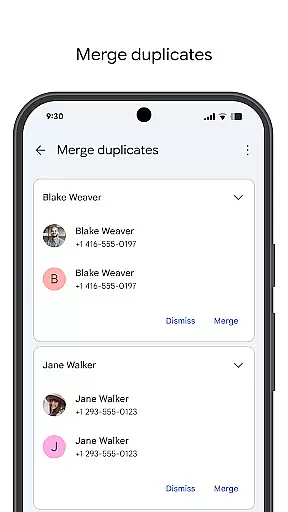
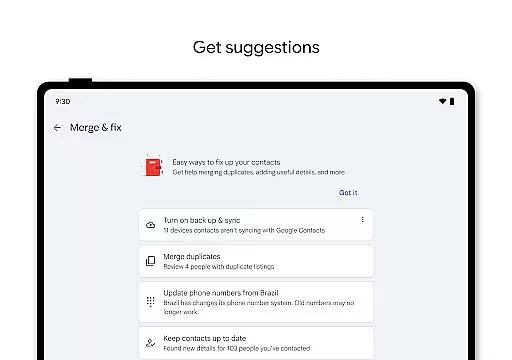
Beyond basic storage, Contacts helps users maintain an organized address book by offering features like account-based sorting, easy editing of contact details, and tools to merge duplicates. It also enhances user engagement by highlighting key dates such as birthdays and anniversaries, making sure you never miss an important event. With additional support for Wear OS, this app extends its functionality to smartwatches, providing quick access to favorite contacts through dedicated tiles and complications.
One of the standout features of Contacts is its robust synchronization capability. Users can automatically back up their contact lists to their Google Account, ensuring data safety and accessibility from any signed-in device. This feature not only simplifies the process of switching phones but also includes a recovery option for contacts deleted within the last 30 days.
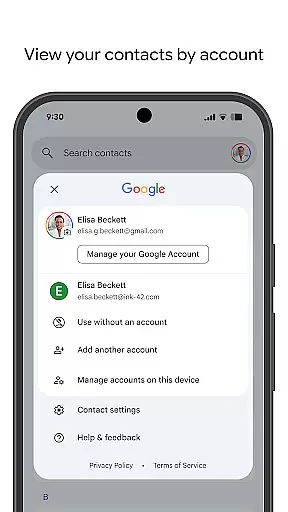
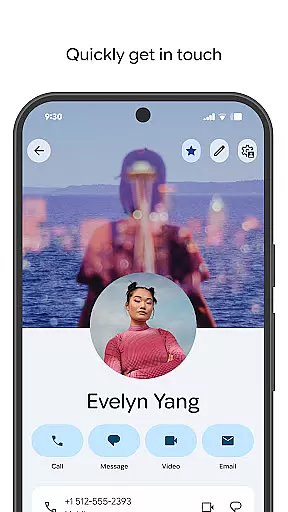
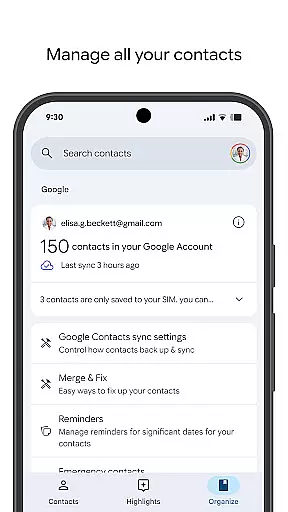
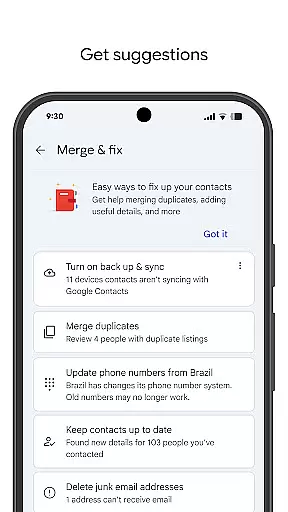
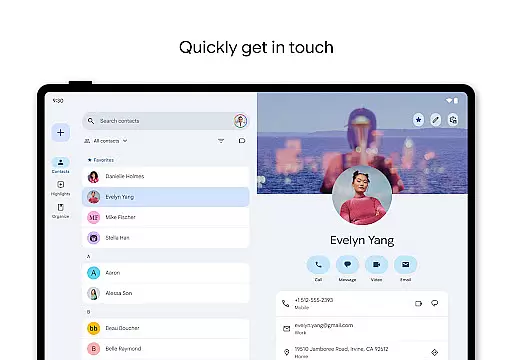
The app excels in organization and maintenance. It allows users to categorize contacts by accounts, such as work or personal, facilitating better management. Editing contact details like phone numbers, emails, and photos is straightforward, and the app offers assistance in merging duplicate entries and enriching contact information. Furthermore, Contacts keeps users connected to their loved ones by displaying upcoming events like birthdays and anniversaries, along with customizable notifications.
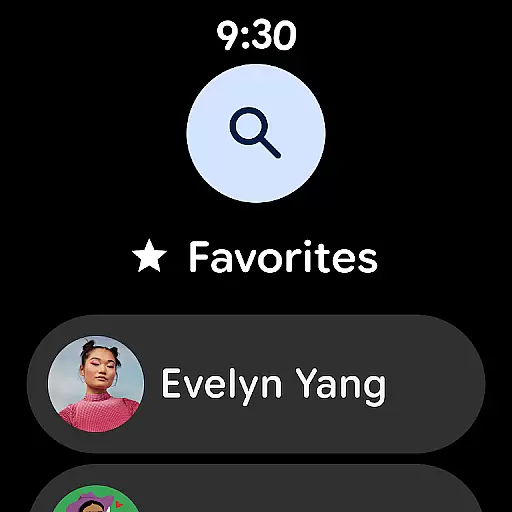
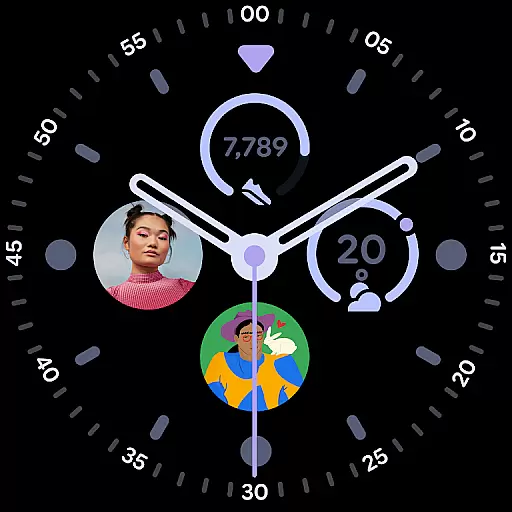
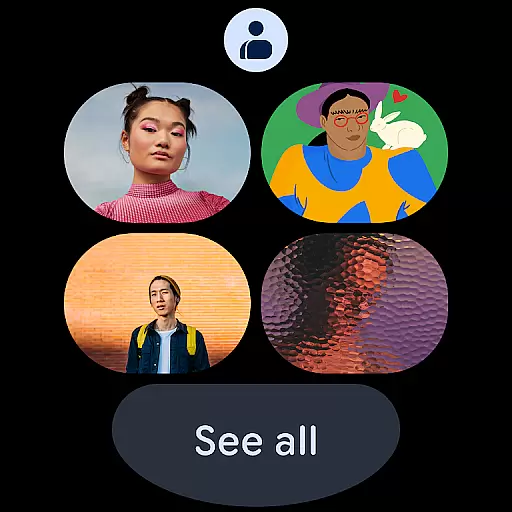
For Wear OS users, Contacts provides an enhanced experience with dedicated tiles and complications. These features allow for quick access to frequently contacted individuals directly from the smartwatch interface, streamlining communication and improving overall usability.
Companion app integration is essential for seamless functionality between your mobile devices and wearables. The Contacts app ensures that all your important connections are synchronized across platforms, providing a unified experience.
This application allows users to back up their contacts to their Google Account, making them accessible from any signed-in device. Whether switching phones or using a Wear OS smartwatch, the synchronization process remains consistent and reliable.
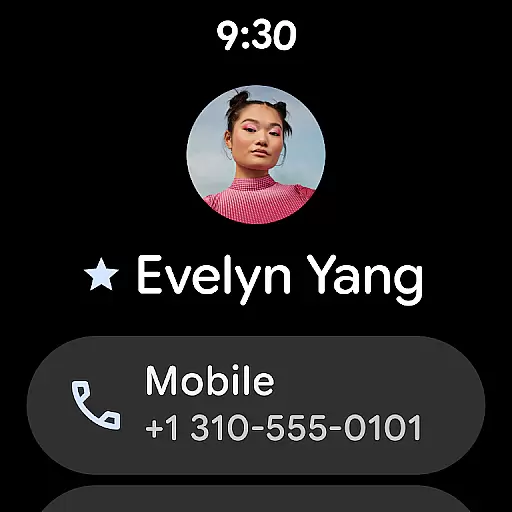
By integrating with Wear OS, the Contacts app offers features like favorite contact tiles and individual contact complications. This means you can quickly access key contacts directly from your wrist without needing to reach for your phone.
The ability to recover recently deleted contacts within 30 days adds an extra layer of security. With companion app integration, managing and updating contact information becomes effortless, ensuring you're always connected with the people who matter most.
Ensuring compatibility with Wear OS and various devices is crucial for maximizing user convenience. The Contacts app excels in this area by offering tailored features specifically designed for wearable technology.
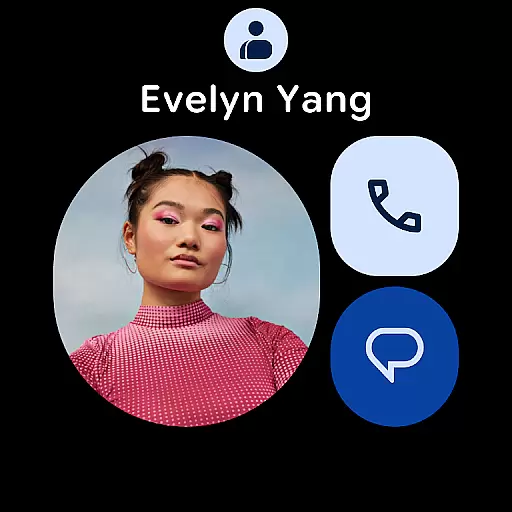
For Wear OS users, the app provides quick access to favorite contacts through dedicated tiles and complications. These features allow users to make calls or send messages without needing to interact with their phones, streamlining communication.
In addition to Wear OS support, the Contacts app maintains cross-device functionality. Users can view and manage their contacts on any device linked to their Google Account, ensuring consistent access regardless of the platform.
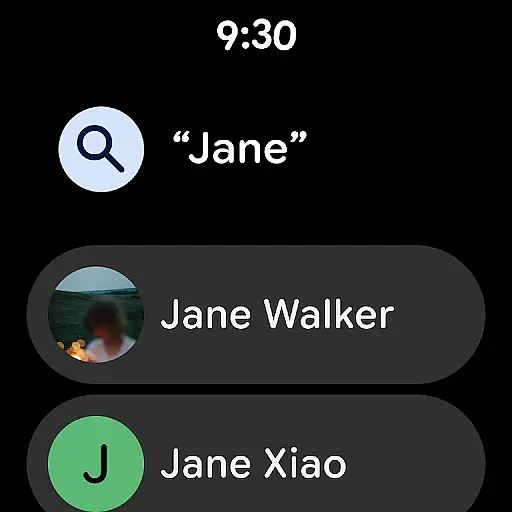
With options to organize contacts by account type and easily merge duplicates, the app enhances usability across different devices. This comprehensive compatibility ensures that whether you're on your phone or smartwatch, staying connected has never been easier.
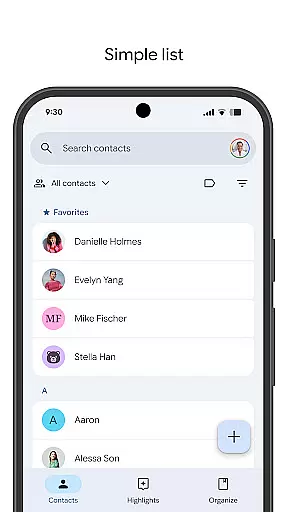
User-friendly interface
Reliable backup system
Seamless cross-device sync
Effective duplicate merging
Event reminders for special occasions
Limited offline functionality
Requires Google Account
Occasional sync delays
No advanced search filters
Basic Wear OS integration

A customizable Christmas watch face for Wear OS with a countdown.
 4.20
4.20
Christmas watch face. For Wear OS devices.
4.30
Snowflake Rose Gold Watch Face - Digital, modern, & sleek with GYRO effect.
4.10
Artistic Digital Watchface
4.5
Bold, Modern Hybrid Watch Face for Wear OS. 10 Colors, Rich Info Display.
4.30
Digital watch face. For Wear OS devices.
4.40
Stay in touch with your friends and family using LINE!
3.40
Real-time weather radar with temperatures, warnings, hurricanes, and widgets
4.80
Stylish, Energizing and Modern Watch Face crafted by Dominus Mathias.
4.50
Period, ovulation & pregnancy tracker. Fertility insights & menstrual calendar.
4.90
To-Do List: daily schedule planner, task organizer, to do reminder app, calendar
4.60
Kia Access makes getting your vehicle information easier than ever
4.60
Retro digital watch face with customizable colors and a unique lighting effect
4.60
Elegant animated Christmas tree with multiple customization options
4.20
sleep, alarm, snoring, stress, healing, focus, sound therapy, circadian rhythm
4.10
Viewer for Wyze/Yi/Eufy/Arlo/ONVIF/RTSP/P2P IP cams w/ adv. features & DIY DVR
4.00
Watch the sharpness of the sky on your wrist..
3.70
Watch face designed for Thanksgiving Day. 7 Background Styles included.
3.20
an Analog Watch Face for winter season with freeze winter background for Wear OS
4.1



User Reviews