
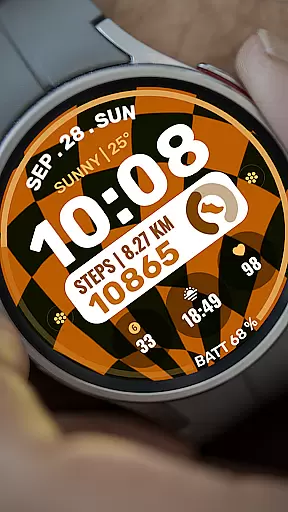
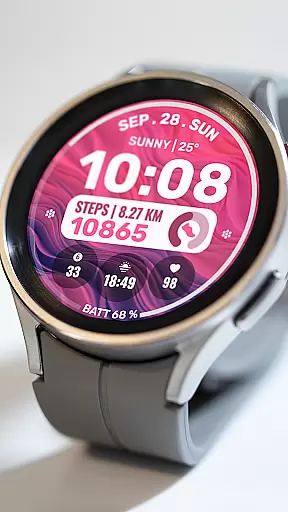
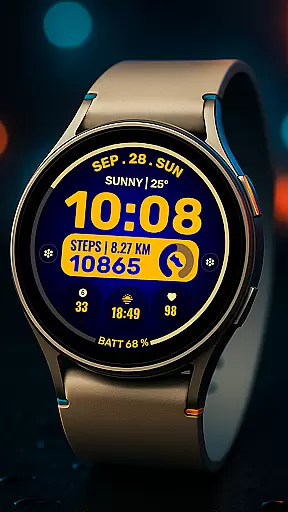
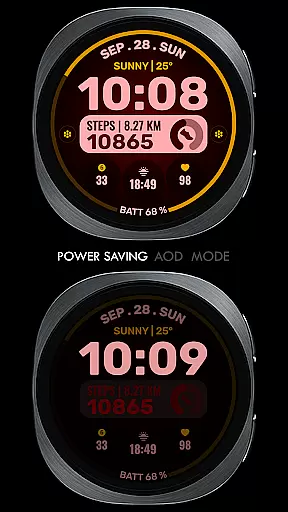
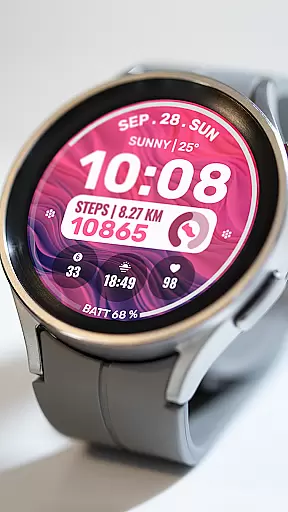
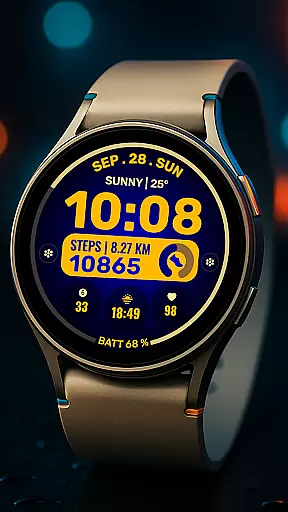
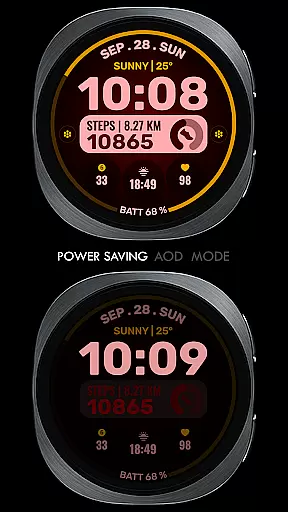
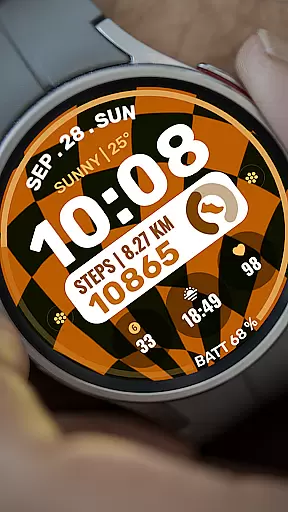
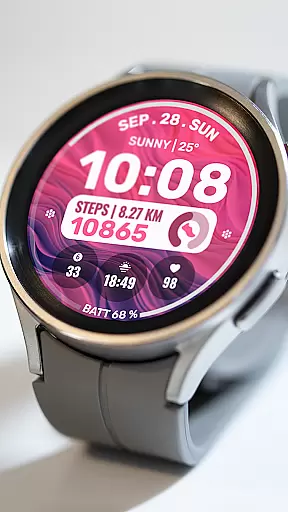
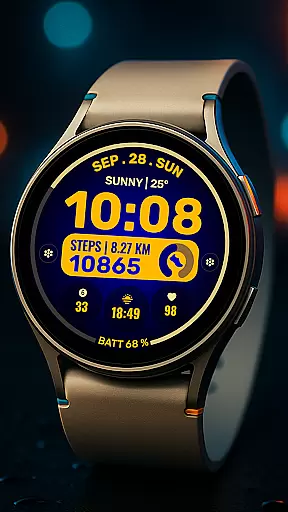
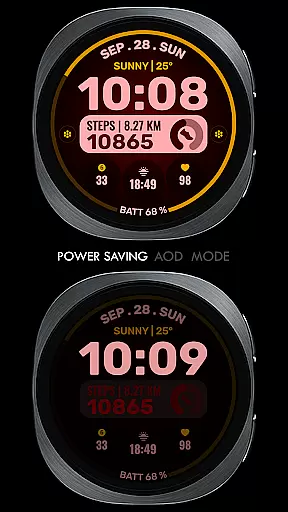
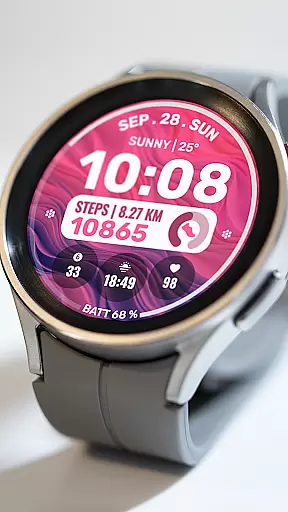
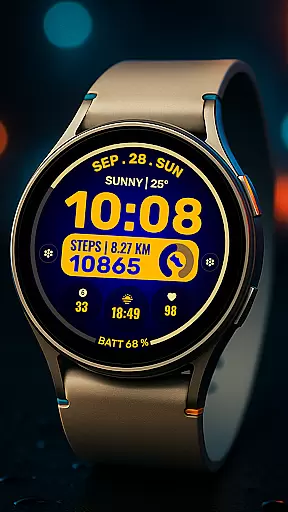
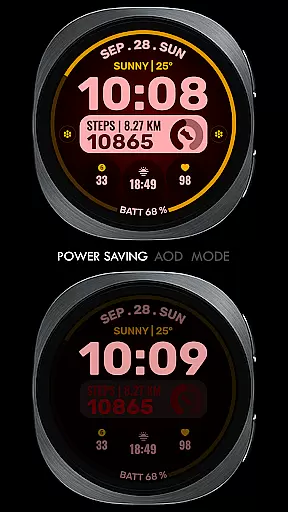
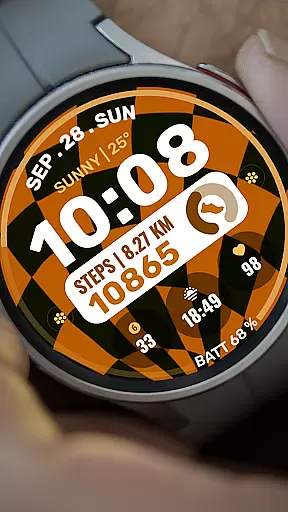
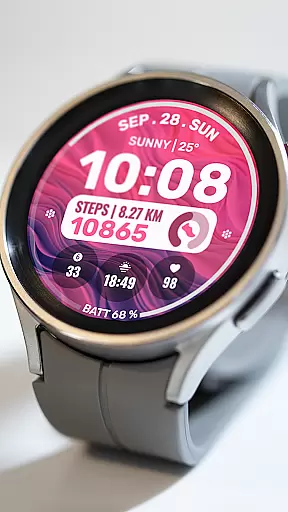
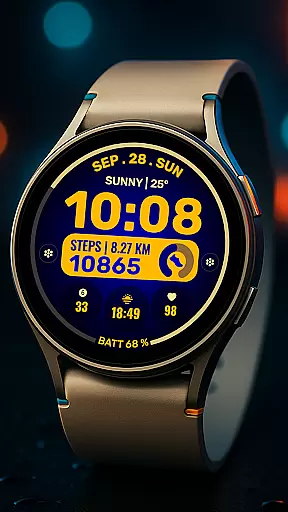
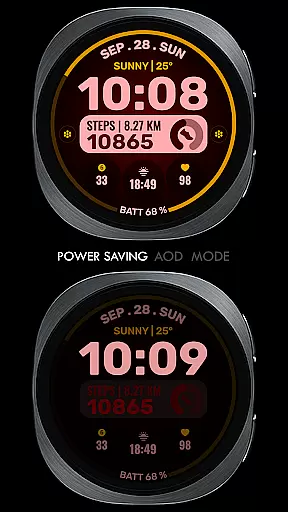
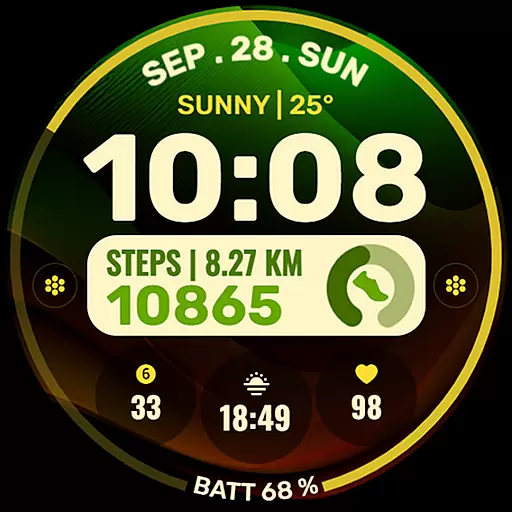
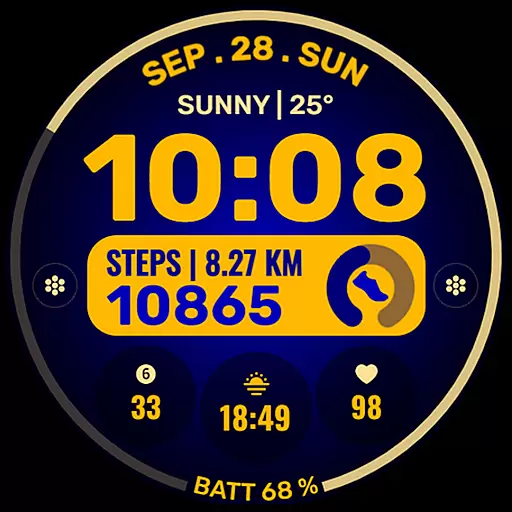
Data Dash is a feature-rich watch face designed for Wear OS devices, offering users an artistic digital clock display along with customizable app shortcuts and complications. The watch face supports all Wear OS devices with API Level 34+ and later versions, ensuring compatibility with the latest technology.
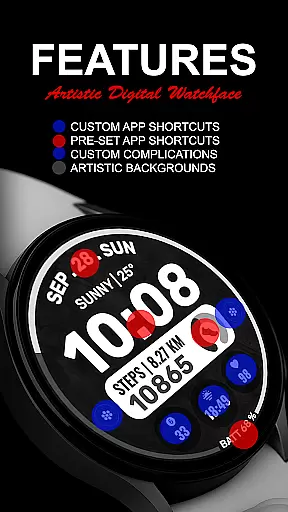
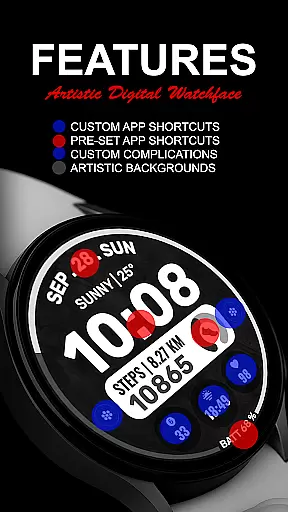
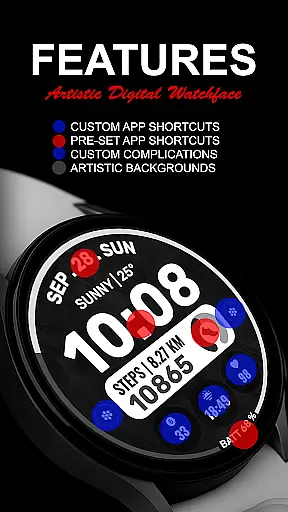
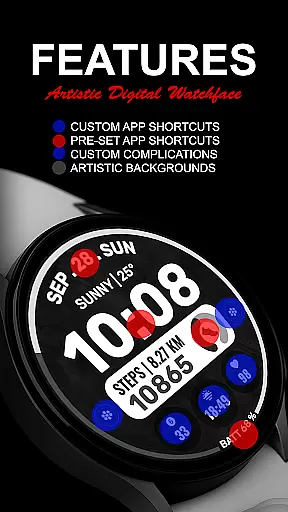
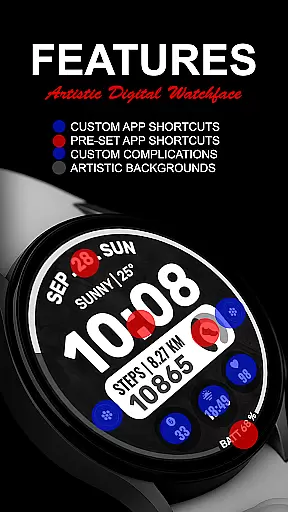
With pre-set app shortcuts for Alarm, Calendar, Battery, and Steps, as well as options for two custom app shortcuts and three custom complications, Data Dash allows users to tailor their watch face to display the information most relevant to them. Users can customize the complications with data such as date, weather, steps, world clock, sunset/sunrise times, next appointments, and distance walked, enhancing their wearable experience.
This versatile watch face is ideal for those who want both aesthetics and functionality on their smartwatch, providing a personalized and seamless user experience directly from their wrist.
Data Dash stands out with its artistic digital clock that adds a touch of elegance to any Wear OS device. The pre-set app shortcuts for essential functions like Alarm, Calendar, Battery, and Steps ensure quick access to frequently used features without cluttering the interface.
One of the key highlights is the ability to customize up to two additional app shortcuts and three complications, allowing users to display data such as date, weather, steps, world clock, and more. This customization capability means each user can create a unique watch face that suits their lifestyle and preferences.
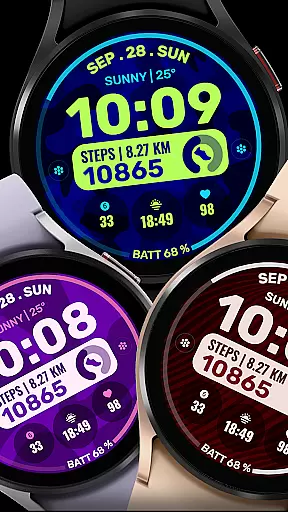
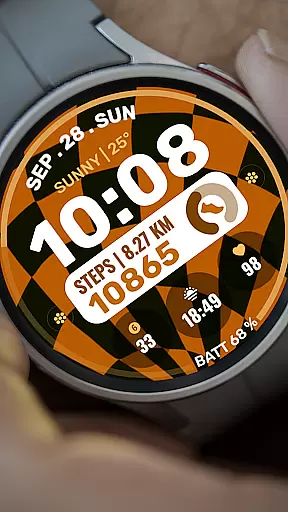
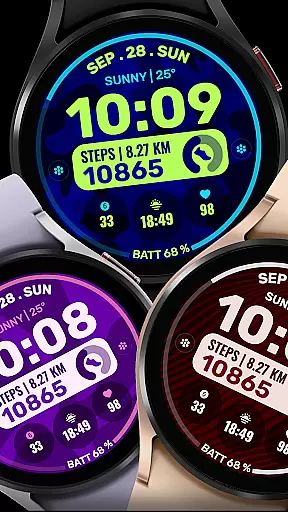
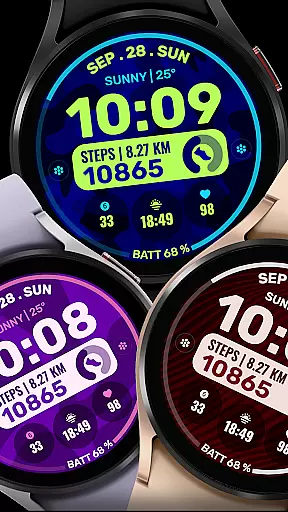
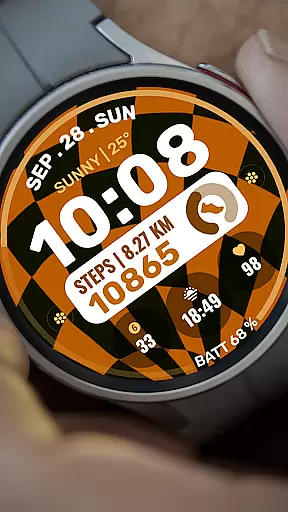
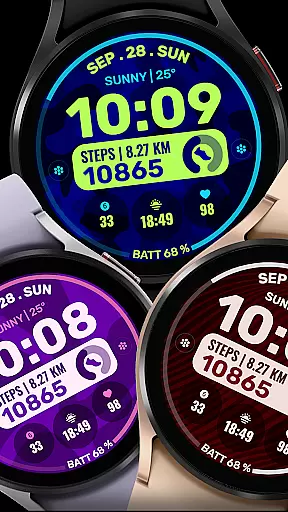
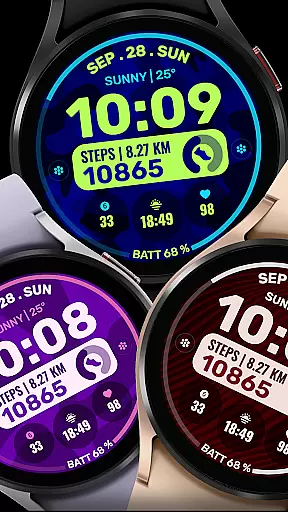
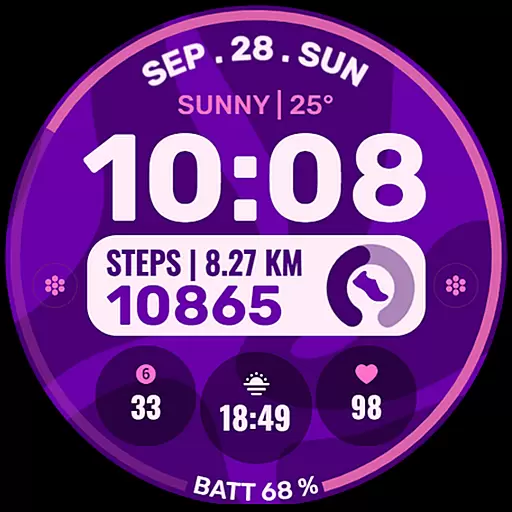
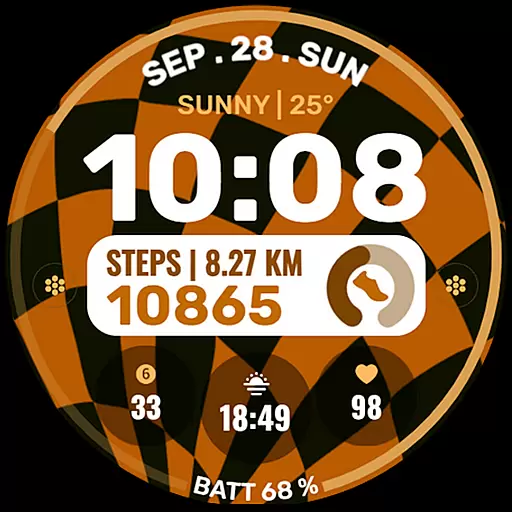
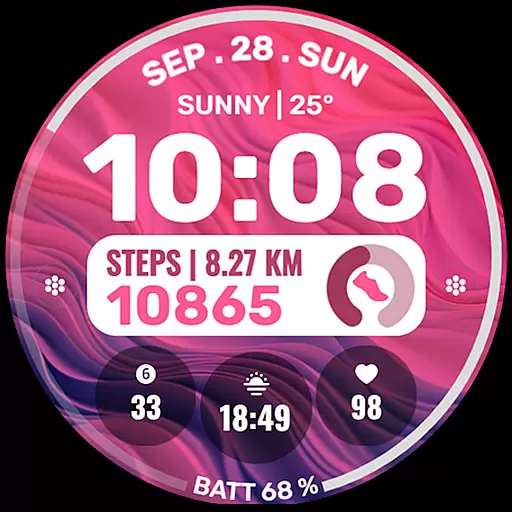
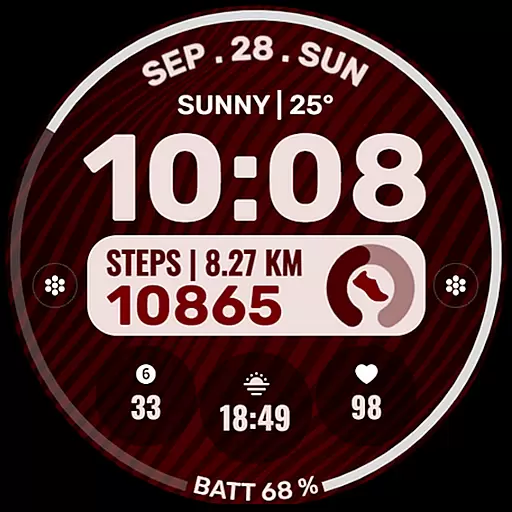
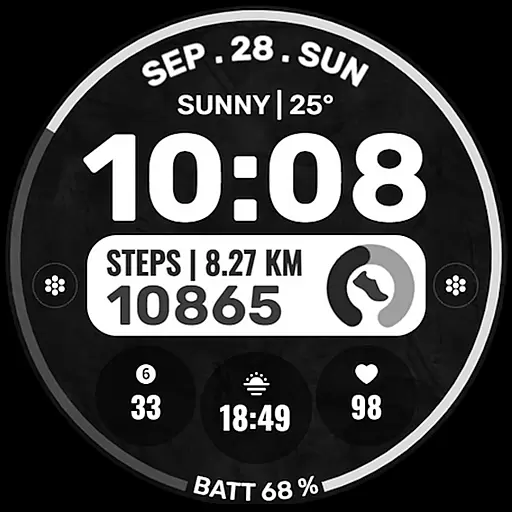
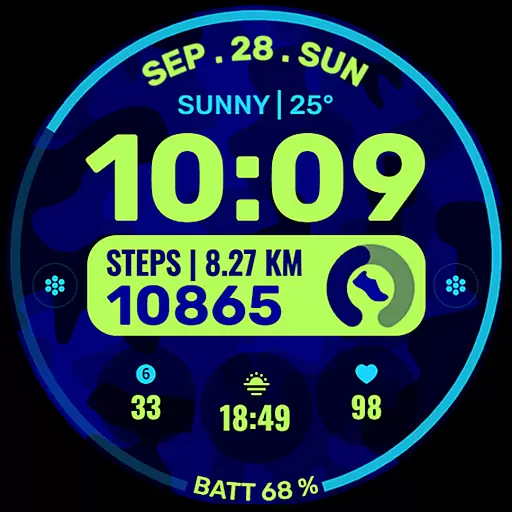
Additionally, Data Dash offers custom background and color themes, giving users further control over the appearance of their watch face. Whether you prefer a minimalist look or something more vibrant, this watch face adapts to your personal style while maintaining optimal functionality.
Companion app integration is essential for a seamless wearable experience. Data Dash ensures that users can easily sync and customize their watch faces directly from their mobile devices.
The watch face editor in the Samsung Wearable app allows users to modify settings, although occasional syncing issues may occur with complex designs. As a workaround, direct customization on the watch itself is recommended until these technical challenges are resolved by Samsung.
This application supports all Wear OS devices running API Level 34+ or Wear OS 4 and later versions, ensuring broad compatibility across different devices. Users can access various features through this integration, including pre-set app shortcuts and customizable complications.
By maintaining proper email synchronization between the phone and watch, users can enjoy uninterrupted functionality. The companion app also provides notifications about successful watch face transfers, making the installation process more transparent and user-friendly.
Device compatibility is crucial when selecting a Wear OS watch face. Data Dash has been optimized to work with all Wear OS devices running API Level 34+ or Wear OS 4 and later versions, ensuring maximum accessibility.
While some advanced features might not be available on every device, core functionalities such as artistic digital clock displays and customizable complications remain consistent across supported platforms. This guarantees that users can enjoy a personalized experience regardless of their specific Wear OS device.
To facilitate easy installation, the watch face automatically transfers to compatible devices after purchase. Users simply need to wait a few minutes for the transfer notification, which confirms successful installation.
For devices experiencing transfer issues, searching for 'Data Dash' in the Play Store directly on the watch provides an alternative installation method. This dual approach to installation enhances overall device compatibility and user convenience.
Highly Customizable
Artistic Design
Wide Compatibility
User-Friendly Interface
Comprehensive Features
Complex Setup Process
Limited Initial Features
Potential Sync Issues
Third-Party Complications Required
Refund Policy Limitations

Wear Os Watch Face - Animated Snow Effect & Christmas Lights
 4.1
4.1
MyNISSAN® lets you remotely control your car from your phone.*
4.50
A heartwarming Christmas scene featuring a cute image of Santa and Rudolf
4.0
Digital watch face with big numbers and many customization for Wear OS devices
4.40
Stylish digital watch face for Wear OS devices with customizable features
4.5
Structured watch face with seven complications and modular UI elements
3.90
Locate your family members by GPS phone location tracker everywhere and anytime
4.30
The most customizable hybrid watch face. For Wear OS 5.0, API 34+ and later
4.70
Daily Weather forecast with 15 weather images for Day & Night plus Big Bold time
4.10
Christmas Theme Watch Face for Wear Os
5.00
Hyperlocal rain alerts by MyRadar using patent-pending technology, radar & more
4.80
A modern premium sporty hybrid watch face for Wear OS by Ballozi
4.70
Retro digital watch face with customizable colors and a unique lighting effect
4.60
Embrace the holiday spirit with this magical animated watch face!
4.40
Digital watch face. For Wear OS devices.
4.40
sleep, alarm, snoring, stress, healing, focus, sound therapy, circadian rhythm
4.10
Viewer for Wyze/Yi/Eufy/Arlo/ONVIF/RTSP/P2P IP cams w/ adv. features & DIY DVR
4.00
Authentic military-tactical design with ZULU time! Realistic and functional!
3.80
Christmas is near, let's count together the days left until Santa comes
4.3



User Reviews