
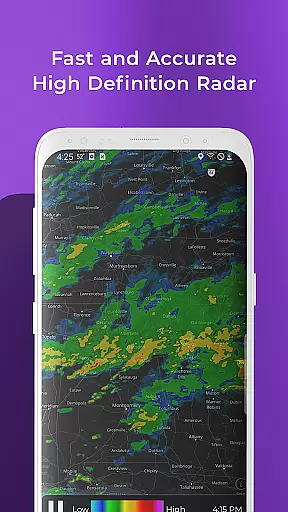
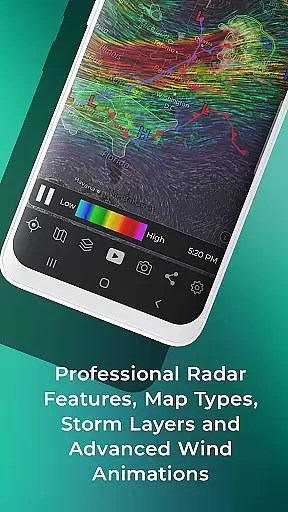
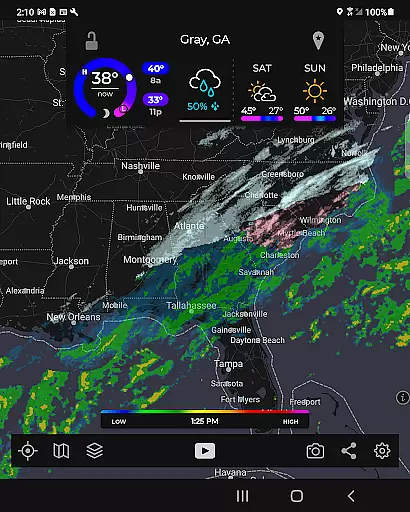
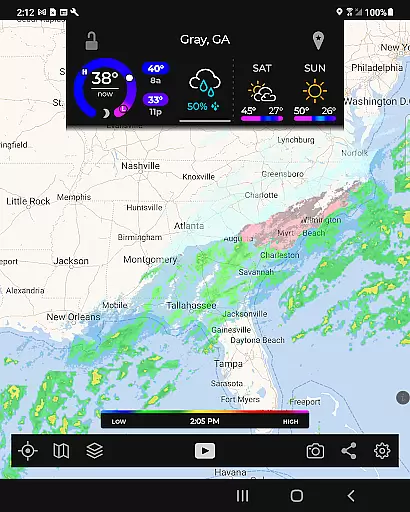
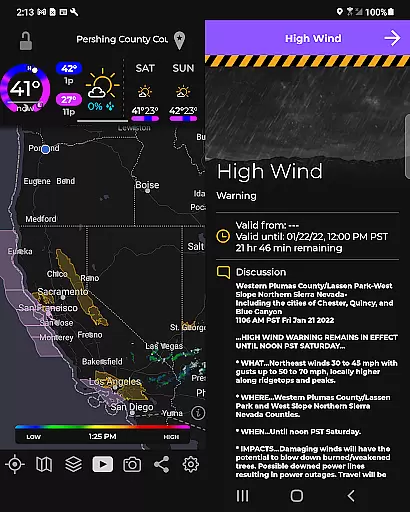
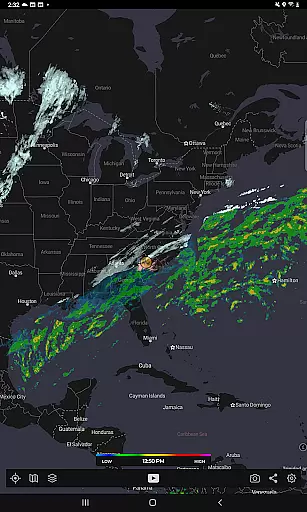
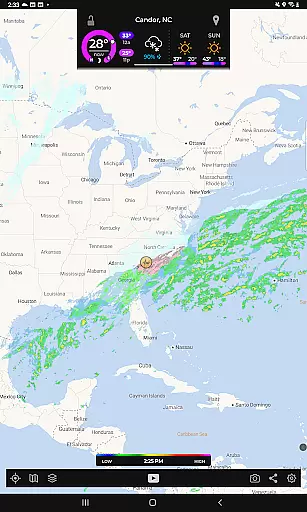
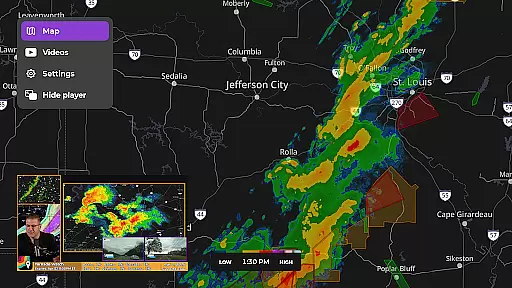
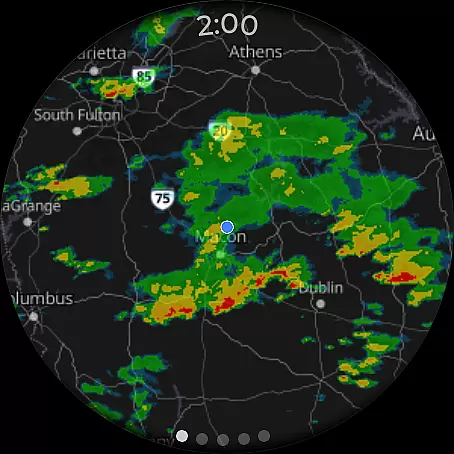
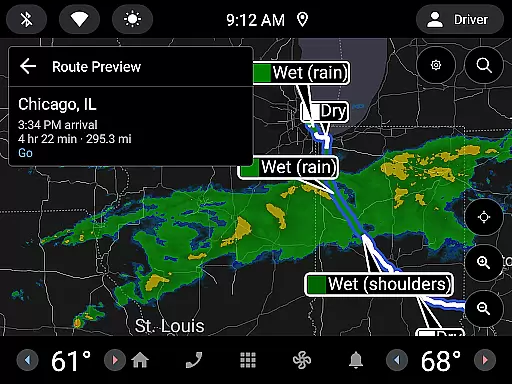
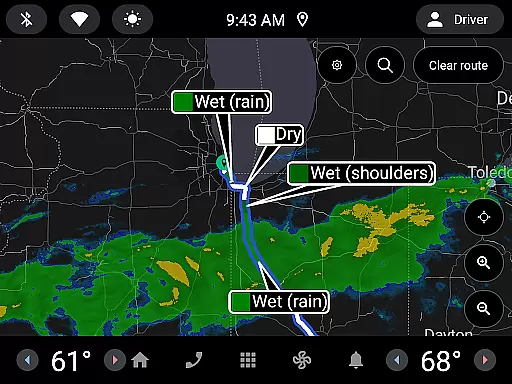
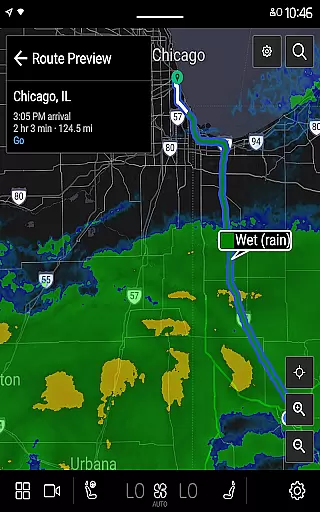
MyRadar Weather Radar is a powerful weather application designed specifically for Android Wear devices, providing users with instant access to crucial weather information directly from their smartwatch. The app's core functionality revolves around its animated live radar feature, which displays real-time weather conditions around the user's current location. This allows you to quickly assess approaching weather patterns and make informed decisions about your day. In addition to basic radar, MyRadar offers an array of advanced environmental data layers such as wind animations, earthquake updates, hurricane tracking, and wildfire alerts, making it an indispensable tool for staying ahead of severe weather events.
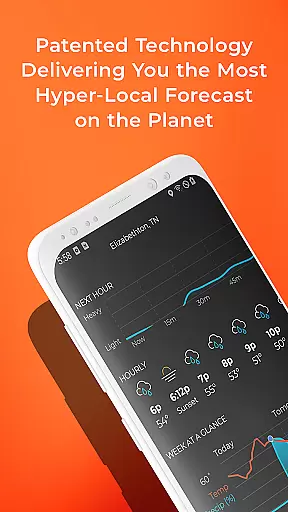
What sets MyRadar apart is its ability to deliver hyper-local rain alerts with industry-leading accuracy. These alerts notify you up to an hour in advance when rain is expected at your exact location, including minute-by-minute details on intensity and duration. Designed for both casual users and weather enthusiasts, the app also supports premium upgrades that unlock detailed radar data and real-time hurricane tracking. With its sleek custom mapping system optimized for performance, MyRadar ensures smooth zooming and panning across global weather maps right from your wrist.
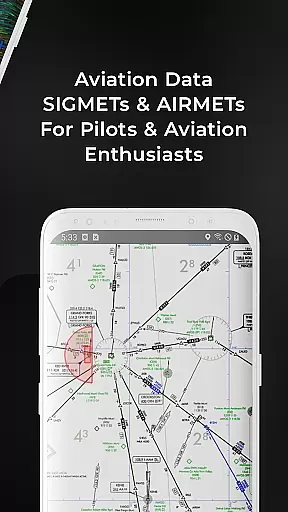
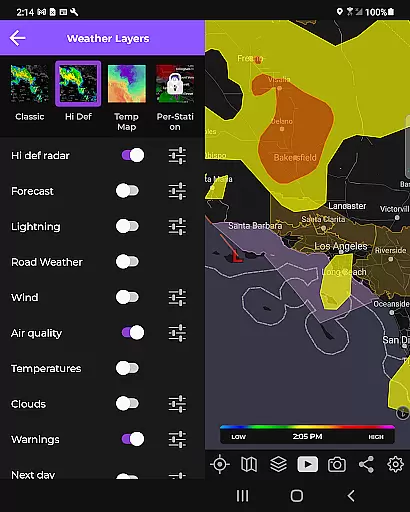
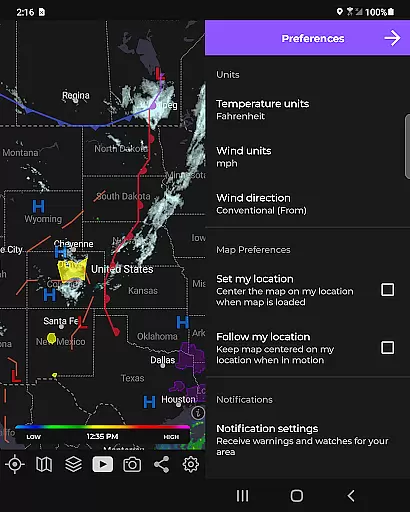
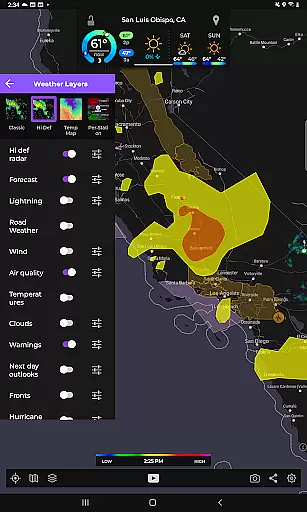
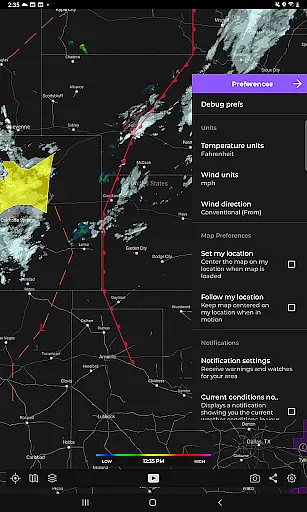
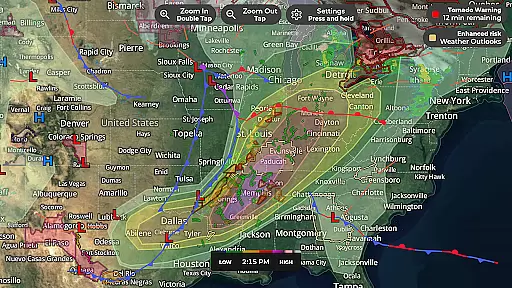
MyRadar stands out due to its comprehensive suite of features tailored for both everyday use and advanced weather monitoring. One of its most notable capabilities is the overlay of various environmental data layers onto interactive maps. For instance, the animated winds layer provides stunning visuals of surface and jetstream-level winds, while the frontal boundaries layer highlights high and low-pressure systems. Additionally, specialized overlays like earthquake activity, hurricane tracking, aviation data, and wildfire updates offer users a complete picture of environmental conditions worldwide.
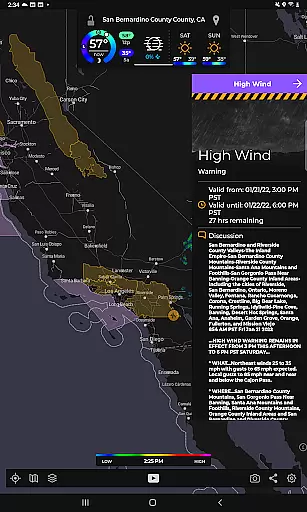
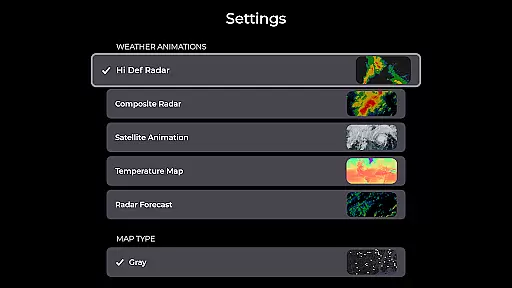
The app also incorporates patent-pending technology for advanced rain prediction, offering unparalleled accuracy in forecasting rainfall at hyper-local levels. Users can configure custom alerts not only for rain but also for significant weather events such as tornadoes or hurricanes through integrations with agencies like the National Weather Center. Another key feature is the professional radar pack available via premium subscription, which allows users to view highly detailed radar products from individual stations, including base reflectivity and wind velocity. Combined with support for Wear OS devices, MyRadar ensures that critical weather updates are always accessible, whether on your phone or smartwatch.
Companion app integration is essential for wearable devices to function seamlessly with their smartphone counterparts. MyRadar Weather Radar excels in this area by offering a Wear OS app that complements its mobile version.
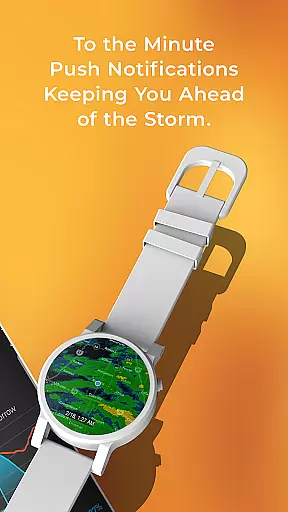
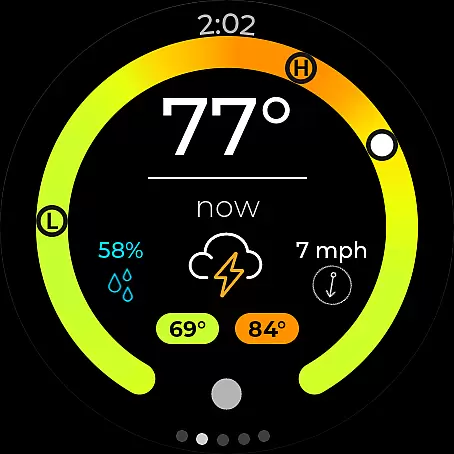
The Wear OS app provides users with quick access to radar and current conditions directly from their smartwatch. This feature ensures that even when your phone isn't readily accessible, you can still stay informed about the weather.
By maintaining consistent functionality between the mobile and Wear OS versions, MyRadar allows users to receive timely weather updates without interruption. This synchronization means you won't miss important alerts or changes in weather conditions.
Overall, MyRadar's companion app integration enhances user convenience by extending critical weather information to multiple devices, ensuring you're always prepared regardless of where you are or what you're doing.
Device compatibility is crucial for ensuring that applications like MyRadar Weather Radar work effectively across various platforms. MyRadar addresses this need by providing support for Wear OS devices, making it versatile and widely accessible.
The application is designed to be compatible with a range of Wear OS smartwatches, allowing users to take advantage of its features without worrying about device limitations. This broad compatibility ensures that more users can benefit from having weather information at their fingertips.
MyRadar's optimization for Wear OS guarantees smooth performance and reliable data display on smaller screens. Users can expect the same level of accuracy and detail they experience on their smartphones, adapted for optimal viewing on their smartwatches.
With robust Wear OS/device compatibility, MyRadar delivers an uninterrupted weather monitoring experience, empowering users to make informed decisions based on real-time updates no matter which device they use.
Fast and responsive
Accurate rain alerts
Wide range of data layers
Optimized for Wear OS
Real-time hurricane tracking
Premium features costly
Some data requires internet
Interface may overwhelm beginners
Limited offline functionality
Advanced tools need learning curve

"PER27 Galaxy Digital" is a digital Wear OS watch face designed by PERSONA
 4.10
4.10
Christmas and New Year - Themed Watchface
4.3
Kia Access makes getting your vehicle information easier than ever
4.60
sleep, alarm, snoring, stress, healing, focus, sound therapy, circadian rhythm
4.10
The ultimate destination for kids ages 3-8 to explore the Marvel Universe!
4.30
Get helpful reminders, take progress photos and find answers to your questions.
3.90
Professional weather radar and more
3.90
Hybrid Vibrant Health Watch Face for Wear OS
4.0
Daily Weather forecast with 15 weather images for Day & Night plus Big Bold time
4.10
Walking app for weight loss: walk & step tracker, pedometer, indoor treadmill
4.60
Nutrition, Macro tracker: Food, fitness & healthy diet tracking for weight loss
4.60
To-Do List: daily schedule planner, task organizer, to do reminder app, calendar
4.60
Ideal for surviving in the wasteland left after nuclear fallout
4.50
A white realistic classic analog watch face with many customization options.
4.40
A customizable Christmas watch face for Wear OS with a countdown.
4.20
Snowflake Rose Gold Watch Face - Digital, modern, & sleek with GYRO effect.
4.10
Authentic military-tactical design with ZULU time! Realistic and functional!
3.80
A heartwarming Christmas scene featuring a cute image of Santa and Rudolf
4.1
Stylish digital watch face for Wear OS devices with customizable features
4.4




User Reviews