
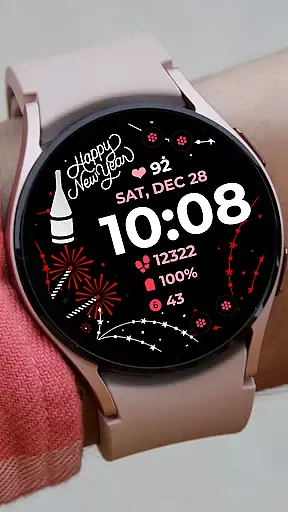
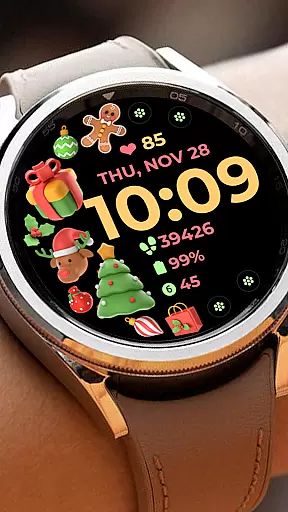
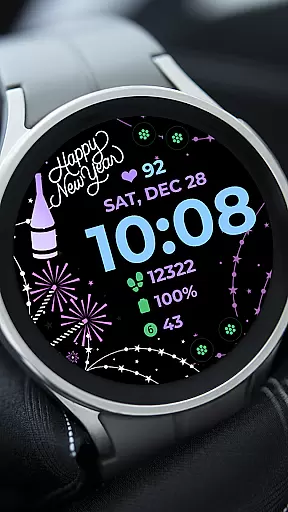
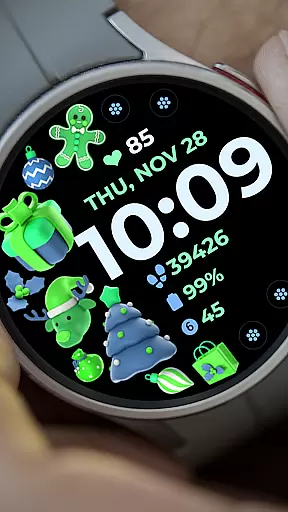
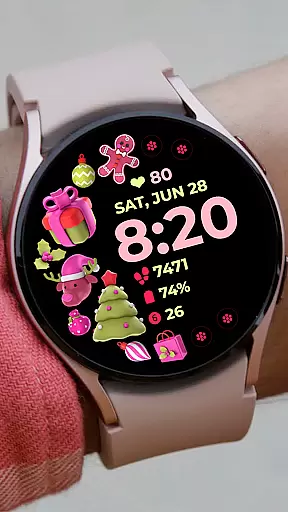
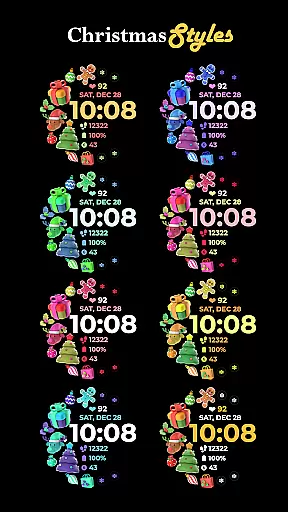
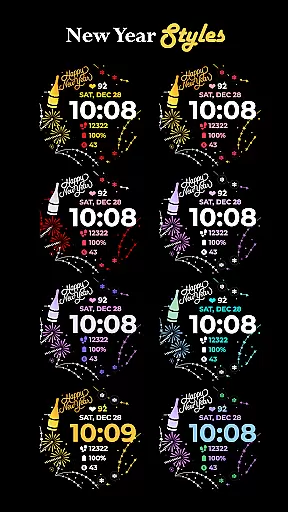
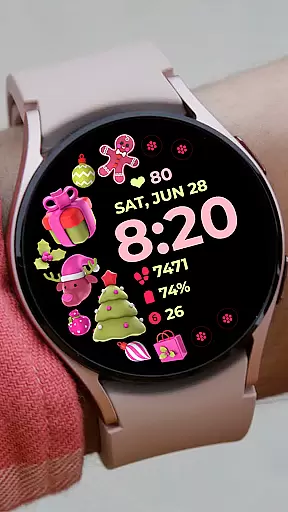
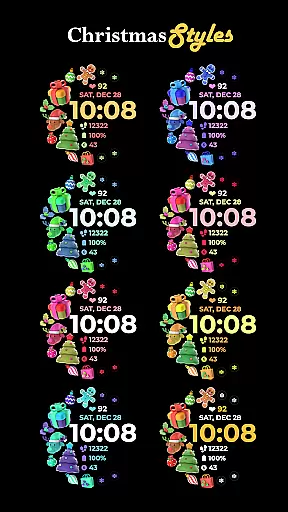
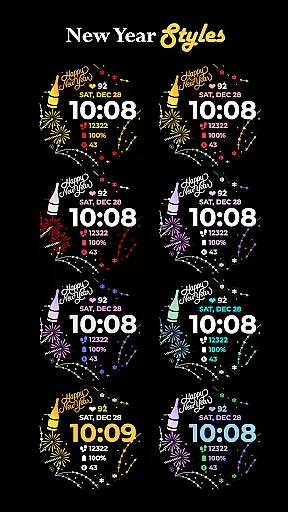
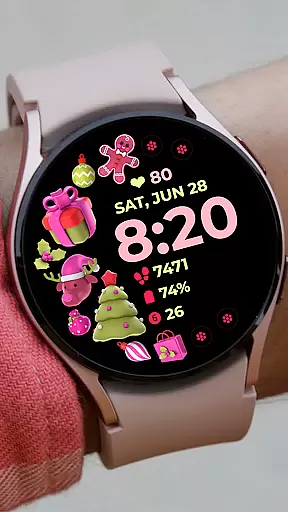
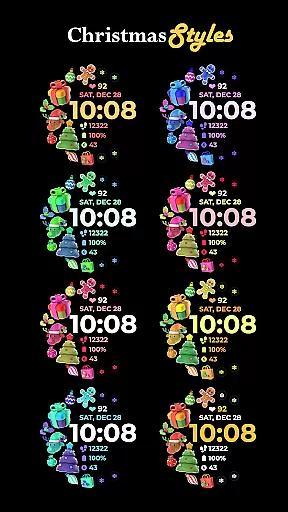
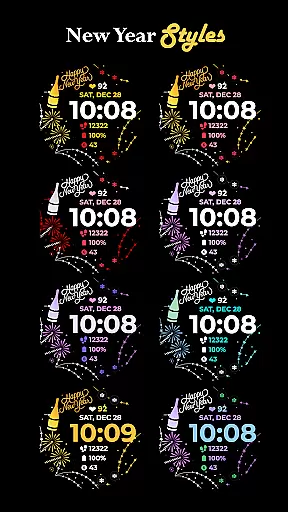
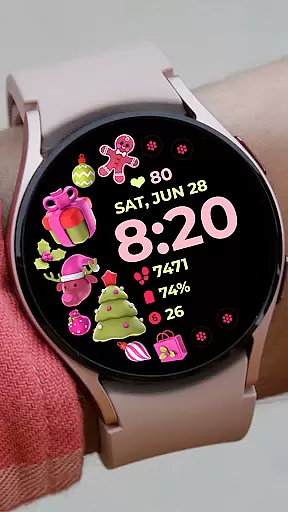
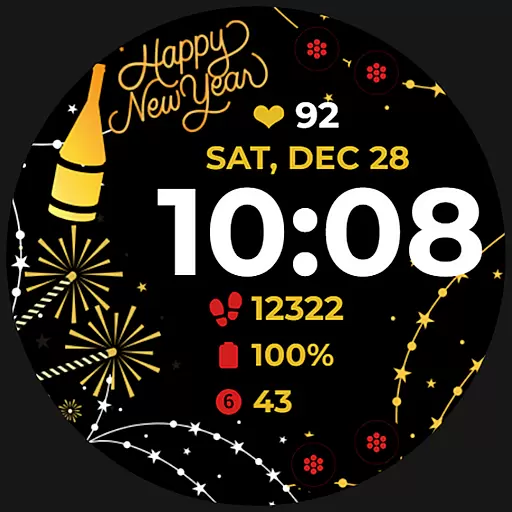
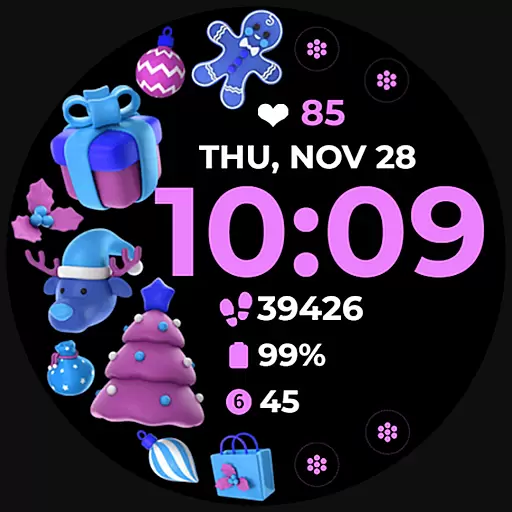
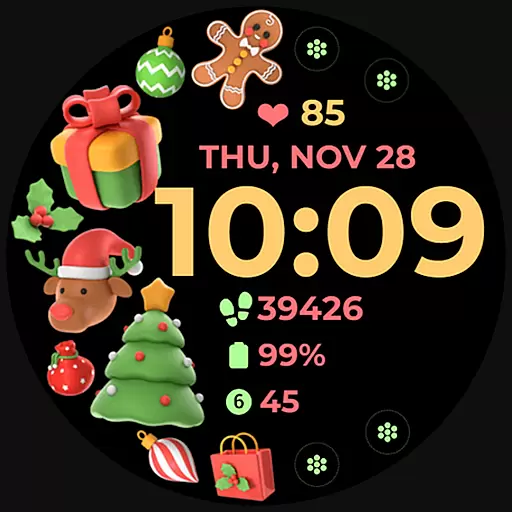
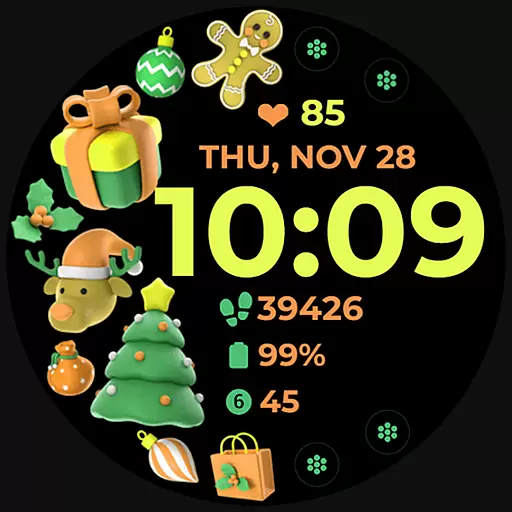
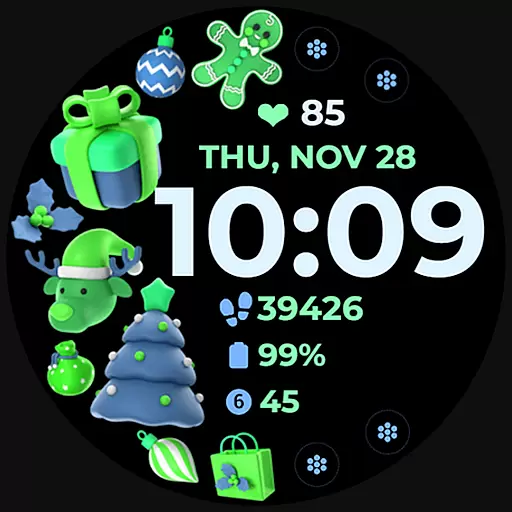
Holiday Art is a feature-rich watch face app designed specifically for Wear OS devices like Samsung Galaxy Watch 4. Developed using Samsung's "Watch Face Studio" tool, this customizable watch face offers users a personalized timekeeping experience with its digital clock, date display, and always-on functionality.
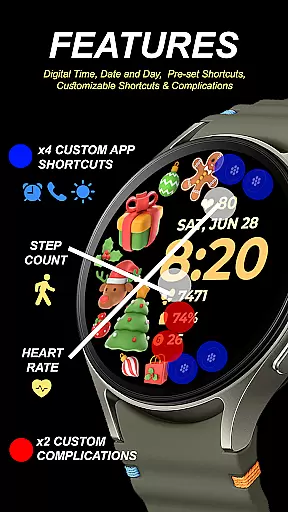
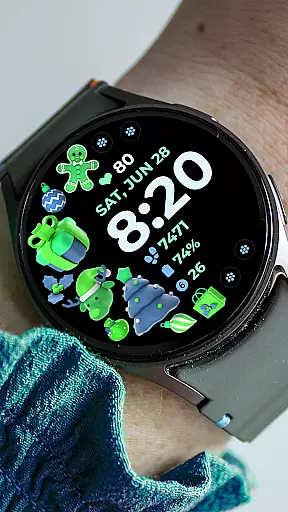
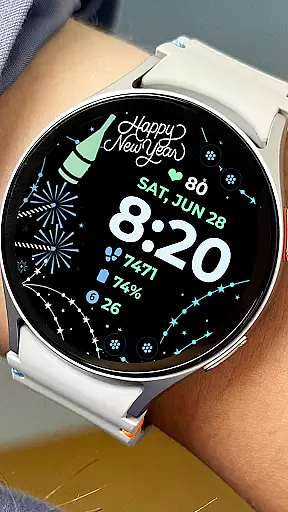
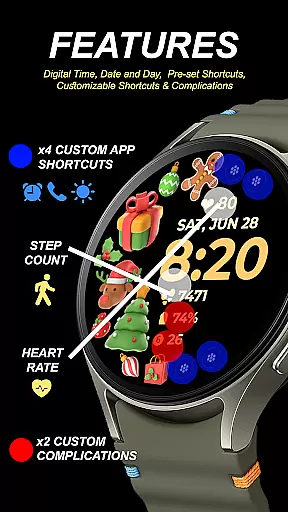
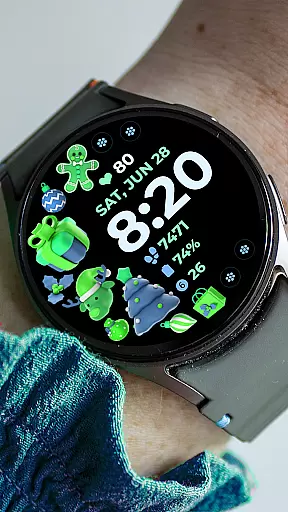
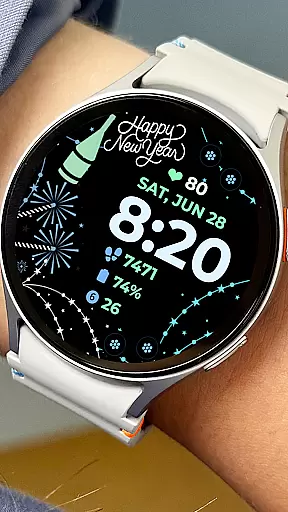
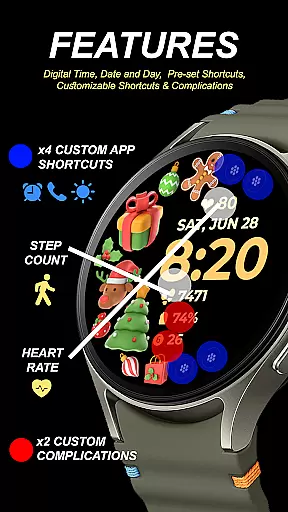
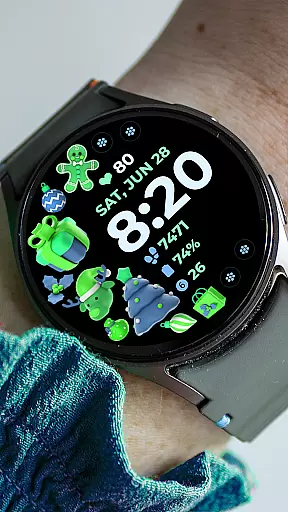
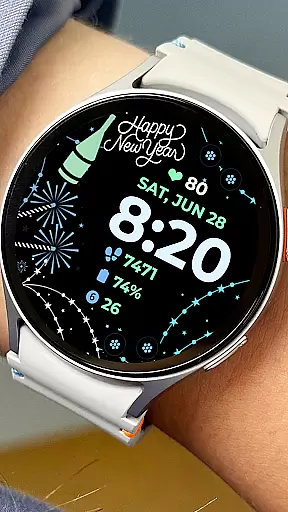
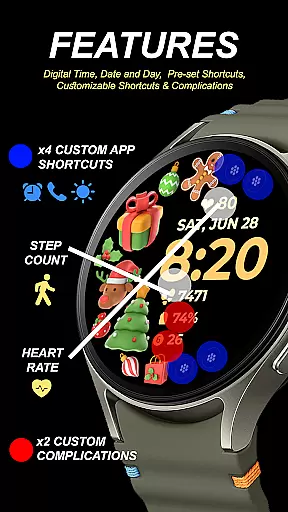
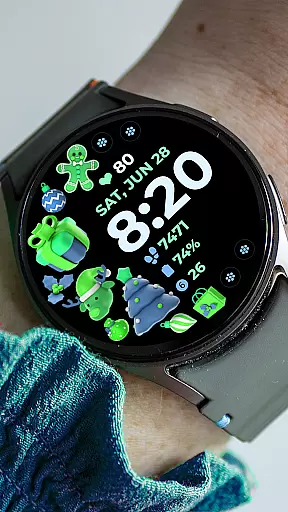
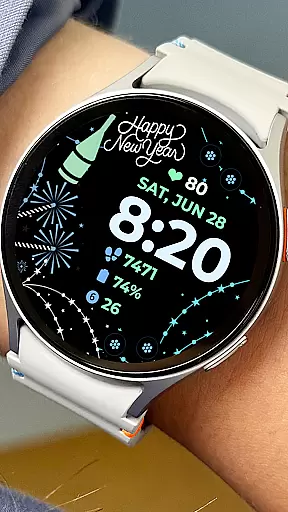
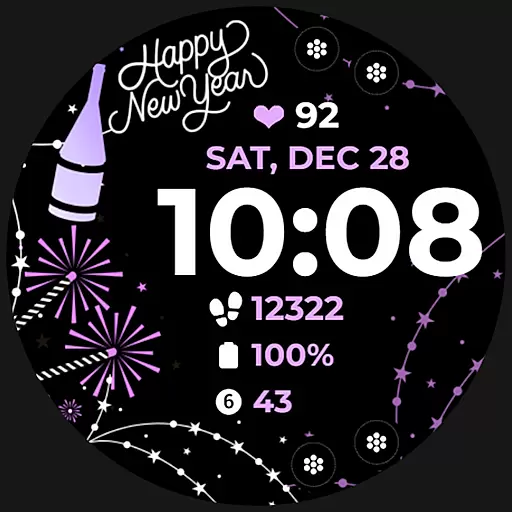
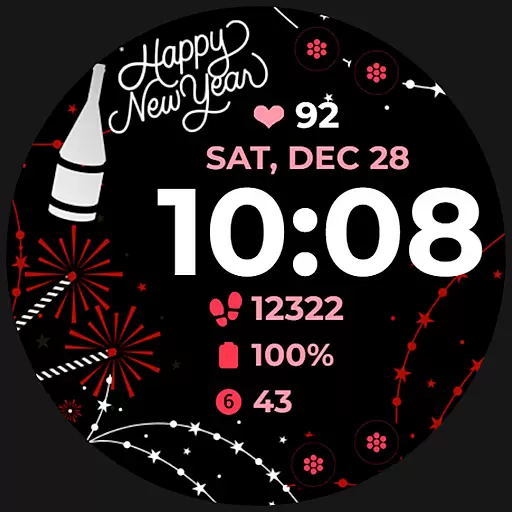
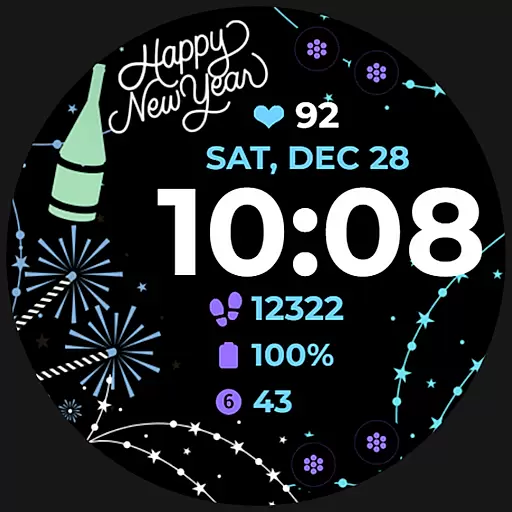
The app stands out with its extensive customization options including preset app shortcuts, customizable app shortcuts and complications, as well as changeable styles and color palettes. These features allow users to tailor their smartwatch interface to match their personal preferences and needs. Whether you want quick access to frequently used apps or desire a unique aesthetic, Holiday Art delivers both form and function.
Perfect for tech-savvy individuals who value both style and utility in their wearable devices, this app transforms your smartwatch into a personalized accessory that goes beyond just telling time.
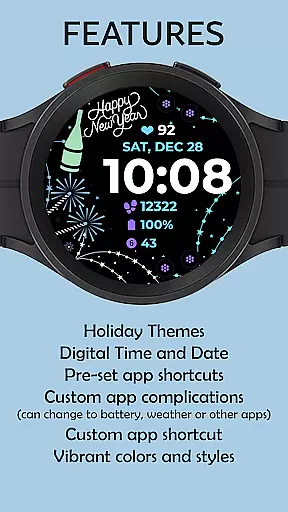
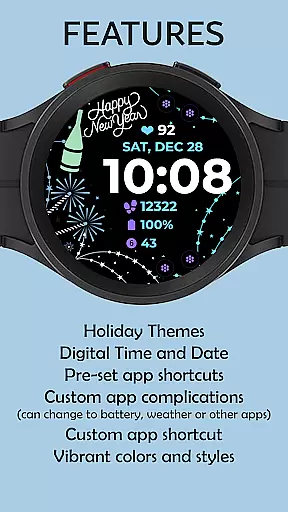
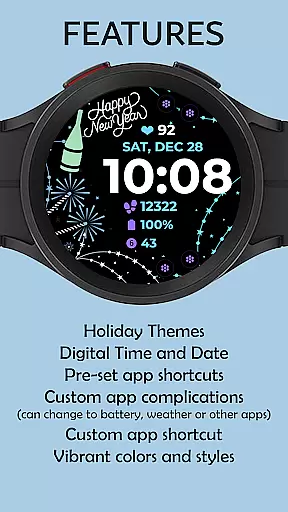
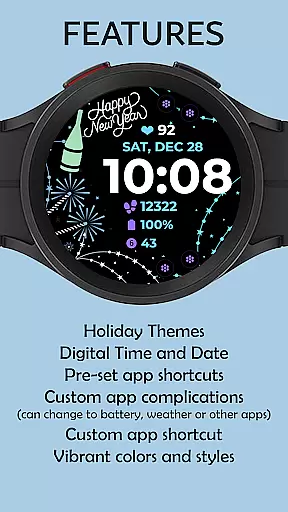
Holiday Art distinguishes itself through its comprehensive feature set tailored for smartwatch users. The app provides essential timekeeping functions such as a digital clock, date and day display, along with an Always-On Display (AOD) mode that ensures important information remains visible at all times.
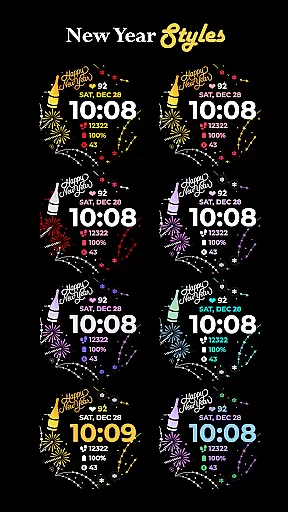
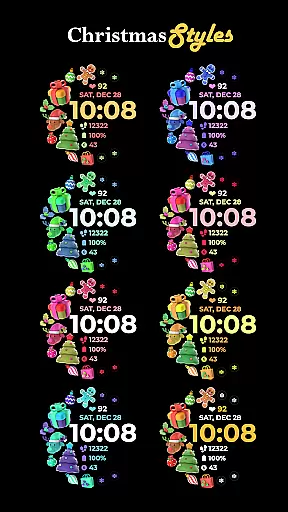
One of the standout characteristics is its robust customization capabilities. Users can personalize their watch faces with preset app shortcuts for quick access to favorite applications. Additionally, the app supports fully customizable app shortcuts and complications, allowing users to create a truly unique interface. The ability to modify styles and color palettes further enhances this personalization, enabling users to match their watch face with their wardrobe or mood.
These features collectively offer a versatile and user-centric experience, making Holiday Art more than just a watch face - it's a personal statement on your wrist. The combination of practical functionality and aesthetic customization sets this app apart in the Android Wear category.
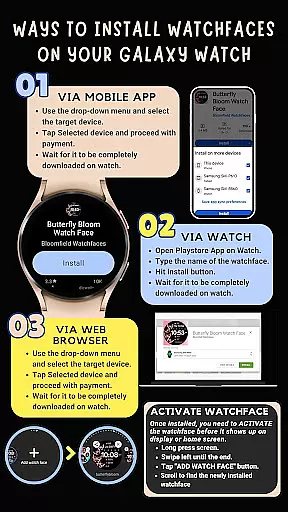
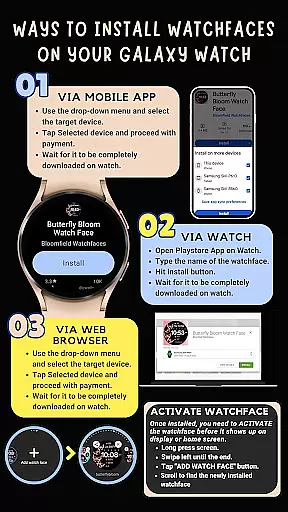
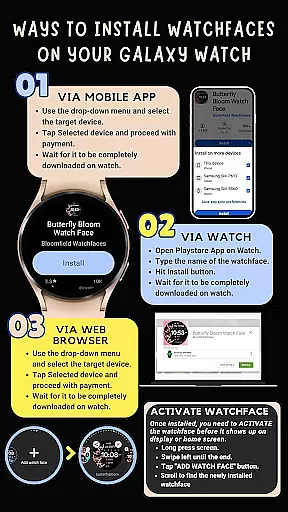
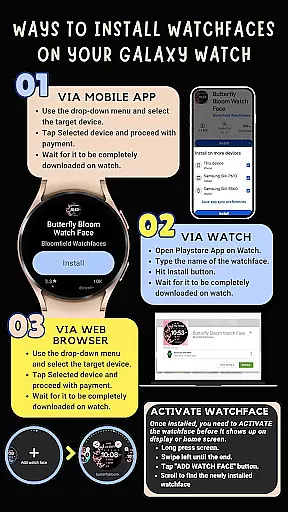
Companion app integration is essential for Android Wear applications as it ensures seamless synchronization between the watch and paired mobile device. Holiday Art achieves this by providing clear installation instructions and ensuring all features work harmoniously across devices.
The app requires users to connect their watch and phone using the same Wi-Fi network while also logging into their Google account on the watch. This setup guarantees that the watch face transfers correctly and functions as intended, offering a smooth user experience.
By enabling permissions through the companion app, users can access all features such as digital clock, date, day, always-on display, and customizable app shortcuts. These permissions ensure that the watch face operates without limitations, enhancing usability.
With proper installation and enabled permissions, users benefit from a fully integrated system where changes made on one device reflect on the other. This cohesion allows for effortless management of the watch face settings and personalization options directly from the companion app.
Compatibility with Wear OS and various devices is crucial for apps like Holiday Art. This watch face has been thoroughly tested on Galaxy Watch 4 and is approved by the Google Play Store, ensuring high standards of performance and reliability.
Holiday Art supports features such as digital clock, date, day, always-on display, preset app shortcuts, and customizable complications. However, it's important to note that some features may not be available on all watches due to hardware or software differences.
Developed using Samsung's 'Watch Face Studio' tool, this app caters specifically to devices running on the new Wear OS Google/One UI Samsung operating system. Users can expect optimized performance and compatibility with supported devices.
For those experiencing issues, Holiday Art provides extensive support including email assistance, detailed feature graphics, and video tutorials. This comprehensive approach ensures that users achieve the best possible experience regardless of their specific device model.
User-friendly interface
Extensive customization
Always-On Display
Quick app access
Stylish design options
Complex installation
Limited device support
Premium price point
WiFi dependency
Learning curve

Watch the sharpness of the sky on your wrist..
 3.70
3.70
MyNISSAN® lets you remotely control your car from your phone.*
4.50
A heartwarming Christmas scene featuring a cute image of Santa and Rudolf
4.4
Artistic Digital Watchface
4.5
Connect to your Bluelink equipped Hyundai vehicle from your smartphone.
4.50
Period, ovulation & pregnancy tracker. Fertility insights & menstrual calendar.
4.90
Minimalistic design modern digital watch face.
4.4
Retro digital watch face with customizable colors and a unique lighting effect
4.60
Toyota app currently supports 2010 or newer vehicles (2018 or newer for Hawaii).
4.50
Christmas - Festive - Christmas Village - Winter - Christmas lights
5.00
Gym Log & Workout Tracker | Fitness Journal, Training & Weight Lifting Planner
4.90
Hyperlocal rain alerts by MyRadar using patent-pending technology, radar & more
4.80
Real-time weather radar with temperatures, warnings, hurricanes, and widgets
4.80
Hybrid watch face for Wear OS with customizable complications by Matteo Dini MD
4.70
Nutrition, Macro tracker: Food, fitness & healthy diet tracking for weight loss
4.60
Premium hybrid watch face with many customizations for Wear OS devices.
4.40
Animated Watch Face and Customizable with 24 Backgrounds. Perfect for Christmas!
3.90
Want to take charge of your health? Let Google Fit help you reach your goals.
3.50
Sleek, highly customizable watch face inspired by Galaxy Watch Circle Dashboard.
4.5



User Reviews