
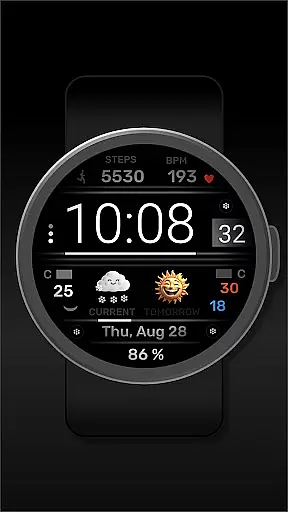
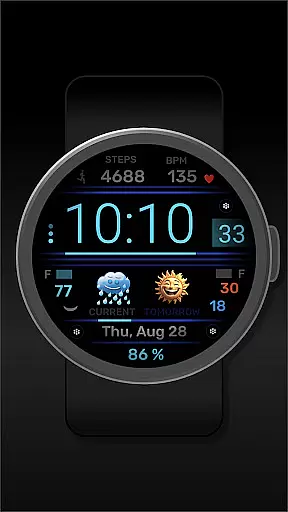
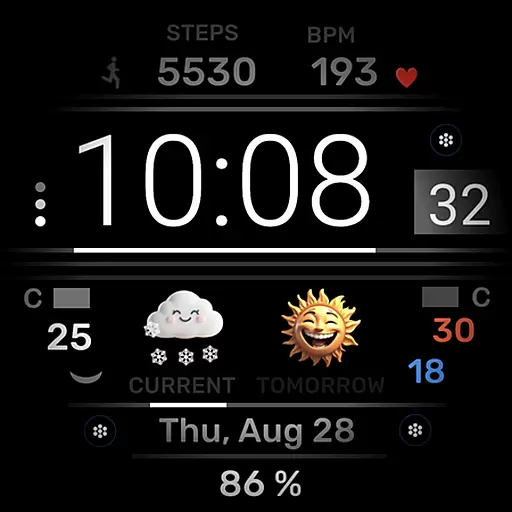
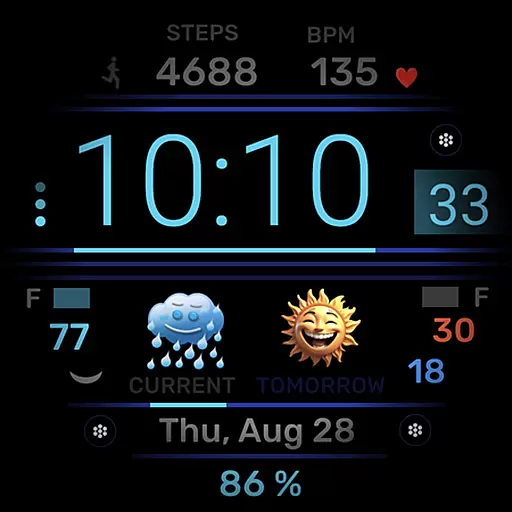
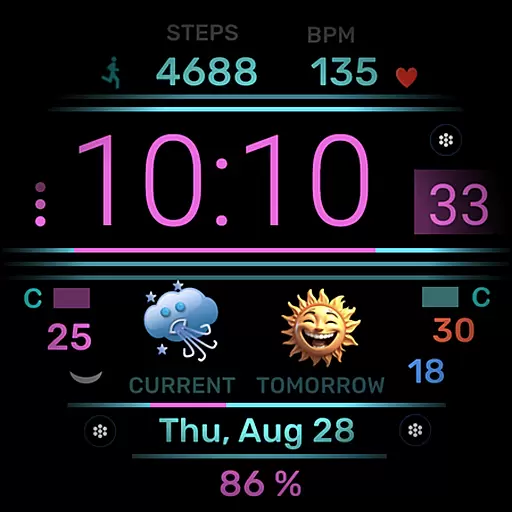
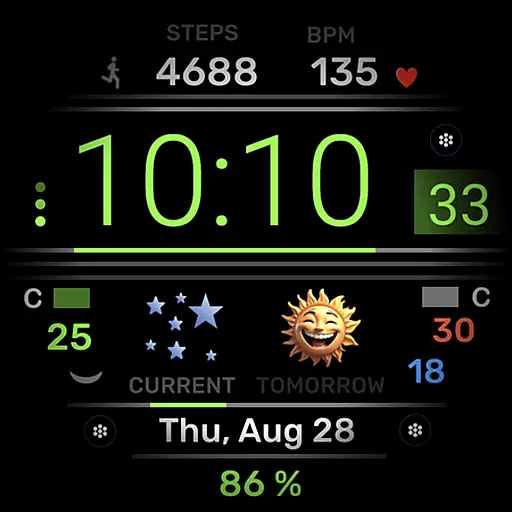
h702 Minicreator is a feature-rich watch face designed specifically for Wear OS devices. This application not only displays essential information such as time, date, heart rate, and step count but also provides users with weather forecasts to help them stay prepared throughout the day. The ability to customize the color scheme allows for personalization according to individual preferences. Additionally, three direct app launchers are conveniently placed on the interface, providing quick access to frequently used applications.
This watch face is ideal for users who value both functionality and aesthetics in their wearable technology. Whether you're monitoring your fitness goals or staying informed about the weather, h702 Minicreator ensures that all necessary data is readily accessible at a glance. Its intuitive design enhances user experience by combining practicality with style.
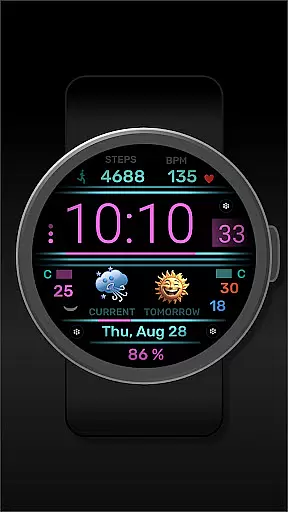
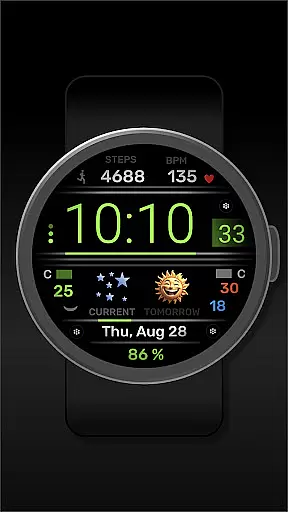
One of the standout features of h702 Minicreator is its comprehensive display options. Users can view their current heart rate, daily step count, and receive updates on upcoming weather conditions directly from their wrist. The inclusion of customizable color schemes means that each user can tailor the appearance of their watch face to match their personal style or mood.
Furthermore, the integration of three direct app launchers streamlines the process of accessing commonly used apps without needing to navigate through multiple menus. This efficiency is particularly beneficial during workouts or when multitasking. Overall, these features work together to create a seamless and engaging user experience that prioritizes convenience and customization.
Companion app integration is essential for a seamless smartwatch experience. The h702 Minicreator watch face ensures that all your vital information is synchronized between your Wear OS device and smartphone effortlessly.
This application provides real-time updates of time, date, heart rate, steps, and weather forecast directly to your wrist. By maintaining an active connection with your mobile device, it guarantees that the displayed data is always current and accurate.
Users benefit from three direct app launchers on the watch face, allowing instant access to frequently used applications. This feature enhances convenience by reducing the need to navigate through the phone's interface for basic tasks.
The ability to change the color scheme directly from the companion app adds another layer of personalization. It ensures that your watch face remains visually appealing and matches your style preferences throughout the day.
Ensuring compatibility with various Wear OS devices is crucial for maximizing user accessibility. The h702 Minicreator watch face is designed to work seamlessly across different models, providing a consistent experience regardless of the specific device you own.
This application supports a wide range of functionalities including time, date, heart rate monitoring, step counting, and weather forecasting. Such features are optimized to perform reliably on all compatible Wear OS watches, ensuring that users can depend on their accuracy.
Device compatibility extends to integrating with multiple smartphone platforms, enhancing its utility. Whether paired with an Android or iOS device, h702 maintains its core functionalities without compromising performance.
Additionally, regular updates aim to expand compatibility and introduce new features. This commitment ensures that users will continue to enjoy a cutting-edge experience as more Wear OS devices become available.
User-friendly interface
Customizable color schemes
Comprehensive health tracking
Quick app launching
Accurate weather forecasting
Limited to Wear OS
No advanced analytics
Basic design elements
Requires frequent updates
Higher battery consumption

Precision analog watch face with 7 complications and style options
 4.0
4.0
MyNISSAN® lets you remotely control your car from your phone.*
4.50
Watch face for Wear OS.
4.20
Monitor health with the stress test and pulse checker in the heart rate app.
4.60
To-Do List: daily schedule planner, task organizer, to do reminder app, calendar
4.60
Professional weather radar and more
3.90
Premium hybrid watch face with many customizations for Wear OS devices.
4.40
Fast and smart typing with Emojis, GIFs, and more
4.50
Your local weather forecast, storm tracker, radar maps & live weather news
3.40
A modern premium sporty hybrid watch face for Wear OS by Ballozi
4.70
Kia Access makes getting your vehicle information easier than ever
4.60
Find EV charging stations
4.30
Viewer for Wyze/Yi/Eufy/Arlo/ONVIF/RTSP/P2P IP cams w/ adv. features & DIY DVR
4.00
Watch face designed for Thanksgiving Day. 7 Background Styles included.
3.20
Wear Os Watch Face - Animated Snow Effect & Christmas Lights
4.4
an Analog Watch Face for winter season with freeze winter background for Wear OS
4.3
Sleek, highly customizable watch face inspired by Galaxy Watch Circle Dashboard.
4.2
3 Complications. All shadow on/off. 30 Themes color palette...
4.3
Stylish digital watch face for Wear OS devices with customizable features
4.5



User Reviews