
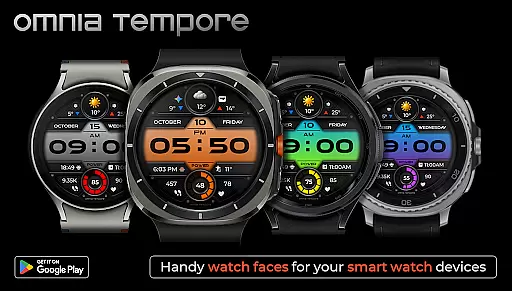
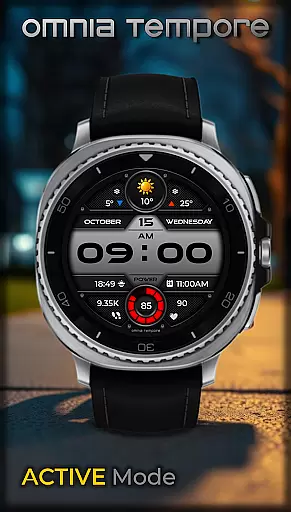
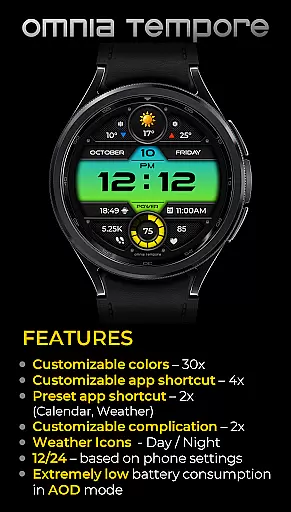
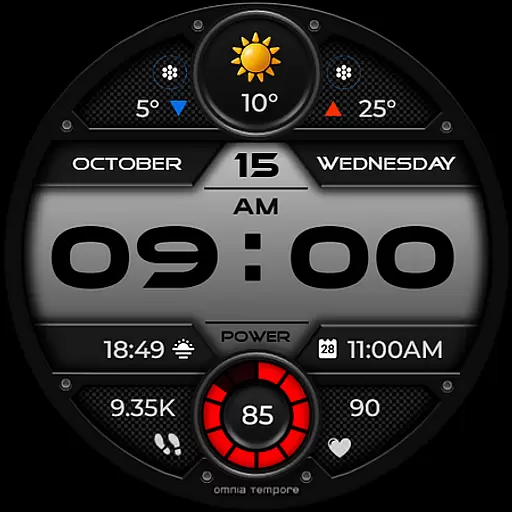
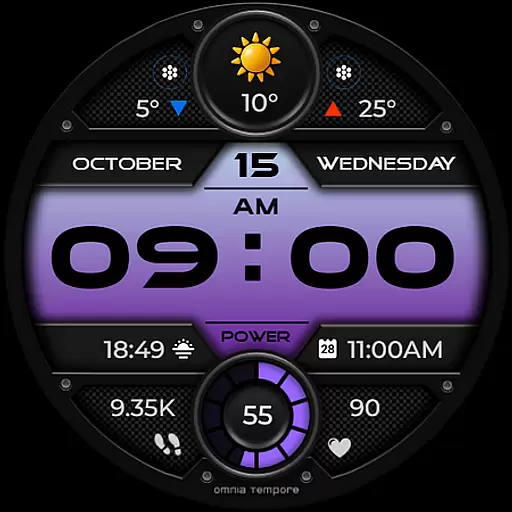
OT is a sophisticated digital watch face designed for Wear OS devices running version 5.0 and above. This application seamlessly blends style with functionality, offering users real-time weather updates, step counting, and heart rate monitoring. The watch face ensures that you remain connected to both your personal wellness and the external environment without any interruptions.
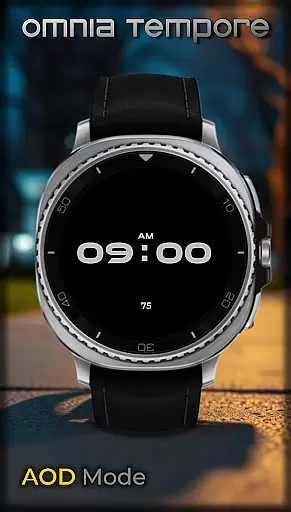
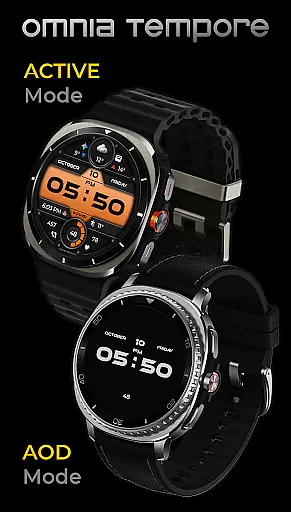
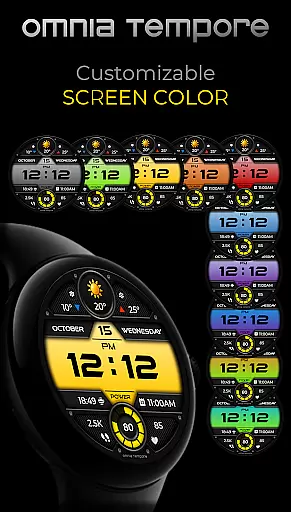
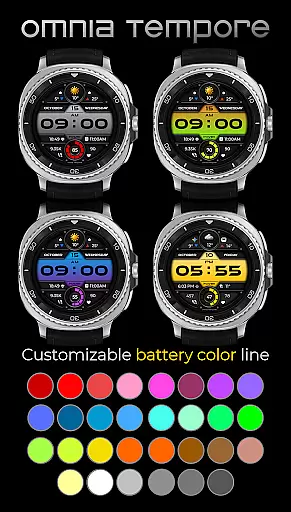
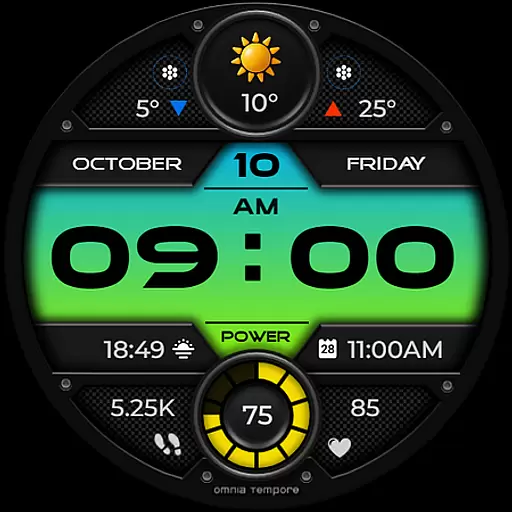
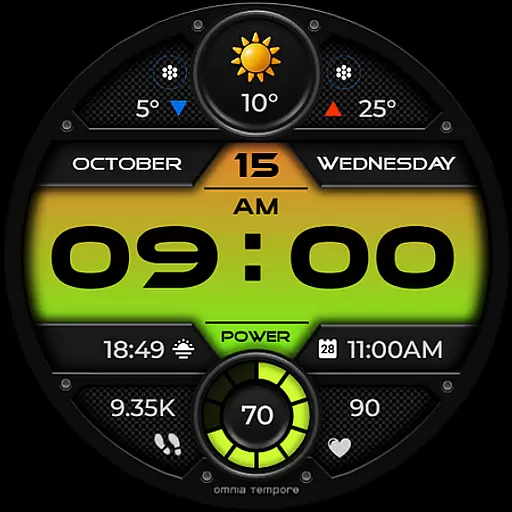
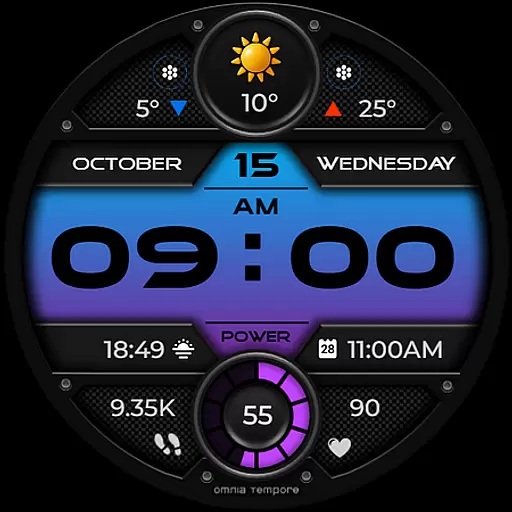
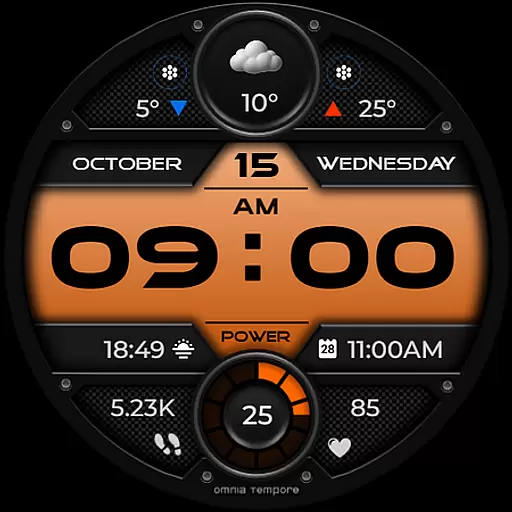
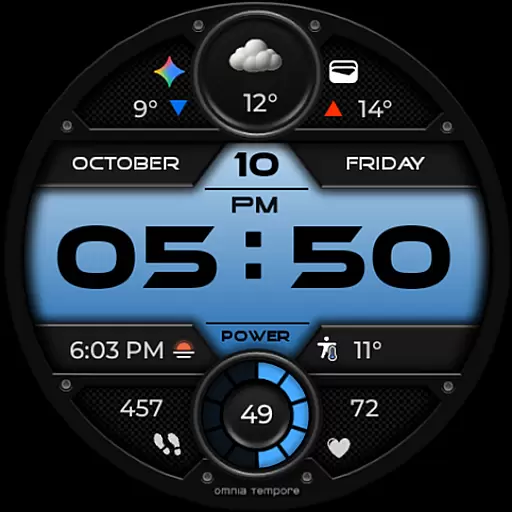
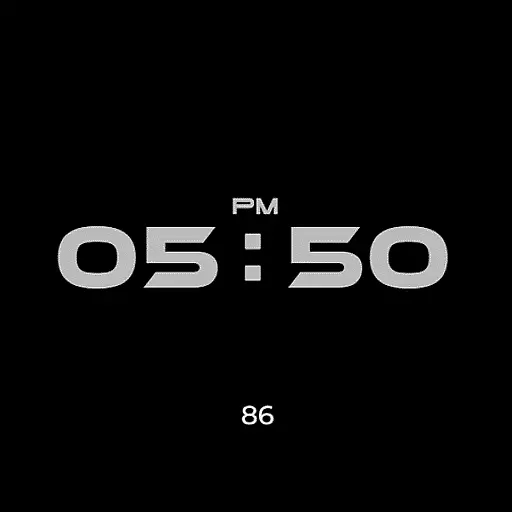
With customizable complications and app shortcuts, OT provides a personalized experience tailored to individual preferences. Users can choose from ten color versions of the display and thirty color options for battery status indication. Additionally, its low power consumption in Always-On Display (AOD) mode makes it an efficient choice for those who demand both form and function in their wearable technology.
OT stands out with its sleek design and smart features tailored for the modern user. The watch face offers real-time weather updates, ensuring you are always prepared for the day ahead. With integrated step counting and heart rate tracking, it supports your fitness journey by keeping you informed about your physical activities and health metrics.
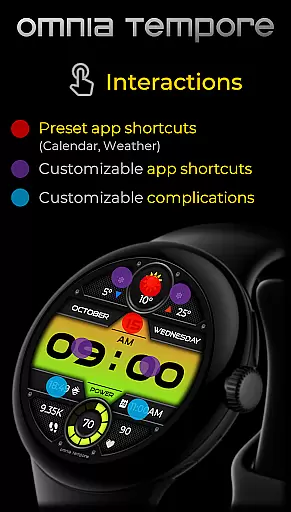
Customization is at the core of OT's functionality. It includes two customizable complications and six app shortcut slots, four of which are visible, allowing quick access to frequently used applications like Calendar and Weather. Furthermore, the availability of multiple color schemes for the display and battery status ensures that your watch face truly reflects your personal style while maintaining optimal performance with minimal power usage in AOD mode.
Companion app integration is essential for a seamless wearable experience. OT ensures that your Wear OS device works in harmony with your smartphone, providing real-time synchronization of important data such as weather updates, calendar events, and health metrics.
This stylish digital watch face offers two preset app shortcuts for Calendar and Weather, making it easy to access vital information at a glance. With four app shortcut slots available, users can customize their experience by launching their favorite tools directly from the watch face.
The ability to stay connected to both your personal and digital worlds without missing a beat is what sets OT apart. By integrating customizable complications, users can prioritize the stats that matter most to them, ensuring they have the right information at the right time.
Compatibility with Wear OS devices is crucial for any app designed for smartwatches. OT is optimized for Wear OS 5.0 and above, ensuring that users can enjoy its features on a wide range of devices with modern specifications.
With support for a variety of Wear OS devices, OT provides a consistent experience whether you're using a fitness tracker, a smartwatch for notifications, or a device for health monitoring. The app's low power consumption in AOD mode also means that it won't drain your battery quickly, offering both style and efficiency.
OT stands out with its modern aesthetic and ten color versions of the display, along with thirty color options for battery status. This level of customization ensures that regardless of the device, users can enjoy clarity, control, and confidence in their everyday lives.
User-friendly interface
Real-time weather updates
Heart rate monitoring
Step counting feature
Low power consumption
Limited to Wear OS
Requires version 5.0+
Some features may drain battery
Premium customization locked
Not all shortcuts visible

Analog watch face with 8 complications and expedition styling
 4.3
4.3
Fitness interactive virtual pet super fighter boy watch face
4.2
Ideal for surviving in the wasteland left after nuclear fallout
4.50
The #1 source of faces for your smartwatch!
4.00
Stay in touch with your friends and family using LINE!
3.40
Professional weather radar and more
3.90
Connect, create, and collaborate with Gmail, part of Google Workspace.
4.10
Your local weather forecast, storm tracker, radar maps & live weather news
3.40
Spam call blocker and caller ID for automatic call protection!
4.40
Gym Log & Workout Tracker | Fitness Journal, Training & Weight Lifting Planner
4.90
Hyperlocal rain alerts by MyRadar using patent-pending technology, radar & more
4.80
Easy Voice Recorder is your everyday companion to record important moments.
4.70
Kia Access makes getting your vehicle information easier than ever
4.60
Connect to your Bluelink equipped Hyundai vehicle from your smartphone.
4.50
Watch the sharpness of the sky on your wrist..
3.70
Wear Os Watch Face - Animated Snow - Sesonal for Christmas & Winter
4.5
A watch face that fuses motorsport precision with contemporary smartwatch design
4.5
Simple Analog-Digital Watchface For Wear OS 3.0 and Up Smartwatches
4.0
Funny animated watch face for Thanksgiving
4.0



User Reviews