
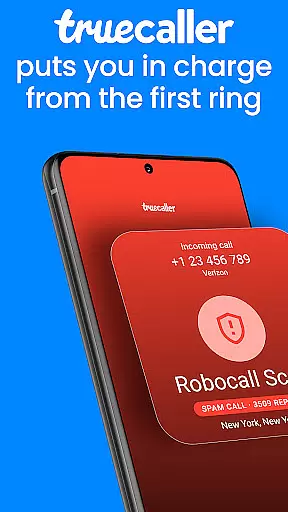
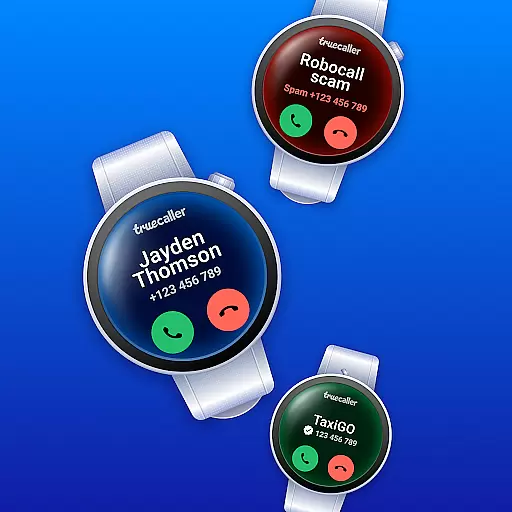
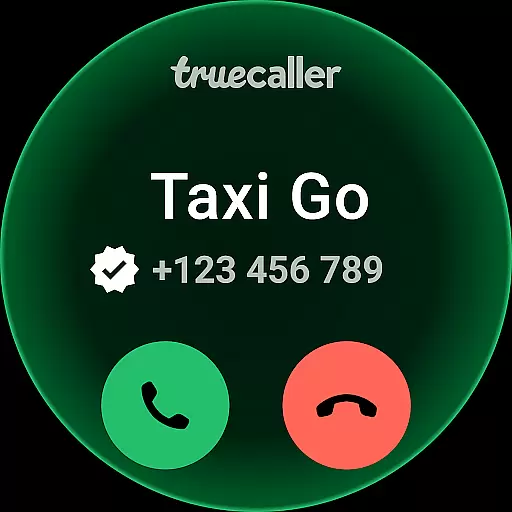
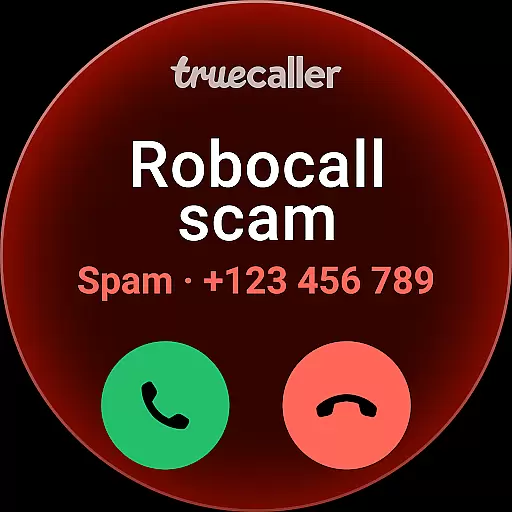
Truecaller is a comprehensive communication app designed for Android Wear, offering advanced Caller ID and call-blocking features. The app instantly identifies incoming calls, empowering users to block spam, scam, and unwanted calls effectively. With cutting-edge tools like AI Call Scanner and Truecaller Assistant, it ensures robust protection against fraudulent activities while enhancing user control over their phone experience.
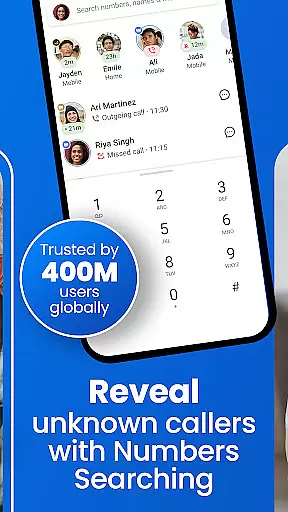
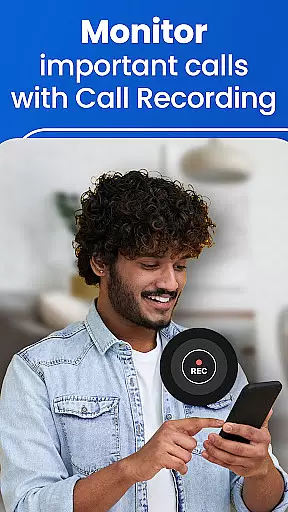
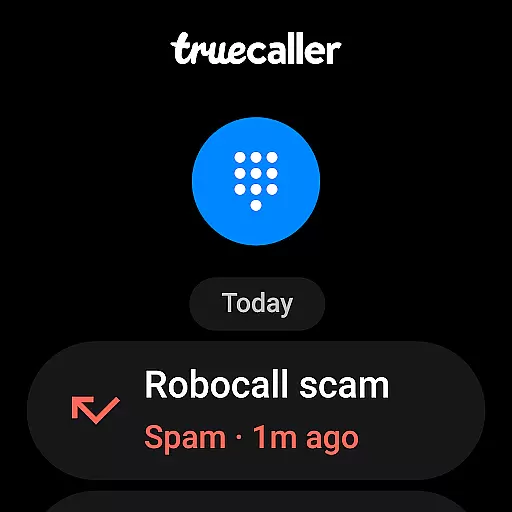
In addition to its core functionalities, Truecaller provides reverse number lookup, call recording, and messaging capabilities. Users can record calls, generate AI-based call subjects, and receive summarized transcripts of conversations. The app also categorizes messages into tabs such as Personal, Important, and Spam, streamlining communication management. These features make Truecaller an essential tool for anyone seeking to optimize their calling and messaging experience on wearable devices.
Truecaller stands out with its innovative features tailored for Android Wear users. One of the key highlights is the AI Call Scanner, which differentiates between human and AI-synthesized voices during calls. This feature adds an extra layer of security by alerting users to potential scams or fraudulent callers in real-time.
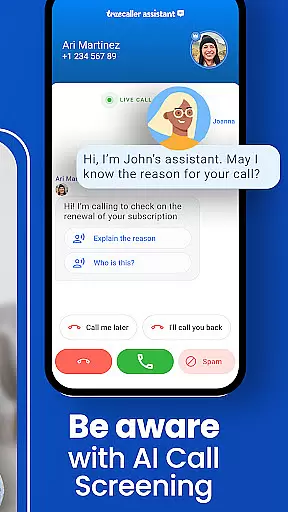
Another notable feature is the Truecaller Assistant, a virtual assistant that screens calls using machine learning and speech-to-text technology. It accurately determines whether a call is spam or legitimate, allowing users to decide if they want to answer. Additionally, the app offers a powerful Caller ID function, automatic call recording, and organized messaging tabs, ensuring a seamless and efficient communication experience.
Truecaller Premium enhances these features further by providing ad-free usage, advanced blocking options, and exclusive perks like profile badges and incognito mode. These premium offerings make Truecaller not only a functional utility but also a personalized communication companion for Android Wear users.
Truecaller offers seamless companion app integration, ensuring that your wearable devices stay connected with your smartphone. This means you can access essential call and messaging features directly from your Android Wear device.
The application's architecture is designed to sync data in real-time between your phone and wearable. Whether it's identifying incoming calls or reading messages, Truecaller ensures that all information is up-to-date across devices.
Users benefit from having consistent functionality on their wearables as they do on their smartphones. With features like spam detection, call blocking, and even the AI Call Scanner available on your wrist, managing communications has never been easier.
This synchronization not only enhances convenience but also extends the utility of your smartwatch, making it an indispensable tool for staying connected without needing to reach for your phone every time.
Truecaller excels in Wear OS and device compatibility, offering a versatile experience across various devices. The app supports a wide range of Wear OS devices, ensuring that users can enjoy its full suite of features regardless of their hardware choice.
Engineered with adaptability in mind, Truecaller provides optimized performance on different screen sizes and resolutions. This guarantees a smooth user interface and responsive interactions whether you're using a smartwatch or another compatible device.
By prioritizing cross-device functionality, Truecaller allows users to transition seamlessly between their smartphone and wearable. This flexibility ensures that you have access to critical communication tools wherever you are, enhancing both productivity and convenience.
Ultimately, this compatibility underscores Truecaller's commitment to delivering a comprehensive and integrated user experience, making it a reliable choice for those invested in the Wear OS ecosystem.
Advanced spam detection
AI-powered call screening
Real-time caller identification
Comprehensive call recording
Organized messaging interface
Premium subscription required
Limited free features
Occasional false positives
Resource-intensive
Privacy concerns

"PER27 Galaxy Digital" is a digital Wear OS watch face designed by PERSONA
 4.10
4.10
Highly customizable hybrid watch face for Wear OS, perfect for everyday use.
4.60
Embrace the festive spirit with our Christmas Countdown watchface for Wear OS
4.10
Elegant animated Christmas tree with multiple customization options
4.20
Stunning modern digital watch face with 7 complications and strong contrast
4.3
Artistic Digital Watchface
4.2
Retro digital watch face with customizable colors and a unique lighting effect
4.60
Fast and smart typing with Emojis, GIFs, and more
4.50
Want to take charge of your health? Let Google Fit help you reach your goals.
3.50
Period, ovulation & pregnancy tracker. Fertility insights & menstrual calendar.
4.90
Easy Voice Recorder is your everyday companion to record important moments.
4.70
Nutrition, Macro tracker: Food, fitness & healthy diet tracking for weight loss
4.60
Real-time results, stats, schedules and player profiles for all leagues
4.60
Deck out your Wear OS Watch face with a beautifully decorated pine wreath!
4.50
Animated video-game inspired “secret agent” simulation, right on your wrist!
4.20
sleep, alarm, snoring, stress, healing, focus, sound therapy, circadian rhythm
4.10
Animated Watch Face and Customizable with 24 Backgrounds. Perfect for Christmas!
3.90
Christmas is near, let's count together the days left until Santa comes
4.3
Funny animated watch face for Thanksgiving
4.0








User Reviews