
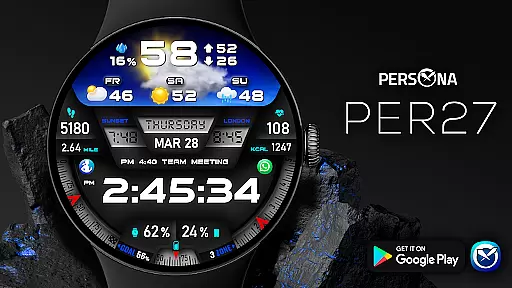
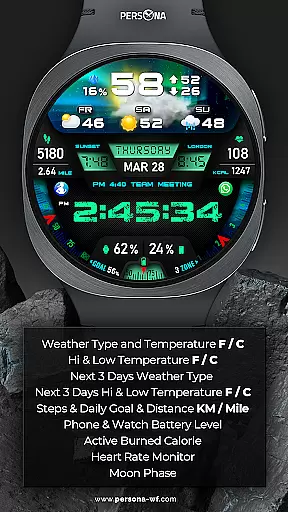
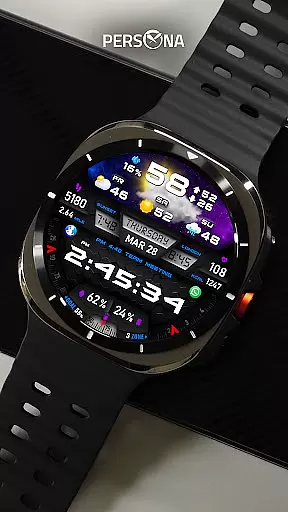
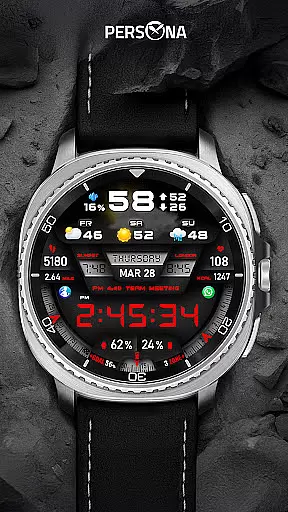
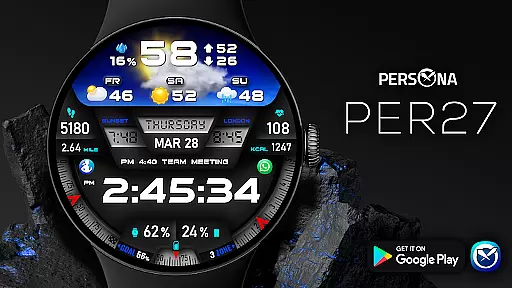
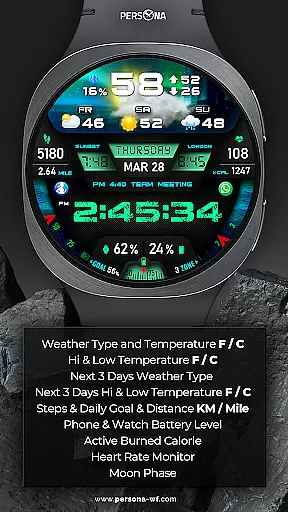
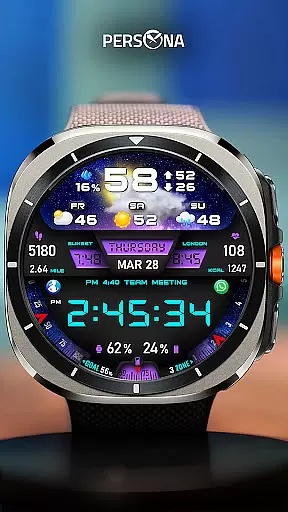
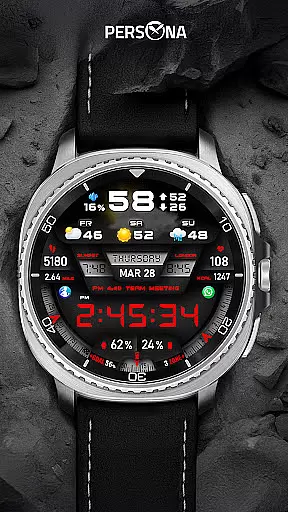
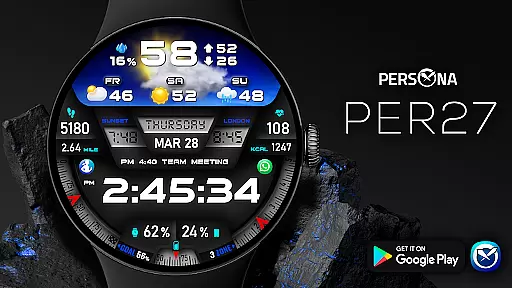
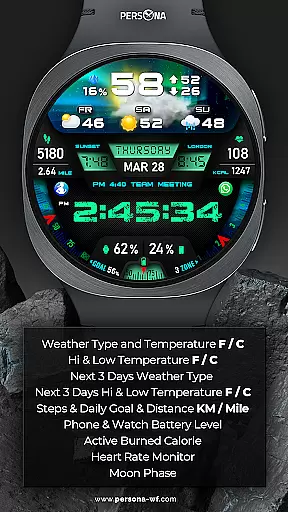
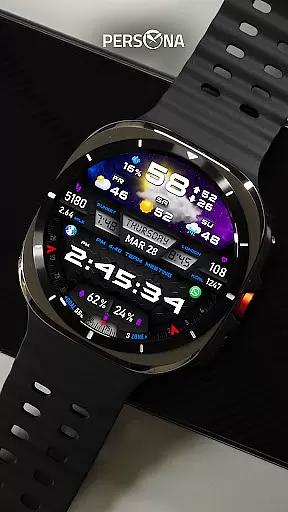
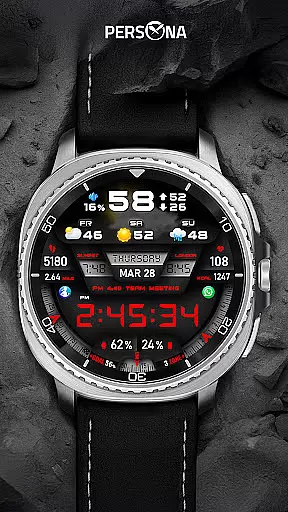
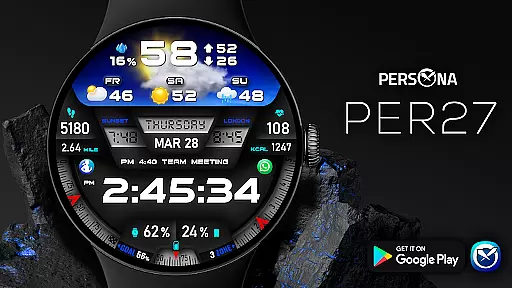
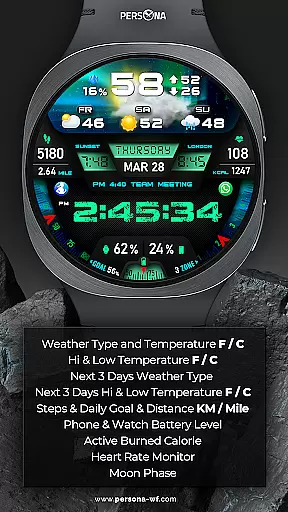
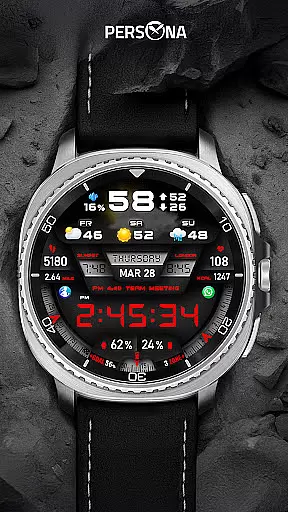
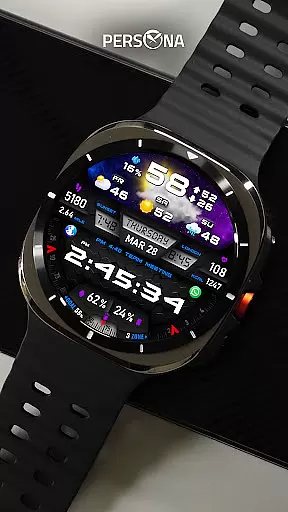
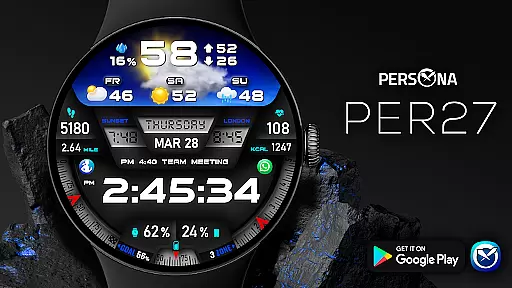
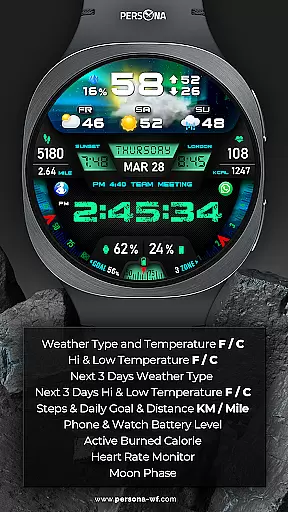
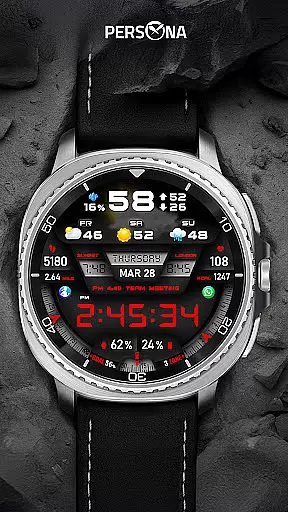
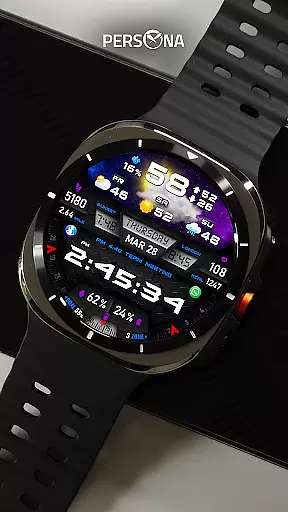
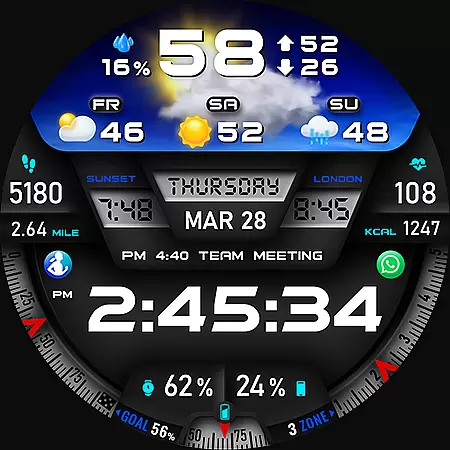
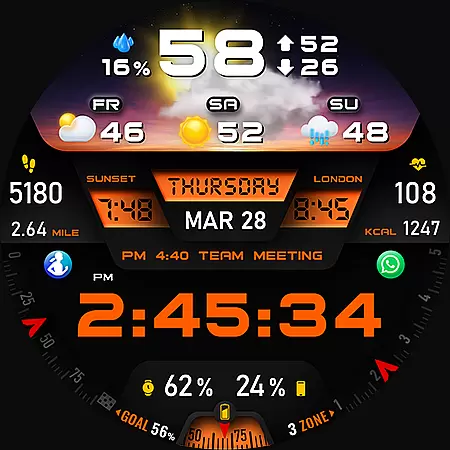
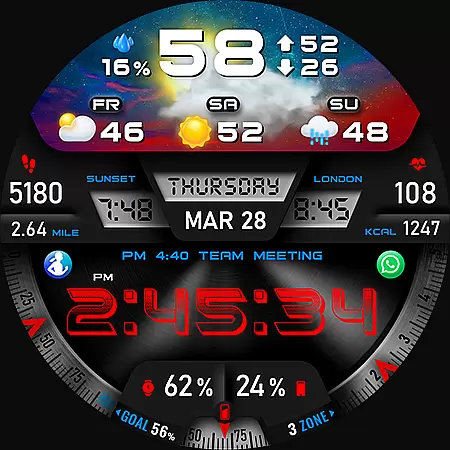
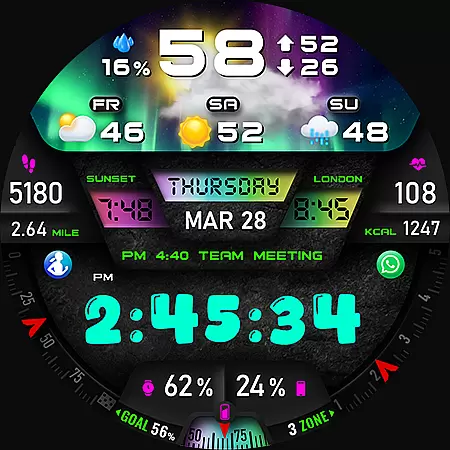
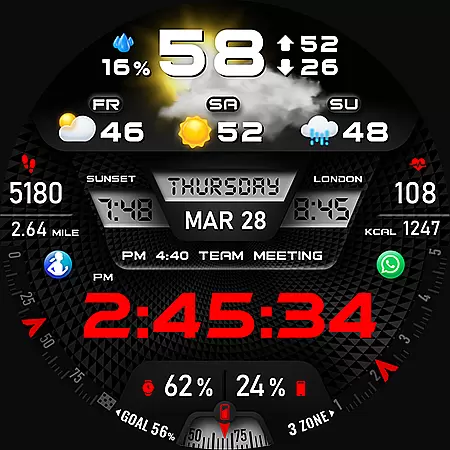
PER27 Galaxy Digital WatchFace is a sophisticated digital watch face designed specifically for Wear OS smartwatches. This application offers users the ability to customize their watch faces with changeable font styles, 3D realistic animated weather, and stunning visuals. The app provides comprehensive weather data including current conditions, high and low temperatures, and forecasts for the next three days.
In addition to its aesthetic appeal, PER27 Galaxy Digital WatchFace delivers practical features such as step tracking, distance measurement, heart rate monitoring, and phone/watch battery levels. Users can personalize their experience by choosing from various complications like UV index, moon phase, and next appointment reminders. With compatibility across all Wear OS devices, this app ensures that users have access to essential information at a glance, enhancing both style and functionality on their smartwatches.
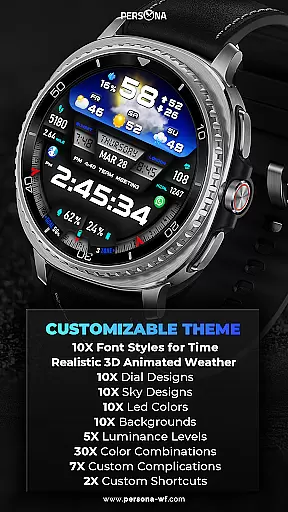
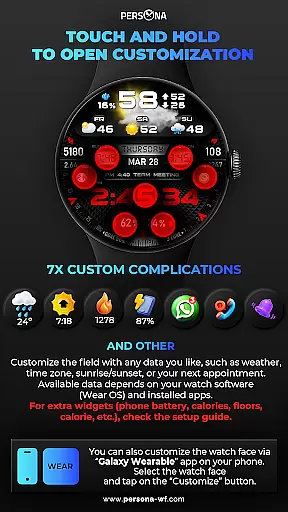
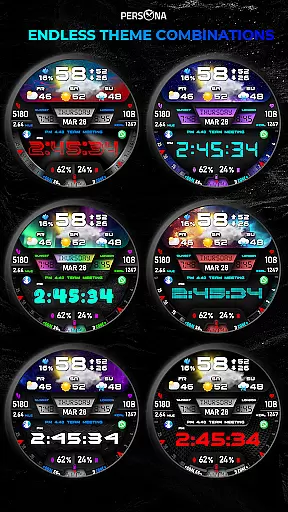
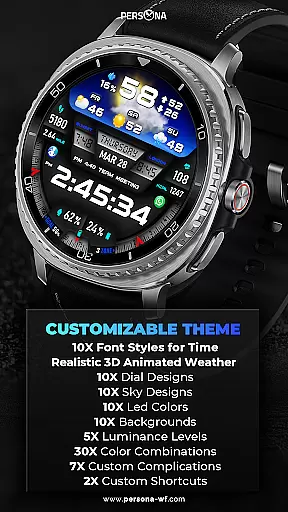
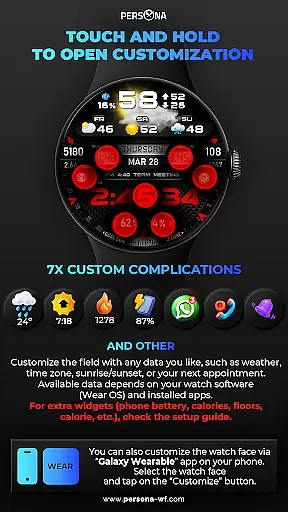
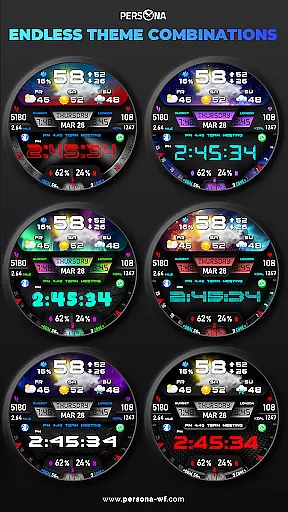
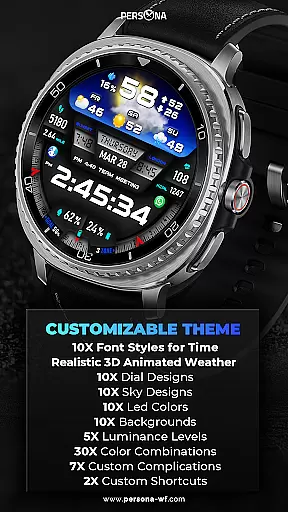
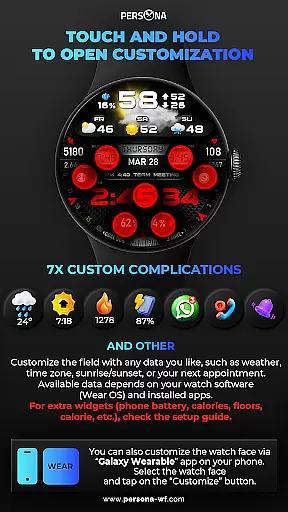
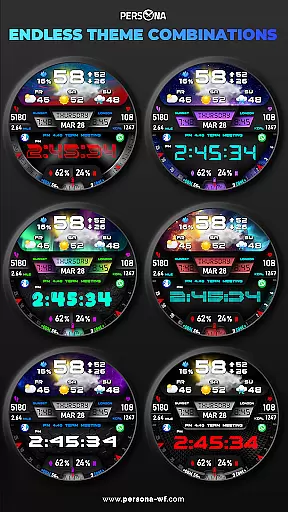
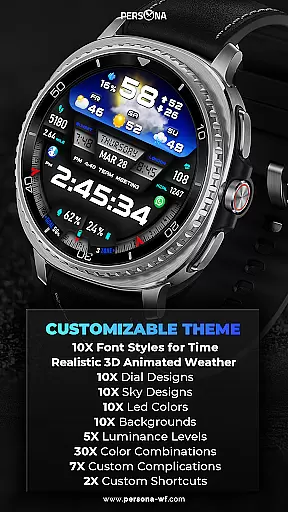
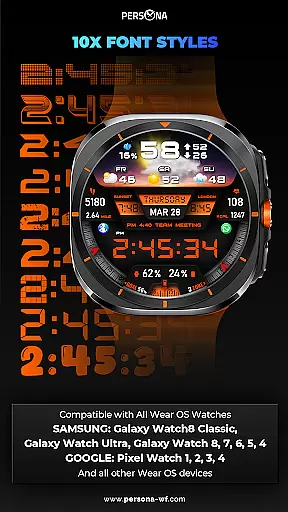
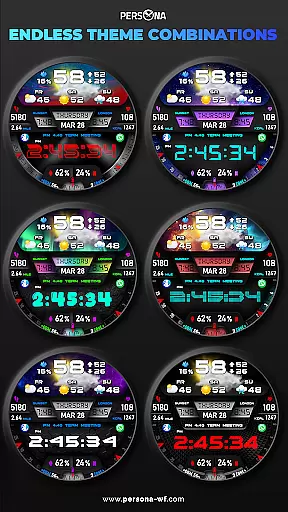
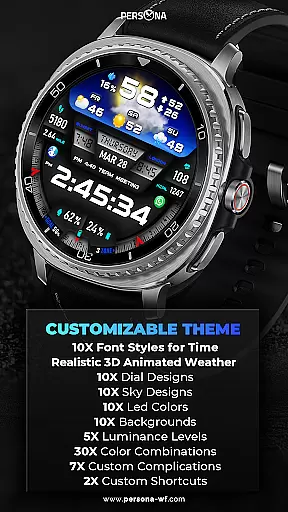
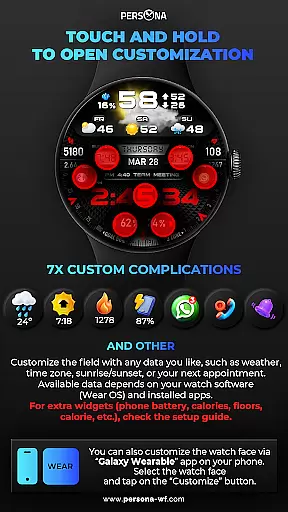
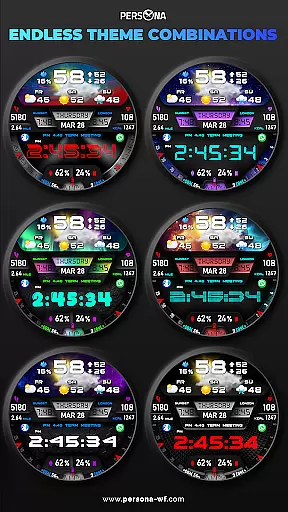
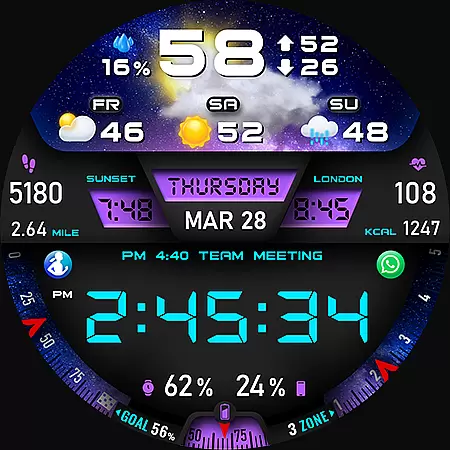
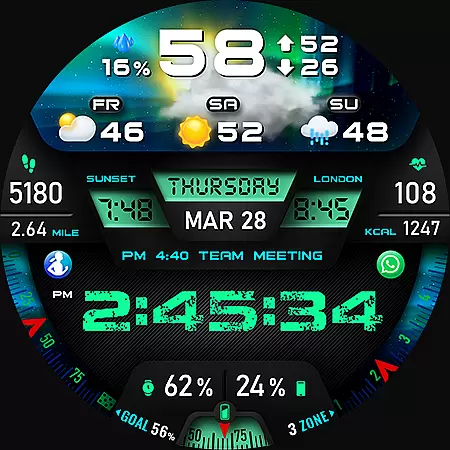
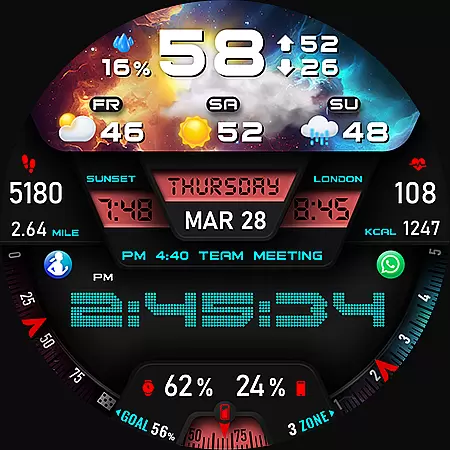
PER27 Galaxy Digital WatchFace stands out with its extensive customization options. Users can select from ten font styles, ten backgrounds, ten dial designs, and ten LED colors, allowing for a personalized look that suits individual preferences. The app also offers five luminance levels and seven custom complications, providing flexibility in how information is displayed on the watch face.
A key feature of this app is its advanced weather integration. It provides real-time weather updates, including temperature in both Fahrenheit and Celsius, weather type, and forecasts for the next three days. Additionally, the always-on display (AOD) function ensures that critical information remains visible even when the watch is not active. Users can adjust the AOD brightness and layout through an easy-to-use customization menu, ensuring optimal visibility and battery efficiency.
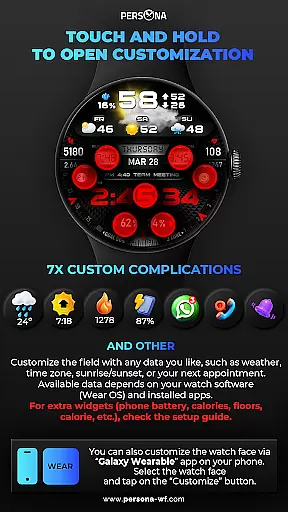
The app supports a wide range of Wear OS devices, including popular models from Samsung, Google, Fossil, and Mobvoi. This broad compatibility ensures that users across different platforms can enjoy the benefits of PER27 Galaxy Digital WatchFace. Furthermore, the app's intuitive interface allows users to personalize their watch faces simply by touching and holding, making it easy to tailor the display to show relevant data such as weather, sunrise/sunset times, and time zones.
Companion app integration is essential for a seamless smartwatch experience. The PER27 Galaxy Digital Watch Face offers robust companion app support, ensuring that users can easily synchronize and manage their watch face settings directly from their smartphone.
This application allows for effortless customization of various features such as weather updates, health metrics, and personal schedules. Users can access detailed options to tailor their watch face, including font styles, background images, and color schemes, all through an intuitive mobile interface.
The synchronization process is designed to be fast and reliable, providing real-time updates and ensuring that the watch face on your Wear OS device mirrors your preferences accurately. This means any changes made via the companion app are immediately reflected on the smartwatch.
By leveraging this integration, users benefit from enhanced convenience and control over their wearable technology. Whether adjusting complications or updating weather forecasts, the PER27 Galaxy Digital Watch Face ensures a cohesive and responsive user experience across devices.
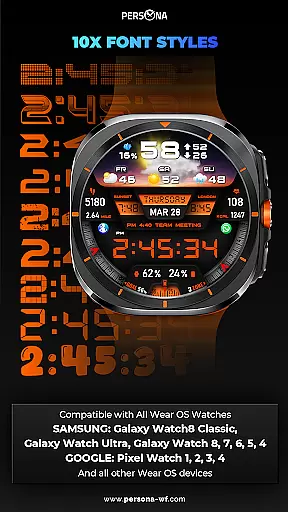
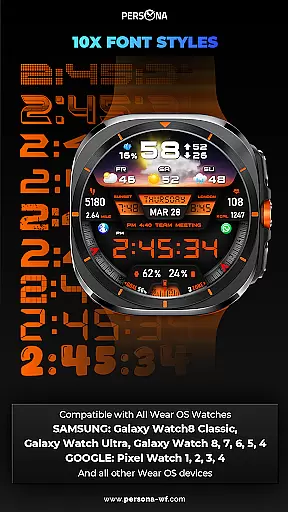
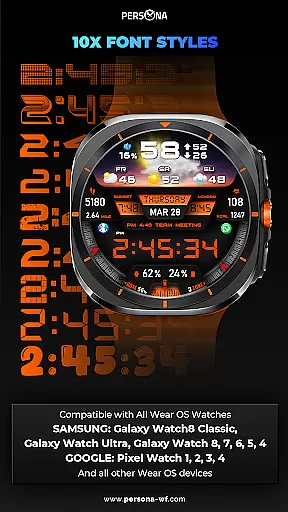
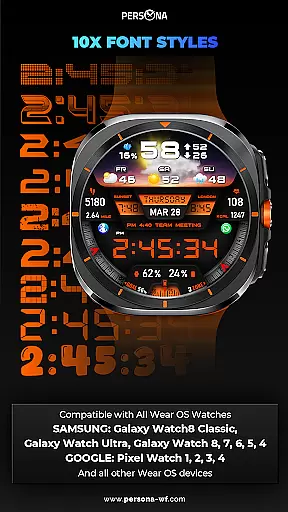
Ensuring broad compatibility with various devices is crucial for maximizing user accessibility. The PER27 Galaxy Digital Watch Face is meticulously designed to work seamlessly with all Wear OS devices, supporting API Level 34 and above.
This compatibility extends to popular models such as the SAMSUNG Galaxy Watch series, including the Watch8 Classic and Ultra, as well as earlier versions like the Watch 7, 6, and 5. GOOGLE Pixel Watch users, from the first generation up to the latest Pixel Watch 4, will also find full support for this dynamic watch face.
In addition to Samsung and Google devices, the PER27 Galaxy Digital Watch Face caters to other major brands within the Wear OS ecosystem. Fossil's Gen 7, Gen 6, and Gen 5e series, along with Mobvoiu2019s TicWatch Pro range, are fully compatible, offering users diverse choices without compromising functionality.
With extensive device compatibility, users can enjoy consistent performance and customization options regardless of their specific Wear OS device. This inclusivity underscores the commitment to delivering a versatile and adaptable digital watch face solution tailored to meet varied consumer needs.
Highly customizable
Real-time weather updates
Wide device compatibility
Intuitive user interface
Comprehensive health tracking
Weather data requires internet
Limited without premium features
Battery consumption may increase
Complex setup for beginners
Some features need additional configuration

Calming & relaxing sounds for sleeping and stress relief. Stay focused all day!
 4.20
4.20
Highly customizable hybrid watch face for Wear OS, perfect for everyday use.
4.60
Christmas is near, let's count together the days left until Santa comes
4.4
Current temperature, weather hourly, weather radar by the weather forecast app
4.40
A heartwarming Christmas scene featuring a cute image of Santa and Rudolf
4.2
The most customizable minimal watch face. For Wear OS 5.0, API 34+ and later
4.70
Reliable phone calls with spam protection, caller ID and more helpful features
4.40
Real-time results, stats, schedules and player profiles for all leagues
4.60
A digital watch face that celebrates Christmas.
4.00
Easy Voice Recorder is your everyday companion to record important moments.
4.70
Hybrid watch face for Wear OS with customizable complications by Matteo Dini MD
4.70
Walking app for weight loss: walk & step tracker, pedometer, indoor treadmill
4.60
Rose gold watch face with festive lights & customizable features.
4.60
Gym & home workout plans with strength training, exercise tracking, HIIT & more.
4.60
Embrace the holiday spirit with this magical animated watch face!
4.40
Digital watch face. For Wear OS devices.
4.40
A customizable Christmas watch face for Wear OS with a countdown.
4.20
Wear Os Watch Face - Animated Snow Effect & Magic Spark - 6 Scenes
4.10
Animated Watch Face and Customizable with 24 Backgrounds. Perfect for Christmas!
3.90



User Reviews