
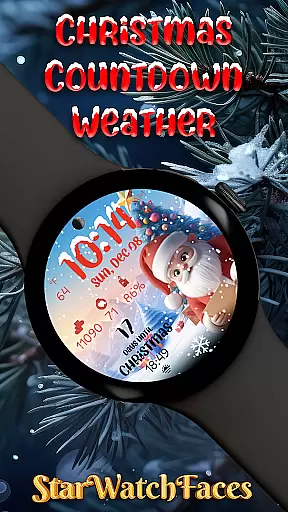
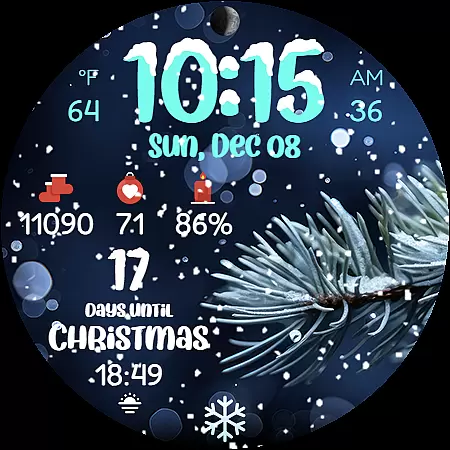
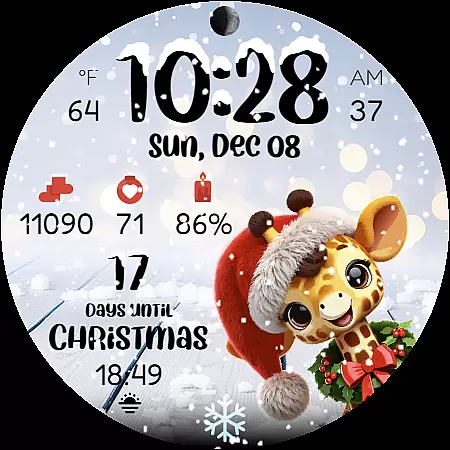
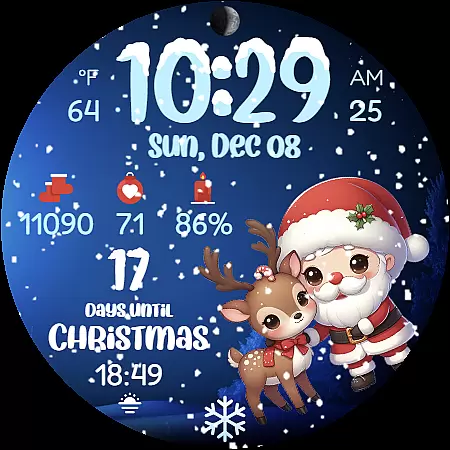
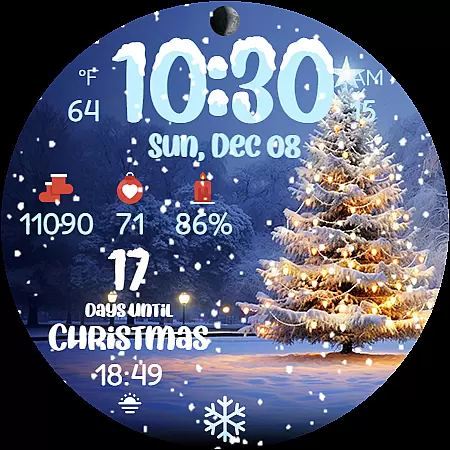
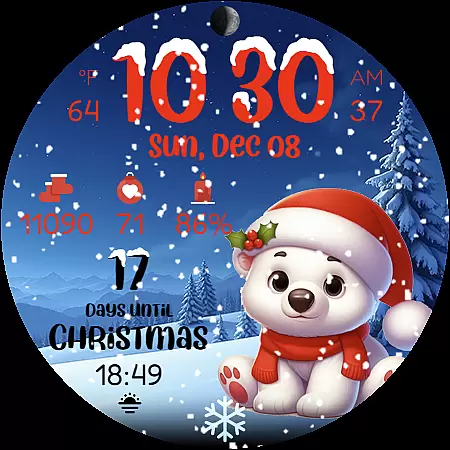
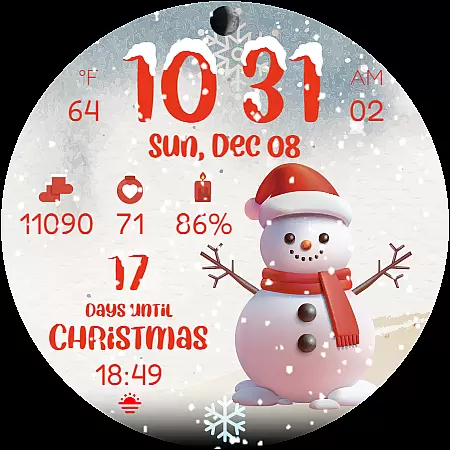
Christmas Countdown Weather is a feature-rich watch face designed specifically for Wear OS devices, bringing festive holiday spirit to your smartwatch. This app combines essential timekeeping with Christmas-themed features like countdown timers, animated snowfall effects, and customizable backgrounds.
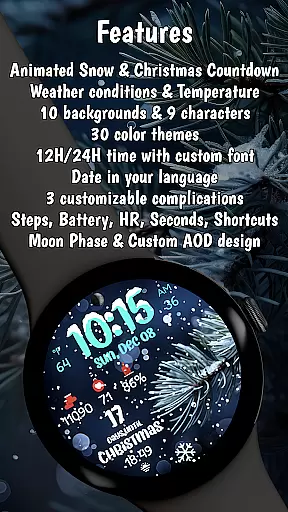
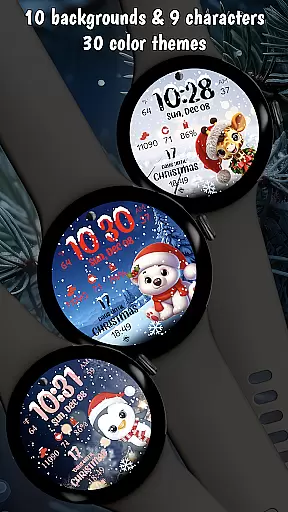
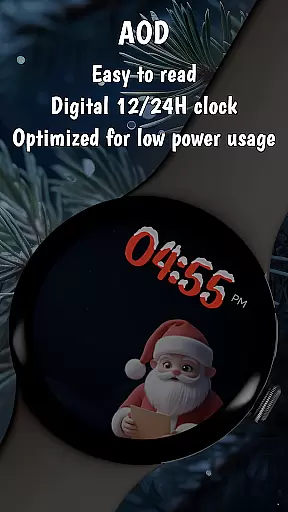
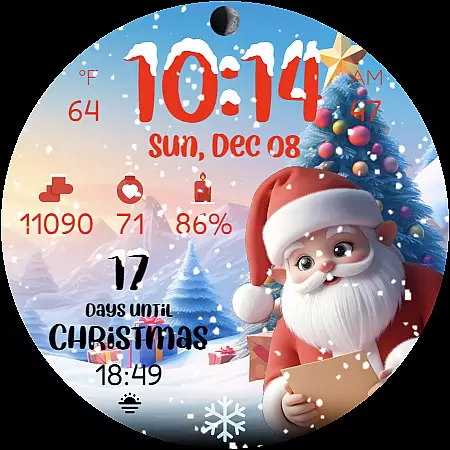
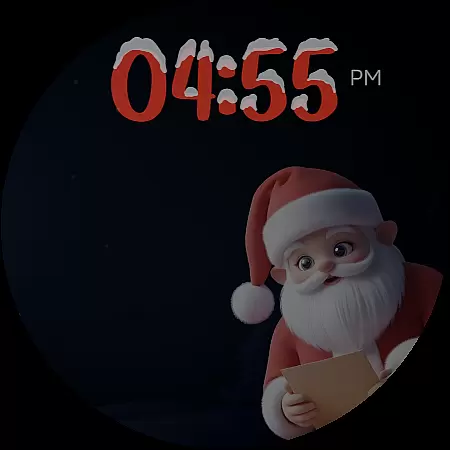
The watch face displays real-time weather conditions, temperature, moon phases, and health tracking data including steps and heart rate. Users can choose from 9 adorable Christmas characters and 10 festive backgrounds, creating a personalized holiday experience on their wrist. The optimized AOD (Always-On Display) mode ensures energy efficiency while maintaining the magical Christmas atmosphere.
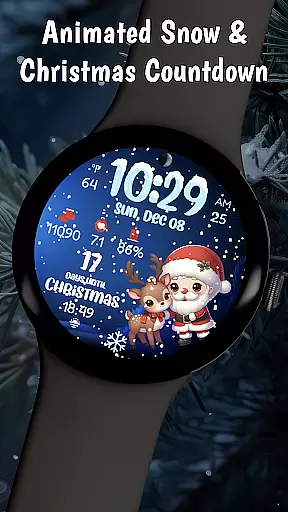
This Christmas-themed watch face stands out with its comprehensive feature set tailored for holiday enthusiasts. The main highlight is the beautiful Christmas countdown timer that builds excitement for the holiday season, perfect for families awaiting Santa's arrival.
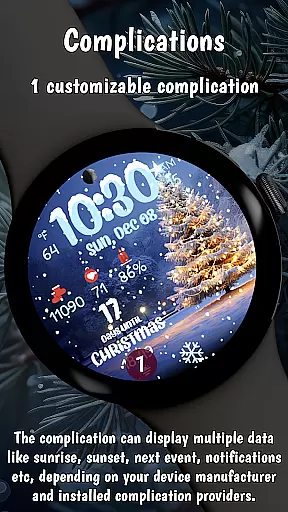
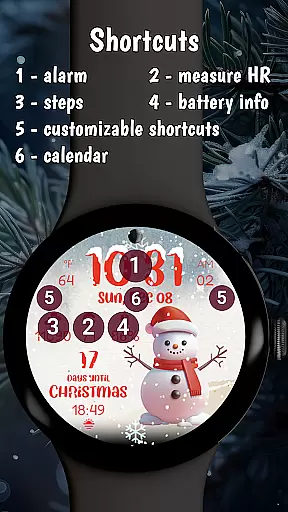
Users can enjoy mesmerizing animated snowfall effects and choose from multiple festive color themes that match their Christmas decorations. The smart features include weather condition display, 12/24-hour time format options, and health tracking capabilities. The watch face supports various complications and offers battery-saving AOD mode while maintaining smooth performance during holiday activities.
What sets this app apart is its optimization for latest Wear OS versions and attention to detail in capturing the Christmas spirit through digital clock accents, winter landscapes, and cozy holiday scenes that tell their own Christmas stories.
Companion app integration is essential for wearable devices to extend their functionality and provide a seamless user experience. Christmas Countdown Weather excels in this area by offering a robust companion app that works in harmony with the watch face.
The companion app allows users to customize various aspects of the watch face, including background images, characters, color themes, and complications. This level of customization ensures that each user can tailor the watch face to their personal preferences, making it not just a tool but a true extension of their style.
By pressing and holding on the display and then tapping the Customize button, users can access these features effortlessly. The intuitive interface of the companion app makes customization straightforward, enhancing user engagement and satisfaction.
This integration also enables users to discover other amazing watch faces created by the developers, fostering a sense of community and encouraging exploration of additional content. Overall, the companion app significantly enriches the functionality and personalization options of Christmas Countdown Weather.
Ensuring compatibility with Wear OS and various devices is crucial for any wearable application. Christmas Countdown Weather is optimized for the latest Wear OS, guaranteeing a smooth and efficient performance across different smartwatch models.
The application leverages the latest WFF format for Wear OS, which contributes to an energy-efficient design. This optimization results in extended battery life, allowing users to enjoy the festive features without worrying about frequent recharges.
Moreover, the app supports multiple device settings such as 12 or 24-hour clock formats, weather conditions, and temperature displays. These features make it versatile and adaptable to individual preferences and needs, whether planning winter activities or simply enjoying the holiday spirit.
With its broad compatibility and optimization for the latest software versions, Christmas Countdown Weather ensures that users can experience the magic of Christmas on their wrists, regardless of their specific device model. This commitment to compatibility enhances user accessibility and satisfaction.
Festive Christmas theme
Real-time weather updates
Customizable backgrounds
Battery-efficient design
Health tracking integration
Weather requires device support
Limited to Wear OS
Premium features locked
Complex customization
Feature variation by model

Diet tracker for weight loss - track calories, food and macros. Simple and easy!
 4.70
4.70
Deck out your Wear OS Watch face with a beautifully decorated pine wreath!
4.50
Contemporary digital watch face with five complications
4.4
Stunning modern digital watch face with 7 complications and strong contrast
4.3
Let's celebrate Thanksgiving - Wear Os watch face
4.20
Your second brain for organizing your life: to-do, calendar, reminder.
4.70
Get helpful reminders, take progress photos and find answers to your questions.
3.90
Minimalistic design modern digital watch face.
4.1
Want to take charge of your health? Let Google Fit help you reach your goals.
3.50
Christmas Theme Watch Face for Wear Os
5.00
Gym Log & Workout Tracker | Fitness Journal, Training & Weight Lifting Planner
4.90
The most customizable minimal watch face. For Wear OS 5.0, API 34+ and later
4.70
Real-time results, stats, schedules and player profiles for all leagues
4.60
Fast and smart typing with Emojis, GIFs, and more
4.50
The ultimate destination for kids ages 3-8 to explore the Marvel Universe!
4.30
"PER27 Galaxy Digital" is a digital Wear OS watch face designed by PERSONA
4.10
Authentic military-tactical design with ZULU time! Realistic and functional!
3.80
an Analog Watch Face for winter season with freeze winter background for Wear OS
4.3
Precision analog watch face with 7 complications and style options
4.3




User Reviews