
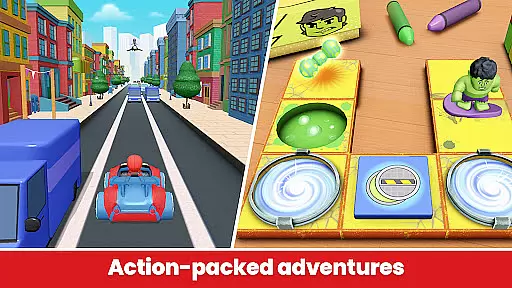
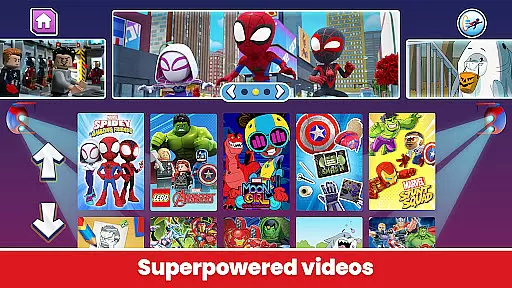
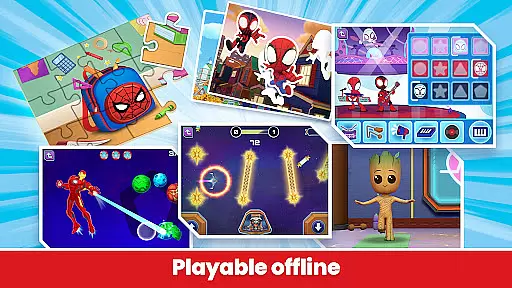
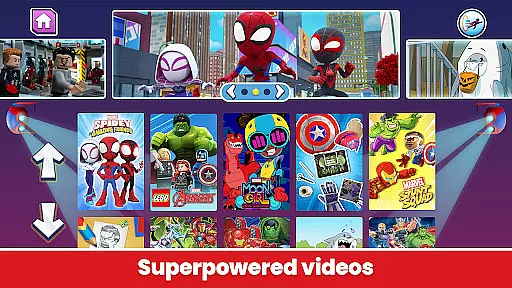
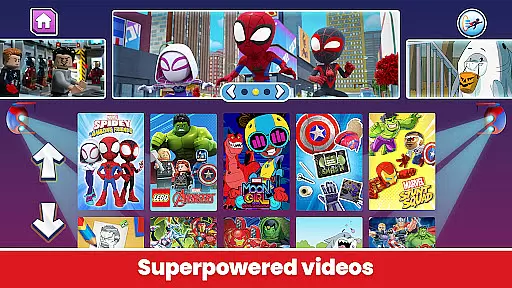
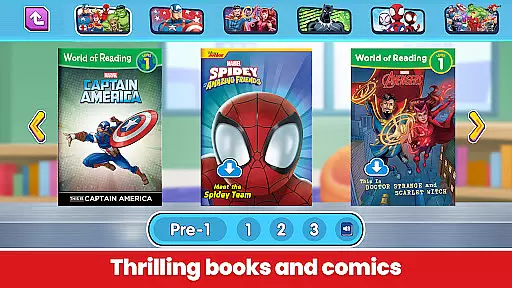
Marvel HQ is an engaging app designed for children aged 3-8, offering a rich variety of Marvel-themed content. This includes comics, videos, activities, and creative tools that are both entertaining and educational. The app focuses on developing essential skills such as problem-solving, critical thinking, cognition, and artistic development through interactive experiences with beloved Marvel characters.
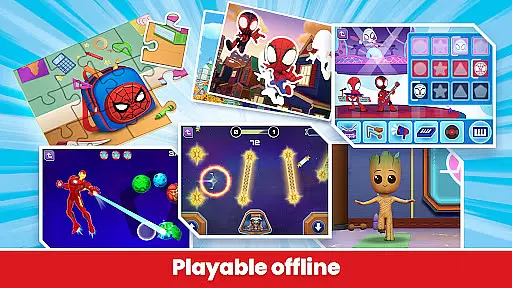
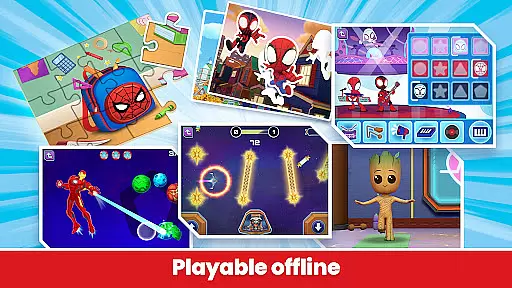
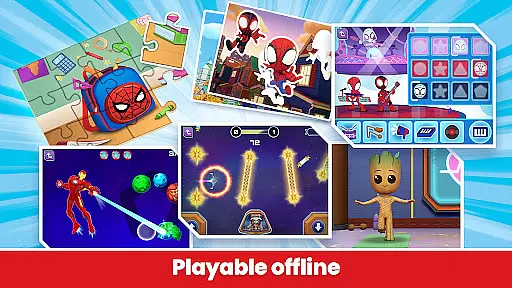
One of the standout features of Marvel HQ is its ability to nurture creativity and learning in a safe digital environment. Children can enjoy offline play with pre-downloaded content, ensuring uninterrupted fun even without internet access. With regular updates and new content, kids will always find something exciting to explore. Additionally, the app's COPPA Safe Harbor Certification by Privo ensures age-appropriate and secure screen time.
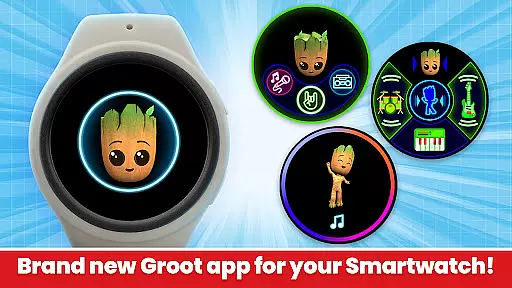
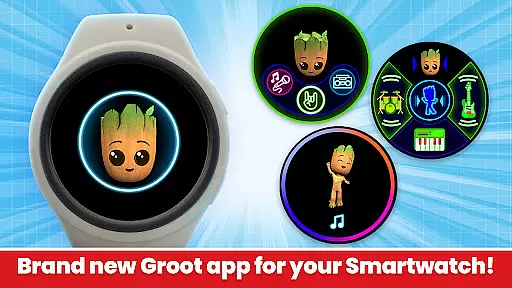
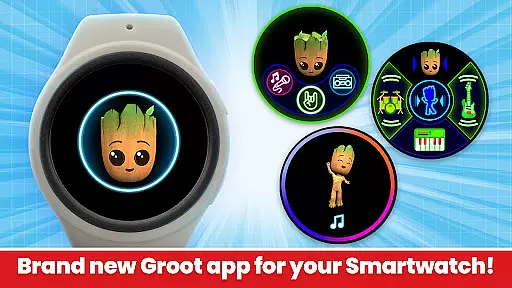
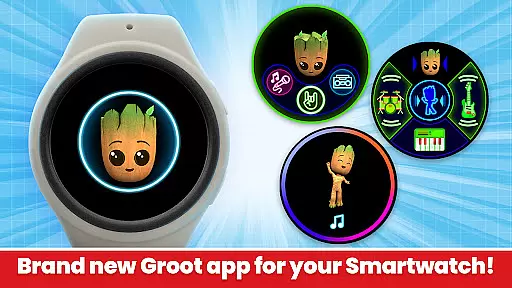
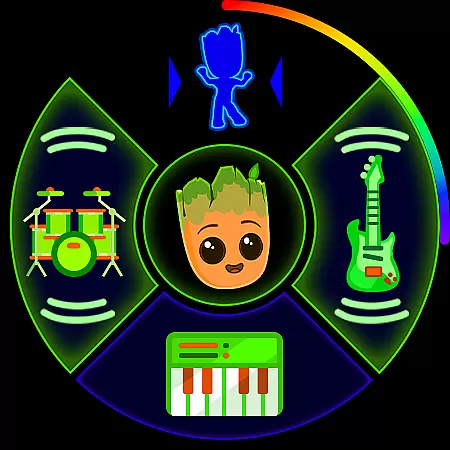
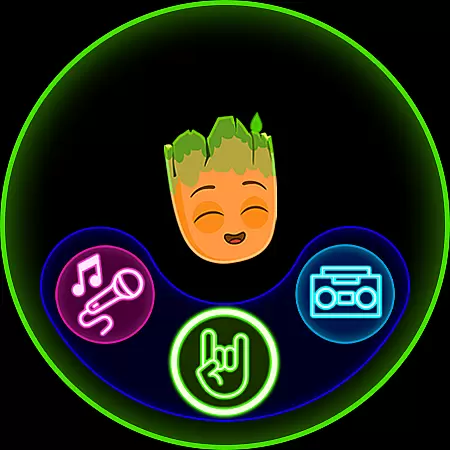
The app also extends its experience to Wear OS, allowing kids to engage with Groot through unique watch experiences like Groove with Groot. This feature lets children create music and participate in dance challenges, making it a versatile tool for both entertainment and skill development.
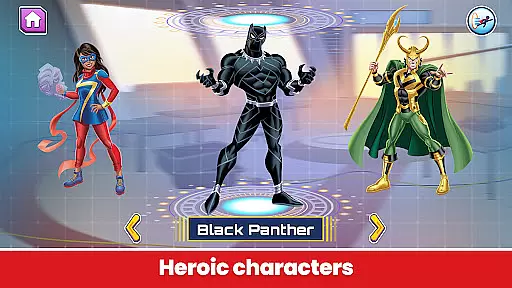
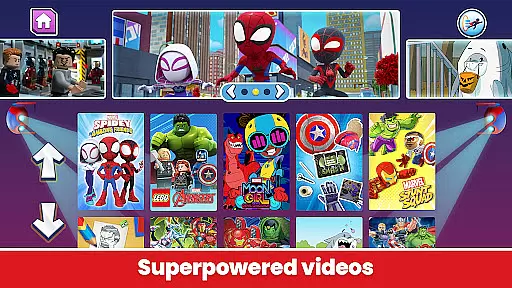
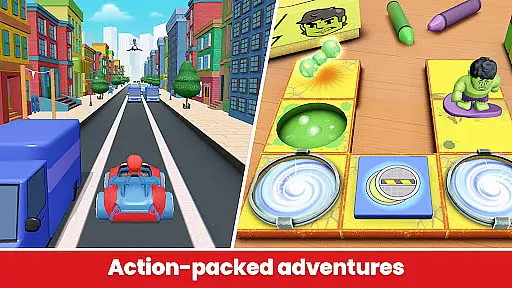
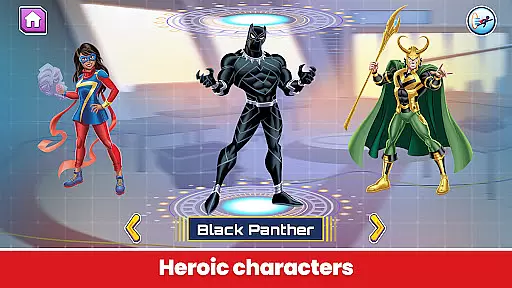
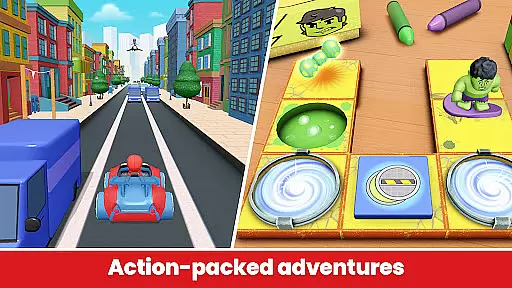
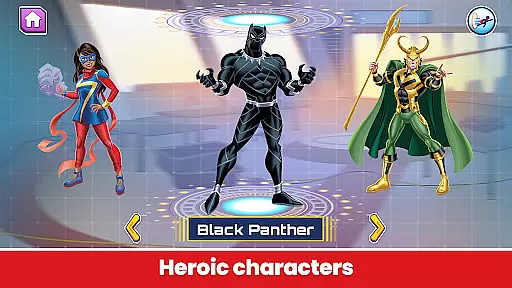
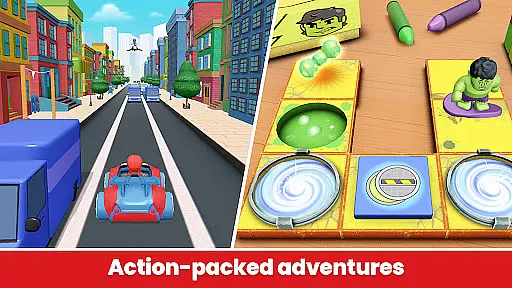
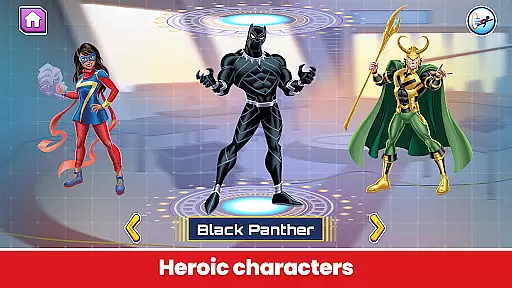
Marvel HQ stands out with its diverse range of features tailored for young Marvel fans. The app offers a vast library of comics, videos, and interactive activities featuring popular characters like Spider-Man, Hulk, and Groot. These activities are designed to enhance problem-solving and critical thinking skills while keeping children engaged with their favorite heroes.
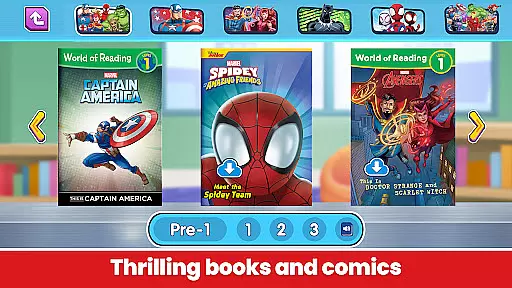
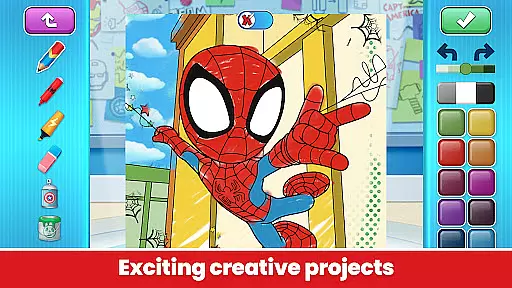
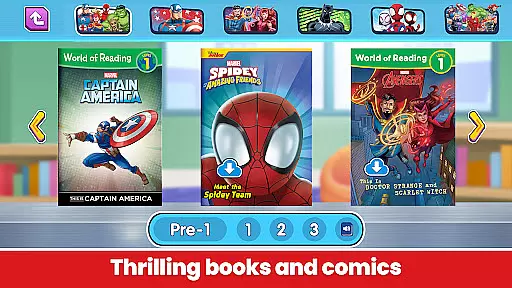
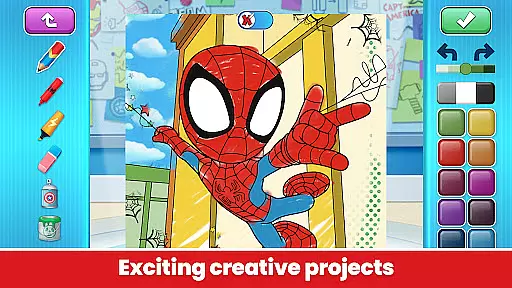
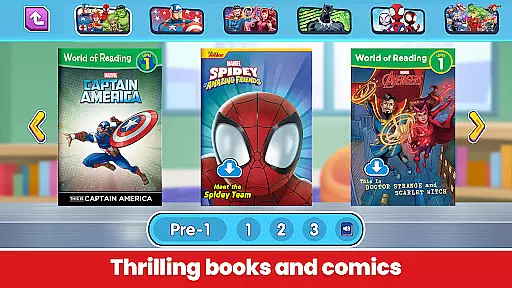
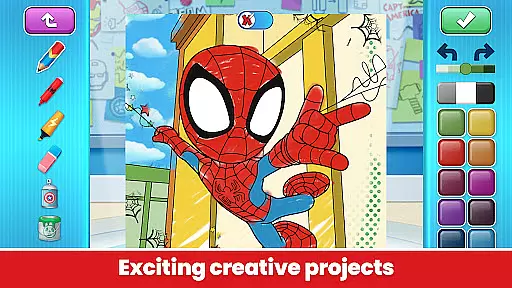
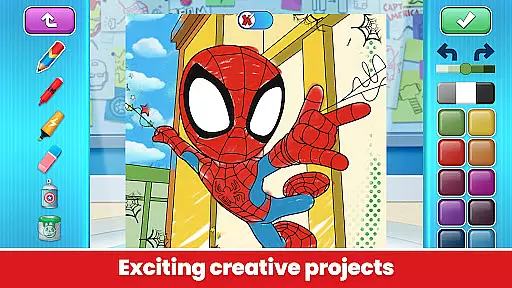
A key highlight is the app's focus on educational content. Kids can explore fascinating facts about Marvel characters, boosting their knowledge and memory. The learn-to-read stories with actor support promote literacy and independent reading. Moreover, the coloring and drawing tools encourage artistic development, providing instructional videos that help master drawing skills.
Marvel HQ ensures a safe and responsible digital environment. It is COPPA-certified, offers offline play, and contains no third-party advertising or in-app purchases for subscribers. Regular updates keep the content fresh, and the new Wear OS integration adds an innovative dimension to the app's offerings, making it a comprehensive tool for both learning and fun.
Marvel HQ offers seamless companion app integration, ensuring that users can enjoy a cohesive experience across multiple devices. The main app provides a vast array of activities, videos, comics, and creative tools designed for children aged 3-8, while the Wear OS version complements this by offering unique features tailored for smartwatches.
The Wear OS app introduces 'Groove with Groot,' a totally free watch experience where kids can become Groot's personal DJ. This feature allows children to create and mix their own tunes directly on their smartwatch, providing an interactive and engaging musical experience. By clicking on the Groot tile, users can activate dance challenges, prompting Groot to perform unique dance moves.
This integration extends the Marvel Universe exploration beyond traditional mobile devices, allowing children to interact with their favorite characters in new ways. With the animated Groot watch face and additional complications, the Wear OS app ensures that the fun continues even when away from the primary device.
By pairing the main app with its Wear OS counterpart, Marvel HQ maximizes user engagement and enjoyment, making it easy for kids to carry their adventures with them wherever they go.
Marvel HQ is designed with broad Wear OS and device compatibility in mind, ensuring that children can enjoy its features on a variety of smartwatches. The app's architecture supports different devices, providing a smooth and responsive experience regardless of the hardware being used.
The 'Groove with Groot' feature is optimized for Wear OS, allowing kids to engage with Grootu2019s unique dance challenges and music-mixing capabilities directly from their wrists. This compatibility ensures that all interactive elements function correctly, maintaining high performance and reliability.
In addition to supporting various Wear OS devices, Marvel HQ also ensures that its content remains accessible and enjoyable across different screen sizes and resolutions. This adaptability enhances the overall user experience, making it easy for children to dive into the Marvel Universe without any technical hindrances.
By prioritizing Wear OS and device compatibility, Marvel HQ guarantees that young users can explore, play, and learn seamlessly, whether they're using a smartphone or a smartwatch.
User-friendly interface
Educational and entertaining
Regular content updates
Safe for children
Offline play capability
Limited free content
Subscription required
No Family Library sharing
Some features locked
High subscription cost

Wear Os Watch Face - Animated Snow Effect & Christmas Lights
 4.5
4.5
Highly customizable hybrid watch face for Wear OS, perfect for everyday use.
4.60
Watch face designed for Thanksgiving Day. 7 Background Styles included.
3.20
A modern premium sporty hybrid watch face for Wear OS by Ballozi
4.70
Watch face for Wear OS.
4.20
Get helpful reminders, take progress photos and find answers to your questions.
3.90
Real-time results, stats, schedules and player profiles for all leagues
4.60
Hybrid Vibrant Health Watch Face for Wear OS
4.1
Connect, create, and collaborate with Gmail, part of Google Workspace.
4.10
Hyperlocal rain alerts by MyRadar using patent-pending technology, radar & more
4.80
Diet tracker for weight loss - track calories, food and macros. Simple and easy!
4.70
The most customizable minimal watch face. For Wear OS 5.0, API 34+ and later
4.70
Current temperature, weather hourly, weather radar by the weather forecast app
4.40
Elegant animated Christmas tree with multiple customization options
4.20
Your music, your playlists, and more—offline and unlimited.
4.20
Professional weather radar and more
3.90
Want to take charge of your health? Let Google Fit help you reach your goals.
3.50
Christmas and New Year - Themed Watchface
4.5
Analog watch face with 8 complications and expedition styling
4.5








User Reviews