
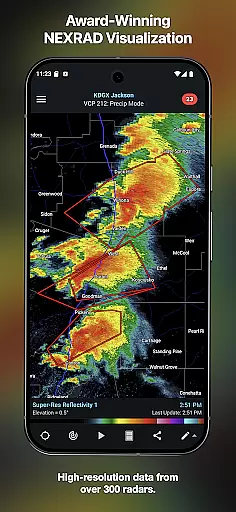
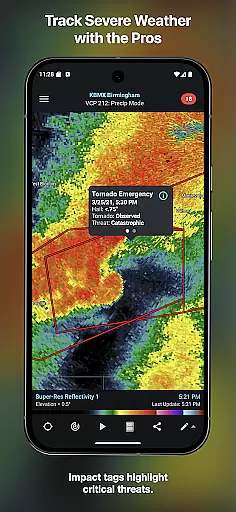
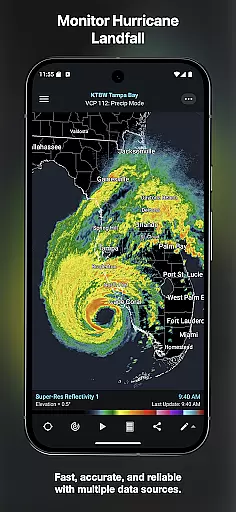
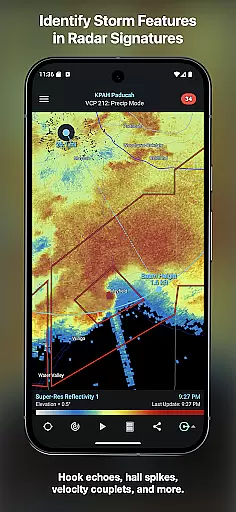
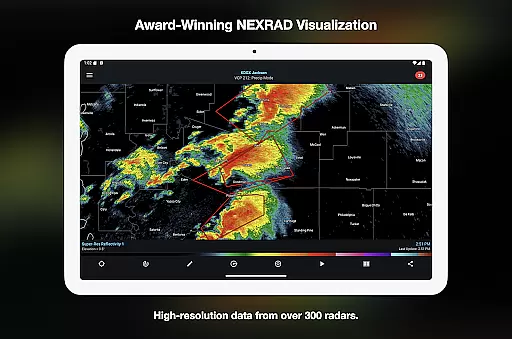
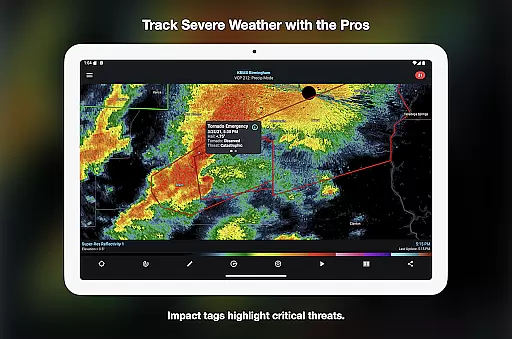
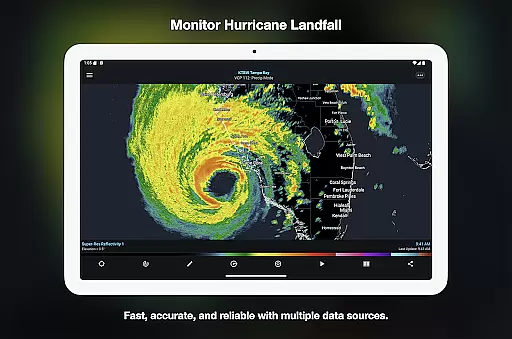
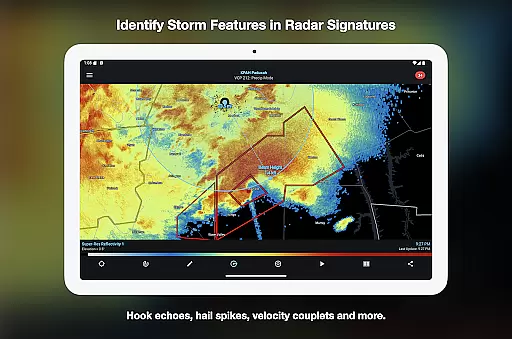
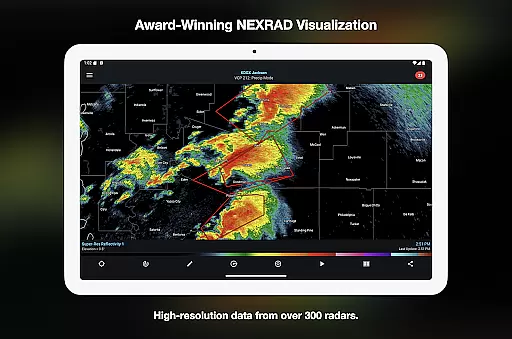
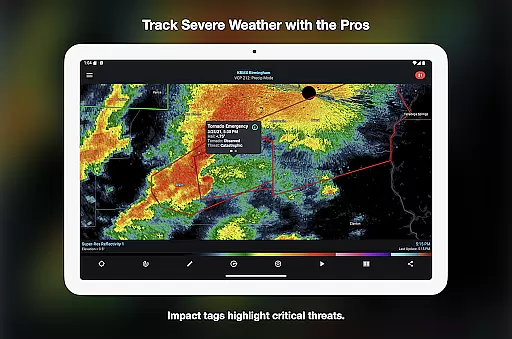
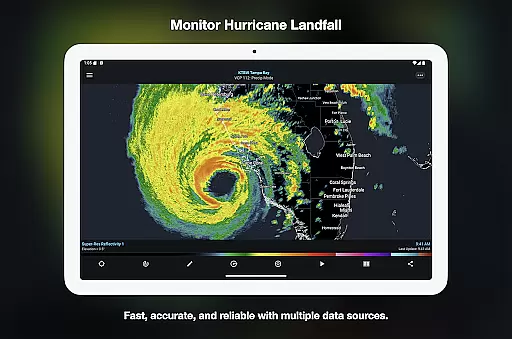
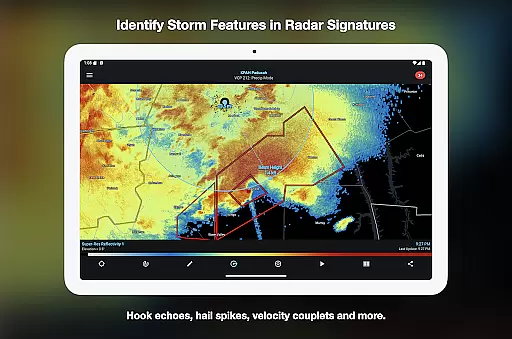
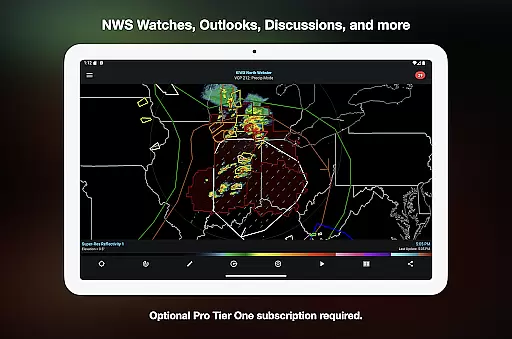
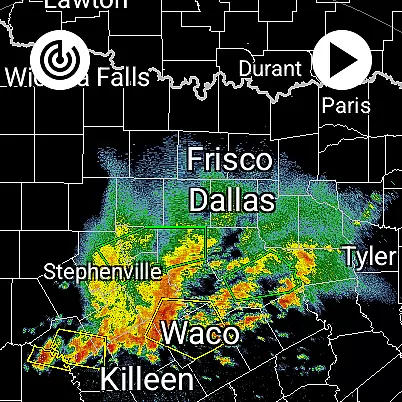
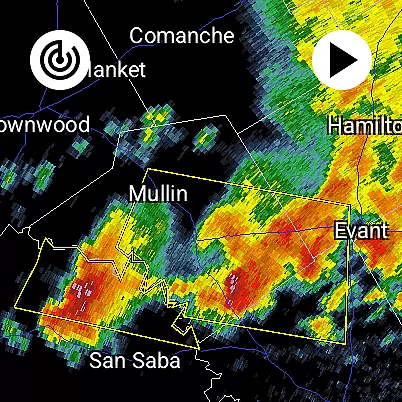
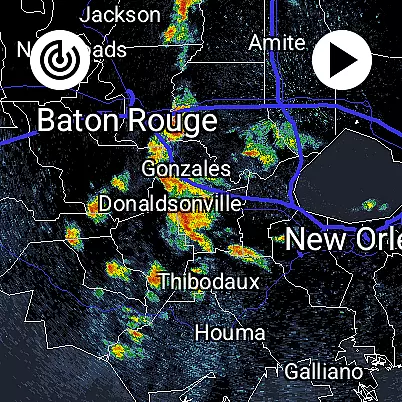
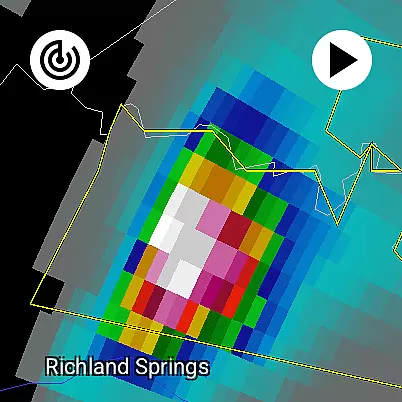
RadarScope is a professional weather visualization application designed for meteorologists and weather enthusiasts. This app provides real-time access to a complete suite of single-site radar data and severe weather products across multiple countries. With its advanced features, users can view native radar data in its original radial format, identify critical weather patterns like mesocyclones and hail spikes, and receive timely warnings for tornadoes, thunderstorms, and other severe weather events.
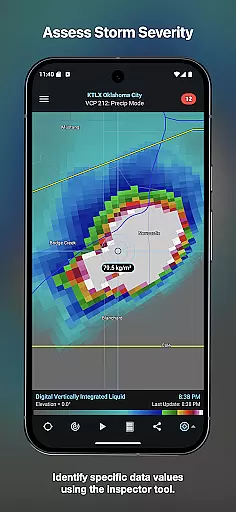
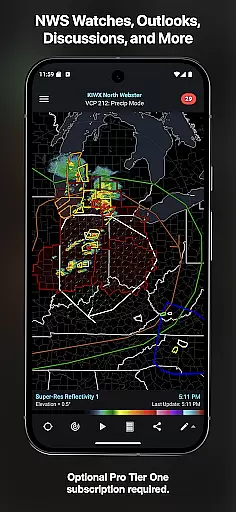
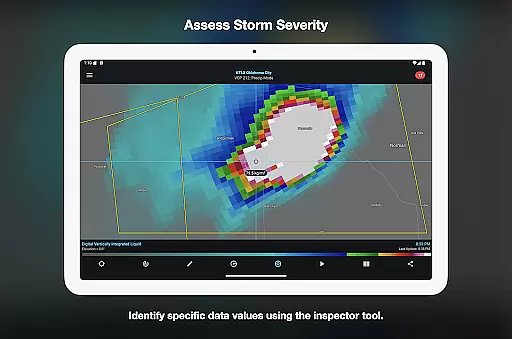
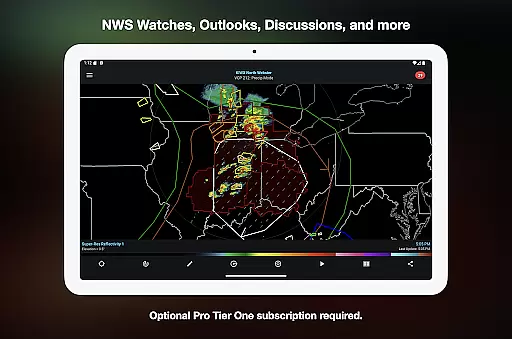
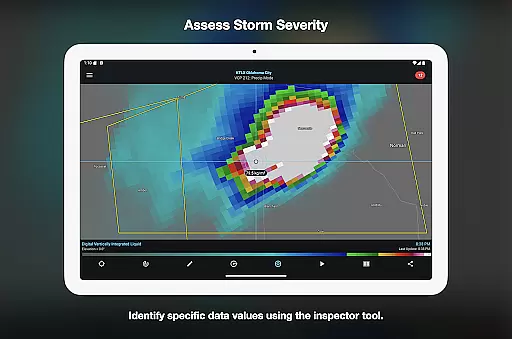
The app offers both free and subscription-based tiers, RadarScope Pro Tier One and Tier Two, which unlock additional capabilities such as longer radar loops, lightning strike data, and historical weather archives. Available on Android and Wear OS, the app ensures a seamless experience with automatic updates every two to ten minutes, depending on the radar scanning strategy. Its intuitive tools, including Inspector and distance measurement, make it an essential companion for storm tracking and analysis.
RadarScope stands out with its comprehensive suite of advanced weather visualization tools. The app provides access to radar data from multiple providers, covering regions such as the US, Canada, and parts of Europe. Users can analyze 6-frame radar loops in the free version, with optional upgrades to 30-frame or 50-frame loops through subscription tiers. Additional built-in features include NWS-generated storm tracks, color palette customization, and integration with external services like AllisonHouse and Spotter Network.
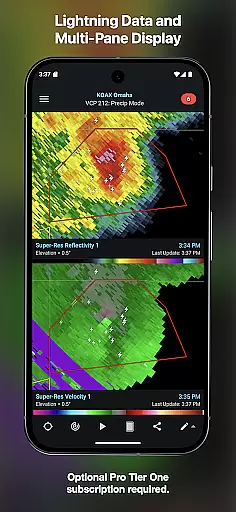
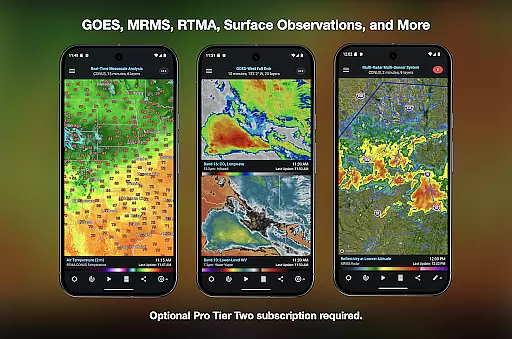
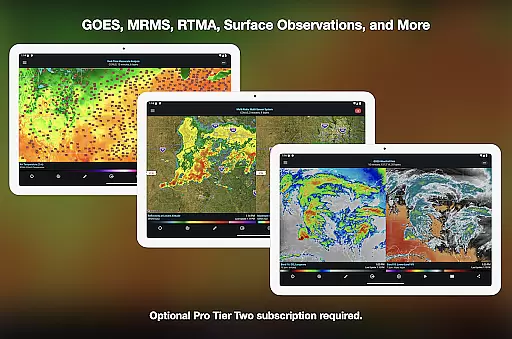
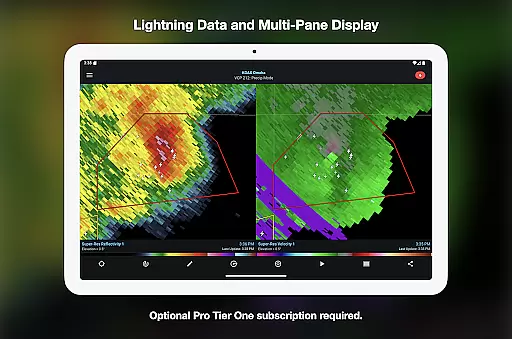
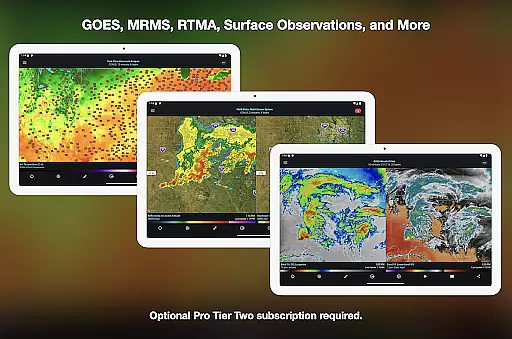
For power users, RadarScope Pro Tier Two unlocks access to NEXRAD Level II data, GOES satellite imagery, and MRMS products, along with a 30-year historical archive. The app also supports multi-pane displays, custom map layers, and server-sent event notifications for radar updates. These features ensure that users have the most accurate and detailed weather information at their fingertips, whether they are monitoring local storms or analyzing long-term weather trends.
Companion app integration is a crucial feature for Android Wear applications like RadarScope. This functionality ensures seamless synchronization between the mobile app and wearable devices, providing users with real-time weather updates directly on their smartwatches.
RadarScope achieves this by offering a universal app experience that extends to Wear OS. The companion app integration allows meteorologists and weather enthusiasts to access radar data, severe weather warnings, and storm tracks from their wrists, ensuring they stay informed even when they are on the move.
The benefit of this integration is significant. Users can receive timely alerts about tornadoes, thunderstorms, and other severe weather conditions without needing to check their phones constantly. This enhances situational awareness and safety, particularly for professionals in the field or during outdoor activities.
By supporting cross-platform subscription sharing on up to five devices, RadarScope ensures that all your devices are always in sync. Whether you're using the app on your phone, tablet, or smartwatch, you'll have access to the same comprehensive suite of weather visualization tools, making it an indispensable resource for anyone serious about tracking weather patterns.
Device compatibility is a key consideration for any Android Wear application. For RadarScope, ensuring broad compatibility across various Wear OS devices enhances its accessibility and utility for meteorologists and weather enthusiasts alike.
The app supports a wide range of Wear OS devices, allowing users to take full advantage of its professional-grade radar visualization features. Whether you're using a smartwatch from a major manufacturer or a lesser-known brand, RadarScope's compatibility ensures that you can view critical weather data wherever you are.
This level of compatibility provides numerous advantages. Users can enjoy consistent performance and functionality regardless of their specific device, which means they won't miss out on important weather updates due to hardware limitations. Additionally, the app's optimization for low-bandwidth use ensures smooth operation even in areas with poor connectivity.
Furthermore, RadarScope's support for widgets and bundled maps with political boundaries, water bodies, and major highways makes it a versatile tool for both casual users and professionals. By delivering a reliable and uniform experience across different devices, RadarScope solidifies its position as a leading weather visualization tool in the Android Wear ecosystem.
Real-time radar updates
Historical weather data
Multi-platform support
Customizable color palettes
Comprehensive warning system
Subscription fees required
Complex for beginners
Limited free features
High data usage
Regional limitations

Gym Log & Workout Tracker | Fitness Journal, Training & Weight Lifting Planner
 4.90
4.90
Wear Os Watch Face - Animated Snow Effect & Magic Spark - 6 Scenes
4.10
Digital watch face. For Wear OS devices.
4.40
Monitor health with the stress test and pulse checker in the heart rate app.
4.60
Retro digital watch face with customizable colors and a unique lighting effect
4.60
Viewer for Wyze/Yi/Eufy/Arlo/ONVIF/RTSP/P2P IP cams w/ adv. features & DIY DVR
4.00
Animated video-game inspired “secret agent” simulation, right on your wrist!
4.20
Track your active life in one place and share the journey with friends.
4.40
Toyota app currently supports 2010 or newer vehicles (2018 or newer for Hawaii).
4.50
Be an elegant and classy secret agent, with this carefully detailed watch face
4.70
The most customizable minimal watch face. For Wear OS 5.0, API 34+ and later
4.70
Highly customizable hybrid watch face for Wear OS, perfect for everyday use.
4.60
Gym & home workout plans with strength training, exercise tracking, HIIT & more.
4.60
Simple, helpful messaging by Google
4.60
Premium hybrid watch face with many customizations for Wear OS devices.
4.40
Watch face for Wear OS.
4.20
Connect, create, and collaborate with Gmail, part of Google Workspace.
4.10
A Wintery Snow Globe on Your Wrist; now celebrating Christmas!
4.3
Sleek, highly customizable watch face inspired by Galaxy Watch Circle Dashboard.
4.1





User Reviews