
Gmail for Android Wear offers a seamless email management experience directly from your smartwatch. The app allows users to access their inboxes, read notifications, and respond to messages using voice commands or pre-written responses.
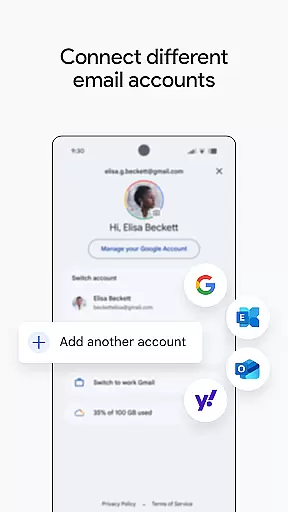
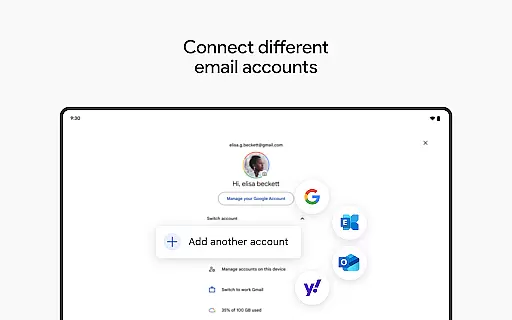
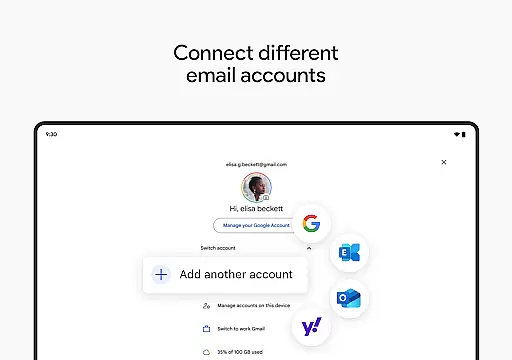
With integration into Google's ecosystem, it supports multiple accounts and provides real-time synchronization. Whether you're commuting or in a meeting, Gmail keeps you connected and productive without needing to pull out your phone.
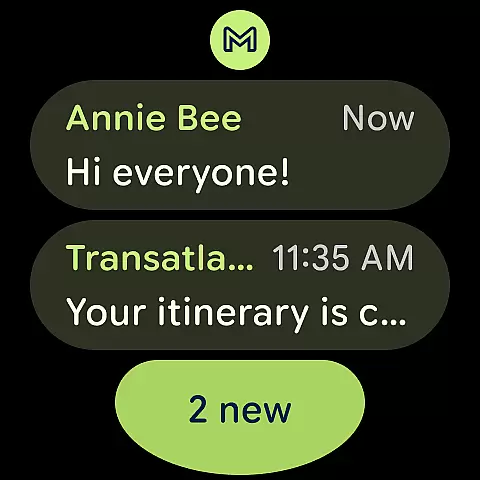
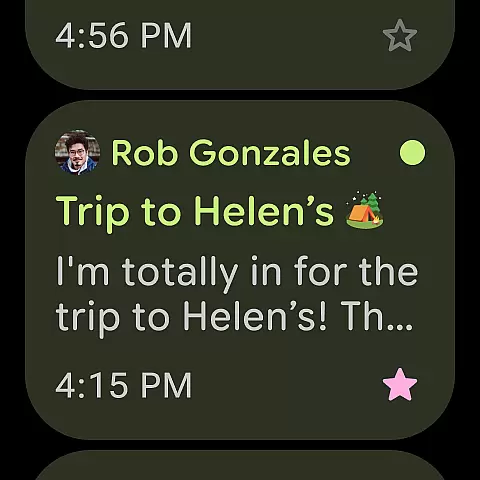
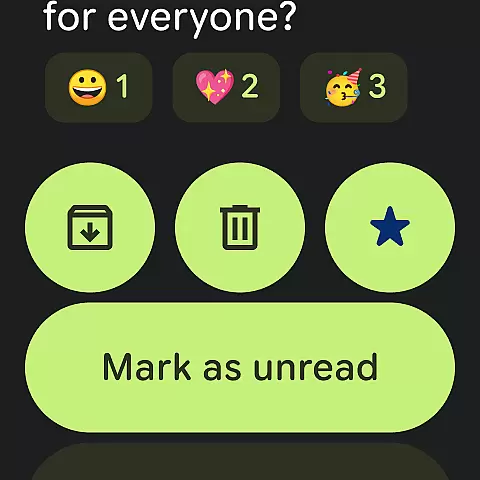
The app features robust functionality tailored for wearable devices. Users can receive instant email notifications and take immediate actions such as archiving or deleting messages.
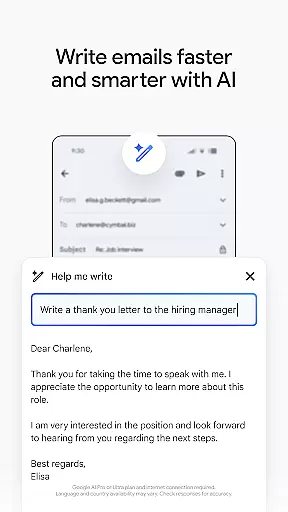
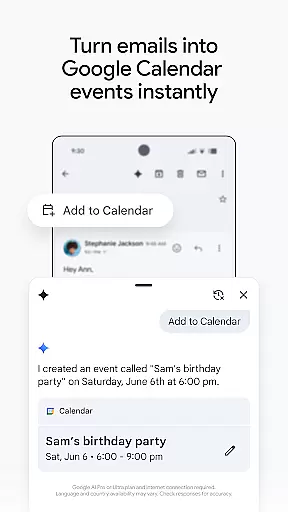
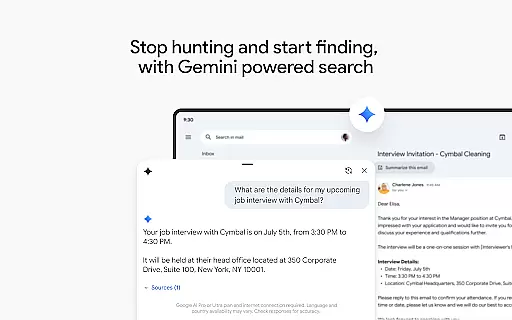
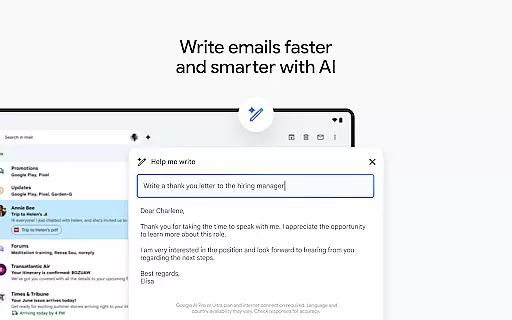
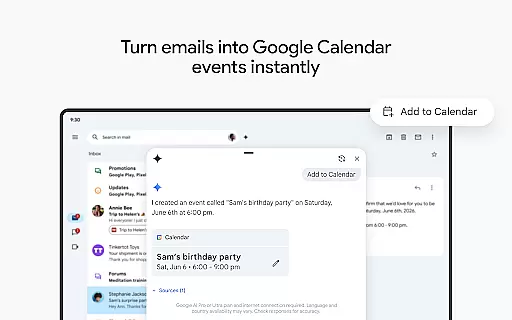
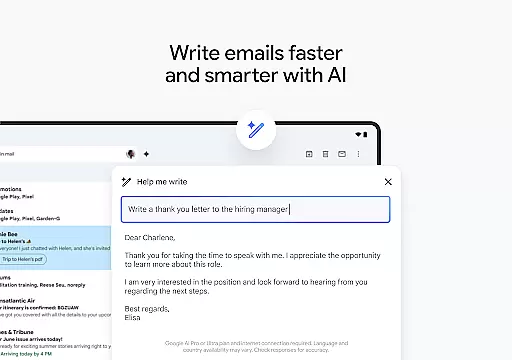
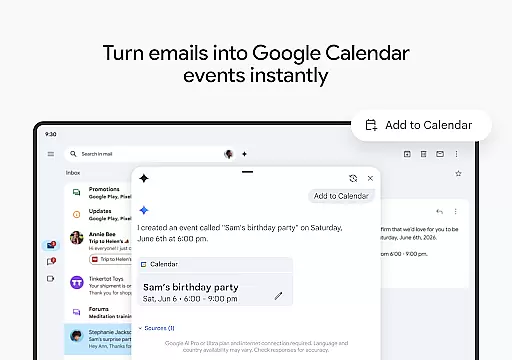
Google AI enhances the experience by offering smart replies and predictions based on your writing style. Additionally, the 'Add to Calendar' feature lets you create events directly from your emails, streamlining your workflow.
Companion app integration is crucial for a seamless wearable experience. Gmail's Wear OS version ensures that users can stay connected and productive directly from their wrists.
The Gmail app on Wear OS maintains synchronization with the main mobile application, providing real-time updates and notifications. This allows users to receive, read, and even respond to emails without needing to take out their phone.
Through companion app integration, Gmail enables quick access to essential features such as unread messages, calendar invites, and important notifications. The 'Add to Calendar' button powered by Gemini further enhances productivity by allowing instant event creation.
This integration provides significant value to users by extending core email functionality to their smartwatches, making it easier to manage communications while on the go or when their phone isn't readily accessible.
Device compatibility is essential for ensuring optimal performance across various Wear OS devices. Gmail's Wear OS application demonstrates excellent compatibility with different smartwatch models running the Wear OS operating system.
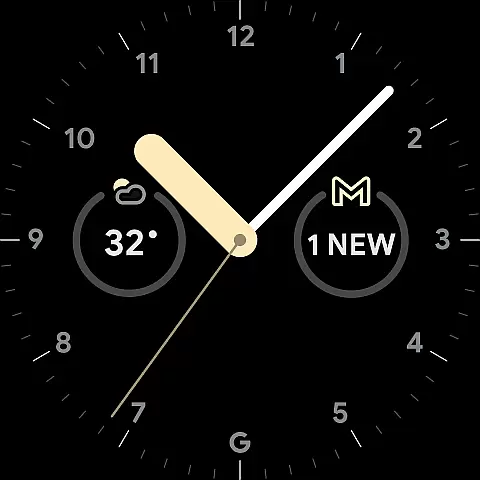
The app takes full advantage of Wear OS capabilities, including notification management, complication support, and tile integration. Users can add Gmail complications to their watch face for quick email previews and status updates.
Gmail's Wear OS version is designed to work efficiently within the constraints of wearable devices, optimizing battery usage while maintaining core functionality. The app automatically adjusts its interface to fit different screen sizes and resolutions.
This comprehensive device compatibility ensures that users can enjoy a consistent and reliable Gmail experience across all their Wear OS devices, regardless of manufacturer or specific hardware configuration.
Seamless Wear OS Integration
Voice Command Support
Real-Time Synchronization
Smart Reply Suggestions
Multi-Account Management
Limited Functionality on Small Screens
Requires Internet Connection
Occasional Notification Delays
No Advanced Search Filters
Dependent on Google Services

Diet tracker for weight loss - track calories, food and macros. Simple and easy!
 4.70
4.70
WTW M17 is a premium and luxurious hybrid watch face
4.70
Embrace the festive spirit with our Christmas Countdown watchface for Wear OS
4.10
Connect to your Bluelink equipped Hyundai vehicle from your smartphone.
4.50
The ultimate destination for kids ages 3-8 to explore the Marvel Universe!
4.30
The #1 source of faces for your smartwatch!
4.00
The most customizable hybrid watch face. For Wear OS 5.0, API 34+ and later
4.70
Fast and smart typing with Emojis, GIFs, and more
4.50
Back up your contacts & access them anywhere
4.30
Digital, flexibly customizable watch face. For Wear OS 5.0, API 34+ and later.
5.00
Easy Voice Recorder is your everyday companion to record important moments.
4.70
Be an elegant and classy secret agent, with this carefully detailed watch face
4.70
Highly customizable hybrid watch face for Wear OS, perfect for everyday use.
4.60
Reliable phone calls with spam protection, caller ID and more helpful features
4.40
Locate your family members by GPS phone location tracker everywhere and anytime
4.30
Your music, your playlists, and more—offline and unlimited.
4.20
A digital watch face that celebrates Christmas.
4.00
an Analog Watch Face for winter season with freeze winter background for Wear OS
4.5
Fitness interactive virtual pet super fighter boy watch face
4.1




User Reviews