
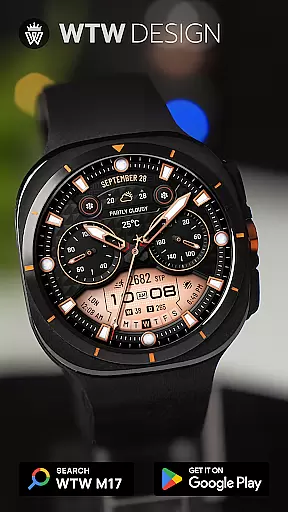
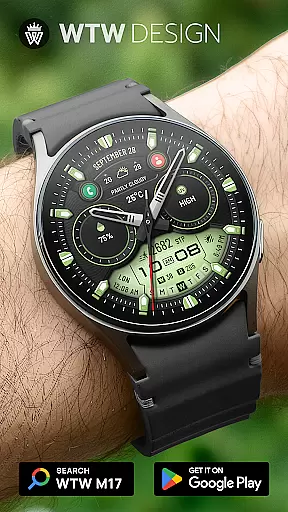
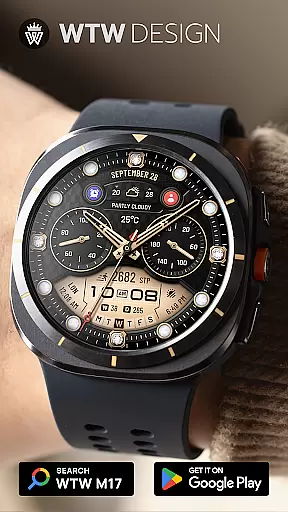
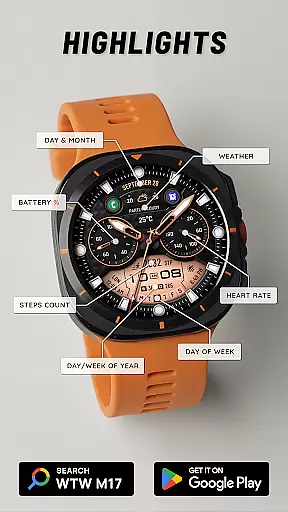
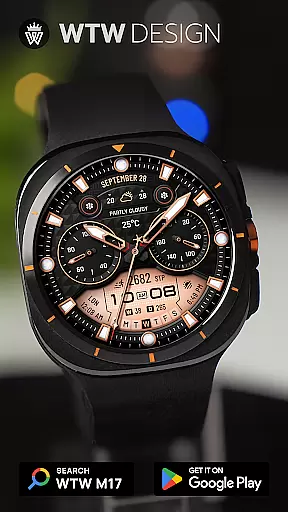
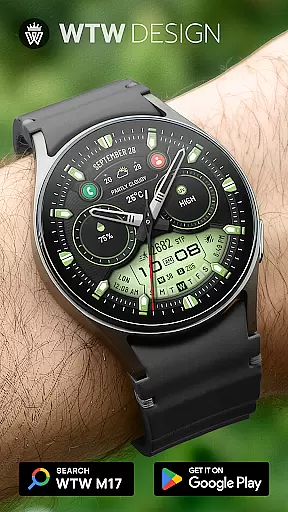
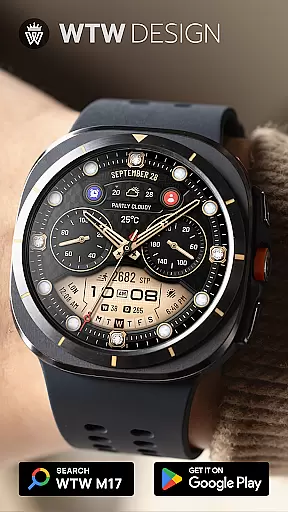
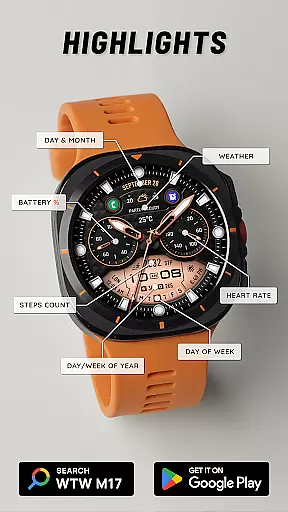
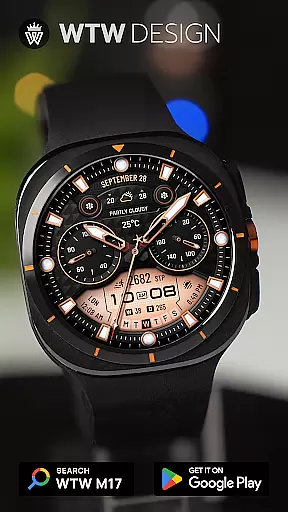
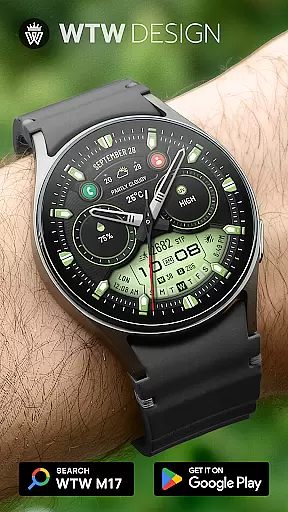
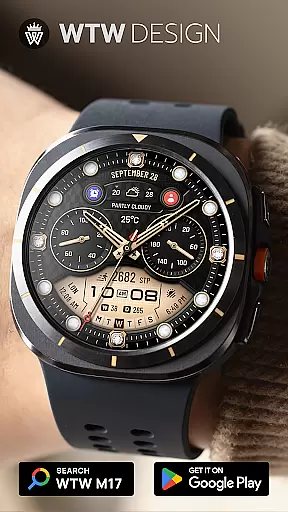
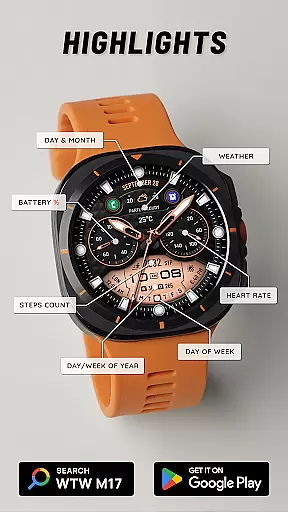
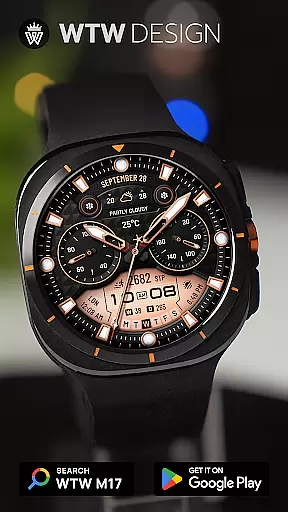
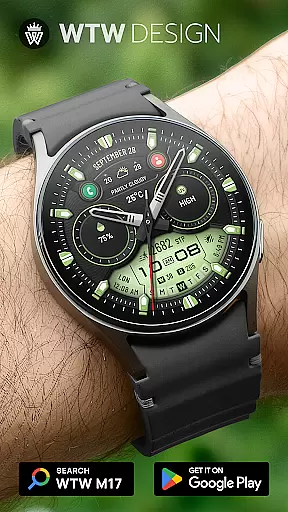
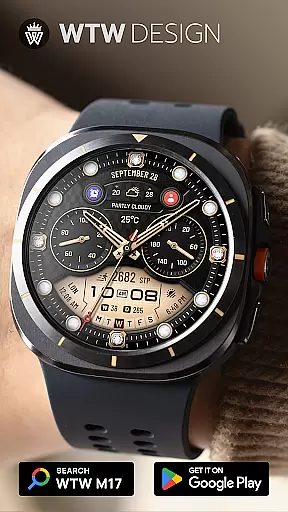
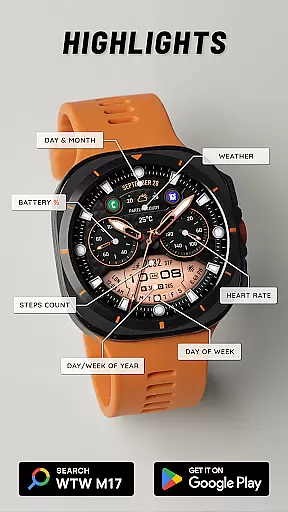
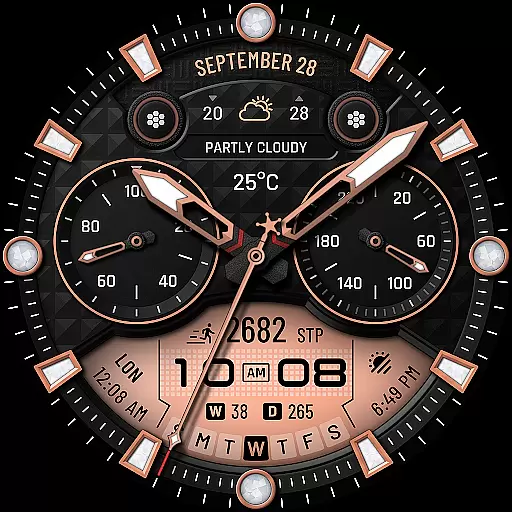
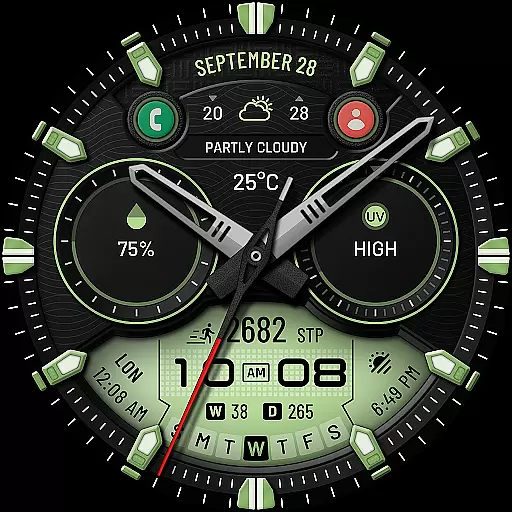
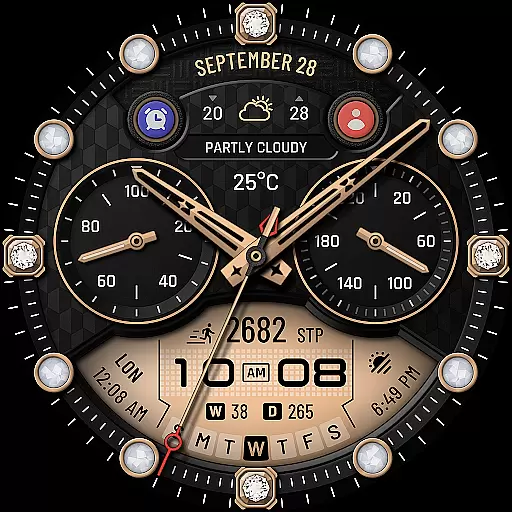
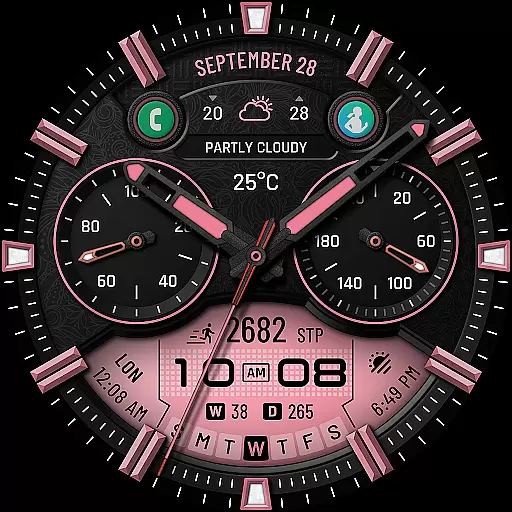
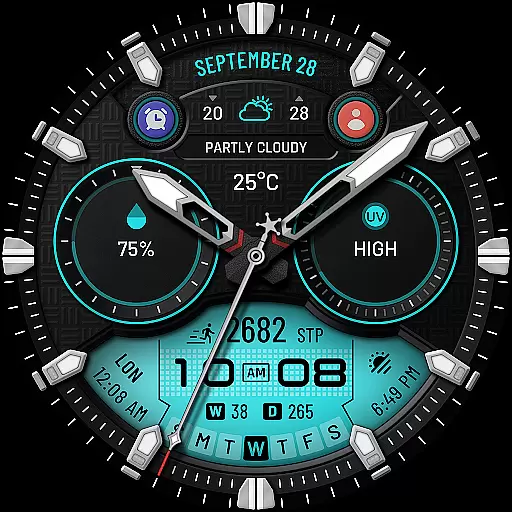
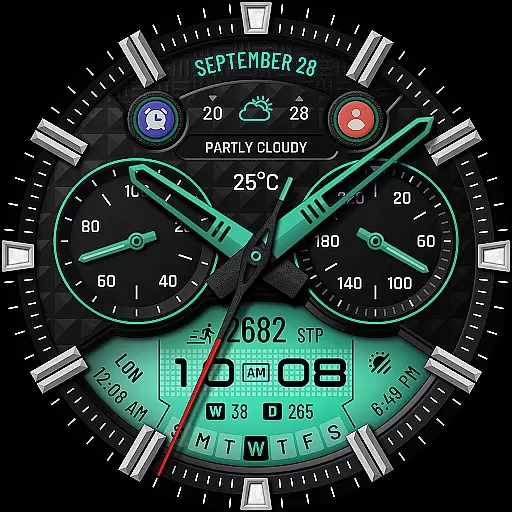
WTW M17 Hybrid Watch Face is a versatile and customizable watch face designed for Wear OS devices. Supporting all Wear OS devices with API Level 30+, this app offers compatibility with Samsung Galaxy Watch series, Pixel Watch, and more. The watch face features an analog dial, digital time display, battery percentage, heart rate monitoring, step counting, date information, weather updates, and much more.
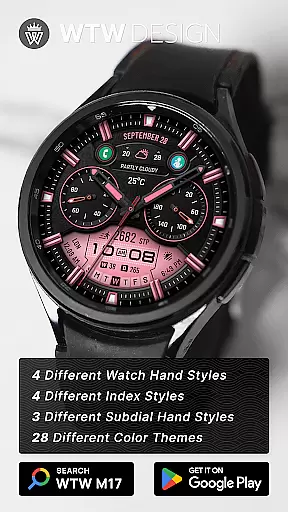
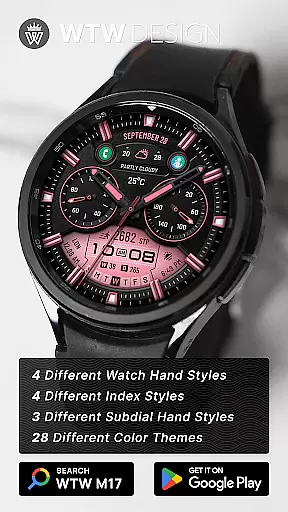
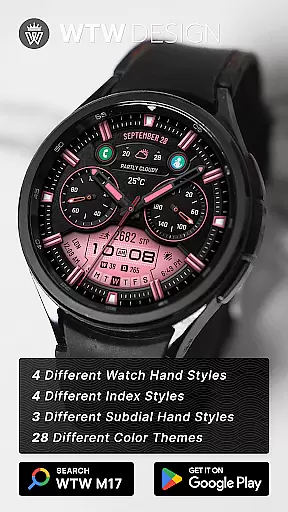
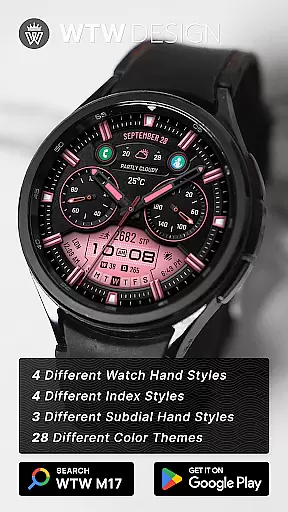
With its extensive customization options, users can personalize their watch face experience through different watch hand styles, index styles, subdial hand styles, preset app shortcuts, custom complications, and multicolor options. Whether you want to track your fitness goals or stay updated with notifications, WTW M17 Hybrid Watch Face provides a comprehensive solution for all your needs on your Wear OS device.
One of the standout features of WTW M17 Hybrid Watch Face is its wide range of functionalities that cater to various user preferences. Users can choose between analog and digital time displays based on their phone settings, view their heart rate in BPM, track steps taken throughout the day, access detailed date information including day, month, day of the week, day in year, and week in year.
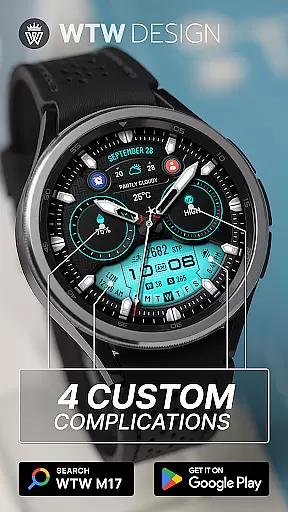
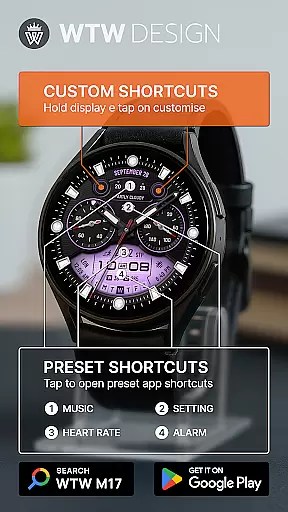
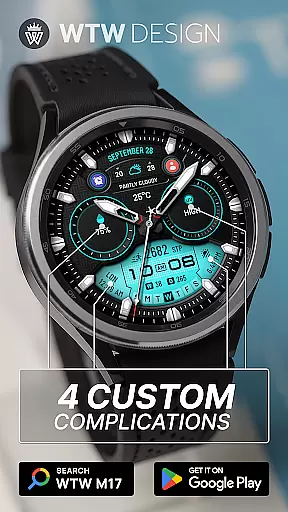
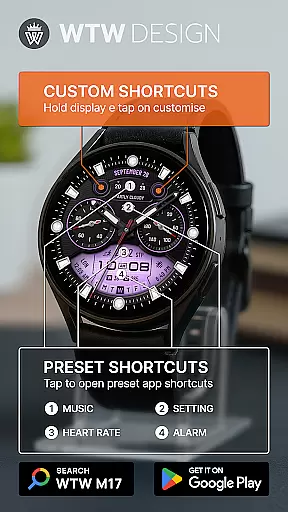
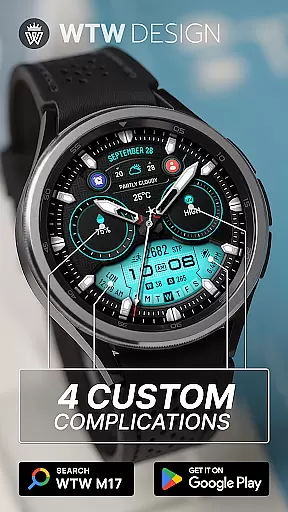
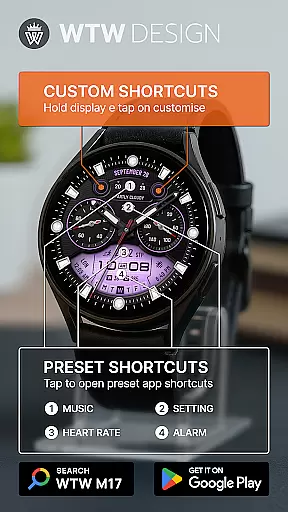
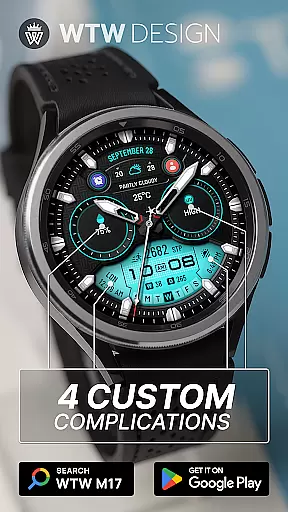
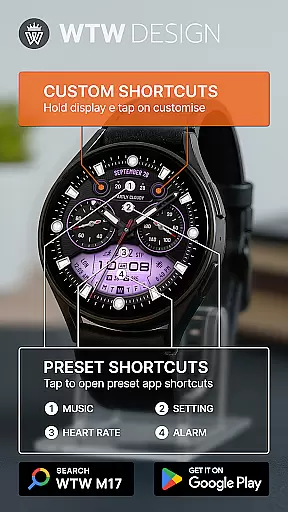
The app also offers customization options such as selecting from four different watch hand styles, four index styles, three subdial hand styles, four preset app shortcuts (Music, Alarm, Heart Rate, Setting), four custom complications, two customizable app shortcuts, and multicolor settings. With Always On Display functionality and weather updates available at a glance, users can easily stay informed while personalizing their watch face to suit their style.
For the WTW M17 Hybrid Watch Face, companion app integration is essential for a seamless user experience. This functionality allows users to sync data between their Wear OS devices and smartphones effortlessly. The watch face supports all Wear OS devices with API Level 30+, including Samsung Galaxy Watches and Pixel Watches.
The synchronization process ensures that settings such as time format (12/24hr), weather updates, and health metrics like heart rate and step counts are accurately reflected on the watch face. Users can customize their watch face by selecting from preset app shortcuts like Music, Alarm, Heart Rate, and Settings, which enhances usability and convenience.
By integrating with the companion app, users gain access to additional features such as customizable complications and app shortcuts. This level of customization enables users to tailor their watch face to their specific needs and preferences, ensuring a personalized and efficient user experience.
The WTW M17 Hybrid Watch Face boasts extensive compatibility with a wide range of Wear OS devices, making it versatile and accessible to many users. Supporting all Wear OS devices with API Level 30+, this watch face is compatible with popular models like Samsung Galaxy Watches (versions 4, 5, 6, 7, 7 Ultra, 8, 8 Classic) and Pixel Watches.
This broad compatibility ensures that users can enjoy consistent performance and functionality regardless of their specific device. Features such as analog dials, digital time display, battery percentage, BPM heart rate, steps count, day & month, day of week, day in year, week in year, and weather are available across supported devices.
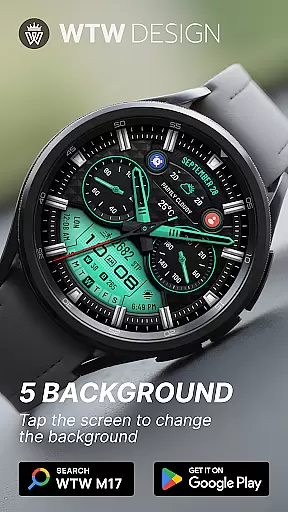
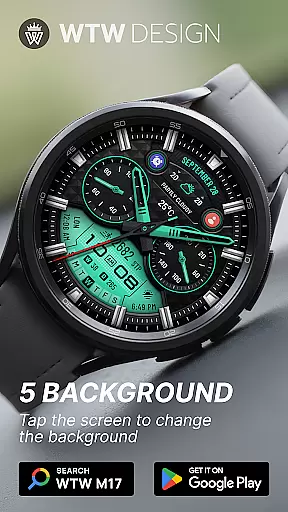
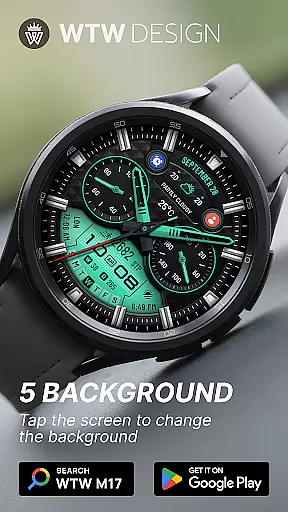
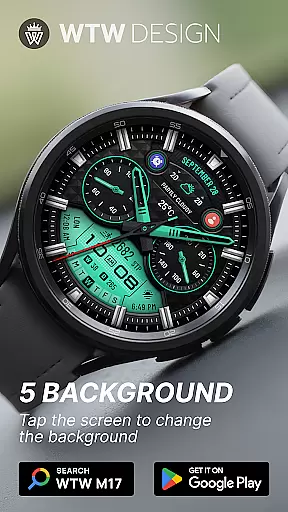
Additionally, the watch face offers various customization options, including different watch hand styles, index styles, subdial hand styles, and multicolor settings. With an Always On Display feature, users can quickly glance at their watch face without needing to interact with it actively. This comprehensive compatibility and feature set make the WTW M17 Hybrid Watch Face a reliable choice for Wear OS users.
User-friendly interface
Wide range of customization options
Compatibility with multiple Wear OS devices
Comprehensive health tracking features
Regular updates and support
Limited to Wear OS platform
Some features may require additional permissions
Customization options might be overwhelming for beginners
Design aesthetics may not appeal to all users
Occasional performance issues reported by some users

Christmas and New Year - Themed Watchface
 4.2
4.2
A full-featured Amazon Alexa voice assistant that can show you things.
3.70
A watch face that fuses motorsport precision with contemporary smartwatch design
4.5
Deck out your Wear OS Watch face with a beautifully decorated pine wreath!
4.50
Fitness interactive virtual pet super fighter boy watch face
4.0
Retro digital watch face with customizable colors and a unique lighting effect
4.60
Hybrid Vibrant Health Watch Face for Wear OS
4.4
Premium hybrid watch face with many customizations for Wear OS devices.
4.40
From periods to pregnancy & perimenopause, Flo helps you track it all. Try now.
4.70
The Chevron App allows you to pay for fuel from the comfort of your car!
4.80
A realistic hybrid watch face with many customization options.
4.60
MyNISSAN® lets you remotely control your car from your phone.*
4.50
Current temperature, weather hourly, weather radar by the weather forecast app
4.40
Digital watch face. For Wear OS devices.
4.40
Calming & relaxing sounds for sleeping and stress relief. Stay focused all day!
4.20
"PER27 Galaxy Digital" is a digital Wear OS watch face designed by PERSONA
4.10
Wear Os Watch Face - Animated Snow Effect & Christmas Lights
4.1
Artistic Digital Watchface
4.1
Minimalistic design modern digital watch face.
4.4



User Reviews