
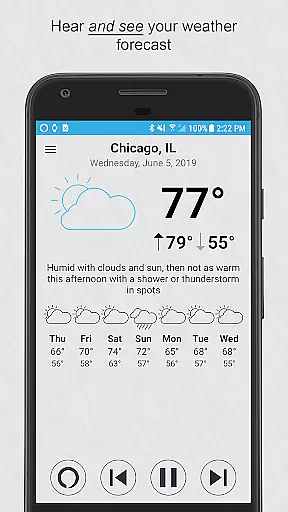
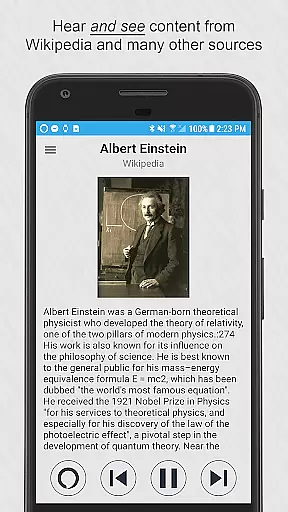
Ultimate Alexa Voice Assistant is a comprehensive voice assistant app that brings Amazon Alexa's capabilities to your Android device and Wear OS watches. The app supports Alexa’s Display Card technology, allowing users to both hear and see responses for weather forecasts, news, lists, and more. With multiple activation options including wake word detection, widget shortcuts, and Google Assistant integration, it offers flexible access to Alexa's features.
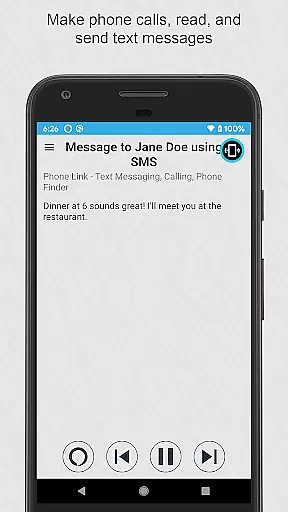
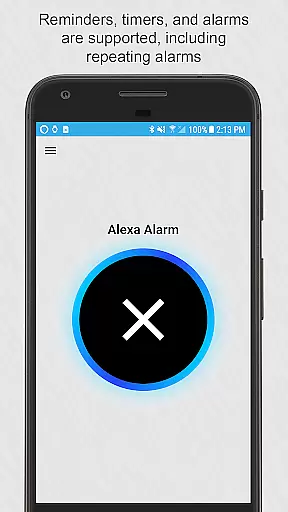
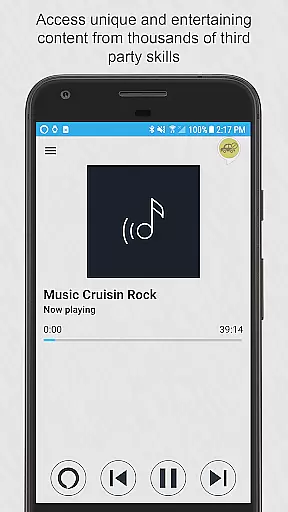
The app provides extensive functionality such as making calls, sending messages, controlling smart home devices, setting reminders, and accessing thousands of third-party skills. It also allows customization of Alexa's voice and gives users control over when the app listens. While offering broad utility, certain limitations exist in music playback due to Amazon's restrictions. This makes Ultimate Alexa a versatile tool for productivity, information access, and entertainment on mobile devices.
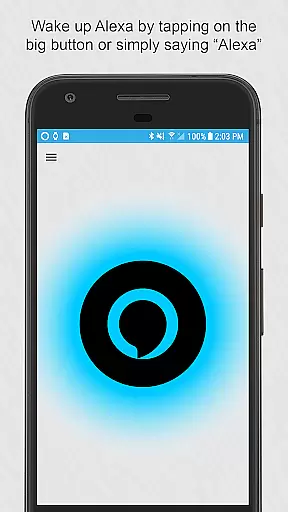
Ultimate Alexa stands out with its robust feature set tailored for both smartphones and Wear OS devices. One key highlight is its support for Alexa’s Display Card technology, enabling visual responses alongside voice interactions. Users can activate Alexa through various methods including saying the wake word, tapping a button, or using the Google Assistant shortcut. For added convenience, the Pro version unlocks advanced activation options like shaking the phone or using a Samsung Bixby button.
The app integrates seamlessly with other services, supporting messaging apps like WhatsApp and Facebook Messenger, calendar entries, smart home controls, and local information queries. It also includes accessibility features that allow replacing native assistants like Bixby. Despite these strengths, music playback via popular streaming services is restricted due to Amazon's policies. Overall, Ultimate Alexa delivers an innovative and versatile voice assistant experience across different platforms.
Companion app integration is crucial for wearable devices as it ensures seamless synchronization between the smartphone and the wearable. Ultimate Alexa Voice Assistant excels in this area by offering comprehensive support for both phones and Wear OS watches. The app allows users to access Alexa's features through voice commands or by tapping on a button, ensuring that functionality is not compromised whether at home or on the go.
The level of integration provided includes the ability to activate Alexa from various entry points such as the notification area, a resizable widget, or even through the Google Assistant with a specific command. This versatility enhances user convenience and accessibility, making interactions with the assistant as natural and effortless as possible. For users without a speaker on their Wear OS device, the connected phone's speaker serves as an audio output, maintaining full functionality across devices.
By upgrading to the Pro version, users can enjoy additional features like shaking the phone to wake Alexa or using a dedicated Bixby button on Samsung devices to invoke Alexa. These enhancements not only improve accessibility but also personalize the user experience, catering to individual preferences and habits. Such deep integration across multiple platforms underscores Ultimate Alexa's commitment to providing a cohesive and intuitive user experience.
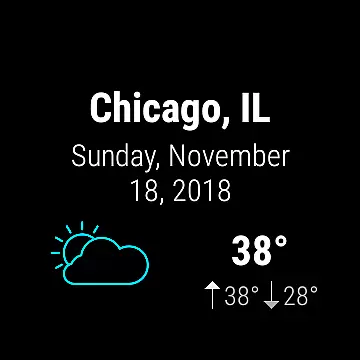
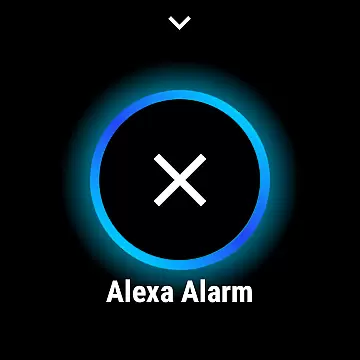
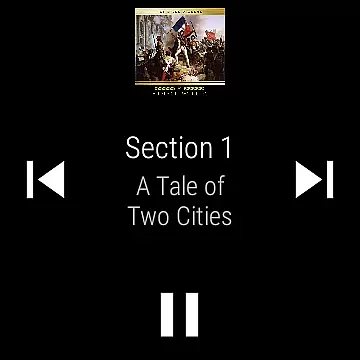
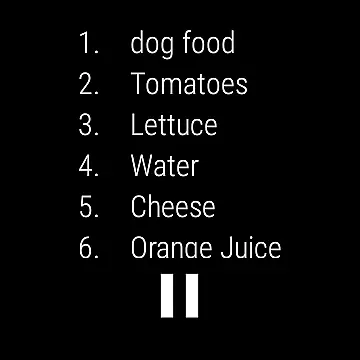
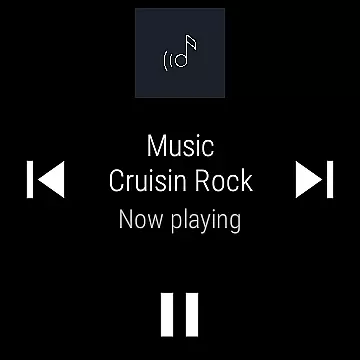
Wear OS/device compatibility is essential for ensuring that applications run smoothly across different devices and form factors. Ultimate Alexa Voice Assistant is designed to be fully compatible with Wear OS, allowing users to interact with Alexa directly from their smartwatches. This compatibility extends to both the visual and auditory aspects of the app, enabling users to see Display Cards and hear responses, thus creating a rich, interactive experience.
The app supports a variety of interaction methods tailored for Wear OS, including tapping a large button on the watch face to initiate voice commands. Additionally, users can utilize the Wear OS tile to launch the app and provide immediate voice input, streamlining the process of accessing Alexa's capabilities. This flexibility ensures that users can engage with the assistant in a manner that best suits their context and preferences.
Ultimate Alexa also respects user control over when the app listens and responds, offering options to customize the listening behavior and choose from different Alexa voices. This attention to detail in managing device interactions highlights the app's dedication to delivering a personalized and user-friendly experience. By supporting every Alexa feature allowed by Amazon, Ultimate Alexa maximizes the potential of Wear OS devices, making them powerful tools for productivity and entertainment.
User-friendly interface
Versatile activation options
Comprehensive feature set
Supports Wear OS
Customizable settings
Limited music playback
Pro version costs extra
Bixby replacement complex
Accessibility service required
Restricted calling regions

Animated Watch Face and Customizable with 24 Backgrounds. Perfect for Christmas!
 3.90
3.90
A heartwarming Christmas scene featuring a cute image of Santa and Rudolf
4.1
Contemporary digital watch face with five complications
4.2
Stunning modern digital watch face with 7 complications and strong contrast
4.3
Digital watch face with big numbers and many customization for Wear OS devices
4.40
A modern hybrid informative watch face for Wear OS designed by BALLOZI
4.80
Premium hybrid watch face with many customizations for Wear OS devices.
4.40
Start and succeed with PAP
4.10
Back up your contacts & access them anywhere
4.30
Connect to your Bluelink equipped Hyundai vehicle from your smartphone.
4.50
Reliable phone calls with spam protection, caller ID and more helpful features
4.40
Embrace the festive spirit with our Christmas Countdown watchface for Wear OS
4.10
Connect, create, and collaborate with Gmail, part of Google Workspace.
4.10
A digital watch face that celebrates Christmas.
4.00
Structured watch face with seven complications and modular UI elements
3.90
Stay in touch with your friends and family using LINE!
3.40
Your local weather forecast, storm tracker, radar maps & live weather news
3.40
Wear Os Watch Face - Animated Snow Effect & Christmas Lights
4.4
Funny animated watch face for Thanksgiving
4.5




User Reviews