
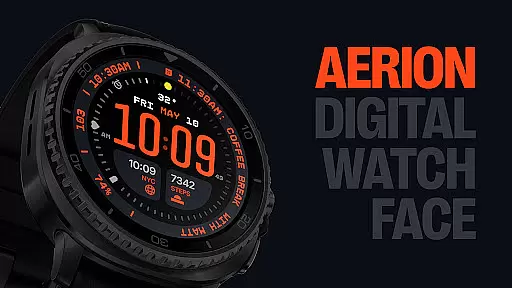
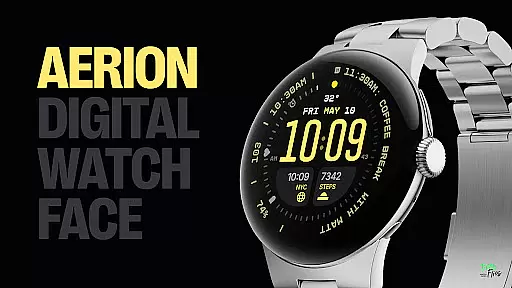
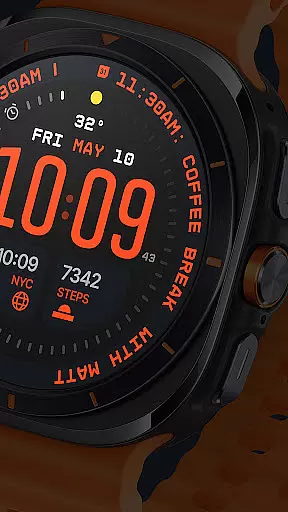
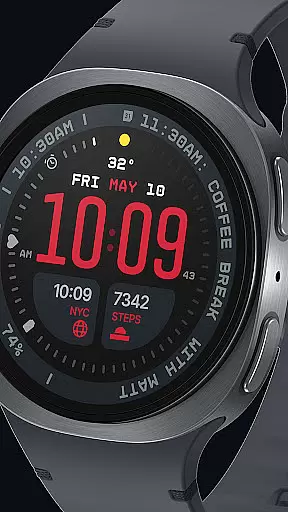
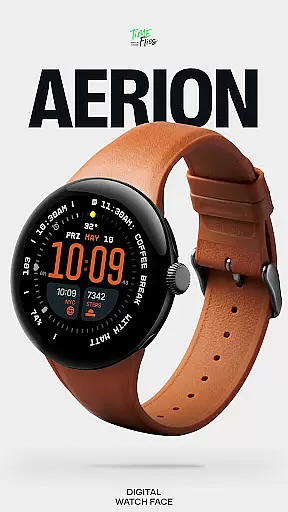
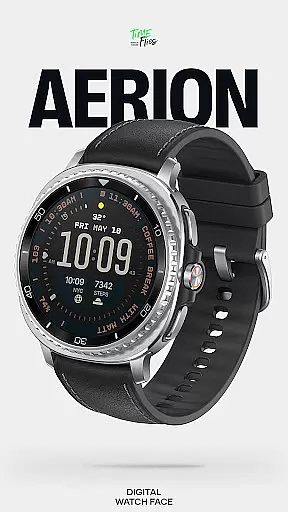
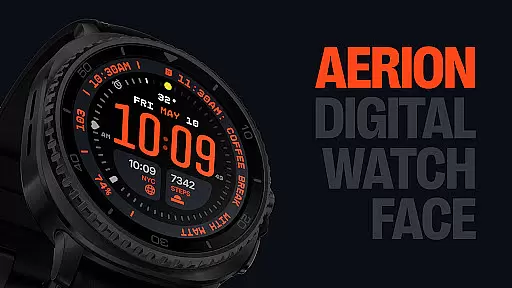
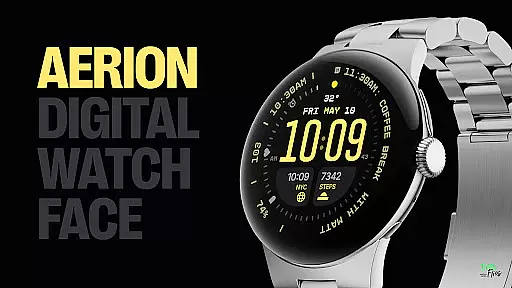
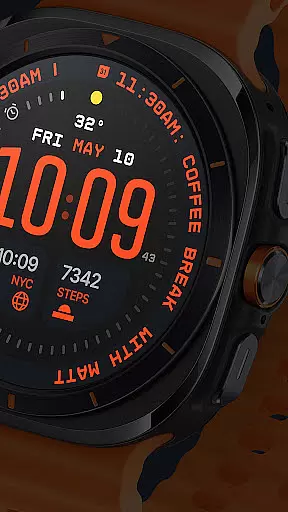
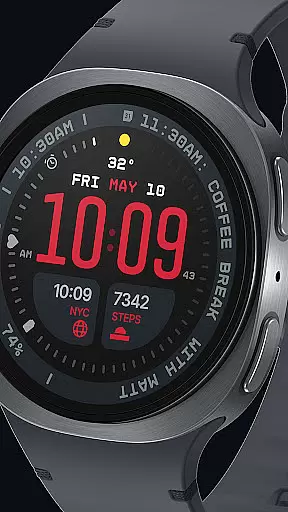
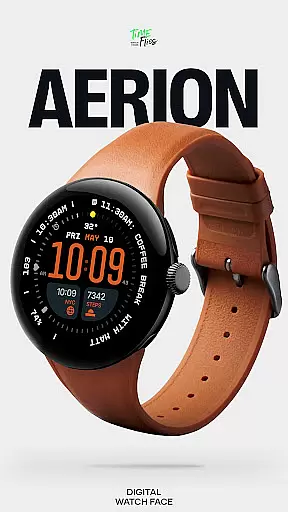
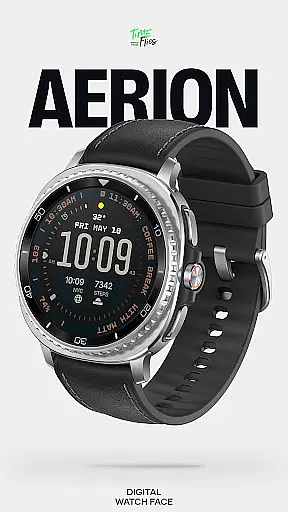
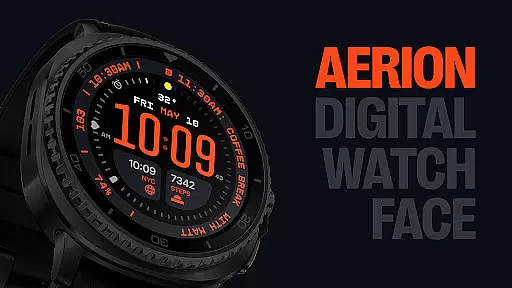
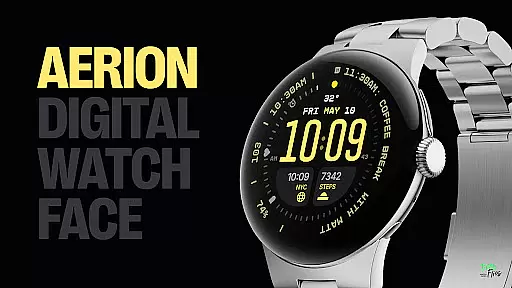
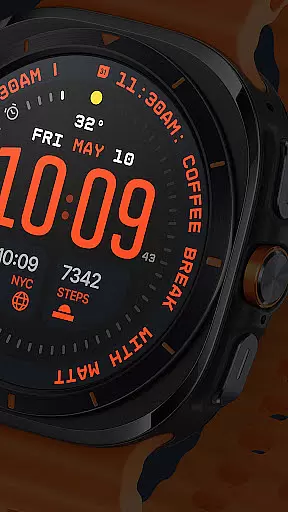
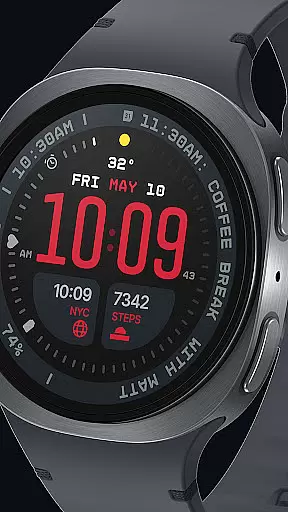
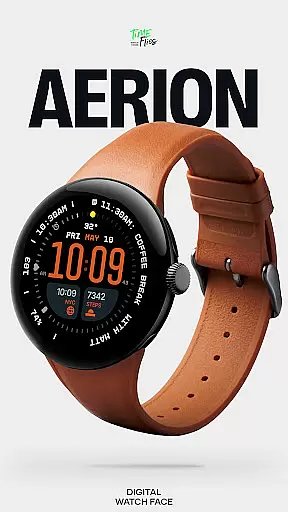
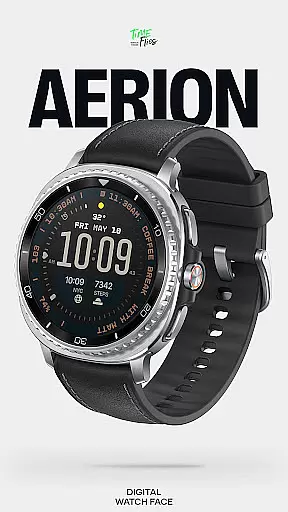
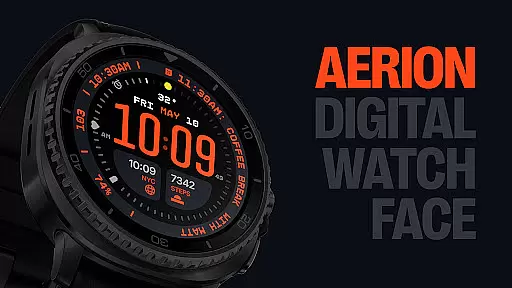
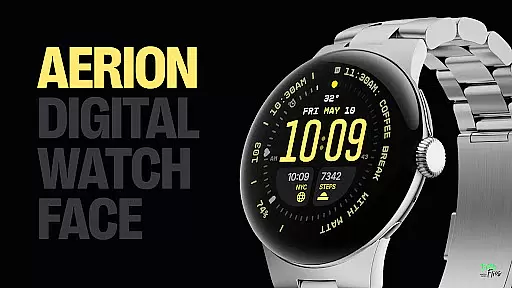
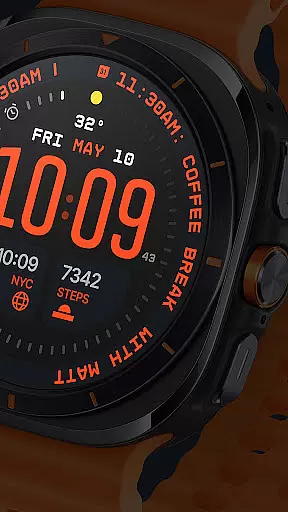
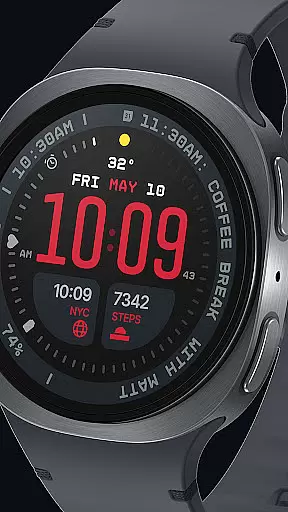
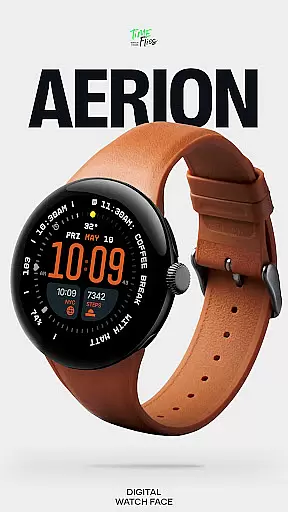
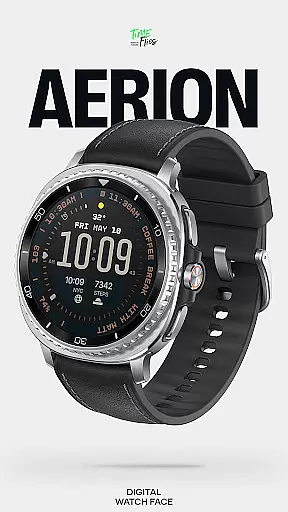
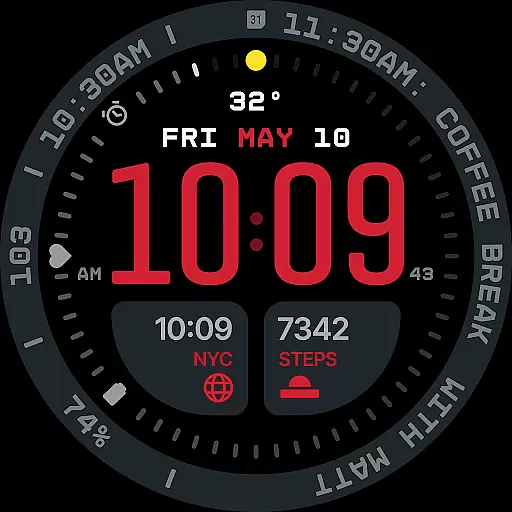
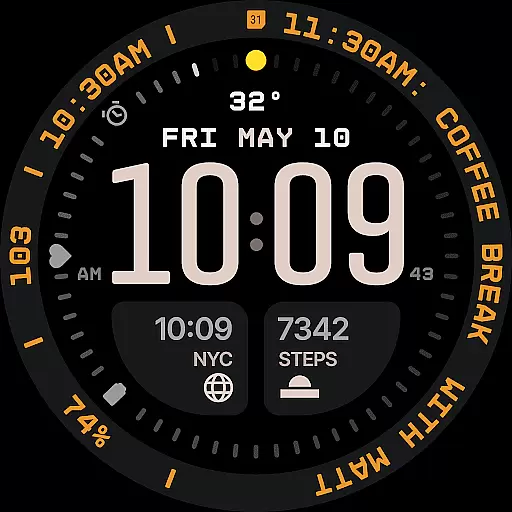
Aerion Digital Watch Face redefines digital timekeeping for Wear OS with its structured and intelligent design. Engineered for clarity and precision, it features a contemporary layout that balances presence with restraint. The watch face displays time in a carefully weighted font, complemented by customizable complications and integrated day-date functionality.
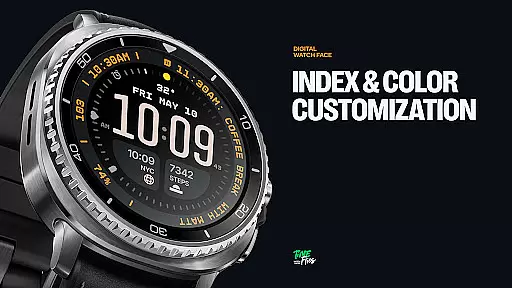
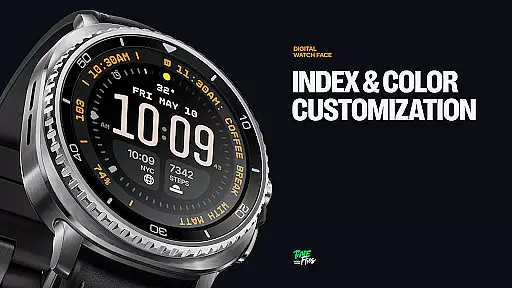
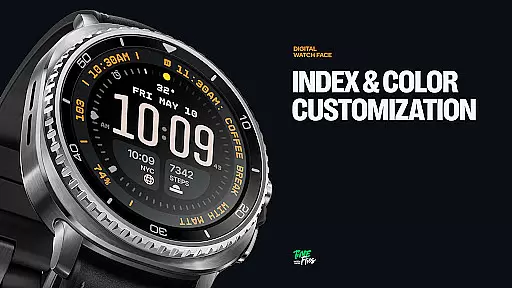
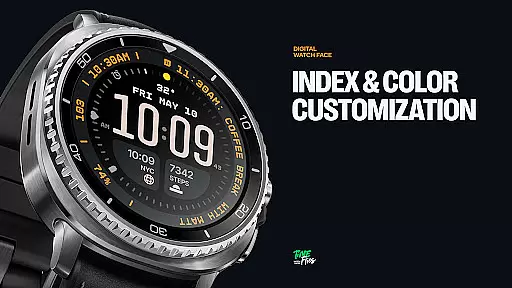
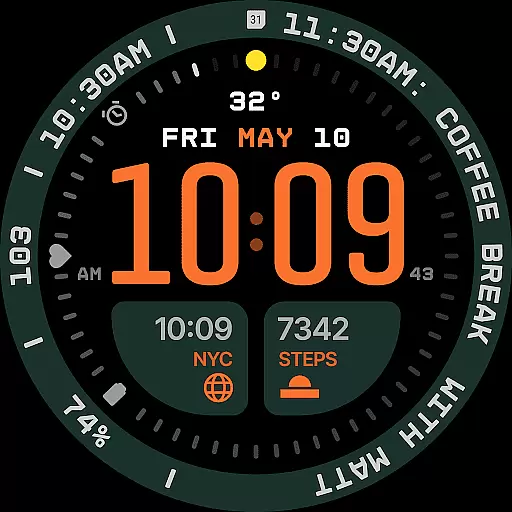
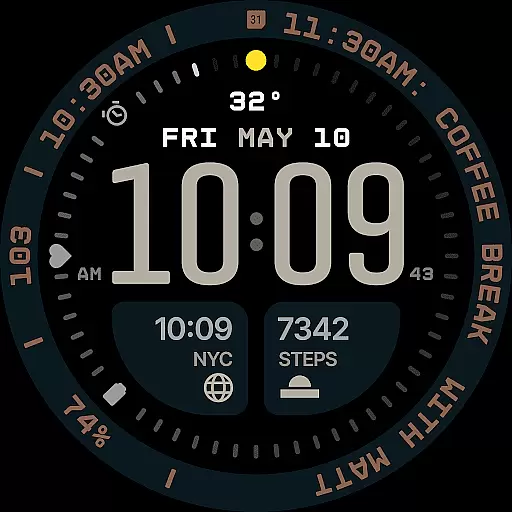
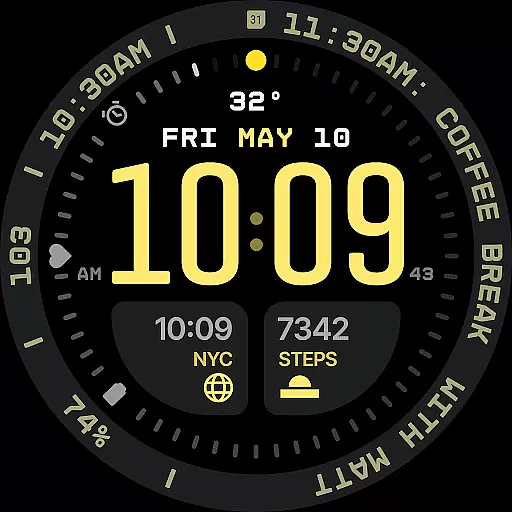
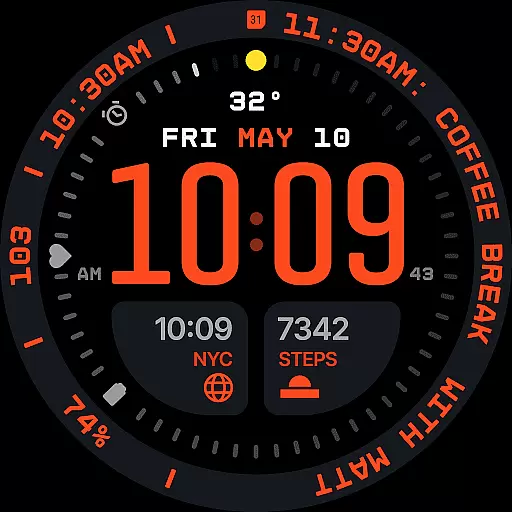
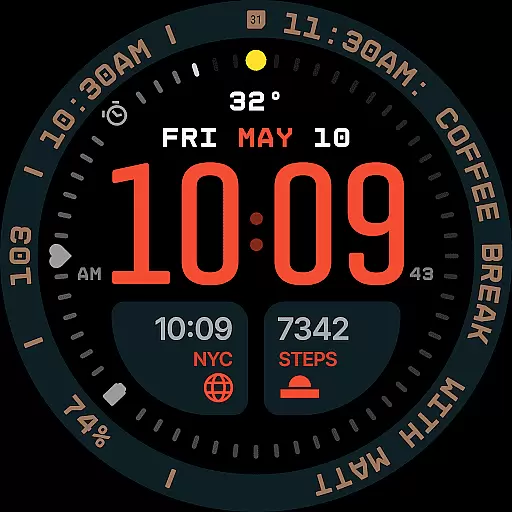
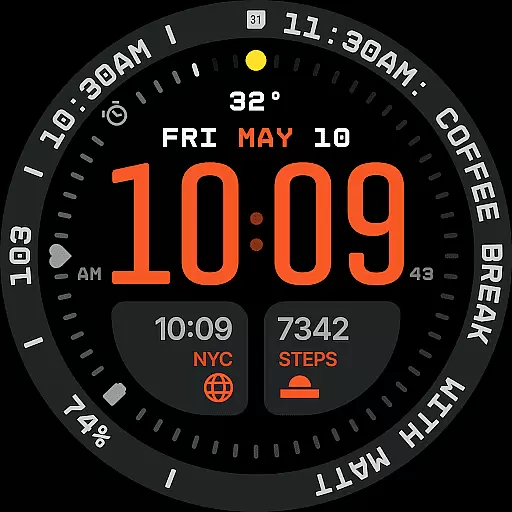
With 30 color schemes and optional bezel/background layers, users can personalize their experience while maintaining optimal readability. Its Always-on Display offers four energy-efficient modes, ensuring both style and battery performance. Built using the modern Watch Face File format, Aerion combines technical precision with aesthetic control, making it ideal for users seeking a clean, modern smartwatch interface.
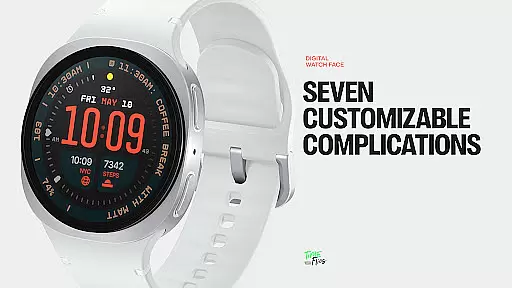
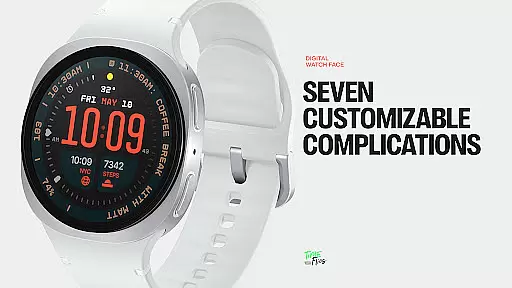
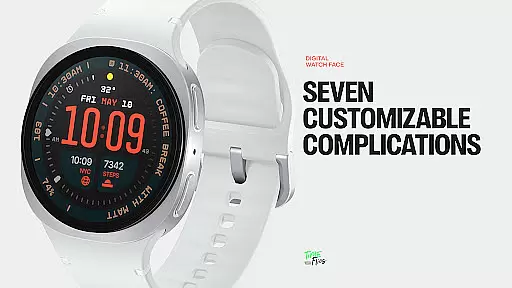
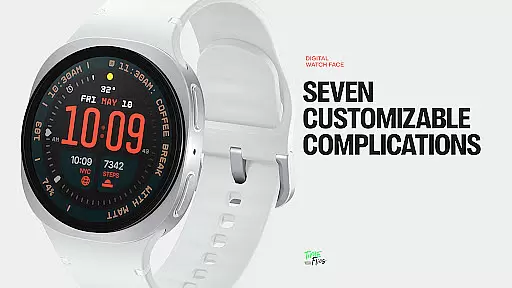
Aerion stands out with its meticulously designed features tailored for customization and efficiency. It includes seven fully customizable complication slots, accommodating various data types such as calendar events or voice assistant content. These slots are strategically positioned around the dial to maintain visual harmony.
The built-in day and date display aligns seamlessly with the digital structure, enhancing usability without cluttering the interface. With 30 curated color schemes, users can choose palettes that suit their preferences while supporting readability. Additionally, the optional bezel and background layer provide stylistic flexibility, allowing users to adapt the design to their tastes.
Performance is prioritized through four Always-on Display modes—full, dimmed, and two minimal configurations—that conserve energy without sacrificing aesthetics. Designed for those who value intelligent design, Aerion ensures smooth system operation and battery efficiency, all within a cohesive visual framework.
Companion app integration is essential for enhancing the functionality of wearable devices like smartwatches. The Aerion Digital Watch Face offers an optional Android companion app that allows users to access additional watch faces from Time Flies conveniently.
This seamless integration between the wearable and its companion app ensures that users can easily switch between different designs, maintaining a personalized and fresh experience on their smartwatch. The companion app acts as a hub for customization, providing quick access to various aesthetic options.
By leveraging the capabilities of the companion app, users benefit from a more versatile and tailored digital timekeeping experience. This integration not only simplifies the management of watch faces but also enriches the overall utility of the smartwatch ecosystem.
Ensuring compatibility with Wear OS and various devices is crucial for a cohesive user experience. The Aerion Digital Watch Face is engineered specifically for Wear OS, guaranteeing smooth performance and optimal battery efficiency across supported devices.
Designed using the modern Watch Face File format, this digital watch face maintains system stability while offering extensive customization options. Its compatibility extends to a wide range of Wear OS devices, ensuring that users can enjoy a consistent and reliable experience regardless of their specific smartwatch model.
With support for multiple Always-on Display styles and customizable complications, the Aerion Digital Watch Face exemplifies how thoughtful design can bridge aesthetics and functionality. Users benefit from a versatile interface that adapts to different devices without compromising on style or performance.
Modern and clean design
Highly customizable layout
Battery-efficient performance
Wide range of color options
Integrated day-date feature
Limited analog-style appeal
Companion app not included
Complexity for new users
Premium-only features
Wear OS exclusive

A customizable Christmas watch face for Wear OS with a countdown.
 4.20
4.20
Christmas watch face. For Wear OS devices.
4.30
Christmas Theme Watch Face for Wear Os
5.00
Analog watch face with 8 complications and expedition styling
4.4
The Chevron App allows you to pay for fuel from the comfort of your car!
4.80
Real-time weather radar with temperatures, warnings, hurricanes, and widgets
4.80
Minimalistic design modern digital watch face.
4.3
Want to take charge of your health? Let Google Fit help you reach your goals.
3.50
Track your active life in one place and share the journey with friends.
4.40
Period, ovulation & pregnancy tracker. Fertility insights & menstrual calendar.
4.90
A modern hybrid informative watch face for Wear OS designed by BALLOZI
4.80
WTW M17 is a premium and luxurious hybrid watch face
4.70
Your second brain for organizing your life: to-do, calendar, reminder.
4.70
A realistic hybrid watch face with many customization options.
4.60
Beautiful artistic animated digital watch face, with a customizable layout!
4.40
Premium hybrid watch face with many customizations for Wear OS devices.
4.40
Professional weather radar and more
3.90
Wear Os Watch Face - Animated Snow Effect & Christmas Lights
4.5
Sleek, highly customizable watch face inspired by Galaxy Watch Circle Dashboard.
4.3



User Reviews