
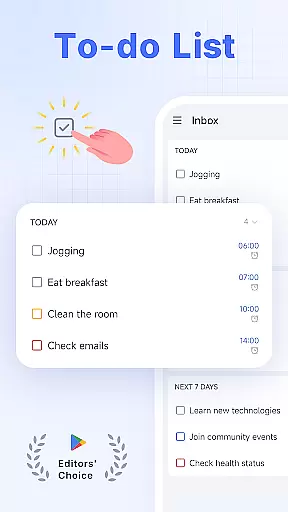
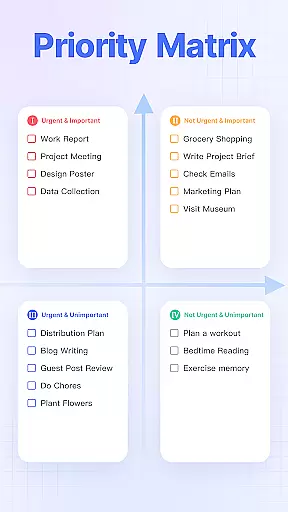
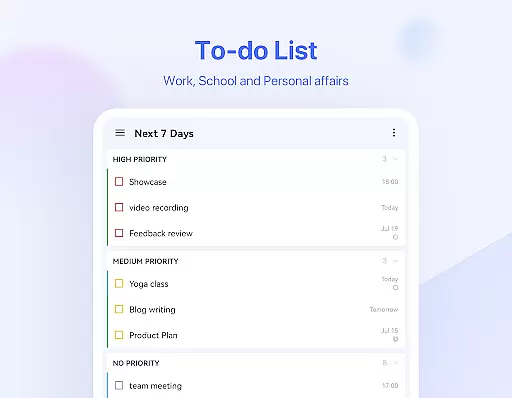
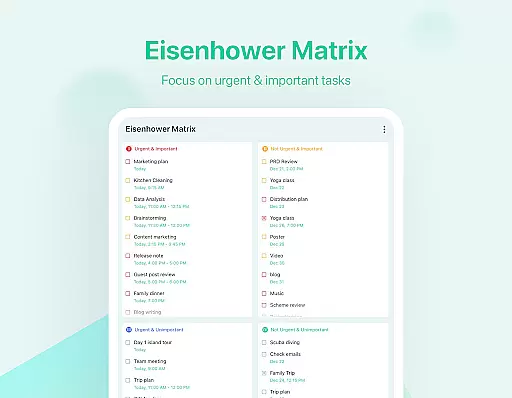
TickTick is a comprehensive productivity app designed to help users manage their tasks, schedules, and habits efficiently. As a multi-dimensional task manager, it consolidates all your to-dos, reminders, and calendars into one intuitive platform. Whether you're at home, in the office, or on the move, TickTick ensures you stay organized and make the most of your time.
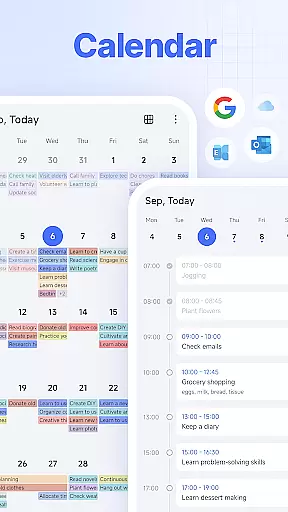
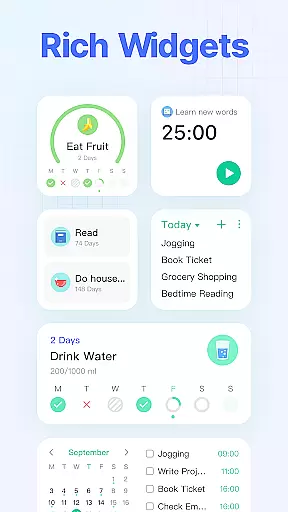
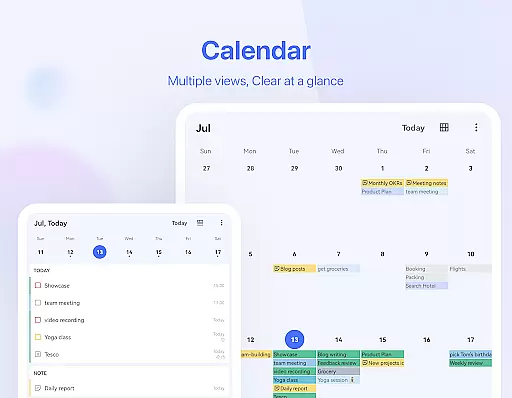
The app offers powerful features like Pomodoro timers for focus, habit trackers for personal development, and seamless cross-platform syncing. With its sleek calendar view, handy widgets, and smart date parsing capabilities, TickTick provides a streamlined experience that caters to both personal and professional productivity needs.
Users can employ TickTick to capture ideas, track goals, collaborate on projects, and even share shopping lists with family. Its versatility makes it an invaluable tool for anyone looking to enhance their daily efficiency and achieve more with less stress.
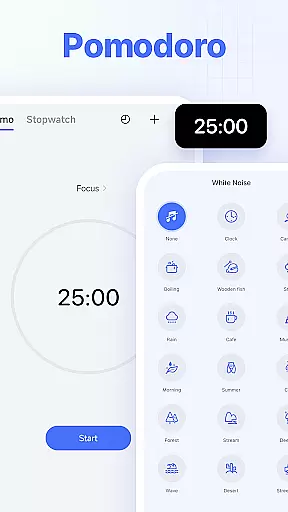
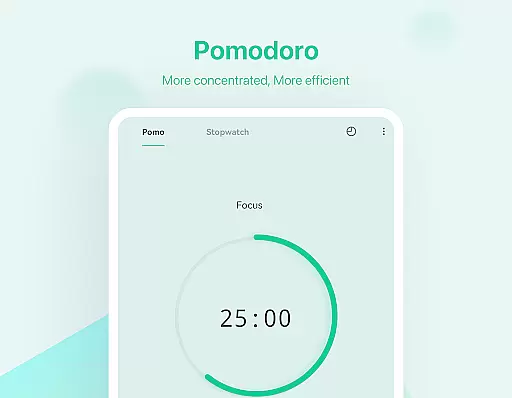
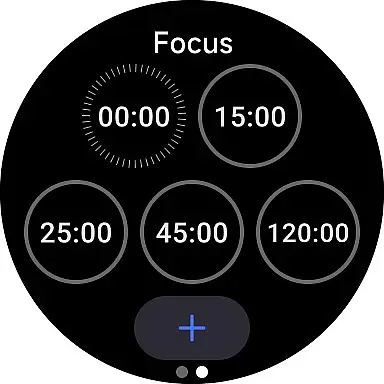
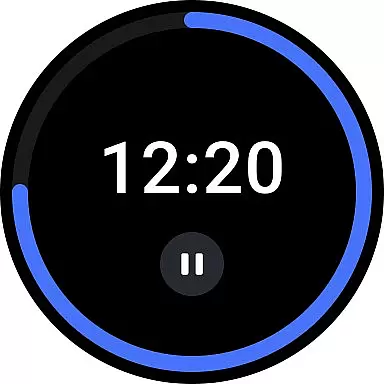
TickTick stands out with its rich feature set tailored for productivity enthusiasts. The app's Pomodoro Timer helps users maintain focus by breaking work into intervals, while also logging distractions and offering white noise options for deeper concentration. This feature is particularly beneficial for those who struggle with maintaining attention during tasks.
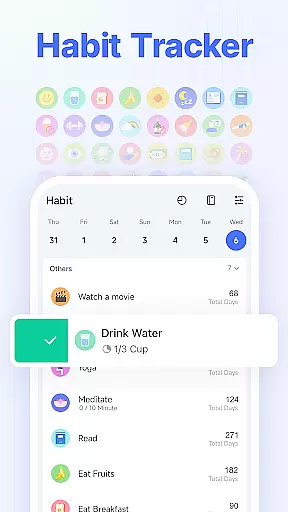
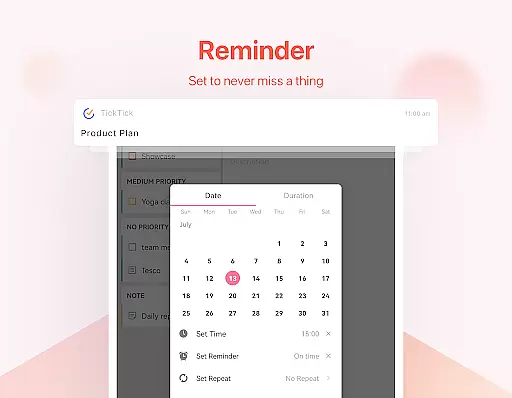
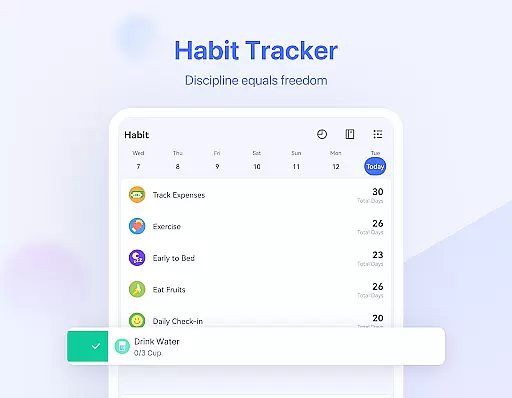
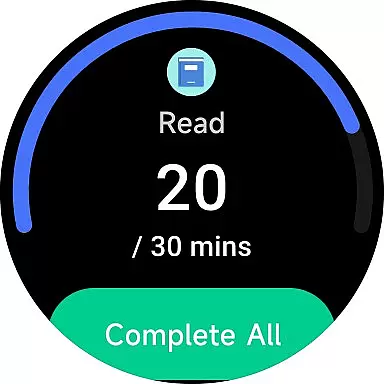
Another notable feature is the Habit Tracker, which allows users to build positive routines like meditation, exercise, or reading. By setting specific goals, users can monitor their progress scientifically and precisely. The app also supports quick task creation through typing or voice commands, with Smart Date Parsing automatically setting due dates and alarms.
For teams and families, TickTick enables seamless collaboration through shared lists and assigned tasks. The app's recurring task scheduling is highly customizable, accommodating patterns like 'every 2 weeks from Monday to Thursday' or 'project meeting every 2 months on the first Monday.' These robust features collectively create a powerful productivity ecosystem.
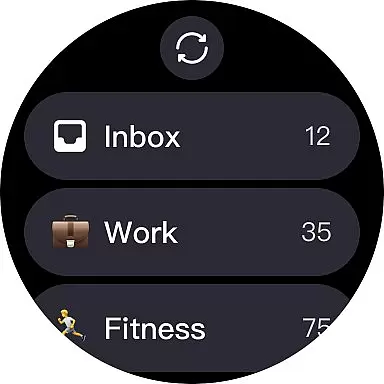
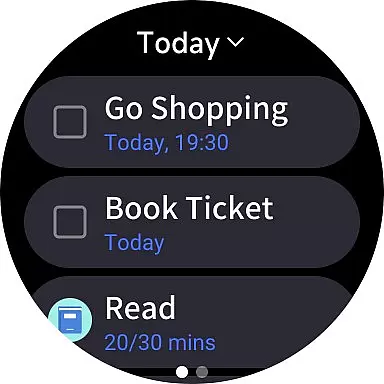
For users of Android Wear devices, TickTick offers seamless companion app integration that ensures your productivity is never limited to just your phone or computer. This means every task, note, or reminder you create is instantly accessible on your wearable device.
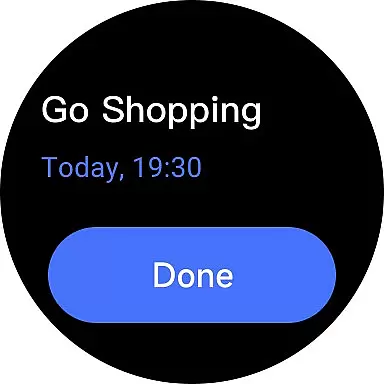
The integration is designed for convenience and efficiency. Whether you're jogging, in a meeting, or simply away from your desk, you can easily view, add, or check off tasks directly from your smartwatch. This feature keeps you updated and organized without needing to reach for your phone or laptop.
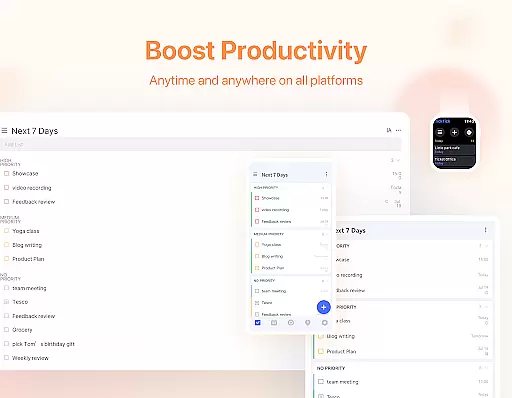
TickTick's synchronization across devices ensures that all your data is up-to-date, no matter where you make changes. With real-time updates, the transition between devices is smooth, providing a unified experience that helps you manage your time better.
This level of integration not only enhances accessibility but also significantly boosts productivity. Users can take advantage of quick glances at their tasks or even use voice commands to update their lists, making multitasking easier and more efficient.
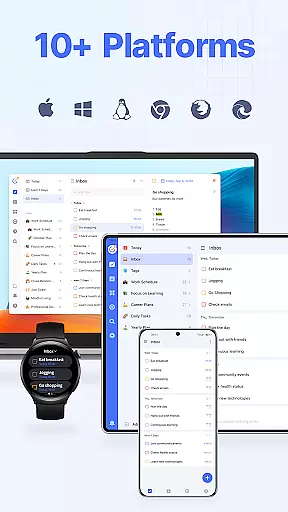
TickTick stands out with its broad compatibility with various devices, including those running on Wear OS. This compatibility ensures that regardless of your device, you can enjoy a consistent and high-quality task management experience.
The app is optimized to perform smoothly on Wear OS, offering a user-friendly interface that takes full advantage of the platform's capabilities. You'll find that navigating through your tasks and managing your schedule is intuitive and responsive, whether you're using a smartwatch or any other compatible device.
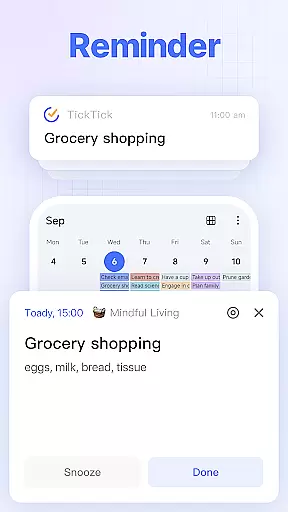
Moreover, TickTicku2019s dedication to compatibility extends beyond just supporting different operating systems. It includes ensuring that features like reminders, calendar views, and task delegation work harmoniously across all supported platforms, enhancing the overall user experience.
By prioritizing Wear OS and device compatibility, TickTick provides a versatile tool that adapts to various tech ecosystems, empowering users to maintain peak productivity regardless of their chosen devices.
User-friendly interface
Cross-platform syncing
Powerful Pomodoro timer
Comprehensive habit tracking
Flexible task sharing
Limited free features
Premium subscription cost
Occasional sync delays
Complex settings for beginners
Notifications can be intrusive

Watch face designed for Thanksgiving Day. 7 Background Styles included.
 3.20
3.20
A modern premium sporty hybrid watch face for Wear OS by Ballozi
4.70
Reliable phone calls with spam protection, caller ID and more helpful features
4.40
A digital watch face that celebrates Christmas.
4.00
Hybrid Vibrant Health Watch Face for Wear OS
4.4
Animated video-game inspired “secret agent” simulation, right on your wrist!
4.20
Fitbit is dedicated to helping people lead healthier, more active lives.
4.10
Control your Samsung Smart TVs, appliances, and SmartThings-compatible devices
4.60
Track airplanes and follow flights with our real-time flight tracker
4.50
Hyperlocal rain alerts by MyRadar using patent-pending technology, radar & more
4.80
Watch face for Wear OS.
4.20
Wear Os Watch Face - Animated Snow Effect & Magic Spark - 6 Scenes
4.10
Hyper-Realistic Airplane Dashboard Watch Face With 10 Skins and Custom AOD
4.00
Structured watch face with seven complications and modular UI elements
3.90
Get helpful reminders, take progress photos and find answers to your questions.
3.90
Wear Os Watch Face - Animated Snow Effect & Christmas Lights
4.3
Stunning modern digital watch face with 7 complications and strong contrast
4.4
Fitness interactive virtual pet super fighter boy watch face
4.2
Funny animated watch face for Thanksgiving
4.3




User Reviews