
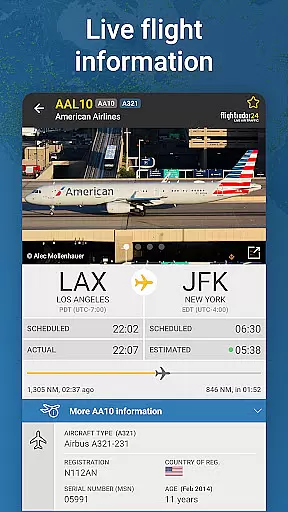
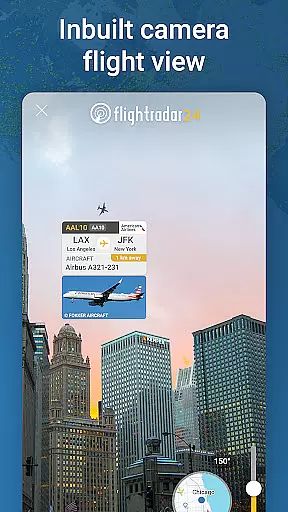
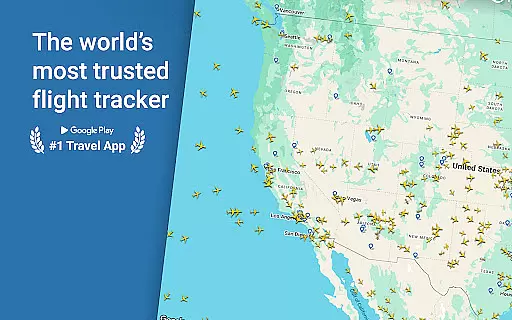
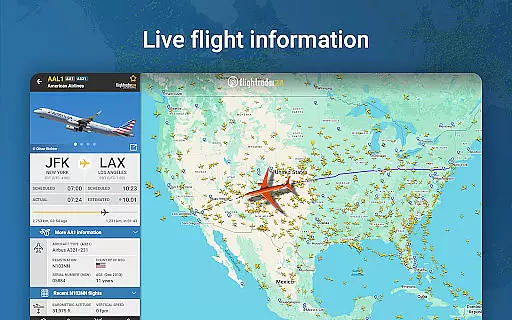
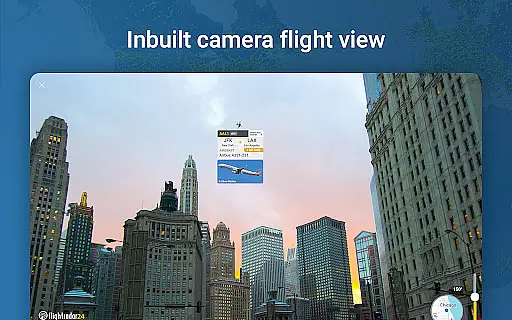
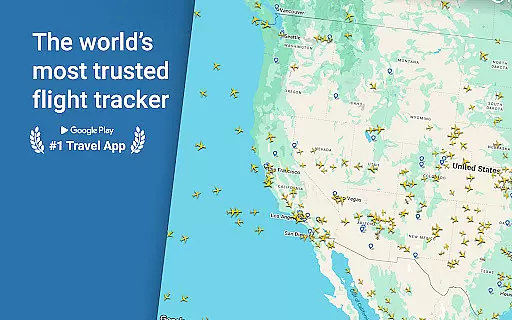
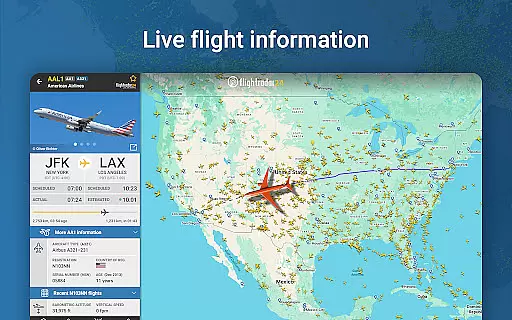
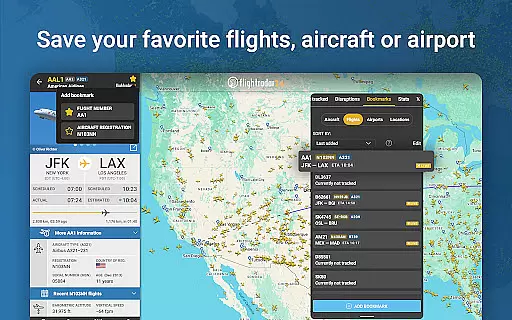
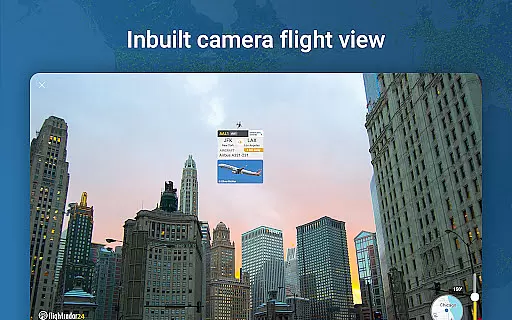
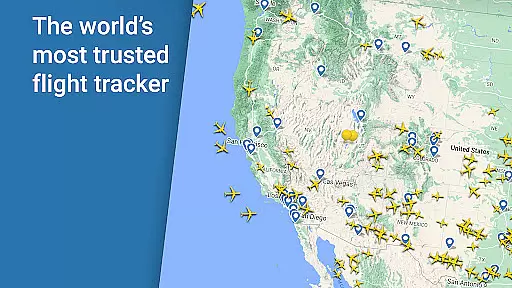
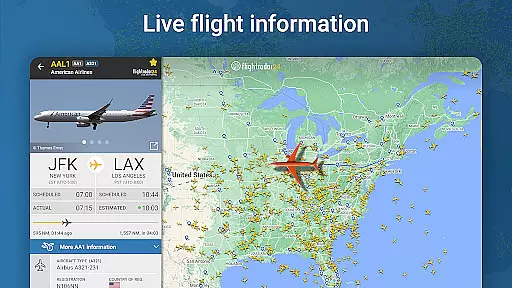
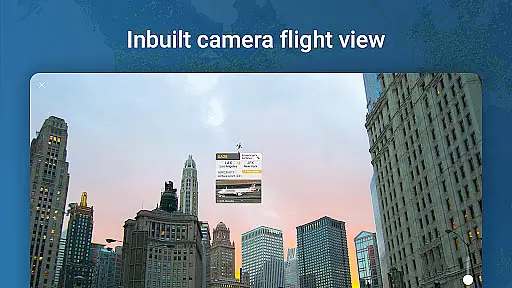
Flightradar24 Flight Tracker is the world's leading flight tracking application, serving as the top travel app in over 150 countries. This innovative tool transforms your mobile device into a real-time plane tracker, displaying global air traffic on a detailed map. By simply pointing your device at the sky, you can identify overhead flights and access comprehensive flight information, including aircraft type and destination.
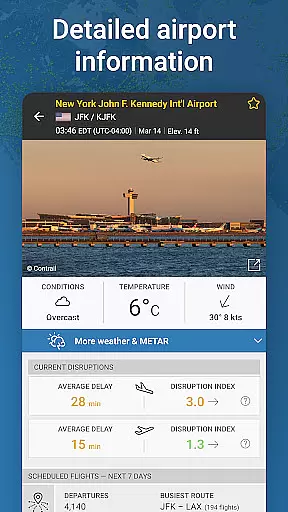
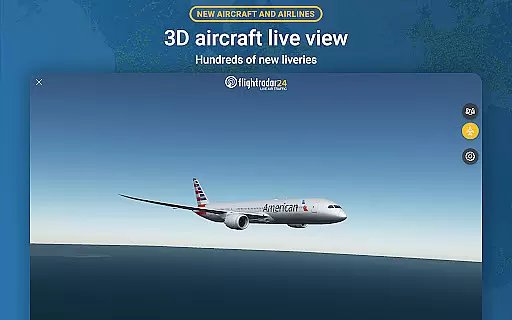
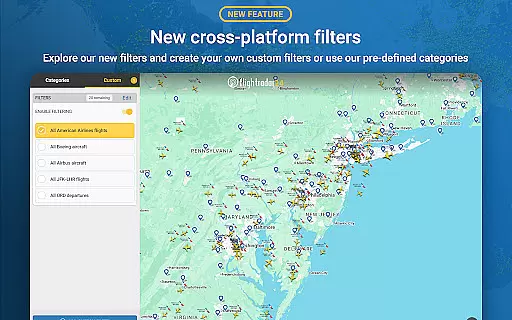
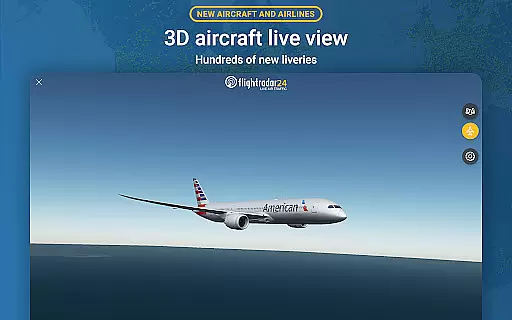
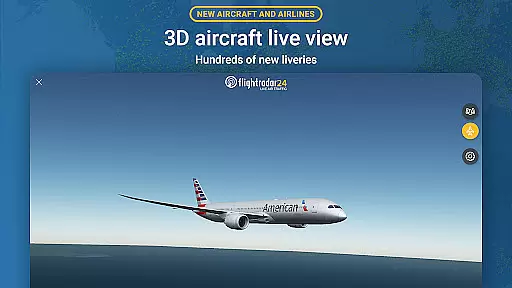
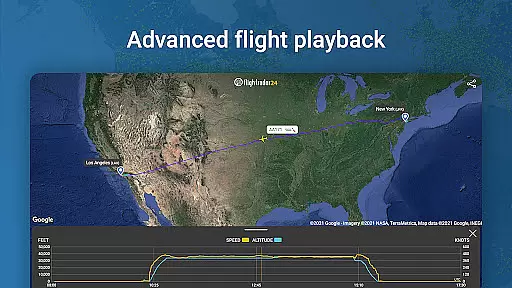
Beyond basic tracking, the app offers advanced features like 3D flight visualization, historical flight data playback, and detailed airport information including arrivals, departures, and weather conditions. Its powerful filtering capabilities allow users to search and track specific flights by various parameters such as flight number, airline, or altitude. The application's integration with Wear OS devices extends its functionality, enabling users to view nearby aircraft details directly from their smartwatches.
This versatile application proves particularly valuable for aviation enthusiasts, frequent travelers, and professionals in the aviation industry who require accurate, real-time flight information. Whether monitoring personal travel plans or conducting industry research, Flightradar24 provides essential data through its intuitive interface and comprehensive tracking network.
Flightradar24 distinguishes itself through its extensive feature set that caters to both casual users and aviation professionals. The application's core functionality revolves around its global flight tracking network, powered by ADS-B technology and supported by over 50,000 ground stations worldwide. This infrastructure enables precise real-time tracking of most commercial aircraft, while supplementary radar data enhances coverage in North America.
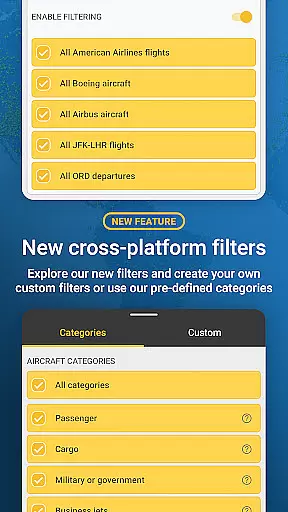
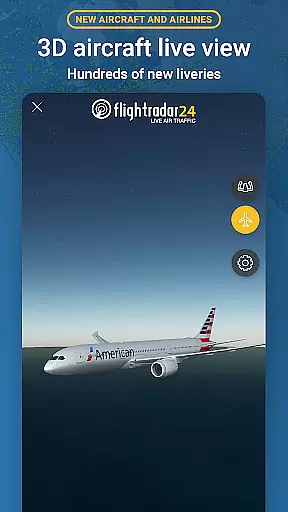
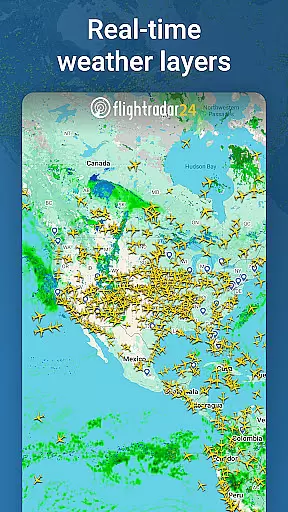
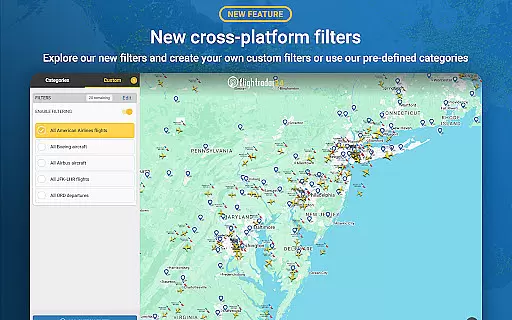
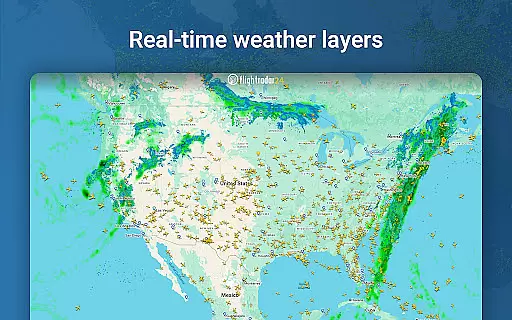
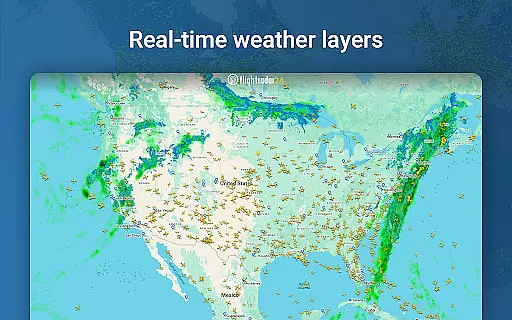
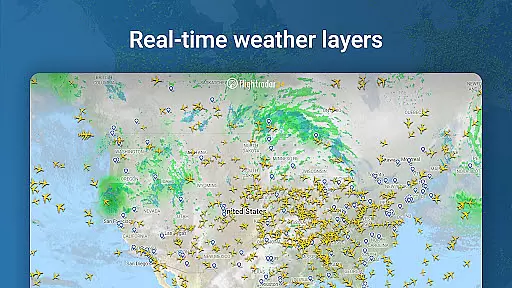
The app's augmented reality feature sets it apart from competitors, allowing users to point their devices at the sky to identify and gather information about overhead flights. Its sophisticated filtering system permits detailed searches based on multiple criteria including aircraft type, speed, and altitude. Advanced users can benefit from additional features such as 3D flight visualization, historical flight data analysis, and detailed weather overlays available through premium subscription tiers.
Premium subscribers gain access to enhanced data points including extended Mode S information, vertical speed indicators, and comprehensive weather layers. The application's integration with Wear OS devices demonstrates its commitment to accessibility, while its extensive database of aircraft liveries and historical flight records showcases its depth. These features collectively create a robust platform for flight tracking that serves both recreational and professional purposes effectively.
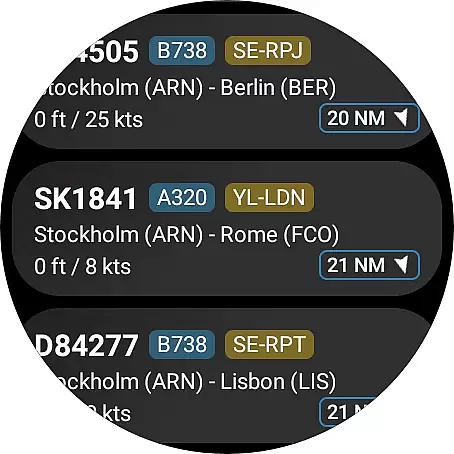
Companion app integration is crucial for wearable devices as it ensures seamless data sharing and functionality between the main application and its wearable counterpart. Flightradar24 Flight Tracker excels in this area by offering users the ability to view a list of nearby aircraft directly from their Wear OS device.
The app provides basic flight information such as flight number, route, and aircraft type, all accessible through the wearable interface. This allows users to stay informed about air traffic in their vicinity without needing to reach for their phone.
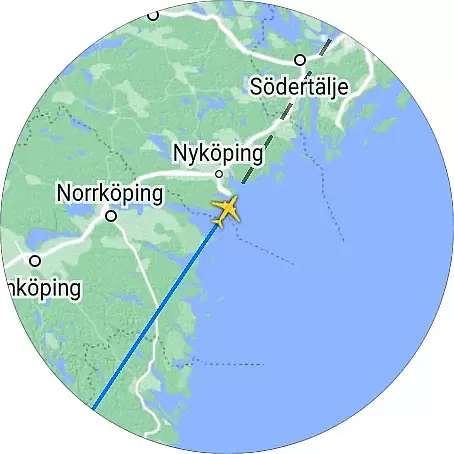
When users tap on an aircraft listing within the Wear OS app, they can view the aircraft's position on the map. This feature maintains the same level of detail and accuracy found in the main app, ensuring a consistent user experience across devices.
This integration enhances user convenience by providing quick access to essential flight tracking features on the go. The ability to interact with live flight data directly from a smartwatch exemplifies how companion app integration can significantly improve the overall utility of an application.
Device compatibility is a critical factor for applications targeting the Android Wear platform. Flightradar24 Flight Tracker demonstrates excellent compatibility with various Wear OS devices, ensuring that users can enjoy its comprehensive flight tracking features regardless of their specific smartwatch model.
The app supports a wide range of Wear OS devices, adapting its interface to fit different screen sizes and resolutions. This adaptability guarantees that users will experience optimal readability and usability, whether they're using a small or large smartwatch display.
Beyond basic compatibility, Flightradar24 maintains full feature parity across supported devices. Users can expect consistent performance and access to key functionalities like nearby aircraft lists and basic flight details, regardless of their chosen Wear OS device.
This commitment to broad device support and consistent functionality makes Flightradar24 a reliable choice for flight enthusiasts who want to track air traffic from their wrist-worn devices. The application's robust compatibility ensures that users can enjoy uninterrupted service while on the move.
User-friendly interface
Real-time tracking
Global coverage
Detailed flight info
Augmented reality
Premium costs
Variable coverage
Data intensive
Complex features
Occasional delays

A watch face that fuses motorsport precision with contemporary smartwatch design
 4.4
4.4
Elegant animated Christmas tree with multiple customization options
4.20
Simple Analog-Digital Watchface For Wear OS 3.0 and Up Smartwatches
4.3
Bold weather Digital watchface with forecast & optional animated background
4.40
Hyper-Realistic Airplane Dashboard Watch Face With 10 Skins and Custom AOD
4.00
Connect, create, and collaborate with Gmail, part of Google Workspace.
4.10
Start and succeed with PAP
4.10
Control your Samsung Smart TVs, appliances, and SmartThings-compatible devices
4.60
Back up your contacts & access them anywhere
4.30
A modern hybrid informative watch face for Wear OS designed by BALLOZI
4.80
A realistic hybrid watch face with many customization options.
4.60
Ideal for surviving in the wasteland left after nuclear fallout
4.50
Current temperature, weather hourly, weather radar by the weather forecast app
4.40
Locate your family members by GPS phone location tracker everywhere and anytime
4.30
Snowflake Rose Gold Watch Face - Digital, modern, & sleek with GYRO effect.
4.10
Wear Os Watch Face - Animated Snow Effect & Magic Spark - 6 Scenes
4.10
The #1 source of faces for your smartwatch!
4.00
A full-featured Amazon Alexa voice assistant that can show you things.
3.70
Fitness interactive virtual pet super fighter boy watch face
4.4









User Reviews