
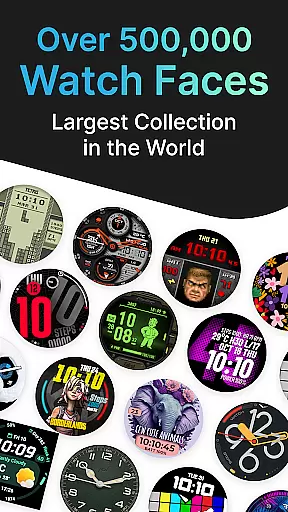
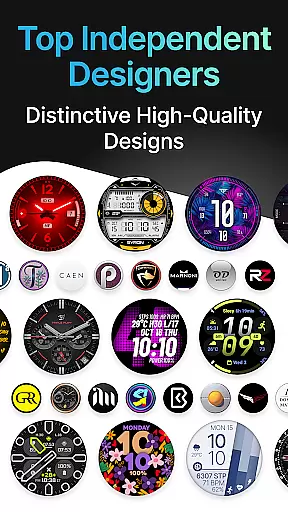
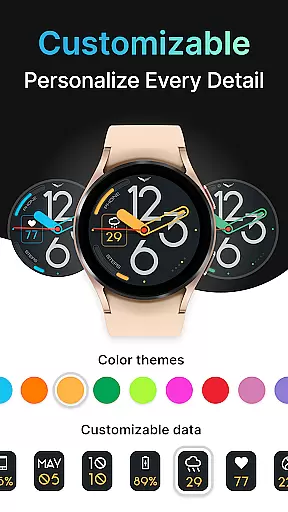
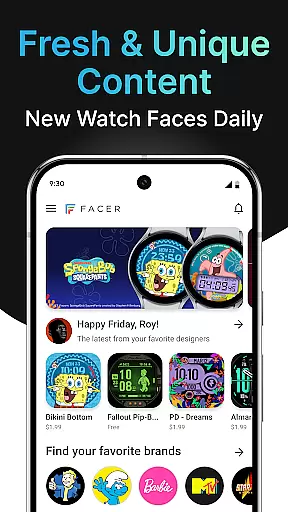
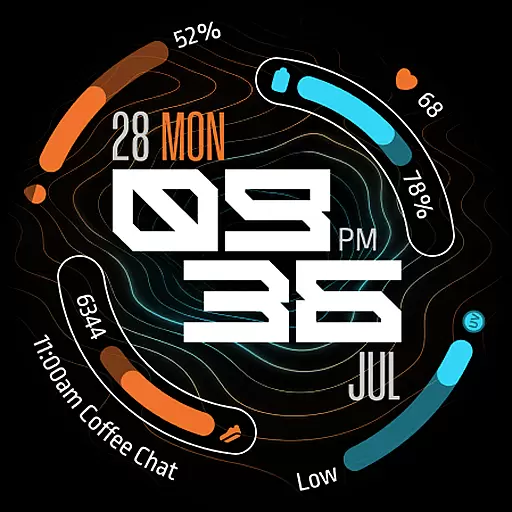
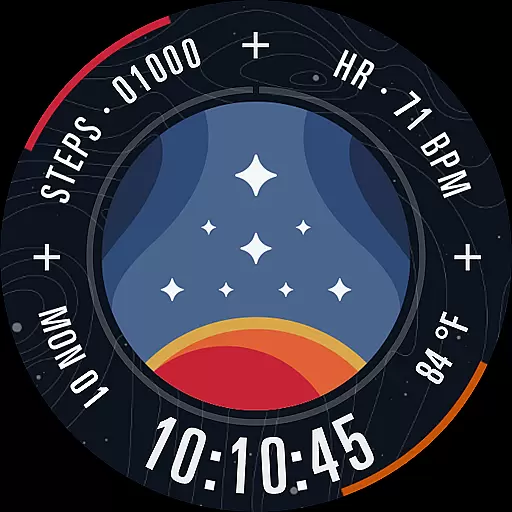
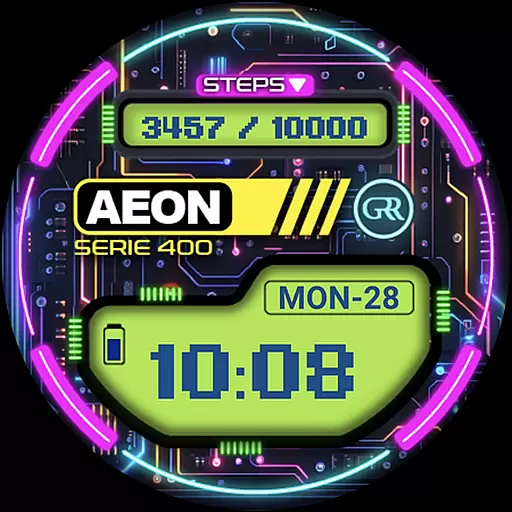
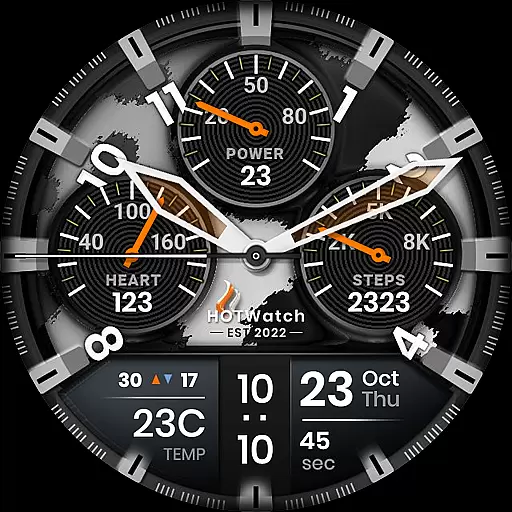
Facer Watch Faces is the ultimate customization tool for your smartwatch, offering over 500,000 free and premium watch faces from leading brands and independent artists. Whether you're looking to personalize your style or explore designs from talented creators, Facer provides endless options for Wear OS, Tizen, Apple Watch, and more.
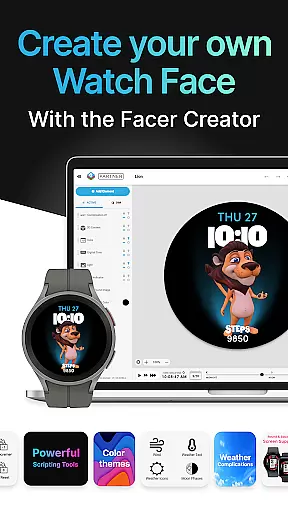
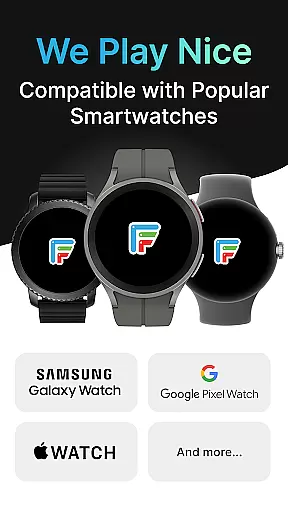
With support for a wide range of devices, including Samsung Galaxy Watches, Google Pixel Watches, and other popular models, Facer ensures compatibility across platforms. The app also features Facer Creator, a powerful web-based editor that allows users to design and share their own watch faces with the community.
Whether you're customizing for fun or creating professional designs, Facer Watch Faces empowers users to express individuality while enjoying advanced functionalities like health data integration and weather display based on location permissions.
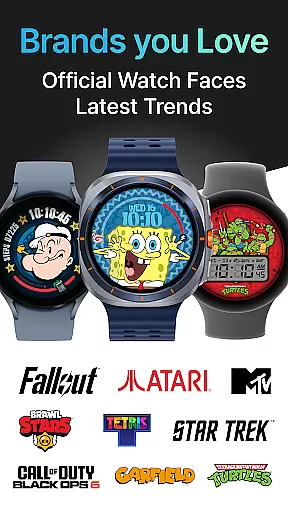
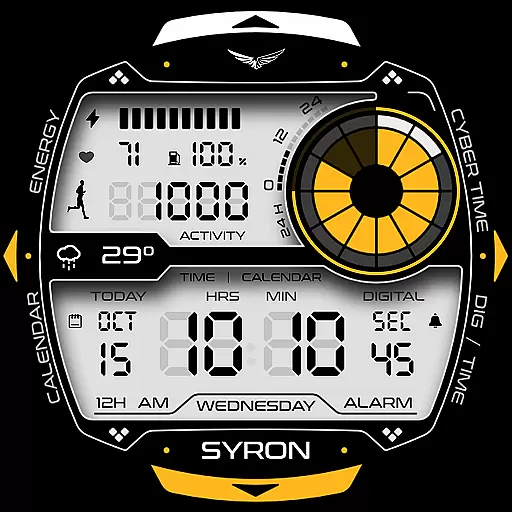
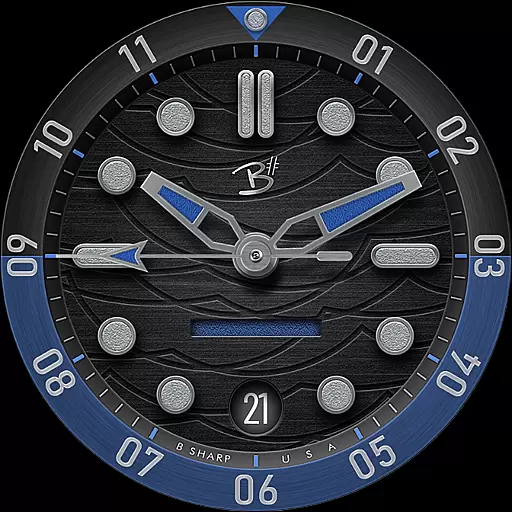
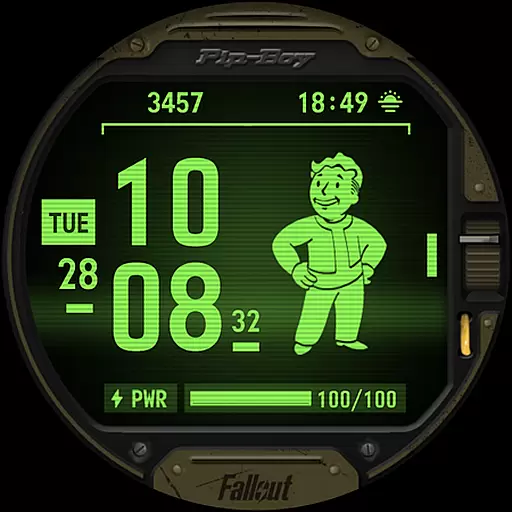
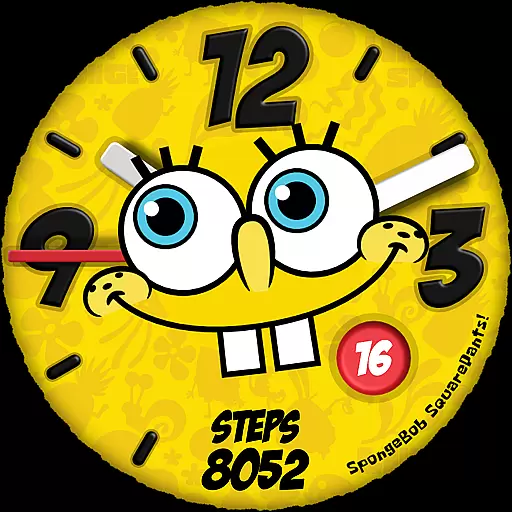
Facer Watch Faces stands out with its massive library of customizable watch faces, featuring designs from top brands like Tetris™, Star Trek, and Ghostbusters, alongside original creations by independent artists. This diversity ensures users can find unique styles that suit their preferences.
The app's Facer Creator tool is a game-changer for designers, enabling them to craft personalized watch faces using a robust web-based editor. Once created, these designs can be published directly to the platform, reaching thousands of smartwatch users worldwide.
Additional features include seamless cross-platform support for Wear OS, Tizen, and Apple Watch, as well as optional integrations such as fitness tracking and location-based weather updates. These capabilities enhance both aesthetics and functionality, making Facer an indispensable tool for smartwatch enthusiasts.
Companion app integration is essential for a seamless smartwatch experience. Facer ensures that its mobile application and wearable counterparts work in perfect harmony, providing users with effortless synchronization across devices.
The Facer app allows you to browse and select from a vast library of watch faces on your phone, while the companion Wear OS app applies your choices directly to your smartwatch. This dual-platform approach streamlines the customization process, letting you change your watch's appearance with just a few taps.
By installing Facer on both your smartphone and smartwatch, you unlock the full potential of this integration. The mobile app serves as a control center where all selections are made, while the watch component ensures that your chosen designs are displayed accurately and beautifully on your wrist.
This cohesive ecosystem not only enhances user convenience but also guarantees that any updates or new features are reflected across all connected devices, maintaining consistency and freshness in your smartwatch experience.
Device compatibility is crucial when selecting a smartwatch customization platform. Facer stands out by supporting an extensive range of Wear OS devices, ensuring that no matter your preferred brand or model, you can enjoy personalized watch faces.
From the latest Samsung Galaxy Watches running Wear OS to Google Pixel Watches and other popular models from brands like Fossil, Diesel, and Michael Kors, Facer provides optimized support. This broad compatibility means users aren't limited by their hardware choice and can freely express their style through diverse watch face options.
The application maintains functionality across different versions of Wear OS, accommodating both newer releases and legacy systems. Whether your device runs Wear OS 3, 4, or even older iterations, Facer adapts to deliver a consistent experience without compromising performance or design quality.
This commitment to universal compatibility demonstrates Facer's dedication to serving the entire smartwatch community, making it the go-to solution for users seeking both variety in design and assurance of technical support across various devices.
User-friendly interface
Extensive face library
Cross-platform support
Custom creation tools
Regular updates
Premium faces cost extra
Some features require setup
Occasional sync issues
Limited free options
Device compatibility varies

A customizable Christmas watch face for Wear OS with a countdown.
 4.20
4.20
Wear Os Watch Face - Animated Snow - Sesonal for Christmas & Winter
4.3
Digital watch face. For Wear OS devices.
4.40
Animated video-game inspired “secret agent” simulation, right on your wrist!
4.20
Fast and smart typing with Emojis, GIFs, and more
4.50
Control your Samsung Smart TVs, appliances, and SmartThings-compatible devices
4.60
Spam call blocker and caller ID for automatic call protection!
4.40
From periods to pregnancy & perimenopause, Flo helps you track it all. Try now.
4.70
Toyota app currently supports 2010 or newer vehicles (2018 or newer for Hawaii).
4.50
Diet tracker for weight loss - track calories, food and macros. Simple and easy!
4.70
WTW M17 is a premium and luxurious hybrid watch face
4.70
A modern premium sporty hybrid watch face for Wear OS by Ballozi
4.70
A white realistic classic analog watch face with many customization options.
4.40
Christmas watch face. For Wear OS devices.
4.30
The ultimate destination for kids ages 3-8 to explore the Marvel Universe!
4.30
sleep, alarm, snoring, stress, healing, focus, sound therapy, circadian rhythm
4.10
Precision analog watch face with 7 complications and style options
4.1
Analog watch face with 8 complications and expedition styling
4.0
Contemporary digital watch face with five complications
4.5




User Reviews