
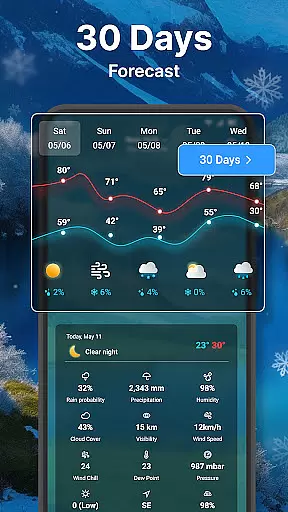
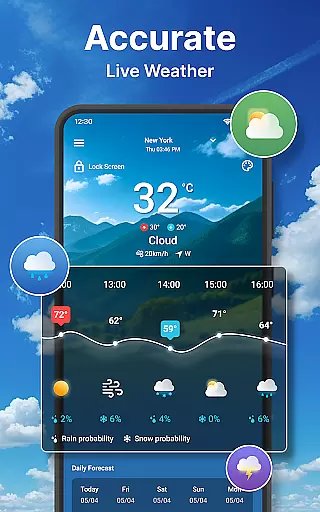
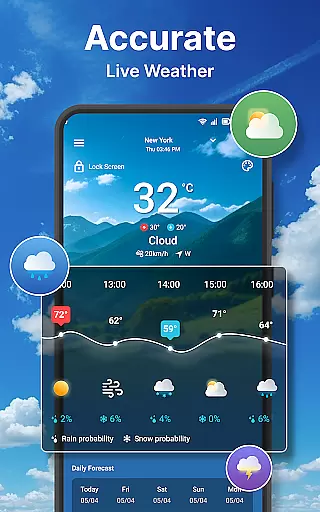
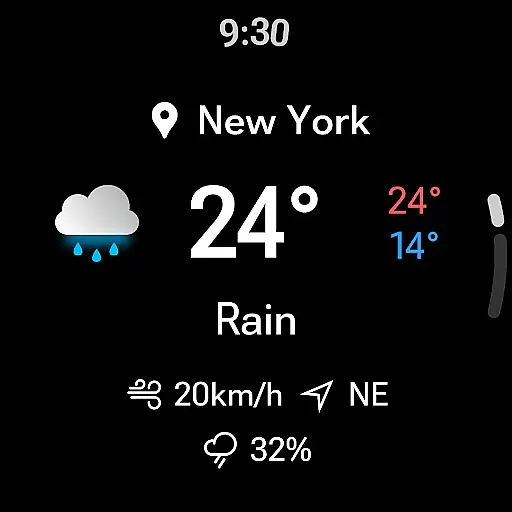
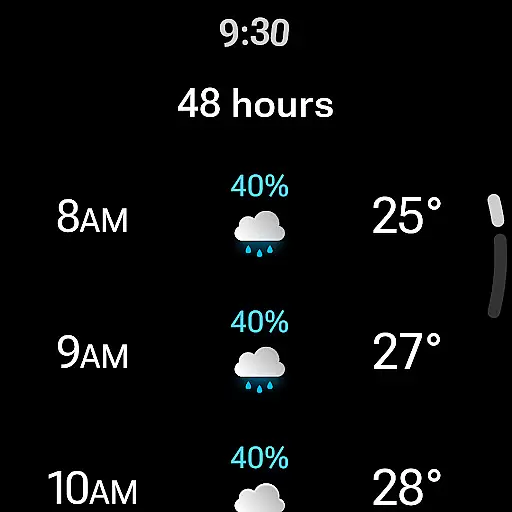
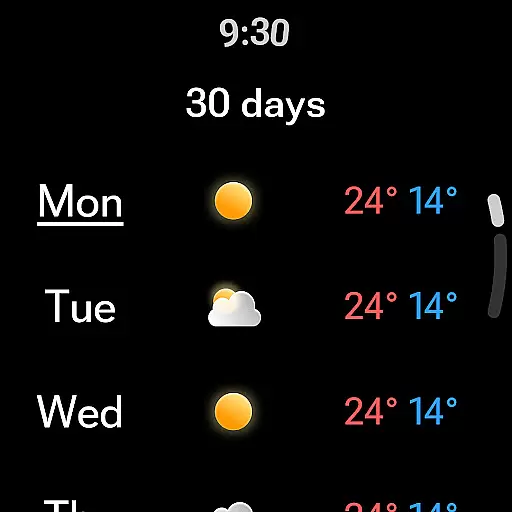
Weather forecast is a comprehensive weather application designed specifically for Android Wear devices, providing users with real-time, hourly, and daily weather updates along with 7-day forecasts. The app features an intuitive weather radar and customizable weather widgets that enhance user experience by delivering critical weather information at a glance on your smartwatch or smartphone.
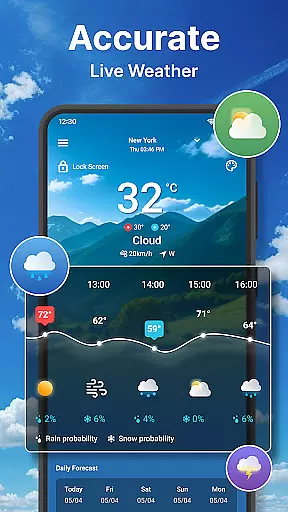
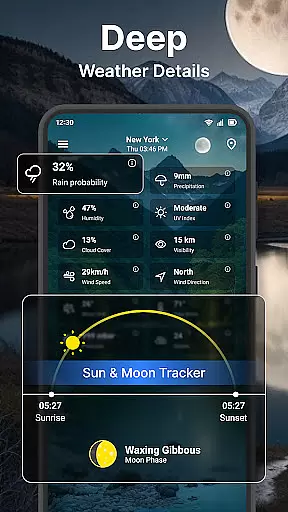
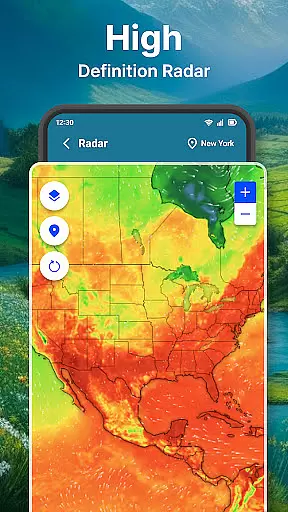
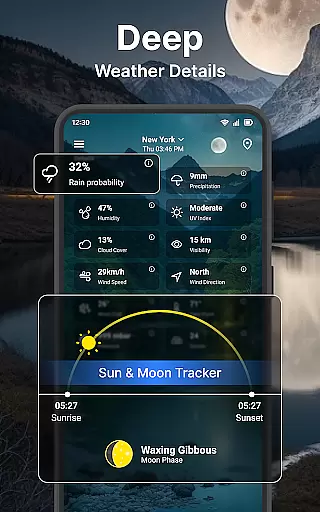
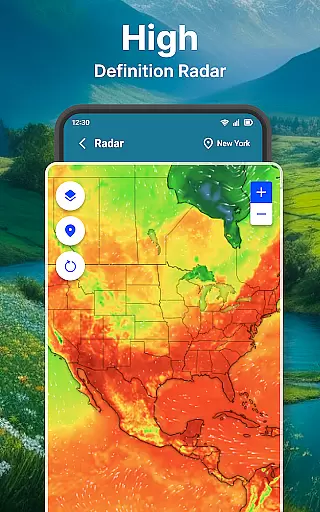
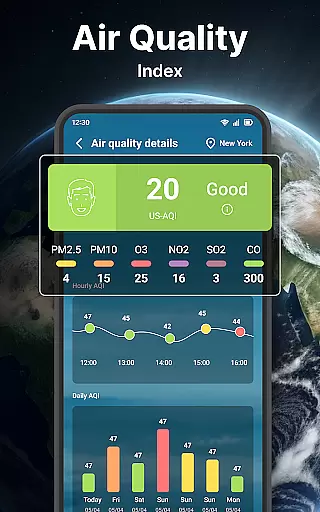
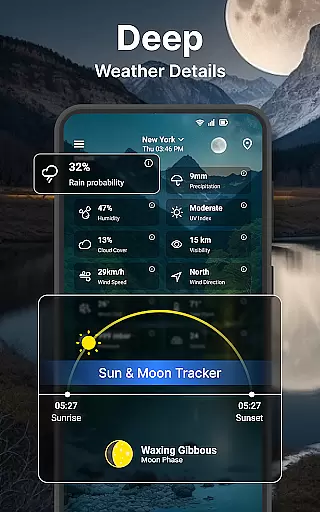
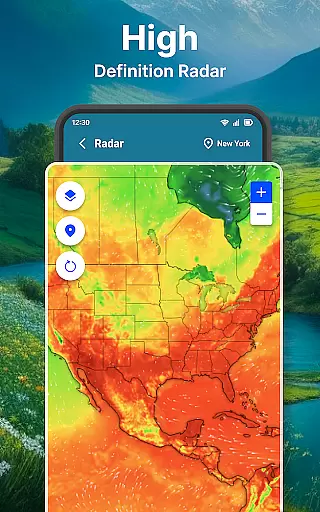
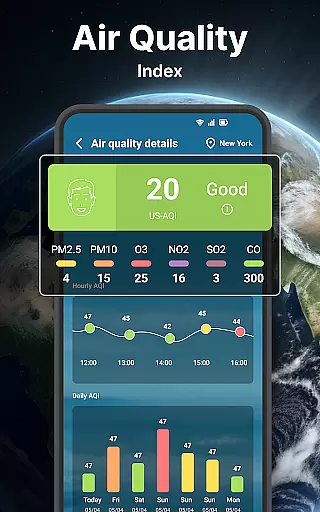
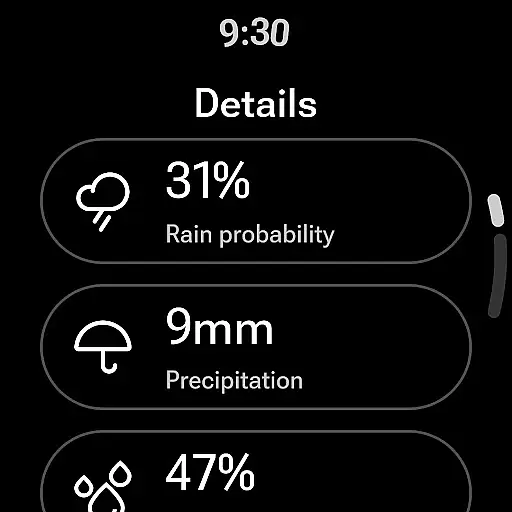
The application stands out with its detailed weather summaries including wind direction, speed, temperature charts, and probability of precipitation. It also offers specialized maps for temperature, wind, humidity, and rain/snow, which can be zoomed in or out for better visibility. Whether you are planning your day or preparing for severe weather, Weather forecast ensures you have the necessary information to stay ahead.
This app is particularly useful for individuals who require accurate weather data for outdoor activities or travel planning. With its ability to integrate seamlessly with Wear OS, it allows users to access crucial weather details directly from their wrist, making it an indispensable tool for staying informed on-the-go.
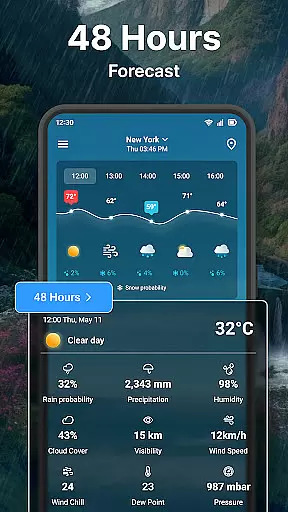
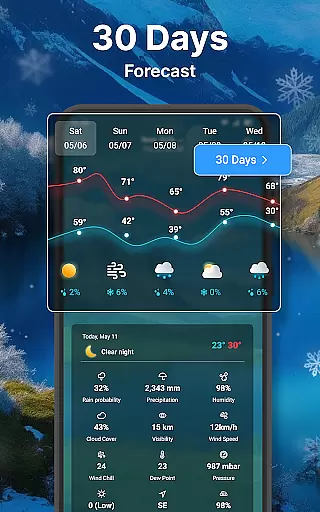
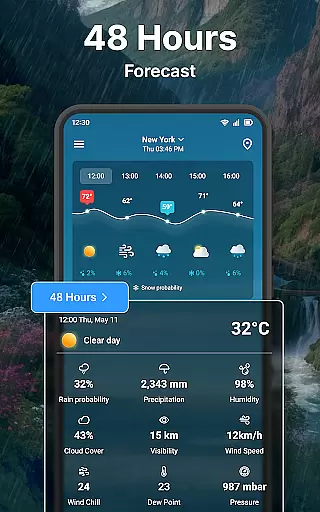
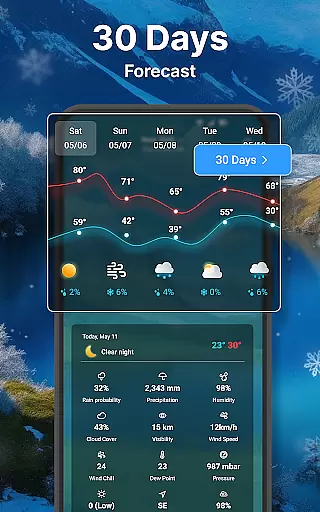
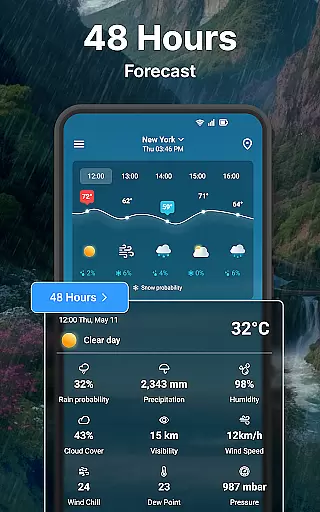
Weather forecast boasts an array of sophisticated features tailored to meet diverse user needs. One of its standout capabilities is the provision of detailed hourly and daily weather forecasts, complete with insights into humidity, wind chill, UV index, and more. This granularity helps users plan their days with precision, whether they're scheduling outdoor activities or simply deciding what to wear.
In addition to its forecasting prowess, the app includes an interactive weather radar that displays animated maps of various meteorological elements such as temperature, wind, and precipitation. Users can customize their experience further through extensive settings options ranging from unit preferences (Celsius/Fahrenheit) to date and time formats. These customization options ensure that each user's interface aligns perfectly with their personal preferences and regional standards.
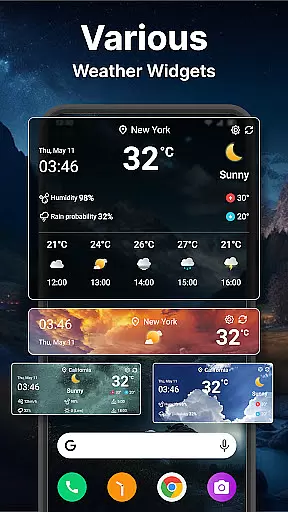
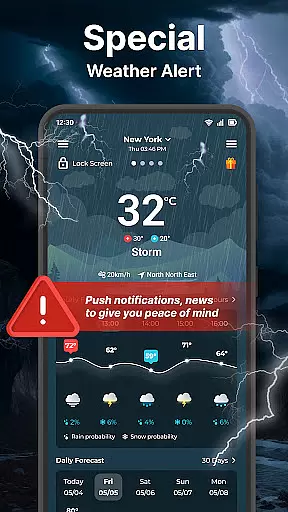
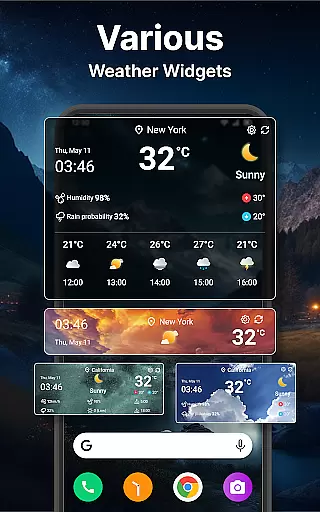
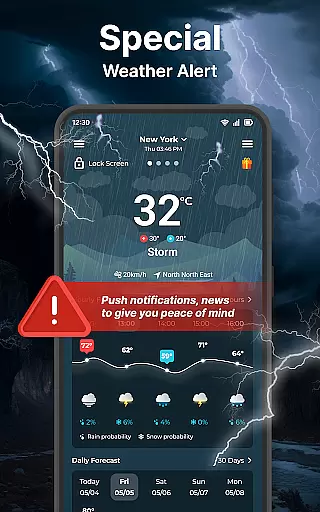
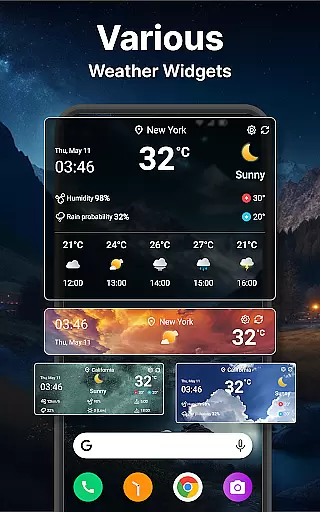
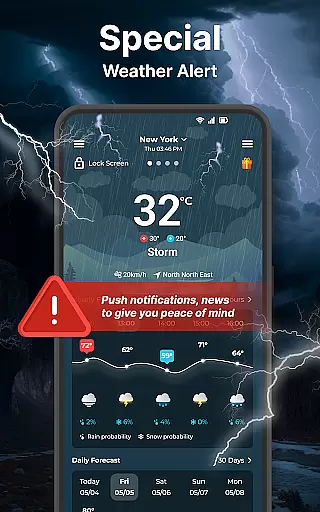
Another remarkable feature is the suite of customizable widgets available in multiple sizes, allowing users to view essential weather details directly from their home screen. Coupled with robust notification systems that deliver timely weather alerts throughout the day, Weather forecast empowers users to remain vigilant about changing conditions without needing to open the app constantly.
Companion app integration is essential for a seamless wearable experience. The Weather forecast app excels in this area by offering full synchronization between mobile and Wear OS devices.
This weather application ensures that all data, including real-time conditions, hourly forecasts, and detailed weather information, are accurately mirrored on your smartwatch. This means you can leave your phone behind and still access critical weather updates directly from your wrist.
Users benefit from the ability to receive timely notifications and alerts without needing their phones nearby. Whether it's a storm warning or temperature drop, the app keeps you informed through your Wear OS device.
The integration also supports quick access to daily summaries and even offers customizable settings specifically designed for wearable interfaces. This ensures an intuitive user experience that maintains all functionalities while adapting perfectly to smaller screen sizes.
Device compatibility is crucial for ensuring consistent performance across different platforms. The Weather forecast app has been optimized to work flawlessly with various Wear OS devices, providing users with reliable weather information regardless of their chosen smartwatch brand.
This application supports a wide range of Wear OS devices, guaranteeing that whether you're using a Fossil, TicWatch, or any other compatible device, you'll experience smooth functionality and accurate weather tracking.
By focusing on system-level integration, the app delivers features like real-time weather updates, detailed forecasts, and customizable widgets tailored specifically for Wear OS environments. These features are designed to maximize battery efficiency while maintaining high performance standards.
Additionally, the app's compatibility extends beyond just hardware; it includes support for various language settings and unit preferences, allowing users worldwide to enjoy localized content that fits their individual needs seamlessly.
User-friendly interface
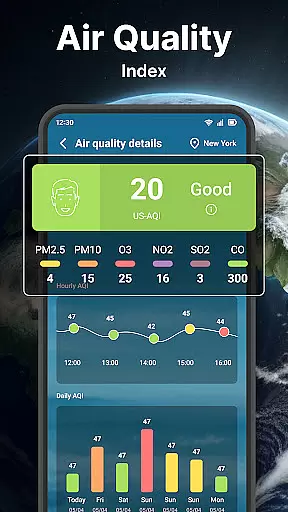
Comprehensive weather data
Customizable widgets
Interactive radar maps
Seamless Wear OS integration
Limited free features
Occasional inaccuracies
Ads in free version
High battery usage
Complex settings for beginners

Calming & relaxing sounds for sleeping and stress relief. Stay focused all day!
 4.20
4.20
Christmas watch face. For Wear OS devices.
4.30
Animated Watch Face and Customizable with 24 Backgrounds. Perfect for Christmas!
3.90
Deck out your Wear OS Watch face with a beautifully decorated pine wreath!
4.50
Kia Access makes getting your vehicle information easier than ever
4.60
Monitor health with the stress test and pulse checker in the heart rate app.
4.60
Nutrition, Macro tracker: Food, fitness & healthy diet tracking for weight loss
4.60
Minimalistic design modern digital watch face.
4.0
Daily Weather forecast with 15 weather images for Day & Night plus Big Bold time
4.10
Christmas - Festive - Christmas Village - Winter - Christmas lights
5.00
Digital, flexibly customizable watch face. For Wear OS 5.0, API 34+ and later.
5.00
WTW M17 is a premium and luxurious hybrid watch face
4.70
Stylish, Energizing and Modern Watch Face crafted by Dominus Mathias.
4.50
Digital watch face with big numbers and many customization for Wear OS devices
4.40
Animated video-game inspired “secret agent” simulation, right on your wrist!
4.20
Wear Os Watch Face - Animated Snow Effect & Magic Spark - 6 Scenes
4.10
Structured watch face with seven complications and modular UI elements
3.90
Stylish digital watch face for Wear OS devices with customizable features
4.5
Hybrid Vibrant Health Watch Face for Wear OS
4.3



User Reviews