
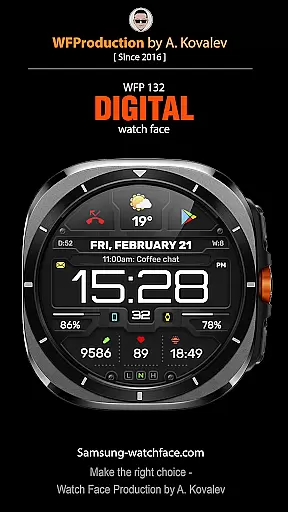
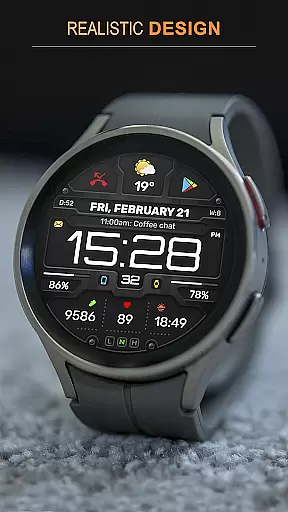
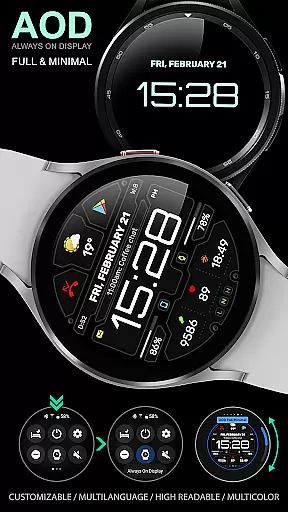
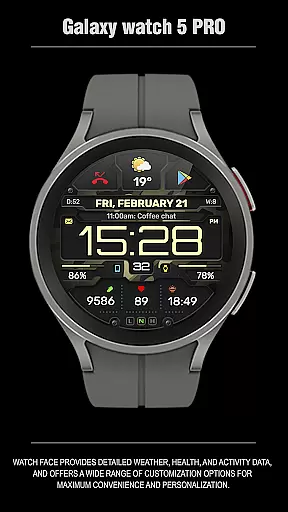
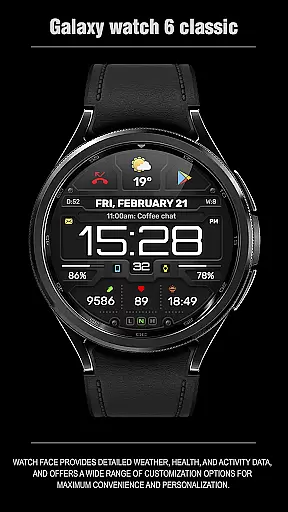
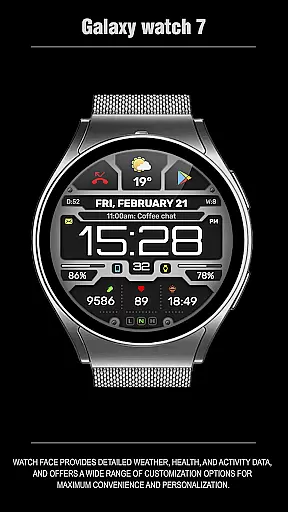
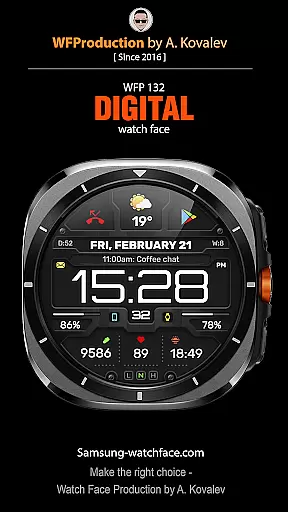
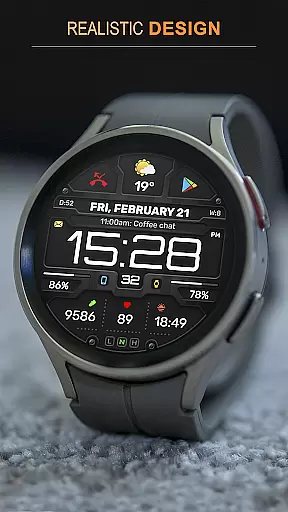
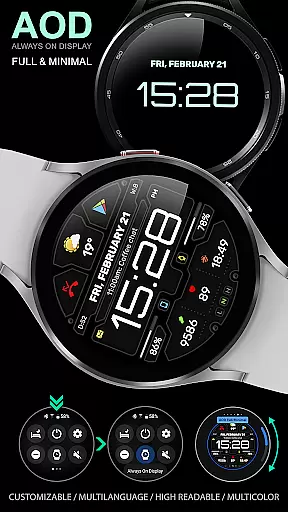
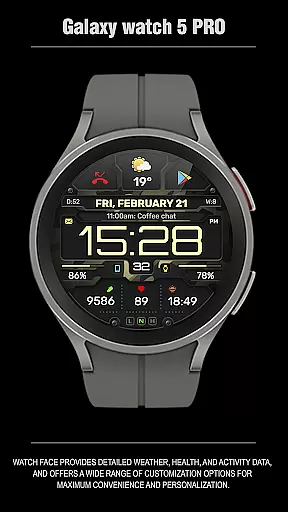
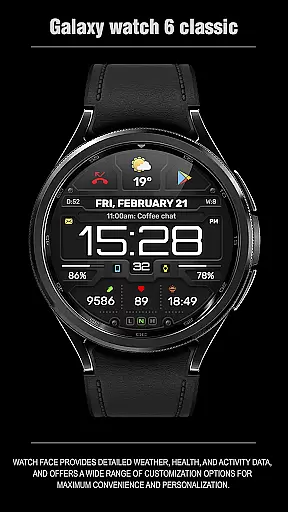
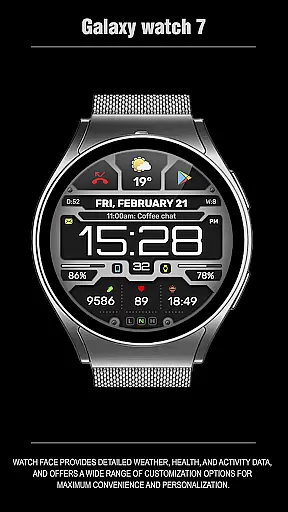
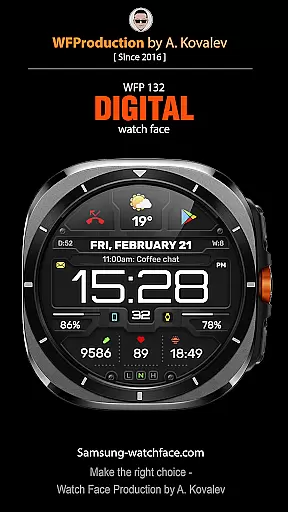
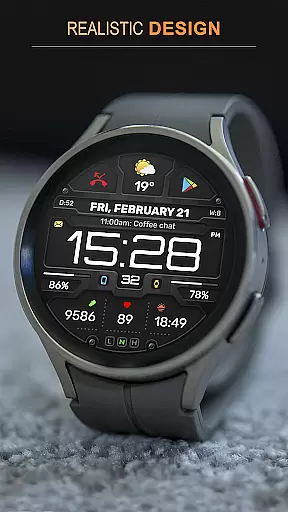
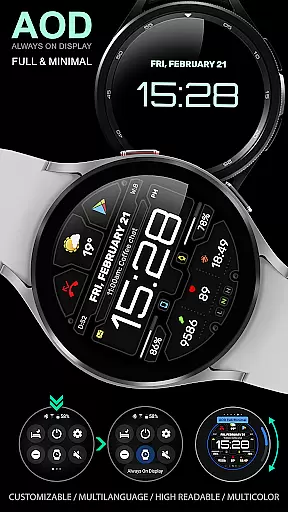
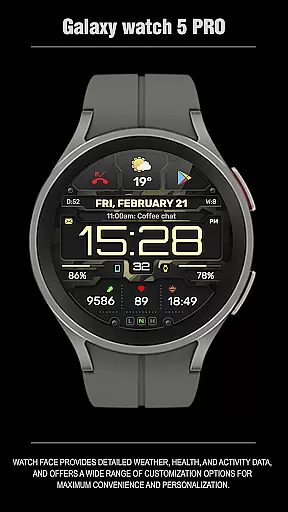
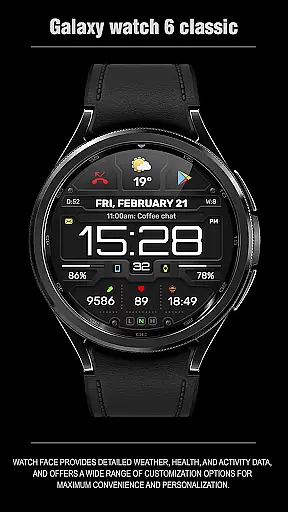
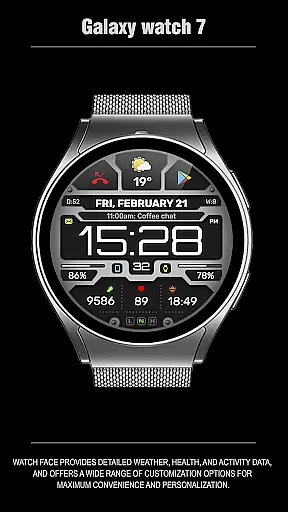
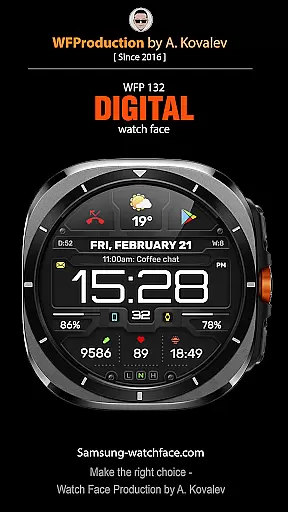
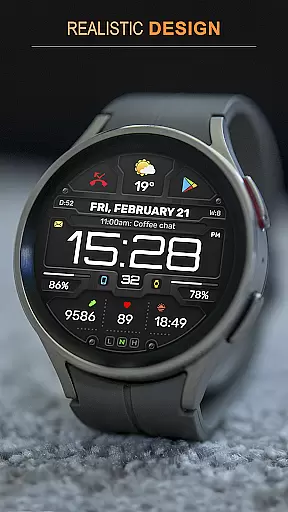
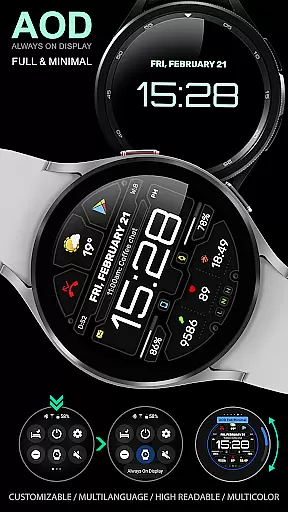
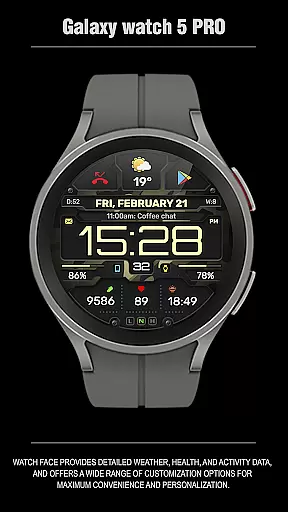
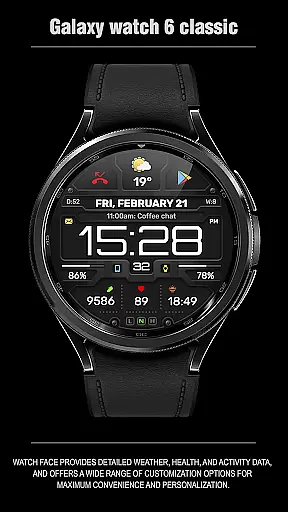
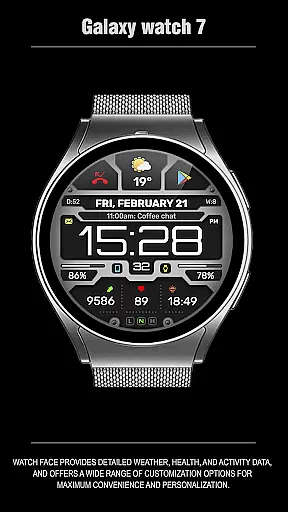
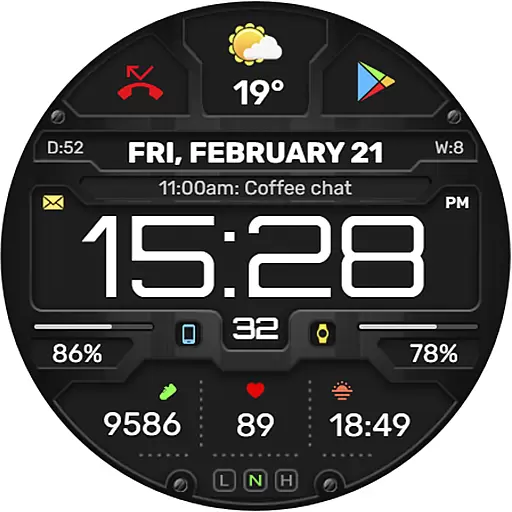
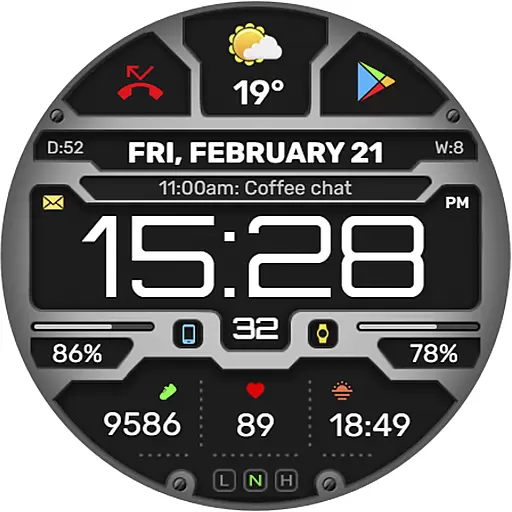
The WFP 132 Digital watch face is a stylish and functional accessory for your smartwatch, offering users an enhanced experience with its detailed weather forecasts, health tracking, and activity monitoring. Compatible with devices running API 34+ (version 5.0 and later), this digital watch face provides extensive customization options to suit individual preferences.
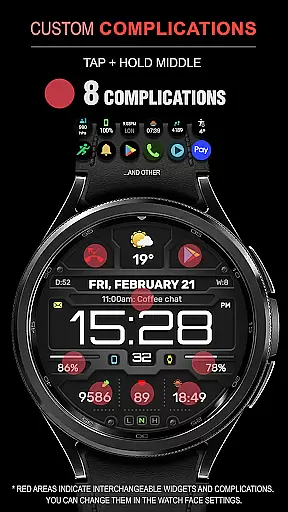
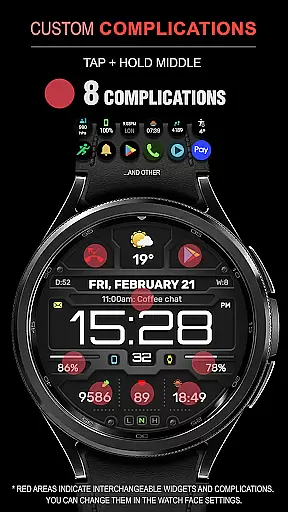
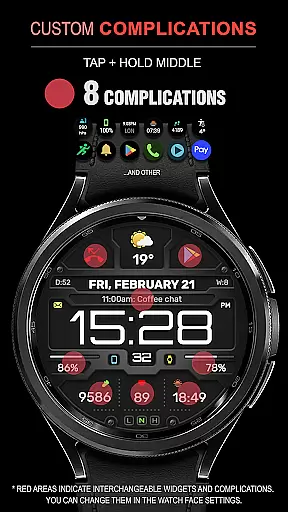
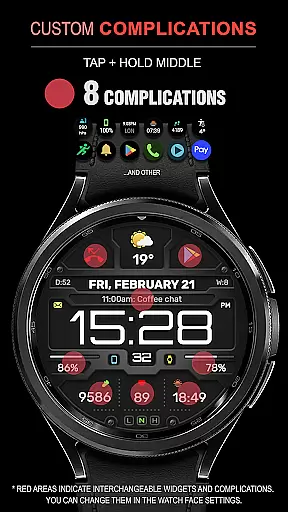
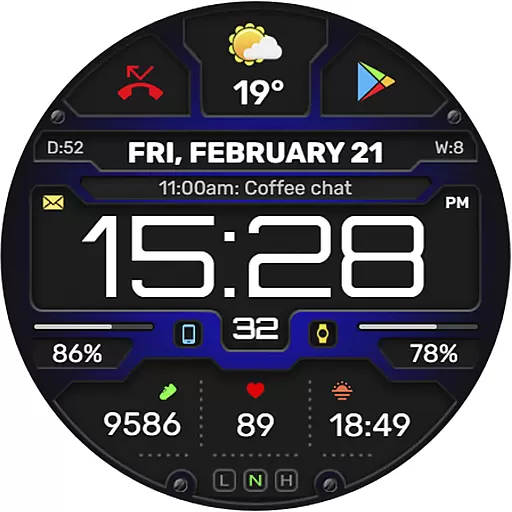
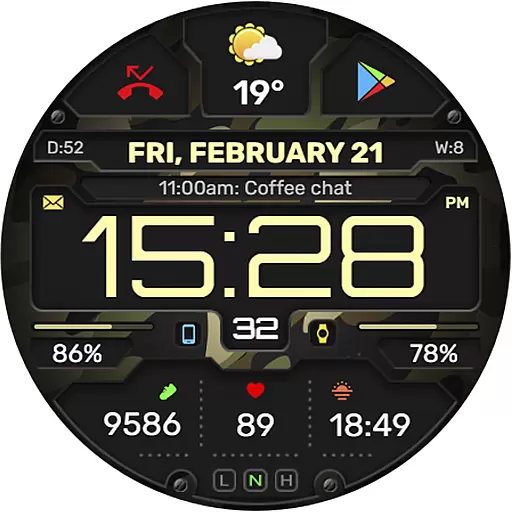
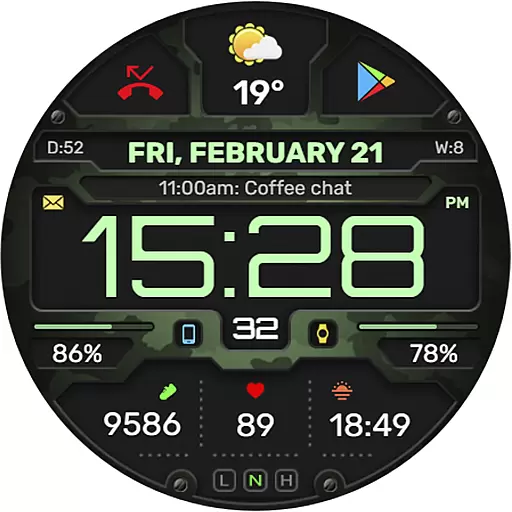
With features like 8 complications and widgets, changeable backgrounds, and customizable Always-On Display (AOD) modes, the WFP 132 ensures both convenience and personalization. It also supports multiple languages and displays weather in Fahrenheit or Celsius, making it versatile for international use. The high resolution and optimization guarantee clear visuals while maintaining low battery consumption.
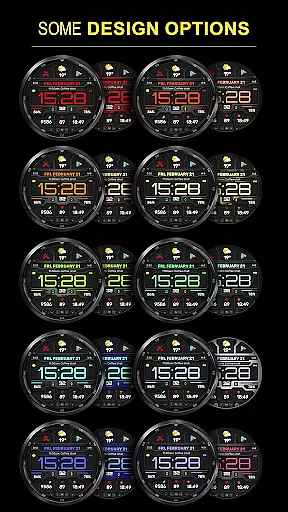
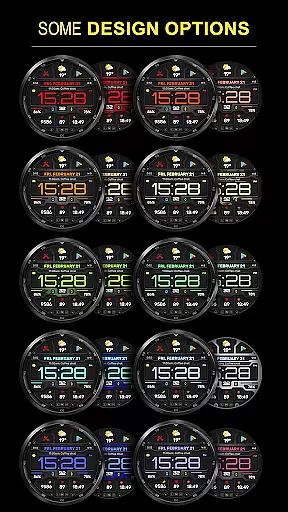
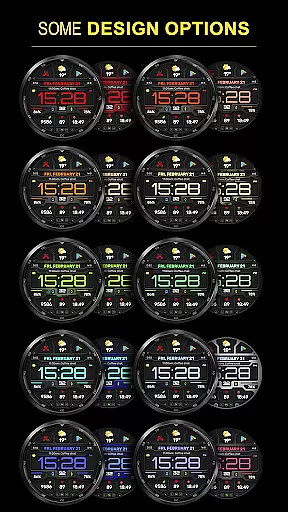
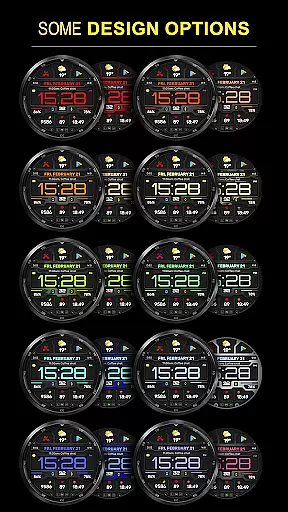
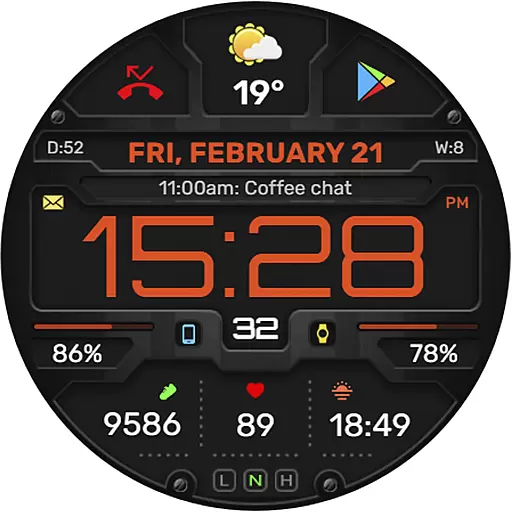
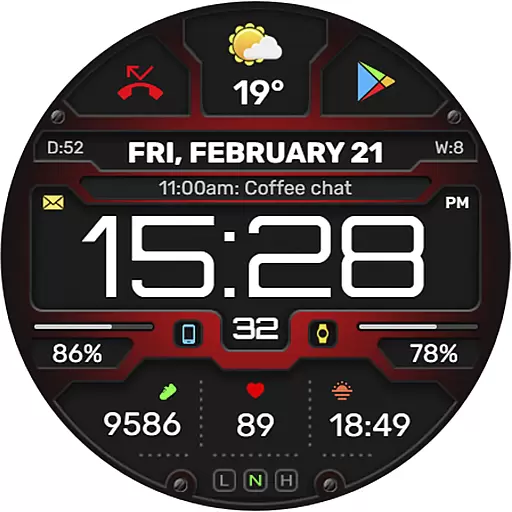
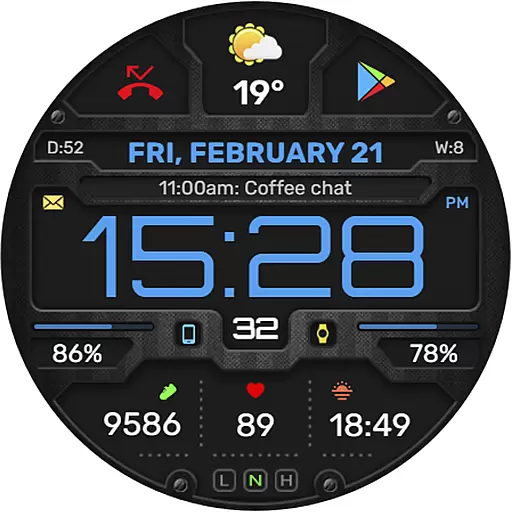
The WFP 132 Digital watch face stands out with its comprehensive feature set designed to provide maximum utility and personalization. Users can choose from many color combinations and benefit from the high-resolution display that ensures clarity and precision in showing time and other data.
Functionality is at the core of this watch face, which includes an advanced weather forecast system, health and activity tracking capabilities, and support for phone charge widgets. Its compatibility with various devices and optimized performance means it runs smoothly on Wear OS without draining the battery quickly. Additionally, users have access to multilingual support and can customize their AOD mode for full or minimal display.
Companion app integration is essential for a seamless smartwatch experience. The WFP 132 Digital watch face excels in this area by offering users the ability to sync and share data with their smartphones effortlessly.
This functionality allows for real-time updates of weather, health metrics, and activity tracking directly on your wrist. Users can receive notifications and manage widgets without missing a beat, ensuring they stay informed and connected throughout their day.
The synchronization between devices ensures that any customization done via the companion app reflects immediately on the watch face. This includes altering color schemes, switching backgrounds, or adjusting AOD modes according to personal preferences.
By providing an intuitive interface within its companion app, WFP 132 makes it easy for users to configure settings such as temperature units or language options, enhancing both convenience and personalization across all compatible devices running API 34+.
Ensuring broad device compatibility is crucial for reaching more users. The WFP 132 Digital watch face supports Wear OS devices, making it accessible to a wide audience looking for stylish yet functional designs.
Designed with high optimization in mind, this watch face runs smoothly on devices operating API 34+, delivering sharp visuals and responsive interactions without compromising performance. Its low battery consumption feature extends usage time significantly compared to other applications.
With support for multiple languages and customizable elements like weather display formats (Fahrenheit/Celsius), users worldwide can enjoy localized experiences tailored just for them. Furthermore, detailed installation instructions are available online, guiding new users through setup processes effortlessly.
Whether you're monitoring daily steps or checking upcoming weather forecasts right from your wrist, rest assured knowing that WFP 132 has been crafted meticulously to deliver top-notch functionality while maintaining aesthetic appeal across various Wear OS platforms.
Highly customizable
Low battery usage
Accurate weather updates
Health and activity tracking
Multilingual support
Requires API 34+
Limited widget options
No built-in games
Premium features cost extra
Complex setup process

WTW M17 is a premium and luxurious hybrid watch face
 4.70
4.70
Analog watch face with 8 complications and expedition styling
4.1
Elegant animated Christmas tree with multiple customization options
4.20
Wear Os Watch Face - Animated Snow Effect & Magic Spark - 6 Scenes
4.10
A modern premium sporty hybrid watch face for Wear OS by Ballozi
4.70
Kia Access makes getting your vehicle information easier than ever
4.60
Hyper-Realistic Airplane Dashboard Watch Face With 10 Skins and Custom AOD
4.00
Fast and smart typing with Emojis, GIFs, and more
4.50
Simple, helpful messaging by Google
4.60
Be an elegant and classy secret agent, with this carefully detailed watch face
4.70
Beautiful artistic animated digital watch face, with a customizable layout!
4.40
Digital watch face. For Wear OS devices.
4.40
Christmas watch face. For Wear OS devices.
4.30
Locate your family members by GPS phone location tracker everywhere and anytime
4.30
Let's celebrate Thanksgiving - Wear Os watch face
4.20
Viewer for Wyze/Yi/Eufy/Arlo/ONVIF/RTSP/P2P IP cams w/ adv. features & DIY DVR
4.00
Structured watch face with seven complications and modular UI elements
3.90
Artistic Digital Watchface
4.2
Sleek, highly customizable watch face inspired by Galaxy Watch Circle Dashboard.
4.0



User Reviews