
WalkFit is a comprehensive walking app designed specifically for weight loss, combining essential features like a step counter, pedometer, and personal walk tracker. The app offers tailored daily walking plans and indoor treadmill workouts to help users burn calories and achieve their fitness goals. By tracking steps, distance, and calories burned, WalkFit ensures users stay motivated and committed to their weight loss journey.
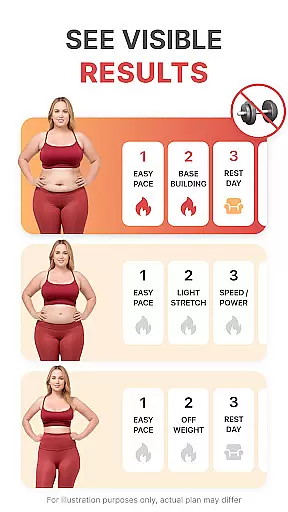
One of the standout features of WalkFit is its ability to provide customized walking plans based on individual BMI and activity levels. This personalized approach allows users to slim down at their own pace while building healthy habits. Additionally, the app includes engaging walking challenges and integrates seamlessly with devices like Fitbit, Google Fit, and Wear OS, making it an all-in-one solution for tracking fitness metrics.
Whether you're walking outdoors or using a treadmill indoors, WalkFit supports your journey with guided workouts and expert-recommended routines. Its user-friendly interface and motivational tools, such as achievements and milestones, make walking an enjoyable and effective way to lose weight. With WalkFit, users can transform their health one step at a time.
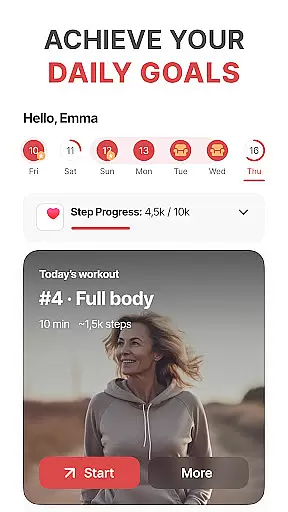
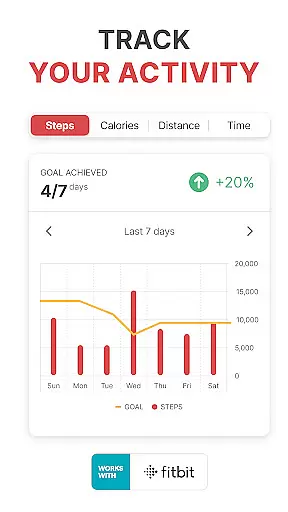
WalkFit stands out with its rich array of features designed to enhance the walking experience for weight loss. One of the key highlights is the built-in step counter and pedometer, which accurately tracks steps, distance traveled, and calories burned. These tools not only keep users informed but also remind them to reach daily step goals, ensuring consistent progress toward their fitness objectives.
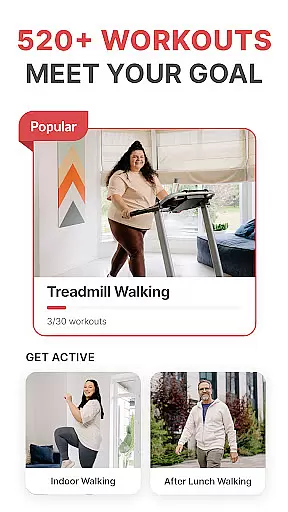
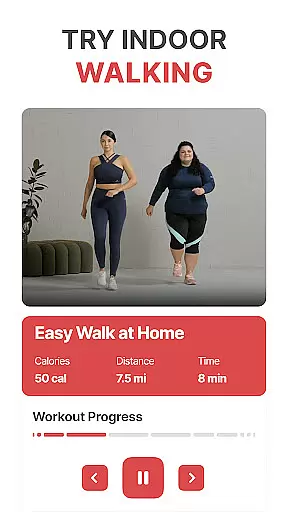
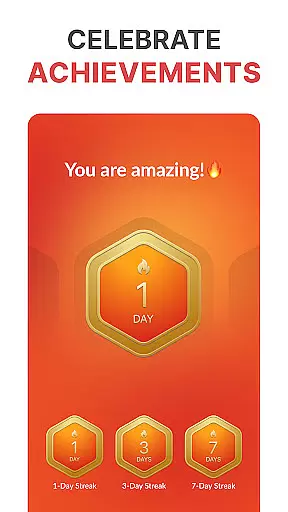
In addition to basic tracking, WalkFit offers fun and engaging walking challenges that boost motivation. Users can earn achievements by completing daily and weekly step targets, hitting new milestones, and staying inspired throughout their journey. For those who prefer indoor workouts, the app provides guided treadmill routines with video support, including cardio walks and low-impact options. These features cater to various fitness levels and preferences, making it easy to incorporate walking into any lifestyle.
Another innovative aspect of WalkFit is its seamless integration with popular fitness platforms like Fitbit, Google Fit, Health Connect, and Wear OS devices. This compatibility allows users to sync and monitor key metrics in one place, enhancing convenience and accuracy. Whether you're tracking passive activity throughout the day or monitoring real-time stats during workouts, WalkFit ensures a smooth and efficient experience tailored to each user's needs.
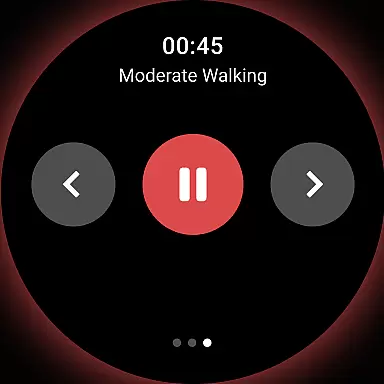
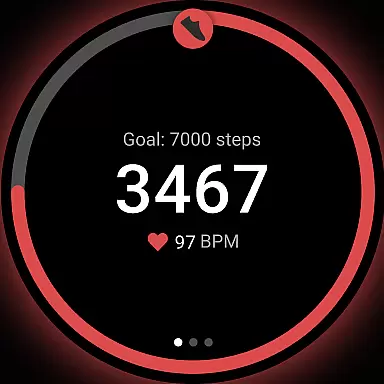
WalkFit offers seamless companion app integration, making it an ideal choice for Android Wear users. The app syncs effortlessly with Wear OS devices, ensuring that your walking data is always up-to-date across all platforms.
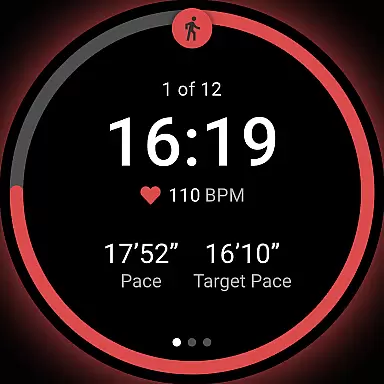
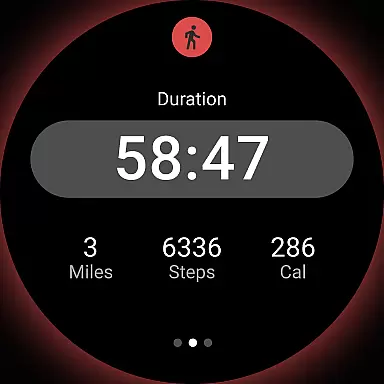
This synchronization allows for real-time tracking of key metrics such as step count, calories burned, and distance traveled. Whether you're using the passive mode to track daily activity or the active mode during workouts, WalkFit ensures accurate and consistent data collection.
By integrating with other health apps like Google Fit and Health Connect, WalkFit provides a comprehensive view of your fitness journey. This interconnected ecosystem enables users to monitor their progress and maintain motivation through unified data presentation.
The ability to switch between different tracking modes enhances user experience, offering flexibility whether you're walking outdoors or using a treadmill indoors. With its robust companion app features, WalkFit stands out as a versatile tool for weight loss and fitness enthusiasts.
As a dedicated app for Wear OS, WalkFit excels in device compatibility. It supports a wide range of Wear OS watches, ensuring that users can track their fitness activities regardless of their device model.
The app's compatibility extends beyond just step counting. It provides comprehensive fitness tracking features including calorie monitoring and distance measurement, all optimized for Wear OS devices.
WalkFit's design takes full advantage of Wear OS capabilities, offering both passive and active tracking modes. This dual-mode functionality ensures continuous activity monitoring throughout the day while providing detailed stats during dedicated workout sessions.
Furthermore, the app maintains high performance standards across different Wear OS versions and devices. Its optimized architecture guarantees smooth operation and reliable data collection, making it an essential tool for anyone looking to improve their fitness using wearable technology.
User-friendly interface
Customizable walking plans
Accurate step tracking
Motivational challenges
Device integration
Premium subscription required
Limited free features
Occasional syncing issues
Indoor mode less accurate
High system requirements

Precision analog watch face with 7 complications and style options
 4.5
4.5
A Wintery Snow Globe on Your Wrist; now celebrating Christmas!
4.5
Fitness interactive virtual pet super fighter boy watch face
4.5
sleep, alarm, snoring, stress, healing, focus, sound therapy, circadian rhythm
4.10
Hyperlocal rain alerts by MyRadar using patent-pending technology, radar & more
4.80
Minimalistic design modern digital watch face.
4.3
A digital watch face that celebrates Christmas.
4.00
Want to take charge of your health? Let Google Fit help you reach your goals.
3.50
Track airplanes and follow flights with our real-time flight tracker
4.50
Stylish, Energizing and Modern Watch Face crafted by Dominus Mathias.
4.50
Premium hybrid watch face with many customizations for Wear OS devices.
4.40
Calming & relaxing sounds for sleeping and stress relief. Stay focused all day!
4.20
Your music, your playlists, and more—offline and unlimited.
4.20
Daily Weather forecast with 15 weather images for Day & Night plus Big Bold time
4.10
Hyper-Realistic Airplane Dashboard Watch Face With 10 Skins and Custom AOD
4.00
Professional weather radar and more
3.90
Authentic military-tactical design with ZULU time! Realistic and functional!
3.80
3 Complications. All shadow on/off. 30 Themes color palette...
4.0
Stylish digital watch face for Wear OS devices with customizable features
4.3





User Reviews