
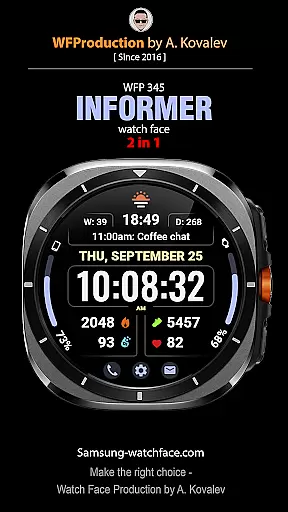
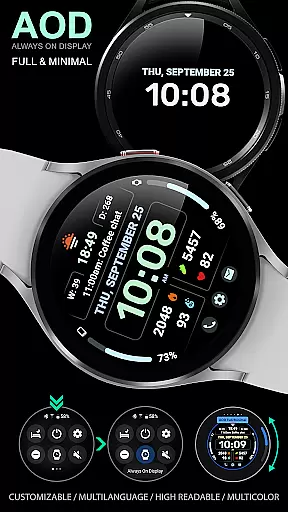
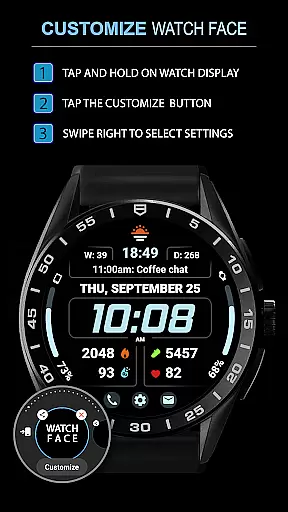
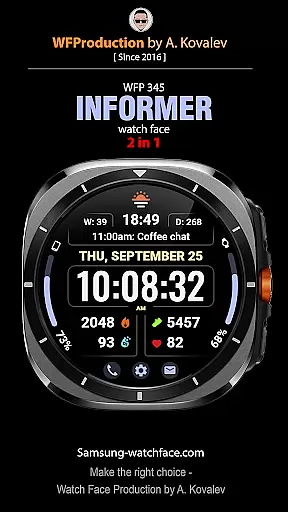
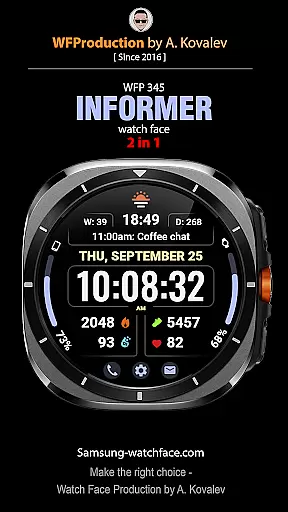
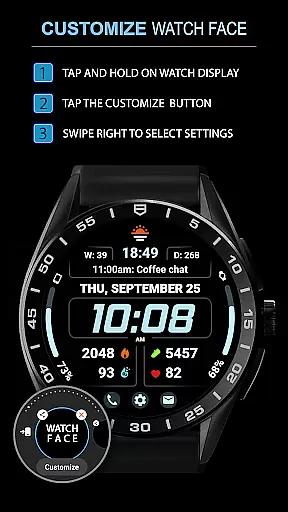
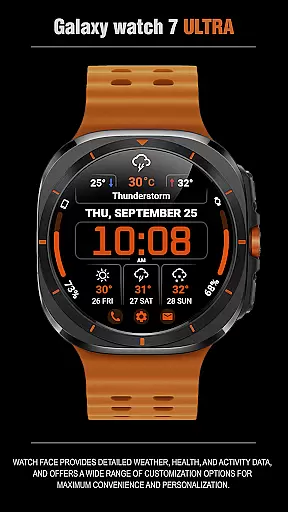
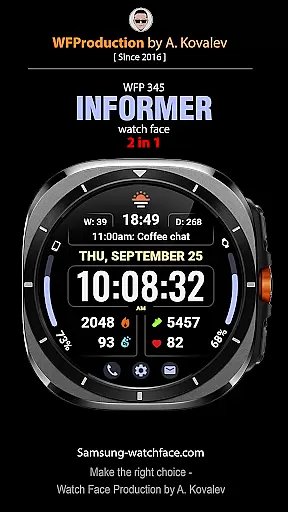
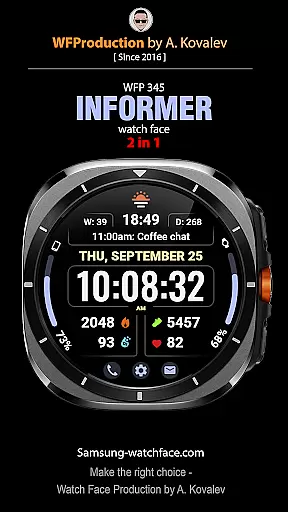
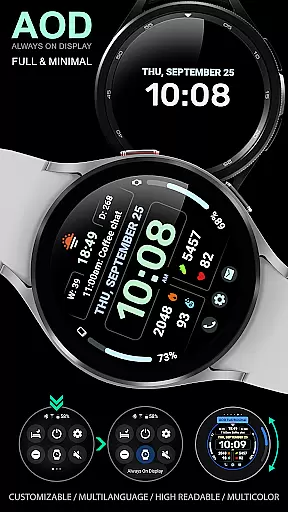
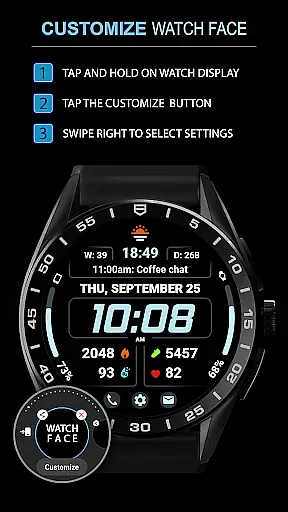
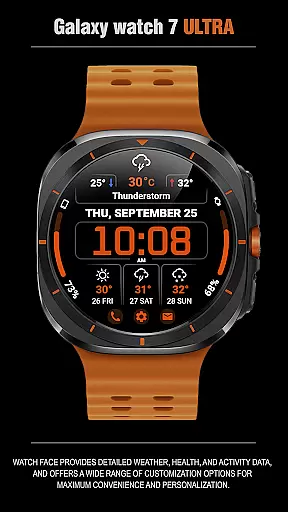
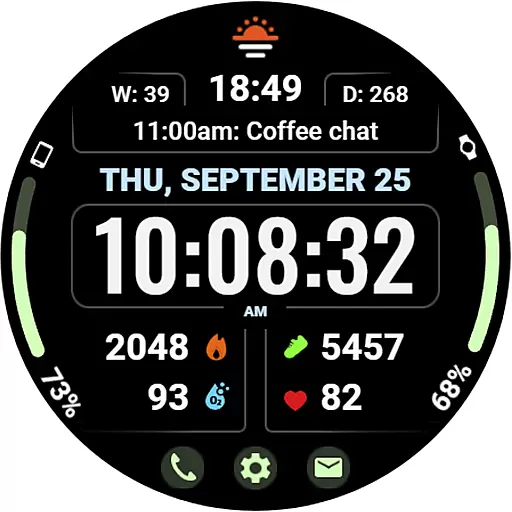
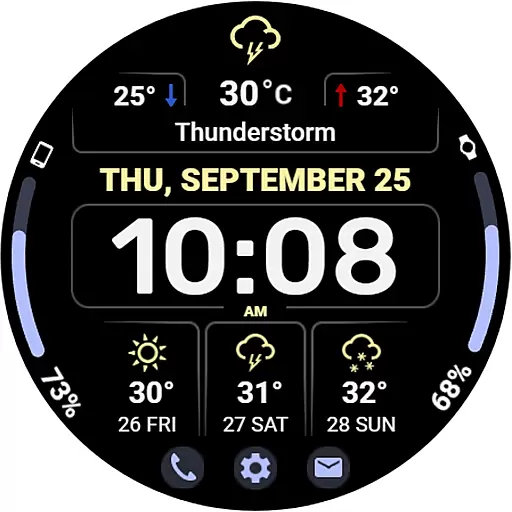
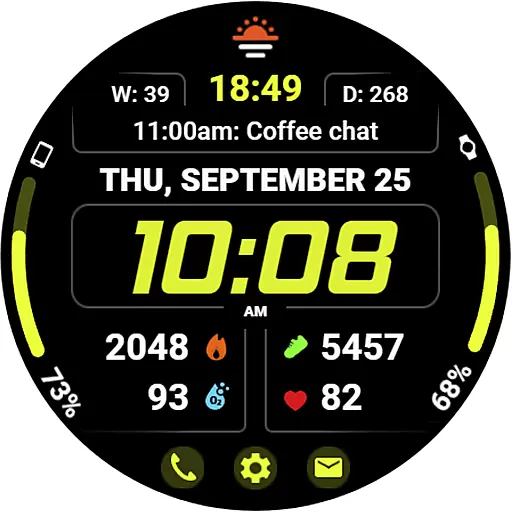
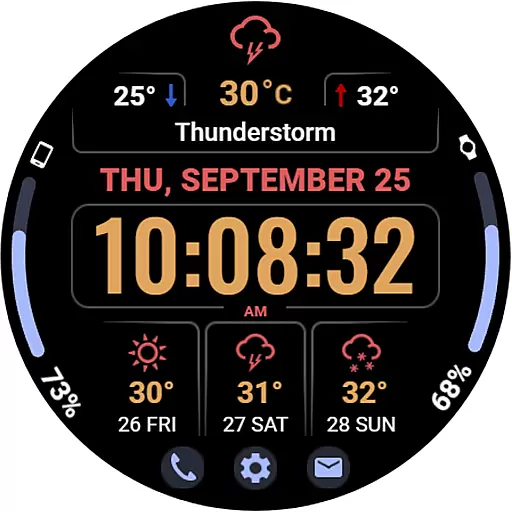
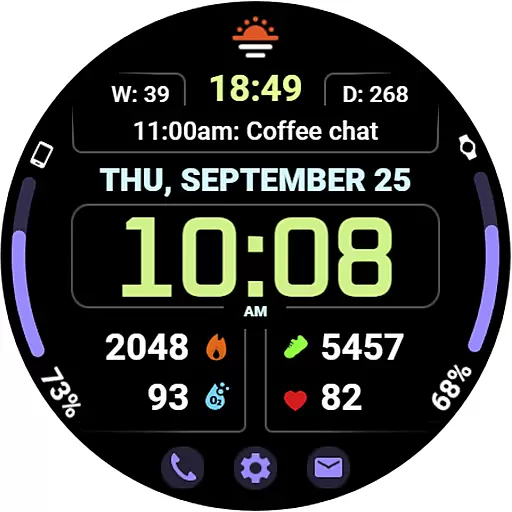
WFP 345 Informer watch face is a feature-rich Android Wear application that combines style and functionality. It offers users detailed weather forecasts, health tracking, and activity monitoring while providing extensive customization options for a personalized experience. With support for multiple complications, various color schemes, and two display modes, it ensures both utility and aesthetic appeal on your smartwatch.
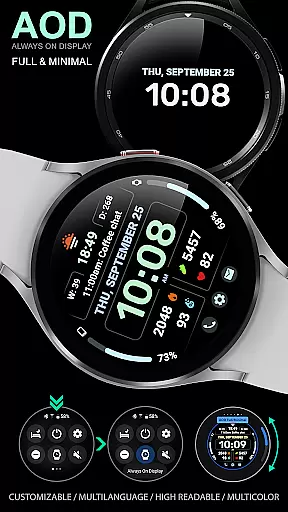
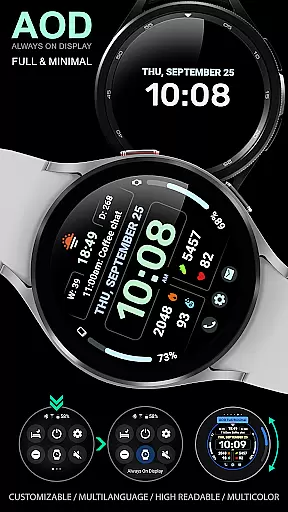
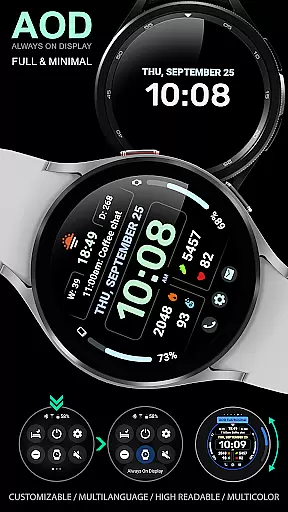
The app stands out with its high-resolution display, multilingual support, and optimized battery consumption. Whether you need quick access to weather updates or want to track daily fitness goals, WFP 345 caters to all these needs seamlessly. Its unique Always-On Display (AOD) mode further enhances usability by allowing customization even in low-power states.
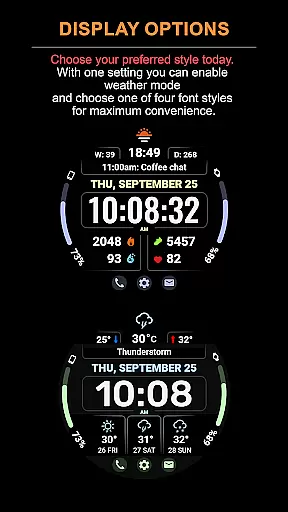
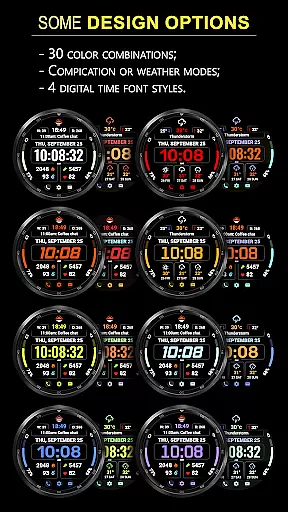
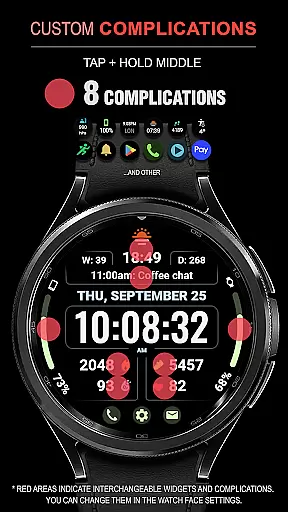
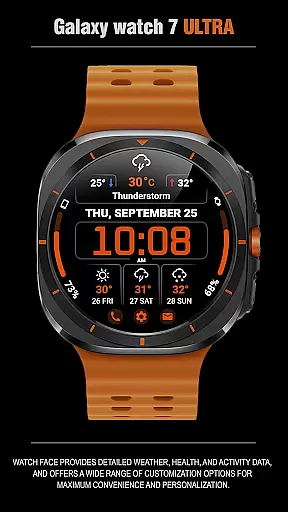
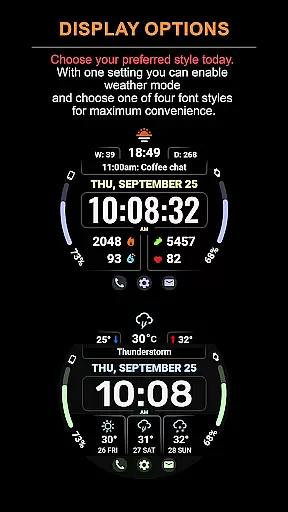
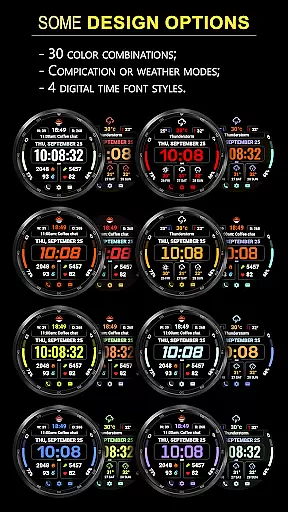
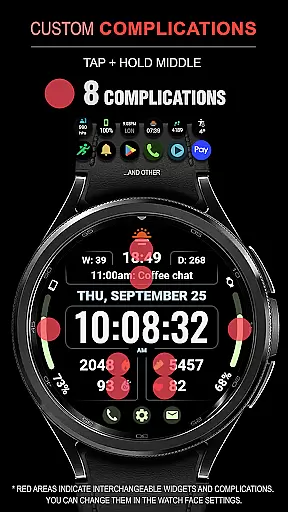
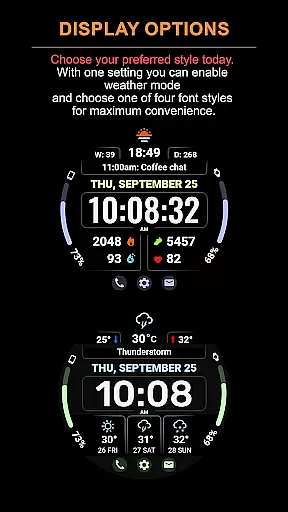
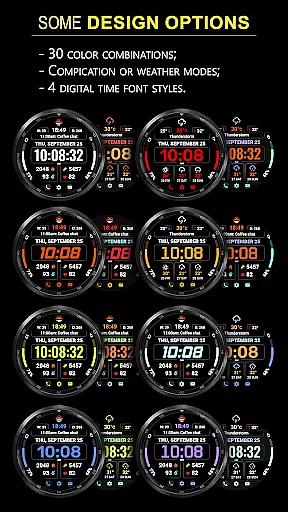
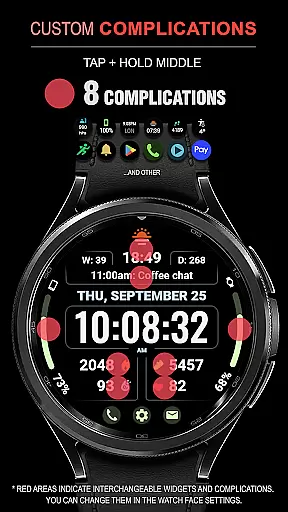
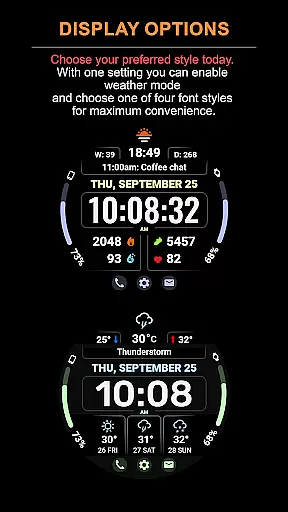
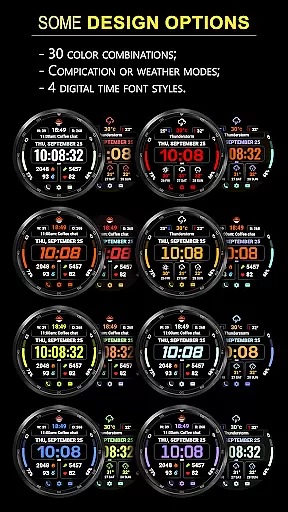
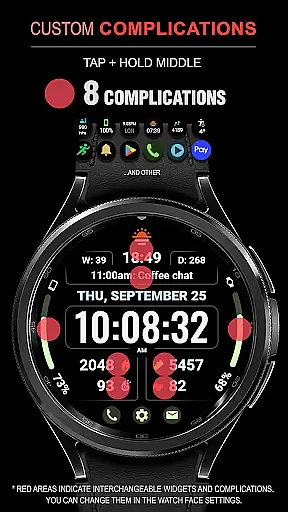
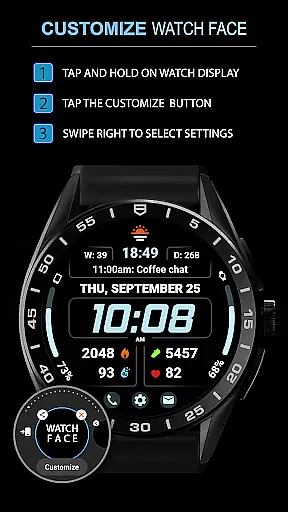
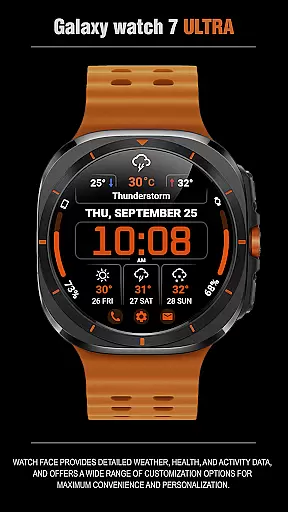
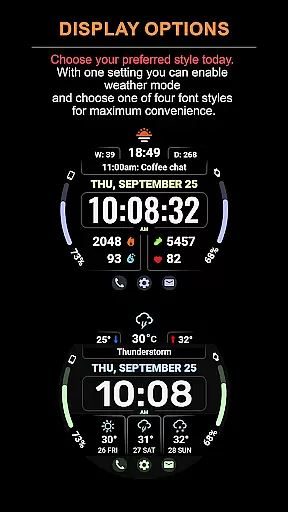
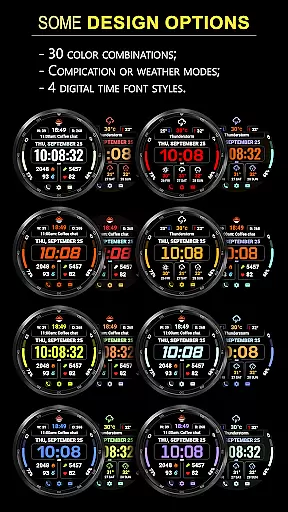
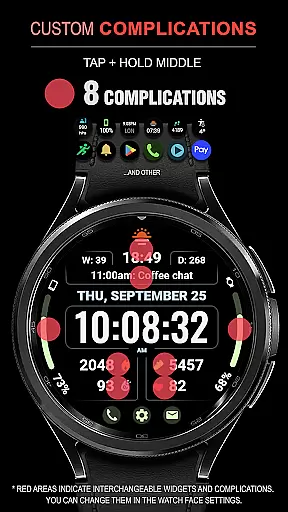
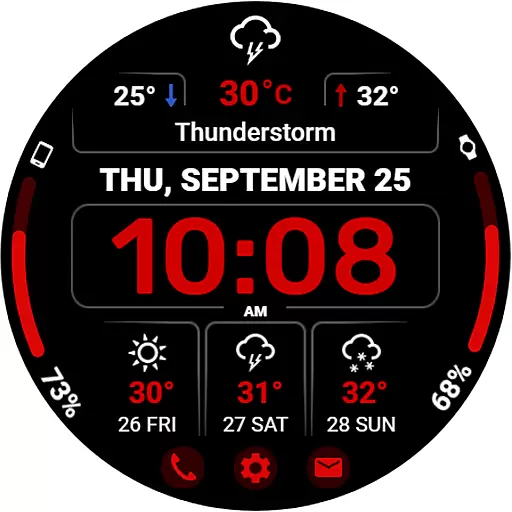
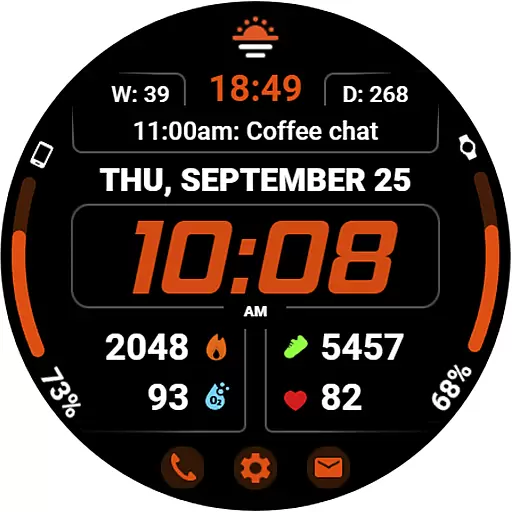
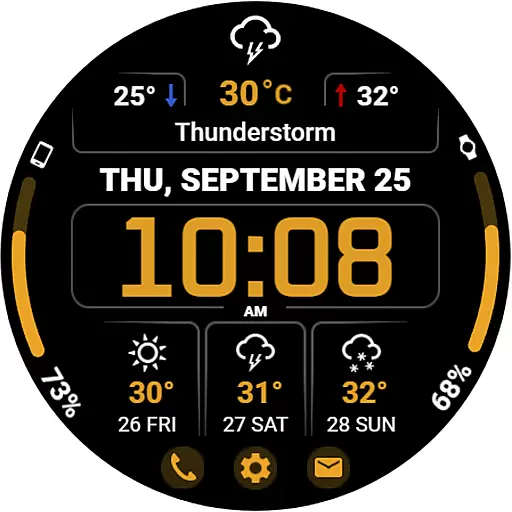
WFP 345 Informer watch face boasts an impressive array of features designed to maximize convenience and personalization. The app includes eight customizable complications, 30 color options, and dual display modes—weather forecast or complication view—ensuring flexibility based on user preference. Additionally, the three-day weather prediction, temperature ranges, and quick-access buttons make it highly practical.
Advanced functionalities like four time font styles, Fahrenheit/Celsius toggling, and minimal AOD mode provide users with complete control over their watch interface. High optimization ensures smooth performance without excessive battery drain, making this app ideal for everyday use. Furthermore, multilingual support broadens accessibility, catering to a global audience seeking both form and function in one package.
Companion app integration is essential for a seamless wearable experience. The WFP 345 Informer watch face excels in this area by offering users synchronized data between their smartwatch and smartphone.
This application ensures that all weather, health, and activity metrics are accurately reflected on both devices. Users can access detailed analytics and receive timely updates without any discrepancies.
The synchronization process is straightforward and reliable, allowing users to manage settings and preferences effortlessly across devices. This feature enhances user convenience by centralizing control.
By maintaining consistent functionality and appearance, the WFP 345 Informer guarantees an integrated ecosystem where users benefit from real-time information sharing and enhanced usability.
Ensuring broad Wear OS and device compatibility is crucial for maximizing user accessibility. The WFP 345 Informer watch face supports a wide range of devices, providing flexibility for consumers with different hardware.
This application is optimized for various screen sizes and resolutions, ensuring crisp visuals and smooth performance regardless of the device. It accommodates both newer models and older versions, extending its reach to more users.
With high optimization and low battery consumption, it delivers a consistent experience without compromising on functionality or speed. This makes it suitable for daily use across multiple platforms.
Users can enjoy customizable features like weather forecasts, health tracking, and aesthetic modifications, knowing that their chosen settings will work harmoniously on any compatible Wear OS device.
Highly customizable
Accurate weather data
Optimized battery usage
Multilingual support
Stylish design
Complicated setup
Limited free features
Weather mode restrictions
Requires constant updates
Premium cost

A customizable Christmas watch face for Wear OS with a countdown.
 4.20
4.20
Christmas watch face. For Wear OS devices.
4.30
Watch face for Wear OS.
4.20
Digital watch face with big numbers and many customization for Wear OS devices
4.40
Digital watch face. For Wear OS devices.
4.40
Gym & home workout plans with strength training, exercise tracking, HIIT & more.
4.60
Professional weather radar and more
3.90
Bold weather Digital watchface with forecast & optional animated background
4.40
Toyota app currently supports 2010 or newer vehicles (2018 or newer for Hawaii).
4.50
Period, ovulation & pregnancy tracker. Fertility insights & menstrual calendar.
4.90
The Chevron App allows you to pay for fuel from the comfort of your car!
4.80
The most customizable hybrid watch face. For Wear OS 5.0, API 34+ and later
4.70
Stylish, Energizing and Modern Watch Face crafted by Dominus Mathias.
4.50
Find EV charging stations
4.30
"PER27 Galaxy Digital" is a digital Wear OS watch face designed by PERSONA
4.10
Hyper-Realistic Airplane Dashboard Watch Face With 10 Skins and Custom AOD
4.00
Get helpful reminders, take progress photos and find answers to your questions.
3.90
Stunning modern digital watch face with 7 complications and strong contrast
4.1
Funny animated watch face for Thanksgiving
4.0



User Reviews