
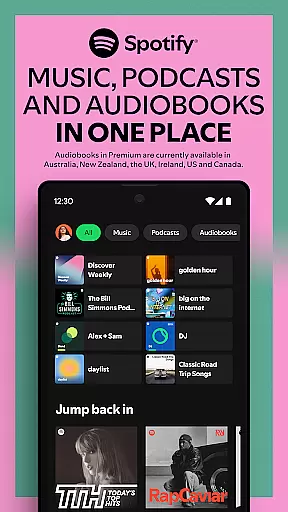
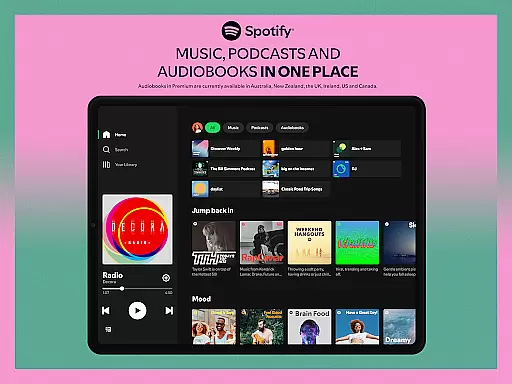
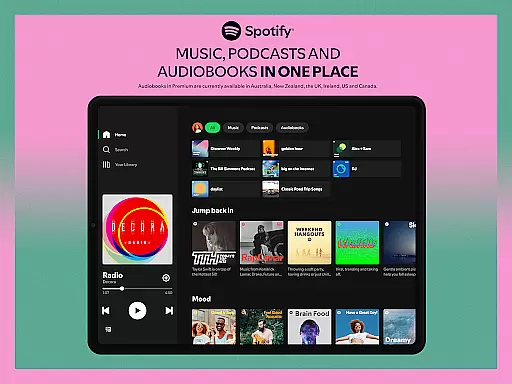
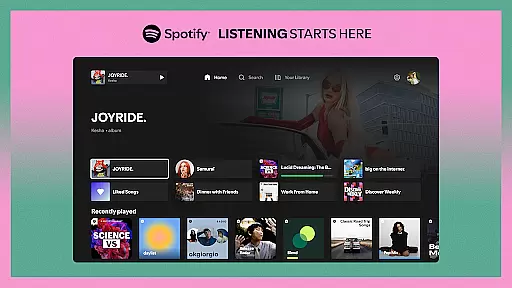
Spotify for Android TV brings the ultimate music and podcast experience to your living room. This app transforms your TV into a versatile entertainment hub, offering millions of songs, curated playlists, and engaging podcasts. Whether you're hosting a party or enjoying a quiet evening at home, Spotify provides the perfect soundtrack for every moment.
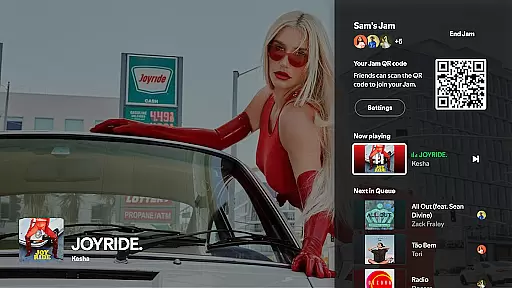
The application supports seamless control through your TV remote or mobile device, ensuring uninterrupted playback. Premium subscribers can enjoy enhanced features like ad-free listening, improved audio quality, and the unique Jam mode that lets friends collaboratively create playlists. With support for Google Assistant on compatible devices, users can conveniently control their music hands-free.
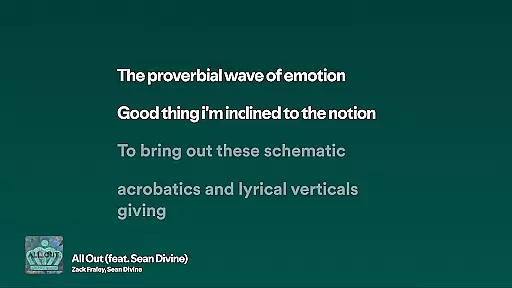
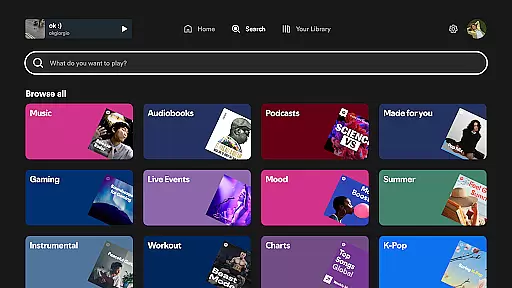
Spotify for Android TV stands out with its comprehensive feature set tailored for home entertainment. The app offers access to an extensive library of over 100 million tracks, thousands of podcasts, and video podcasts, all optimized for the big screen experience. A notable feature is the on-screen lyrics display, allowing users to sing along to their favorite tunes.
Premium members can take advantage of the innovative Jam mode, enabling collaborative playlist creation among friends. The app also supports Spotify Connect, giving users the flexibility to control playback from their mobile devices without interrupting the music. For supported devices, Google Assistant integration allows for voice-controlled music selection, making it easier than ever to manage your entertainment experience.
When it comes to music streaming services, the size and authenticity of the music library are crucial factors for users. Spotify on Android TV offers an extensive collection of millions of songs, ensuring that there is something for every musical taste and preference.
The app provides access to a vast array of curated playlists, which not only include popular hits but also deep cuts and hidden gems across various genres. This diversity enriches the user's experience by allowing them to explore new artists and tracks they might not encounter otherwise.
Moreover, Spotify places a strong emphasis on copyright authenticity. By securing the necessary licenses and permissions, the service guarantees that all content available on its platform is legitimate. This commitment to copyright compliance ensures that artists are fairly compensated and users can enjoy their favorite music without any legal concerns.
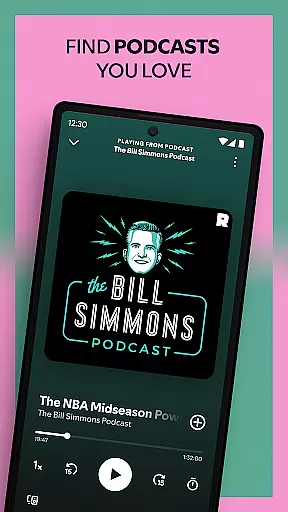
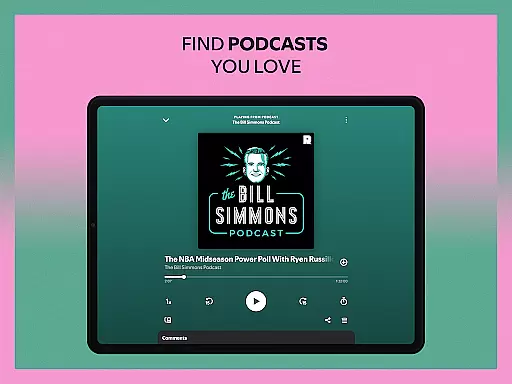
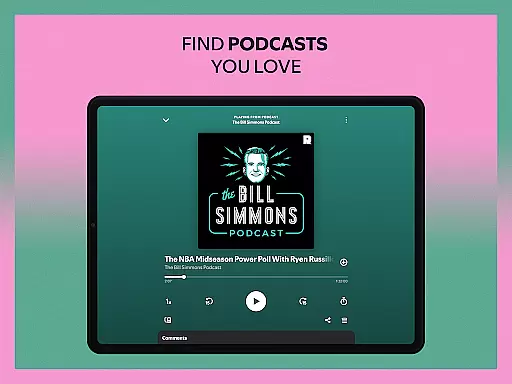
For those who appreciate podcasts, Spotify extends its offerings beyond music. The platform hosts a wide range of podcast categories, from educational series to entertainment shows, further expanding the audio content library at the user's disposal.
Audio quality is a significant aspect of the listening experience, and Spotify on Android TV does not disappoint in this regard. The platform offers different audio quality settings, allowing users to tailor their sound output according to their preferences and equipment capabilities.
With Spotify Premium, subscribers have the option to switch to 'High' or 'Very High' audio quality modes. These settings provide enhanced bitrate streaming, resulting in clearer and more detailed sound reproduction. Whether you're using standard speakers or high-end audio systems, these options ensure optimal performance.
In addition to variable audio quality settings, Spotify also supports Spotify Connect. This feature enables seamless playback control across multiple devices, including smart speakers and soundbars, maintaining consistent audio quality throughout the home environment.
Furthermore, the integration with Google Assistant on supported devices allows for hands-free commands to adjust volume levels or change tracks, contributing to an uninterrupted and immersive auditory experience. With these comprehensive audio features, Spotify on Android TV caters to audiophiles and casual listeners alike.
User-friendly interface
Extensive content library
Seamless device integration
High-quality audio streaming
Innovative social features
Limited free version
Some features region-locked
Requires stable internet
Premium subscription costly
Device compatibility issues

Fun & Easy Voice Changer – Record, Edit & Add Hilarious Effects!
 4.50
4.50
Turn your phone into a musical instrument from the future!
3.90
Performance-Synthesizer & Multi-Track-Sequencer, polyphonic + multi timbral!
4.70
USB audio recording and playback finally possible on Android 3.1 or higher!
3.90
Unleash your creativity! Turn simple prompts into full fledged songs.
4.70
Learn to play the piano using falling notes!
3.80
Sheet music reader, piano & music note player. Play music score & learn to read.
3.90
One-tap booster for max volume - enjoy powerful sound with this audio booster
4.50
Listen to offline music and sounds from all categories
4.70
Music, News & Sports Radio Tuner App. Tune in Live FM & AM Radio Stations.
4.80
Responsive piano with great sounds, graphics, and songs
4.80
Simple & Intuitive Metronome
4.70
Taal player that lets you sing any Indian & Western song with Tabla & Tanpura
4.60
A complete sound package for the sound engineer or enthusiast
4.60
Play KORG’s revolutionary touch-based instrument on a variety of devices.
4.40
The original SP-1200 experience on your iPad
4.20
PowerAudio is a powerful offline music player.
4.20
Powerful beat maker & DJ mixer to remix tracks, make music, & perform DJ mix
3.70
Make music anywhere. Turn your device into an instrument.
4.2





User Reviews