
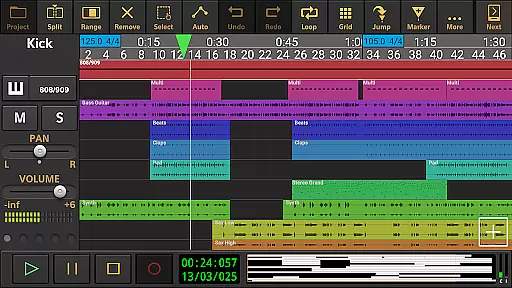
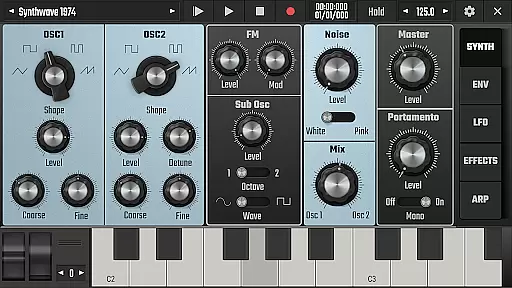
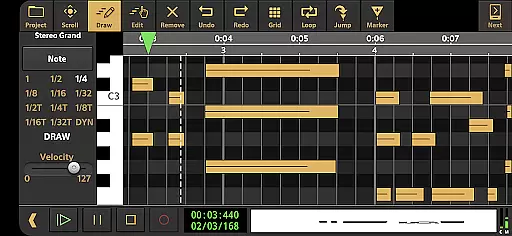
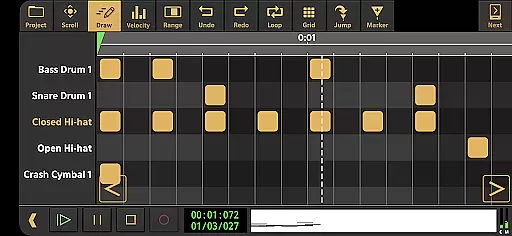
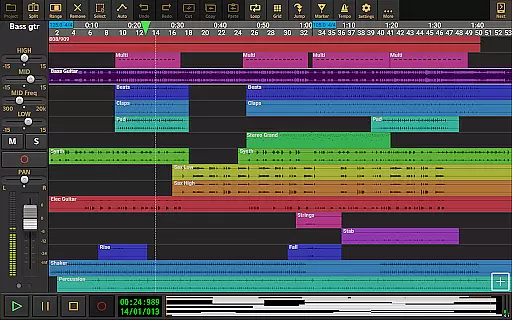
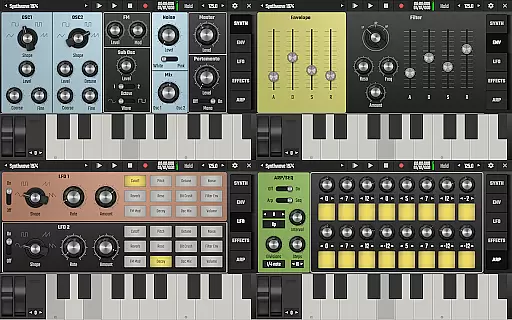
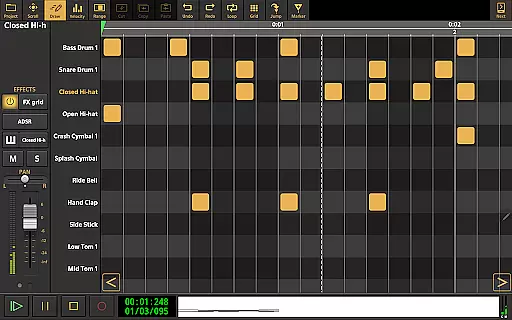
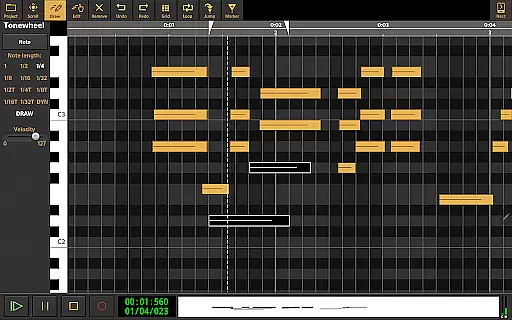
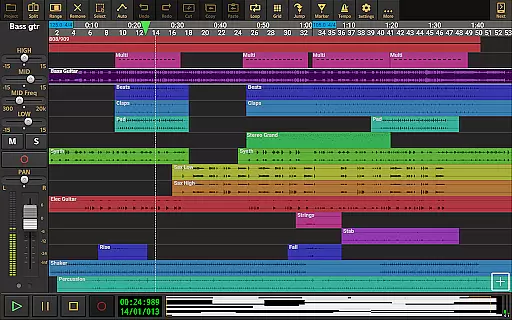
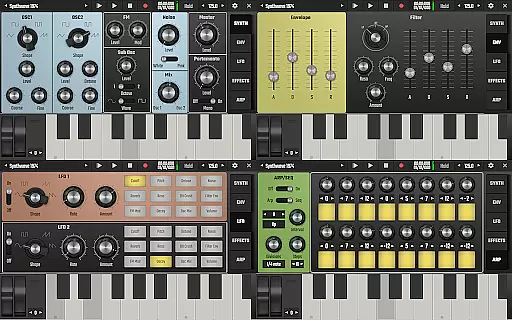
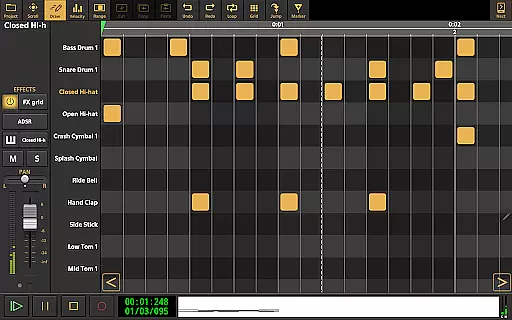
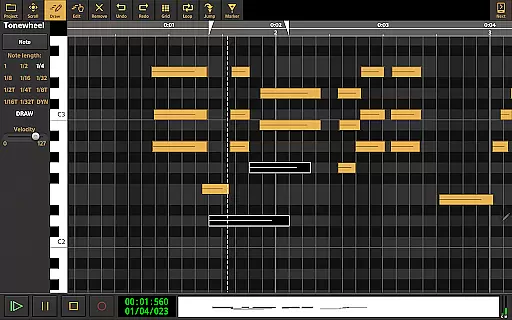
Audio Evolution Mobile Studio is a comprehensive digital audio workstation (DAW) for Android, designed to facilitate music creation, mixing, and editing on the go. It supports multitrack audio and MIDI recording with features like virtual instruments, real-time effects, mixer automation, and drum pattern editing. The app caters to both beginners and professionals by offering advanced tools such as Vocal Tune Studio and Evolution One synthesizer.
This mobile DAW rivals desktop applications with its ability to record using internal mic or multi-channel USB audio interfaces. It includes functionalities like tempo changes, punch in/out, and mastering options, making it an ideal choice for musicians who need a portable yet powerful solution for their music production needs.
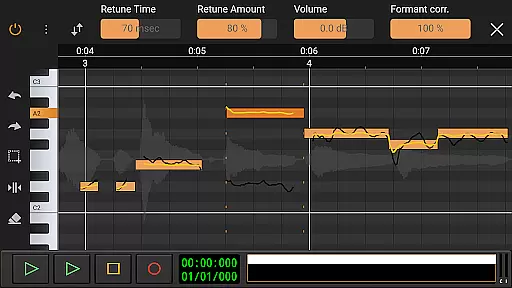
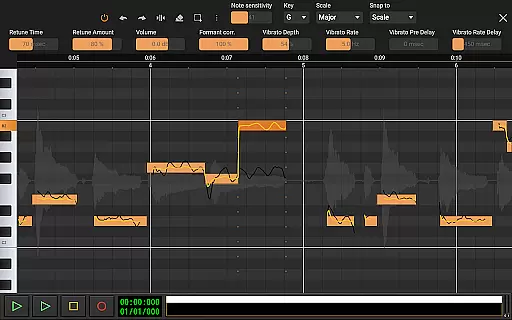
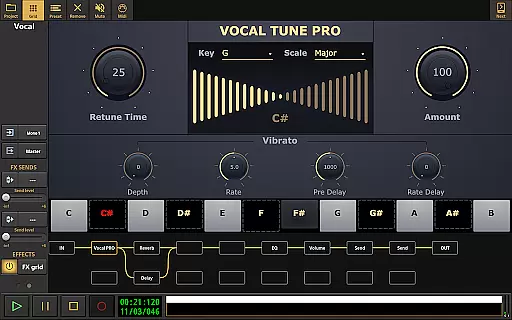
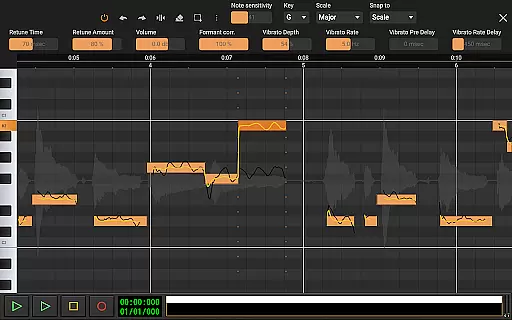
Audio Evolution Mobile Studio stands out with its extensive feature set tailored for music producers. The app offers Vocal Tune Studio for pitch correction and time editing of vocal recordings, alongside Evolution One, a virtual analog synthesizer. These tools provide users with professional-grade capabilities directly on their mobile devices.
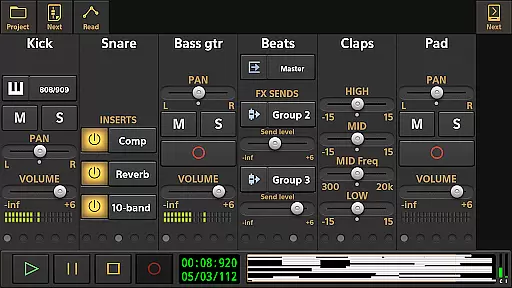
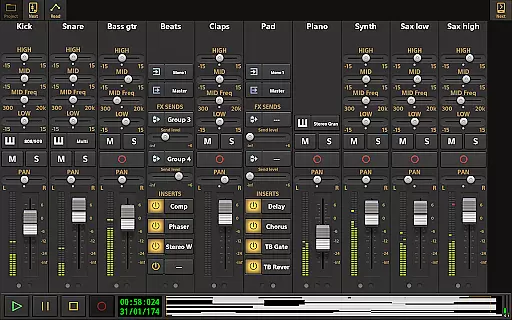
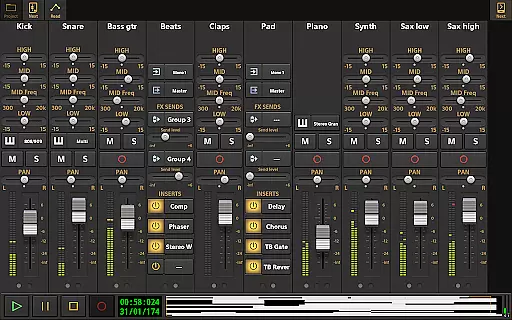
Additionally, the app supports low latency recording, unlimited undo/redo during audio clip edits, and flexible effect routing with parallel paths. Users can automate mixer parameters, import various audio formats, and export projects to other DAWs via stems. With optional in-app purchases, users can further enhance functionality through plugins like ToneBoosters and additional instrument packs.
Audio Evolution Mobile Studio offers an extensive music library that caters to a wide array of musical needs. The app provides users with a vast selection of audio loops and sample-based Soundfont instruments, ensuring that creators have access to high-quality resources for their projects.
The inclusion of copyright-authenticated content means that musicians can use these resources without legal concerns. This is particularly important for artists looking to distribute or monetize their work, as it guarantees the legitimacy of the sounds used in their compositions.
Moreover, the app allows for the import of various formats such as WAV, MP3, AIFF, FLAC, OGG, and MIDI, which broadens the scope of usable material. Users can also expand their library through in-app purchases of additional loops and instruments at varying price points.
This comprehensive approach to sound libraries ensures that Audio Evolution Mobile Studio remains a versatile tool for both amateur and professional music production on Android devices.
When it comes to audio quality options, Audio Evolution Mobile Studio excels by offering advanced features that rival desktop digital audio workstations (DAWs). It supports high-resolution audio recording and playback, including 24-bit/96kHz when using compatible USB audio interfaces, providing crystal-clear sound fidelity.
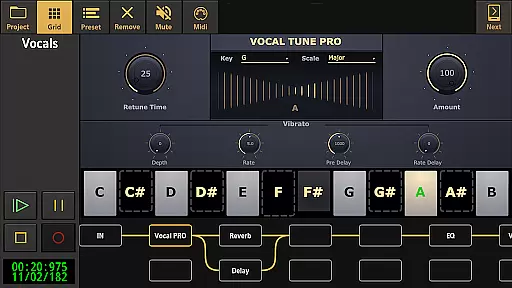
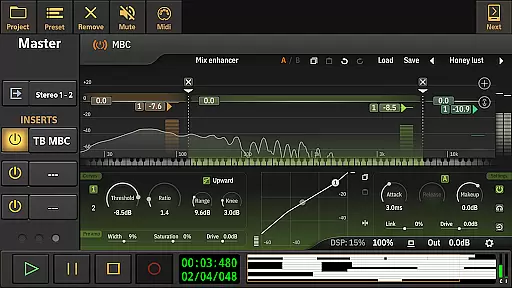
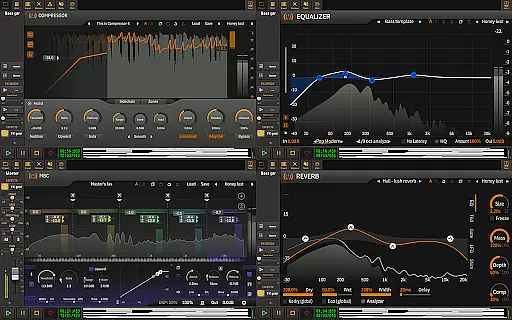
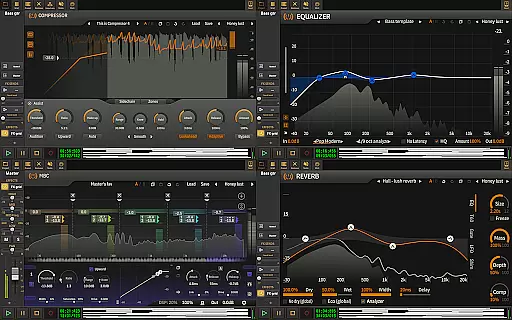
The app includes real-time effects processing with a suite of tools such as EQs, compressors, reverbs, and more. These effects are crucial for achieving professional-sounding mixes and allow users to shape their sound with precision. Additionally, the flexible effect routing system enables complex signal chains for sophisticated audio manipulation.
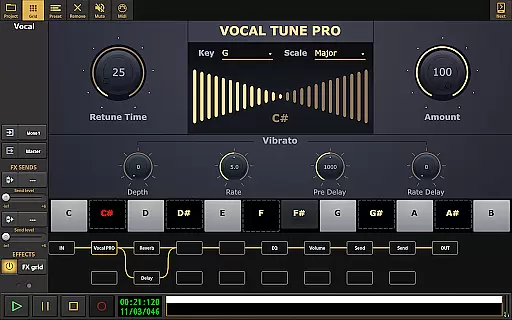
For those seeking even more control over their mix, Vocal Tune Studio and other specialized effects can be purchased in-app. These tools offer nuanced adjustments to pitch, time, formants, and vibrato, allowing for detailed vocal editing and creative sound design.
With its robust set of features, Audio Evolution Mobile Studio empowers musicians to produce tracks with exceptional clarity and depth, all from their mobile device.
User-friendly interface
Professional-grade tools
Versatile audio editing
Extensive plugin support
Cloud sync functionality
Some features require in-app purchases
Complex for beginners
High system requirements
Limited free sound library
Occasional bugs reported

Formerly known as Spotistats! View your top tracks, artists, albums and more!
 4.40
4.40
DJ Music Mixer - DJ Remix: remix songs, make beat music & record mix of DJ.
4.40
A High-Precision Audio Spectrum Analysis App
4.20
Simple & Intuitive Metronome
4.70
Music Streaming suite for Ampache, Nextcloud Music and compatible backends.
4.4
Recording studio w/ 10k beats, pro vocal FX and a network of 20M rappers & fans!
4.60
No wifi music app. Mp3 offline. Tuner radio, young radio music. Music downloader
4.20
PowerAudio is a powerful offline music player.
4.20
Full featured mp3 and audio player with Chromecast and Android Auto support.
4.40
Voice recorder - Audio recorder. Best recorder for recording
4.90
JBL PartyBox APP works with 110/310/710/120/320/520/Encore/Encore 2/Encore Ess 2
4.80
A complete sound package for the sound engineer or enthusiast
4.60
Enhance the sound quality of your devices, listen to what you want
4.50
Learn and play 2M+ music tabs & chords on guitar, ukulele, bass, and more
4.30
The alternative folder based music player.
4.20
Permanently backup Now Playing. Maps, filters & listening stats.
4.00
The ultimate media player for Android devices
3.90
USB audio recording and playback finally possible on Android 3.1 or higher!
3.90
Slow music down without changing pitch.
3.70



User Reviews