
Bimostitch Panorama Pro is a powerful photography app designed for creating high-resolution panoramic images directly on your mobile device. The app utilizes advanced on-device stitching algorithms to automatically align and blend overlapping photos into stunning panoramas, supporting various formats including single-row, multi-row, vertical, horizontal, 360°, and photospheres. With support for stitching 2 to 200+ images, it caters to both casual users and professional photographers who need flexibility in their creative process.
One of the standout features of Bimostitch Panorama Pro is its ability to maintain the quality of source photos while producing ultra-high-resolution outputs of up to 1 Gigapixel. The app also includes pro-level tools such as auto-exposure balancing, automatic straightening, seam detection modes, and lens distortion compensation, making it suitable for use with wide-angle and fisheye lenses. Whether you're capturing landscapes, cityscapes, or aerial shots using a drone, this app ensures impressive results without requiring any additional equipment.
The app's offline functionality and intuitive interface make it ideal for photographers who need to work on the go. Users can conveniently create panoramas during travel or outdoor activities without worrying about internet connectivity. Additionally, the app supports video-to-panorama conversion, allowing users to transform panning motion videos into detailed panoramic images. This versatility, combined with its comprehensive feature set, makes Bimostitch Panorama Pro an essential tool for anyone interested in panoramic photography.
Bimostitch Panorama Pro offers an extensive range of features that cater to both amateur and professional panoramic photographers. One of its core functionalities is the ability to stitch together 2 to 200+ overlapping photos into seamless panoramic images. The app supports multiple panorama formats, including vertical, horizontal, multi-row, and 360° panoramas, providing users with the flexibility to capture diverse scenes. Its automatic alignment and blending capabilities ensure minimal distortion and optimal image quality, even when working with complex multi-row compositions.
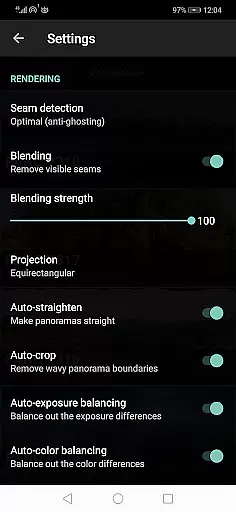
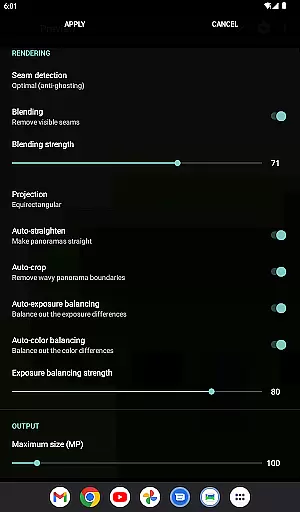
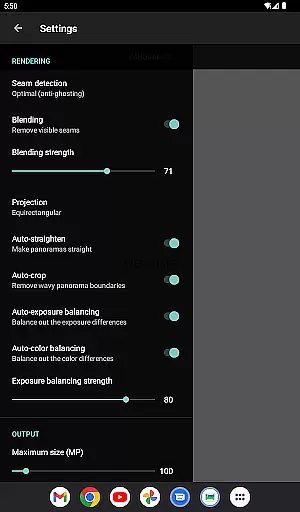
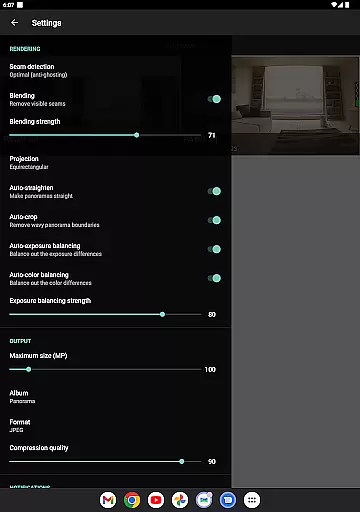
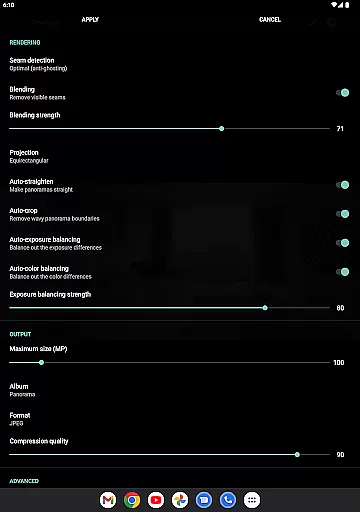
In addition to basic stitching, the app includes several advanced features that enhance the final output. These include automatic exposure balancing, which adjusts brightness levels across stitched images, and auto-straightening, which corrects tilted horizons. The app also provides users with control over blending intensity, seam detection quality, and color balancing, allowing for fine-tuned adjustments. For professionals, the inclusion of ultra-high-resolution output (up to 1 Gigapixel) and lens distortion compensation ensures that the app meets the demands of high-end photography projects.
Beyond static images, Bimostitch Panorama Pro supports video-to-panorama conversion, enabling users to extract key frames from panning motion videos and merge them into panoramic images. This innovative feature expands the app's usability, particularly for drone photography or scenarios where capturing still images may be challenging. Furthermore, the app allows users to save previews and resume editing later, compress large panoramas to save storage space, and export files in JPEG or PNG formats. These practical tools, combined with its user-friendly interface, make Bimostitch Panorama Pro a versatile solution for all your panoramic photography needs.
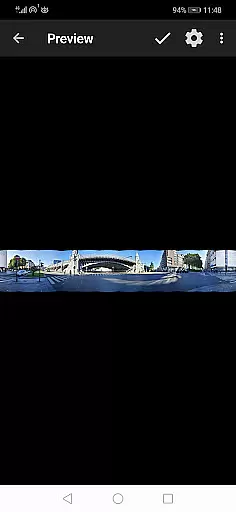
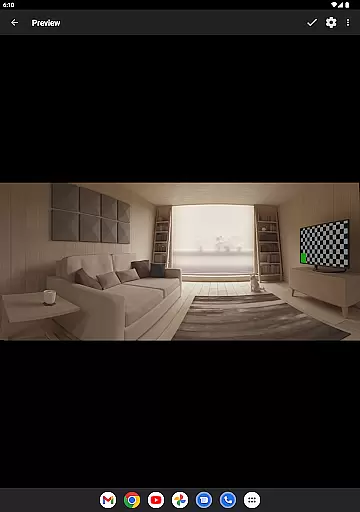
Real-time capture and preview functionality is essential for ensuring that every moment is captured perfectly. Bimostitch Panorama Pro offers an intuitive interface where users can see their images come together as they shoot, providing immediate feedback on the panorama's progress.
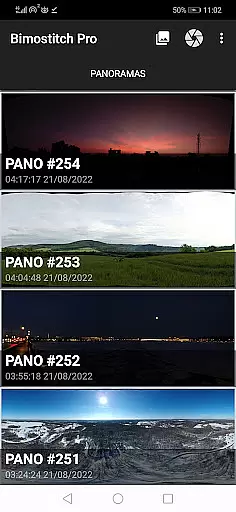
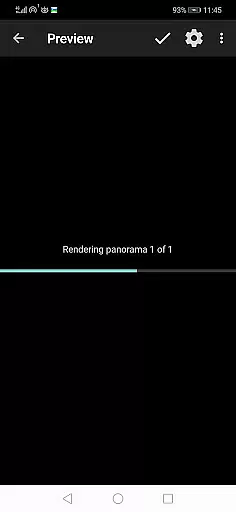
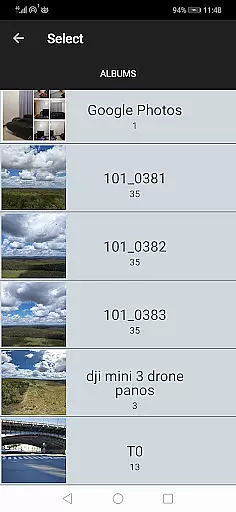
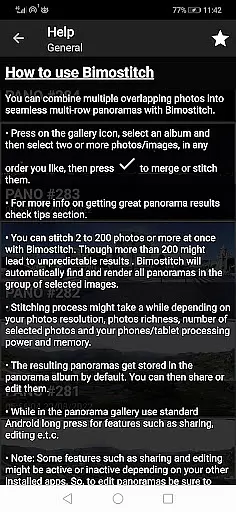
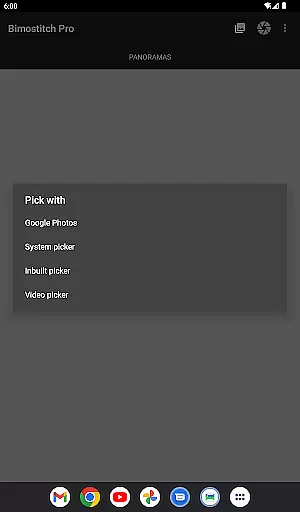
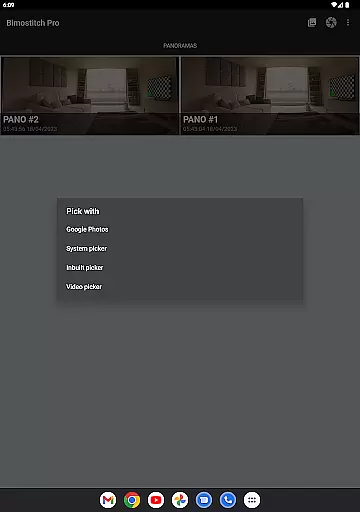
The app allows photographers to use either its built-in photo-picker or external applications to select overlapping photos. Once selected, Bimostitch employs advanced on-device image stitching algorithms to automatically align and blend these images into a seamless panorama, all while the user watches.
This instant preview capability not only saves time but also enhances creativity by allowing users to adjust their shots on the fly. Whether you're using a drone for aerial shots or capturing scenes with a DSLR, the ability to preview your panorama in real-time ensures that you won't miss any crucial details.
Moreover, the app supports video-to-panorama conversion, enabling users to shoot a panning video and then extract key frames to create a panoramic image. This feature provides flexibility and convenience, making it easier than ever to produce high-quality panoramas without needing specialized equipment.
AI beauty and enhancement features are becoming increasingly important in photography apps, and Bimostitch Panorama Pro stands out with its natural approach to image enhancement. The app includes automatic exposure balancing, color balancing, and straightening of panoramas, ensuring that the final output looks polished yet authentic.
With options like auto-color balancing and seam detection modes, users can fine-tune the intensity of these enhancements. This level of control helps maintain the original quality of source photos while still improving overall aesthetics. The result is a panorama that looks professionally edited but retains the natural essence of the scene.
Bimostitch also offers advanced features such as lens distortion compensation through auto-lens calibration. This is particularly useful when working with wide-angle or fisheye lenses, ensuring that even the most distorted images are corrected seamlessly. These tools collectively contribute to creating panoramas that are both visually stunning and true to life.
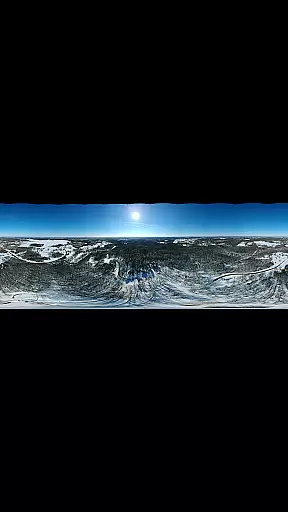
Furthermore, the app's ability to handle ultra-high-resolution outputs of up to 1 Gigapixel means that every detail is preserved, from the broadest vistas to the finest textures. This commitment to quality and natural enhancement makes Bimostitch Panorama Pro a top choice for photographers seeking professional-grade results on their mobile devices.
High-quality stitching
User-friendly interface
Offline functionality
Advanced customization options
Supports ultra-high resolution
Requires powerful hardware
Paid pro features
Steep learning curve
Limited free version
Large file sizes

All-in-One Editor & AI Photo Enhancer, Beautify & Retouch, Collage, Cartoonify
 4.20
4.20
Edit like a pro with Hypic. Apply filters, AI effects, & magic touch.
4.40
Take videos and pictures with the popular TikTok TIME WARP SCAN filter.
4.60
Create Business Headshots, Polaroid Filter, Retake Photos,Profile Pics,AI Photos
4.50
Automatically backup your photos and videos to computer, NAS and Cloud services
4.60
Unblur, enhance & restore photos with powerful AI photo enhancer tools.
4.60
RAW video capture with advanced controls
4.40
Welcome to ProShot, the most powerful camera app on Android.
4.20
Your Family Calendar + Photos. Manage your Skylight Calendar and Skylight Frame.
4.40
See your baby AI baby face generator AI baby maker Face generator babymaker fun!
4.70
Amazing Photo Effects - The most fun you can have with your photos!
4.70
Easily create custom gifts, cards, photo books & more on the Shutterfly app!
4.60
Create AI photos & videos with Enhancer; restore, fix, beautify, enhance photos
4.50
Search, tag and rate your way to an organized image gallery
4.40
Future baby face generator: AI kids generator, kid face! What my baby look like?
4.40
What celebrity do you look like? Celebs will find your celebrity match!
4.10
The #1 app for B&W film developing featuring an advanced darkroom timer.
4.10
Be your best in every shot! Fix, edit and retouch your face in selfies & photos.
3.70
HD Photo gallery and photo manager to edit, hide private photos, videos & albums
4.3



User Reviews