
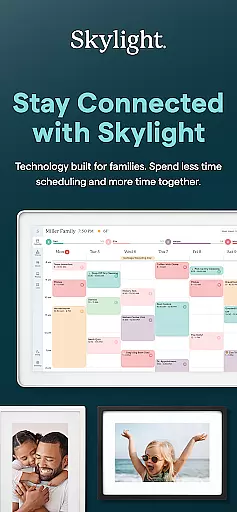
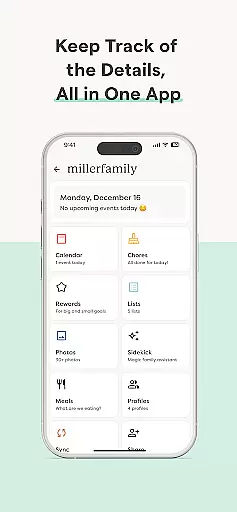
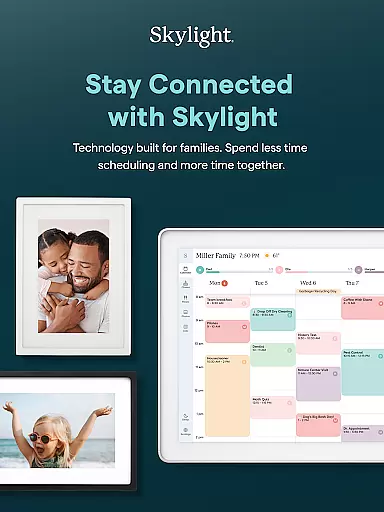
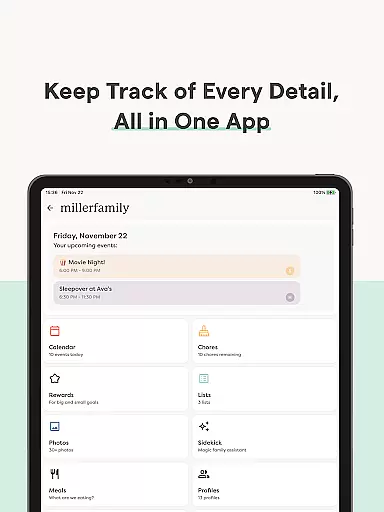
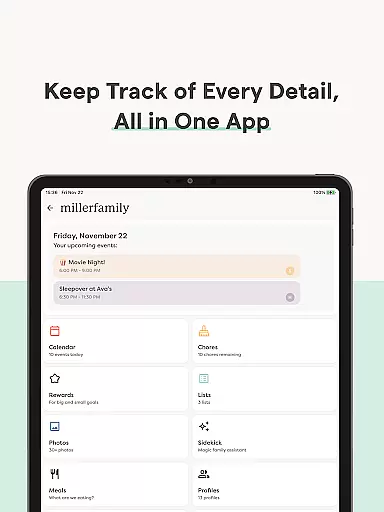
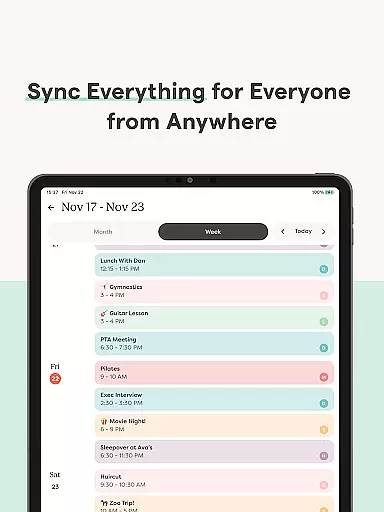
Skylight is a comprehensive family management application designed to centralize your household's activities. This app merges calendars, task lists, routines, and cherished memories into one accessible platform. It serves as the control center for both the Skylight Calendar and Skylight Frame, ensuring that families can efficiently organize their lives and display treasured moments.
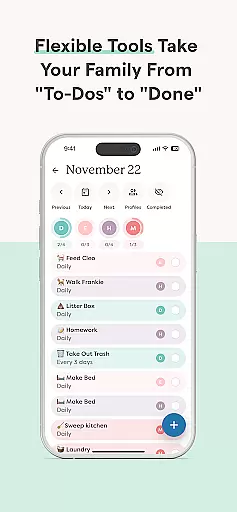
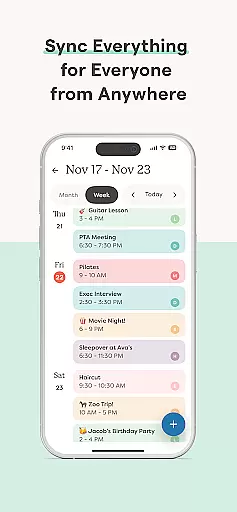
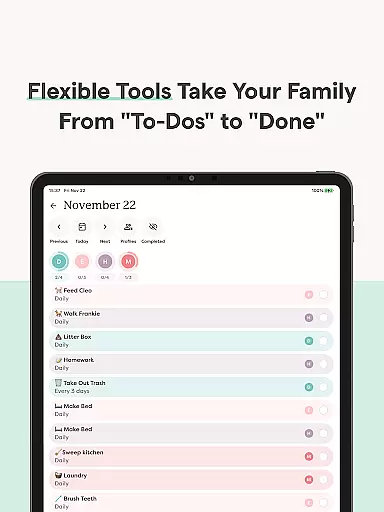
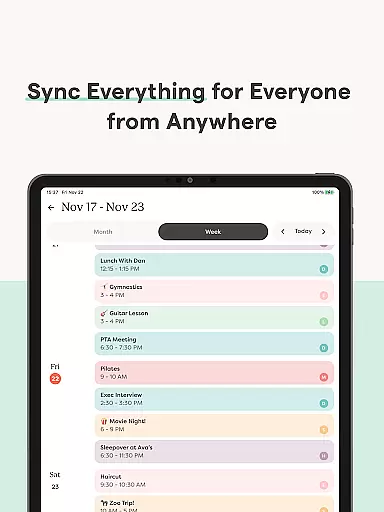
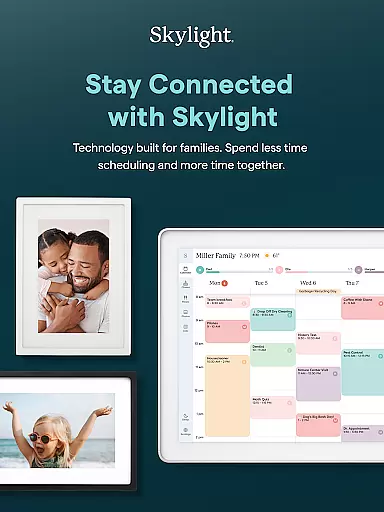
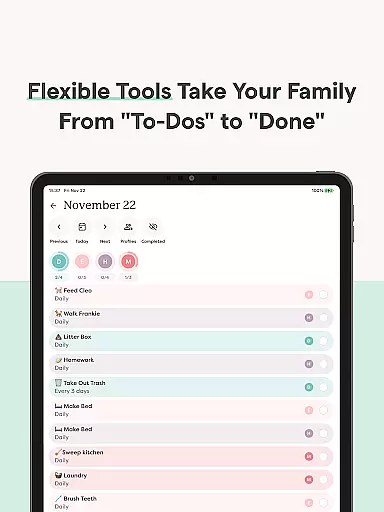
The Skylight App allows users to sync unlimited calendars or create events directly within the app. With features like setting recurring chores, sharing grocery lists, and earning rewards for completed tasks, it fosters family collaboration and motivation. Additionally, its PLUS features offer enhanced functionalities such as building recipe books and meal plans, uploading multimedia content for screensavers, and auto-importing various file types.
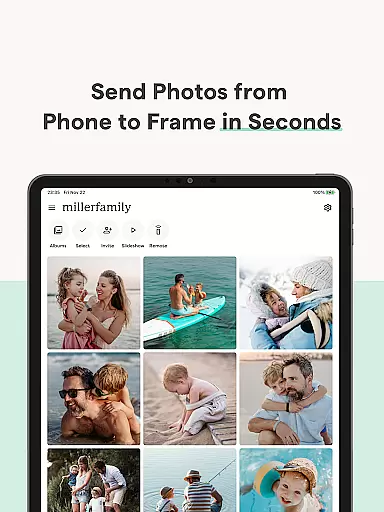
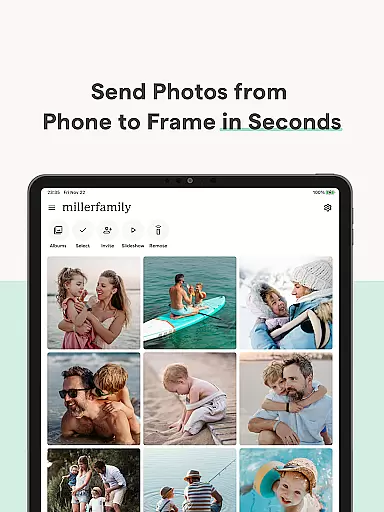
For Photography enthusiasts, the Skylight Frame feature enables easy WiFi setup, allowing photos and videos to be added anytime and anywhere via the app or email. Users can create unlimited albums with captions and customize displays, making it an ideal tool for showcasing family memories.
Skylight stands out with its robust set of features tailored for family coordination and memory preservation. The app provides seamless integration with existing digital calendars and supports direct event creation, ensuring that all family members are kept in the loop regarding upcoming activities and responsibilities.
One of the key highlights is the ability to manage daily routines and tasks through recurring chores and shared lists. Families can earn stars and unlock Rewards by completing tasks, adding a gamified element to household management. The PLUS tier extends these capabilities further by enabling the creation of family recipe books, meal planning, and multimedia uploads, which enrich the family’s interactive experience.
For those interested in photography, Skylight Frame offers a unique way to display visual memories. Its user-friendly interface allows for effortless photo and video uploads, album creation with customizable captions, and personalized display settings. This makes it not only a practical tool for organization but also a creative outlet for preserving life's precious moments.
Real-time capture and preview functionality is essential for ensuring that every photo or video taken meets the user's expectations without delay. Skylight offers seamless integration between its app and frame, allowing users to instantly view their captured content on a larger display.
The application ensures that photos and videos are displayed in high quality, providing an accurate representation of the final output. This immediate feedback loop empowers users to make necessary adjustments on the spot, enhancing their photography experience.
With real-time previews, families can enjoy capturing moments together, knowing that each snapshot will be just as they envisioned. The feature not only saves time but also adds a layer of convenience and satisfaction to the process of creating lasting memories.
AI beauty and enhancement features have become a staple in modern photography apps, offering tools to refine and perfect images naturally. Skylight leverages advanced AI algorithms to enhance photos and videos while maintaining authenticity, ensuring that family memories remain genuine and unaltered.
The app provides options to subtly adjust lighting, color balance, and other aesthetic elements, resulting in polished yet natural-looking media. These enhancements help highlight the best aspects of each memory without compromising the original essence of the moment.
By focusing on natural enhancement, Skylight ensures that all uploaded content looks its best on both digital frames and personal devices. Users can trust that their shared memories will always appear vibrant and true-to-life, preserving the integrity of their cherished moments.
User-friendly interface
Comprehensive calendar sync
Task reward system
Customizable photo displays
Family collaboration features
Limited free features
Premium content locked
Requires constant updates
Subscription cost
Complex setup for beginners

A collection of tools and reference tables for DPs, ACs, DITs and Operators.
 4.70
4.70
Professional video recording application with manual controls for filmmakers!
2.80
Create & Edit with AI: AI Remove, Enhance, Retouch, Filter
4.10
Natural Beauty, Selfie Retouch
4.30
Android Native system HD camera app. Never been so simple and faster.
4.70
HD Camera Pro with HD Video shooting, Panorama, Photo editor , Beauty Camera.
4.50
GCamera allows all GCam features on all phone models! Better photos with GCamera
3.30
Transform Photos: Edit, Beautify and Craft Memories & Make Collages!
4.10
Pro version: AR sun/moon tracker for any date. Tool for photographers & planners
4.90
Enhance, upscale, and transform your images — on your device, without limits
4.70
Easily view, share, delete photos with Gallery.
4.70
Fit multiple photos on one post. Create carousels & scroll layouts for Instagram
4.50
Use AI Video Generator to turn your words to ai generated videos.
4.50
Future baby face generator: AI kids generator, kid face! What my baby look like?
4.40
Shooting photos and records video easily and efficient with professional Camera
4.30
A light meter for true photographers.
4.20
live datamoshing
4.00
USB Storage Access for Photos, Videos, Music and Documents
3.80
Remote control the phone camera shutter from your smartwatch and take a picture
1.60





User Reviews