
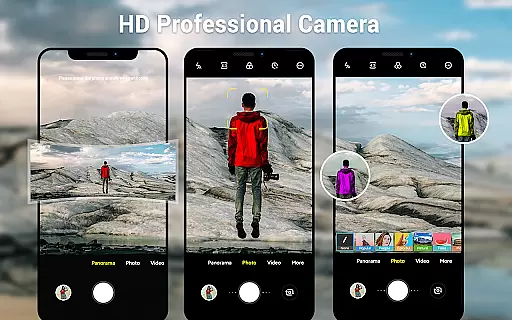
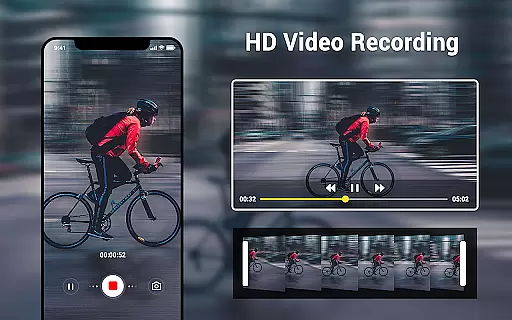
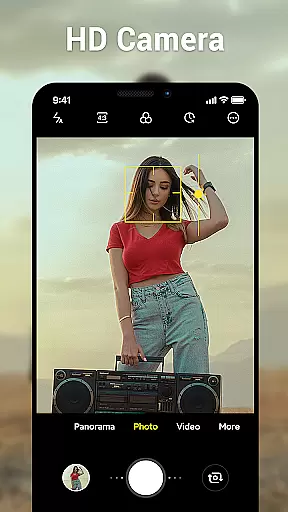
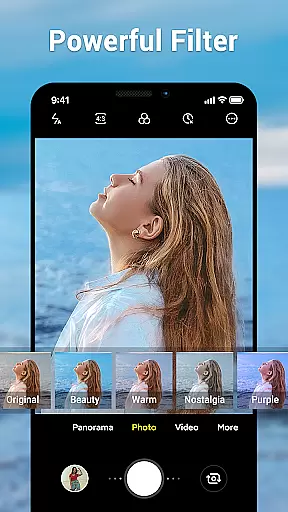
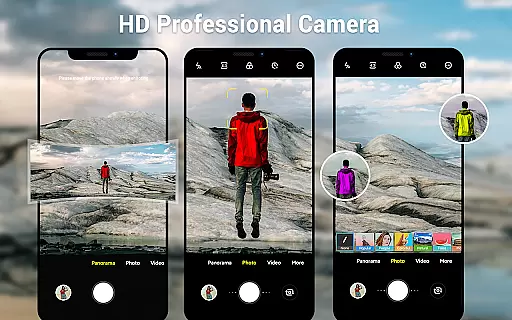
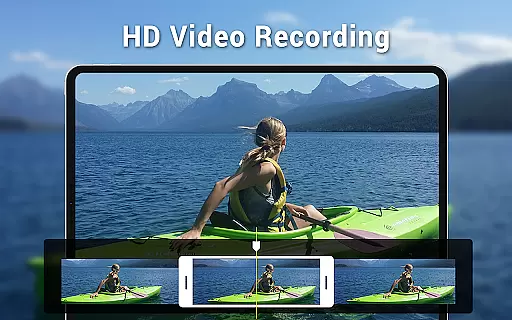
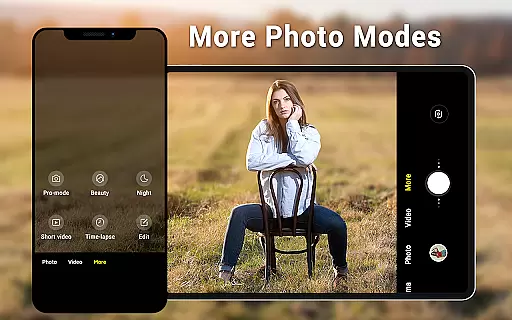
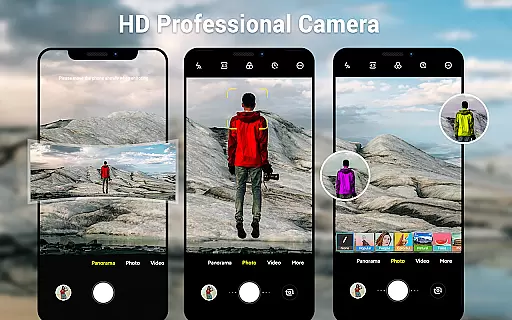
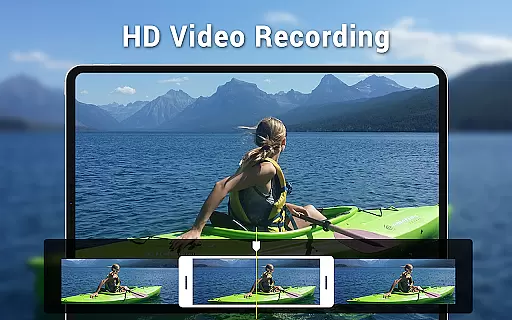
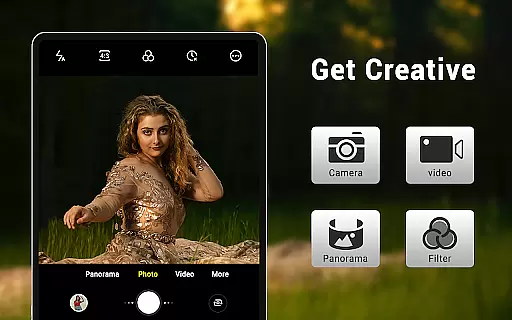
Camera for Android is a native HD camera application designed to provide users with a simple and efficient way to capture high-quality photos and videos. The app supports multiple shooting modes including standard photo capture, video recording, and smart panorama features.
Key functionalities include pinch-to-zoom, countdown timer, exposure adjustment, white balance settings, and location targeting. With its dynamic user interface optimized for both phones and tablets, users can easily customize their photography experience while utilizing advanced features like screen mode settings and configurable volume keys.
This app is ideal for users who want a reliable camera app that maximizes the capabilities of their Android devices. Whether capturing everyday moments or creating professional-quality images, Camera for Android delivers excellent performance and versatility.
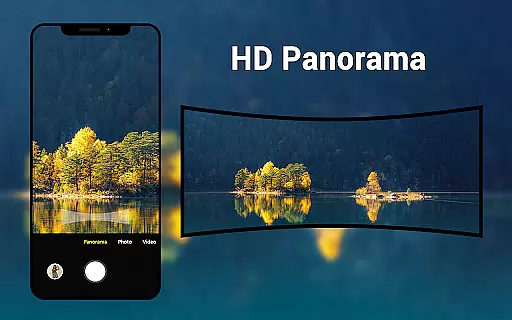
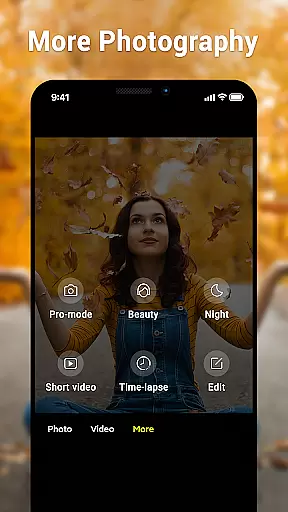
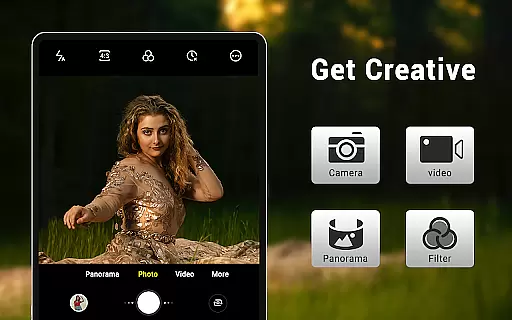
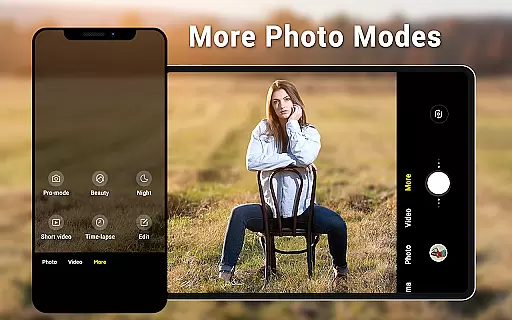
Camera for Android offers an impressive range of features tailored to enhance mobile photography. One standout feature is its support for three distinct modes: camera, video recorder, and panorama, allowing users to switch between different types of content creation seamlessly.
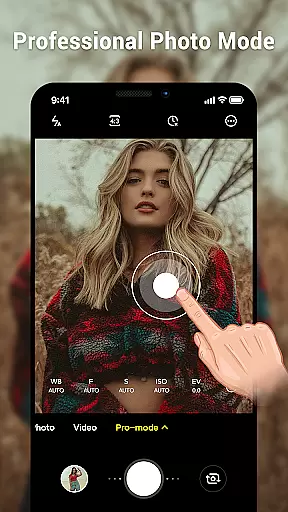
The app provides advanced controls such as pinch-to-zoom functionality, exposure adjustments, and white balance settings (Incandescent, Fluorescent, Auto, Daylight, Cloudy). Additionally, it includes specialized screen modes (Action, Night, Sunset, Play) that adapt to various lighting conditions, ensuring optimal image quality in any environment.
Other notable features include a countdown timer, wide-screen picture capability, and location tagging. These tools empower users to personalize their experience while maintaining ease of use. By leveraging the native Android camera codebase, this app ensures efficiency and reliability, making it a practical choice for both casual photographers and professionals alike.
Real-time capture and preview functionality is essential for ensuring that users can accurately frame and capture their desired shots without delay. The Camera for Android app excels in this area by providing a seamless experience that leverages the full capabilities of your device's hardware.
This application offers an intuitive interface that dynamically adjusts based on whether you're using a phone or tablet, ensuring optimal performance across different devices. With features like pinch-to-zoom, exposure control, and various white balance settings such as Incandescent, Fluorescent, Auto, Daylight, and Cloudy, users have extensive control over how they capture moments.
The inclusion of countdown timers and configurable volume keys further enhances the real-time capture experience, allowing photographers to prepare for the perfect shot with precision. These tools help ensure that every photo taken not only meets but exceeds user expectations in terms of quality and composition.
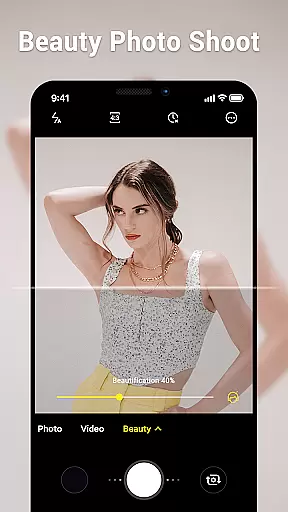
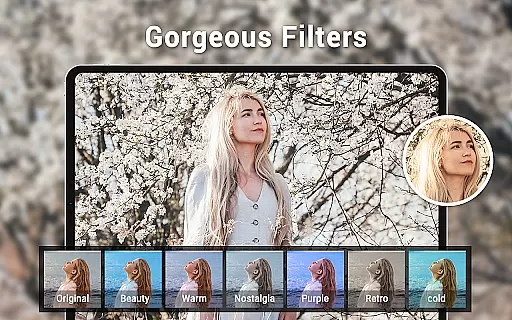
AI beauty and enhancement features are increasingly important in photography apps, offering users the ability to enhance their photos naturally without compromising authenticity. Camera for Android incorporates advanced AI algorithms that intelligently adjust images while maintaining a realistic appearance.
Users can benefit from smart panorama shooting and wide screen picture options, which utilize AI to stitch together multiple frames into one cohesive image. This feature ensures that landscapes and large group photos retain clarity and detail across the entire frame, enhancing the overall visual impact.
Additionally, the app provides various screen mode settings including Action, Night, Sunset, and Play modes, each optimized through AI enhancements to deliver stunning results regardless of lighting conditions. By focusing on natural enhancement rather than artificial alterations, Camera for Android delivers professional-grade photos that look genuine and captivating.
User-friendly interface
High-definition photo capture
Multiple shooting modes
Advanced customization options
Optimized for all Android devices
Limited unique features
No built-in editing tools
Basic design aesthetics
Occasional performance lags
Requires specific permissions

Take videos and pictures with the popular TikTok TIME WARP SCAN filter.
 4.60
4.60
Superimpose one photo on top of another using the original Superimpose app!
3.20
Light-weight Media Gallery app for Android made with Jetpack Compose
4.60
Photo Exif Editor allows to view, add and modify EXIF data of multiple photos
4.50
HD Camera Pro with HD Video shooting, Panorama, Photo editor , Beauty Camera.
4.50
Photo editor & gallery. Crop pictures & edit photos offline, no wifi!
4.50
Add a dreamy vibe to your selfies and videos with soft style filters
4.5
USB Storage Access for Photos, Videos, Music and Documents
3.80
Edit photos with the picture generator: PS2 & AI Clay filters, cartoon effects.
4.50
Easily view, share, delete photos with Gallery.
4.70
Automatically backup your photos and videos to computer, NAS and Cloud services
4.60
Create collages easily! Nice pic collage maker & background eraser for Instagram
4.50
Movie camera, supports pro recording settings for filming. Try it and be amazed!
4.50
Fit multiple photos on one post. Create carousels & scroll layouts for Instagram
4.50
Trendy TikTok time warp scan funny filter app brings you unique photos & videos.
4.40
Smart, light, and fast photo and video gallery
4.30
live datamoshing
4.00
Remote control of the phone camera from your Wear OS smartwatch
3.70
Pet Camera
3.70



User Reviews