
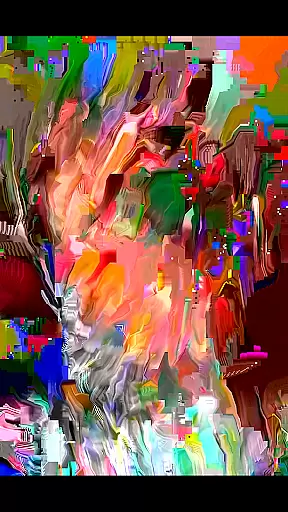
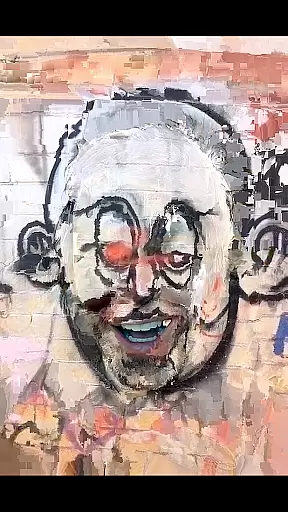
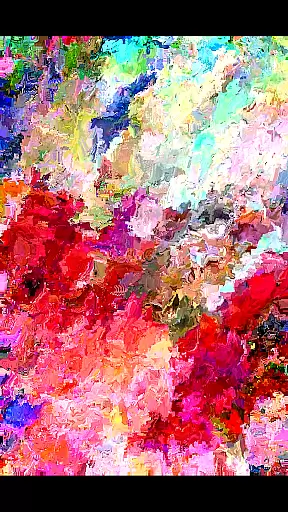
MoshUp is an innovative photography app that allows users to perform live datamoshing directly on their mobile devices. The core functionality lies in its ability to transform the first video recording using the motion data from a second recording, creating unique mapping effects. This creative tool is particularly well-suited for artists and videographers looking to experiment with glitch art and digital manipulation.
The app's standout feature is its real-time processing capability, enabling users to instantly see the transformation effects while recording. Additionally, MoshUp supports importing videos from the gallery, expanding creative possibilities. While currently in development, the app shows great potential for professional and amateur creators seeking to push the boundaries of traditional video editing.
MoshUp distinguishes itself through several notable features. First, its live datamoshing capability allows users to create dynamic visual effects by combining two separate recordings. The motion data from the second recording is used to distort and transform the first video, resulting in striking artistic effects.
Another key feature is the touch-hold function that enables frame repetition, giving users more control over their creations. The recently added video import function expands creative options by allowing users to work with existing footage from their gallery. These features collectively make MoshUp a powerful tool for experimental videography and digital art creation.
Real-time capture and preview functionality is essential for photography apps as it allows users to see the effects applied to their images instantly. MoshUp excels in this area by enabling live datamoshing directly on your phone.
The app lets you film something and then film something different, transforming the first recording based on the motion detected in the second one. This real-time transformation provides an interactive experience where users can witness the mapping effects unfold as they record.
Additionally, the feature that allows repeating the last frame when holding the screen adds another layer of creative control. This ensures that users can achieve desired visual outcomes without interruptions.
With its innovative approach to video manipulation, MoshUp offers a unique real-time capture and preview experience, making it stand out among other photography applications.
While MoshUp does not focus on traditional AI beauty enhancements like skin smoothing or blemish removal, it brings a new dimension to video enhancement through datamoshing techniques. These techniques create intriguing visual effects that enhance videos artistically rather than conventionally.
The app's ability to transform the first recording using the motion from the second introduces a form of dynamic enhancement. By leveraging motion data, MoshUp creates visually striking transitions and overlays that add depth and interest to otherwise static footage.
Moreover, with the latest version supporting video imports from galleries, users have more flexibility in applying these artistic enhancements. This feature broadens the scope of creativity, allowing for pre-recorded content to be transformed with the same innovative methods.
MoshUpu2019s unconventional approach to enhancement showcases how technology can be used creatively to produce natural yet captivating visual narratives.
Unique datamoshing effect
Real-time processing
Video import option
Creative frame repetition
Innovative toolset
Limited device support
Development stage bugs
Complex for beginners
Performance issues
Interface improvements needed

Photobooth mini FULL app will allow you to add more fun to your parties
 4.00
4.00
Photo editor: AI filters, photo enhancer, pic collage maker, AI art generator.
4.80
Take videos and pictures with the popular TikTok TIME WARP SCAN filter.
4.60
Turn your phone into a professional camera - full DSLR manual photography
4.30
Light-weight Media Gallery app for Android made with Jetpack Compose
4.60
Raw Image Viewer. Gallery with support of raw images (.cr3, .cr2, .nef, .raf).
2.00
Create AI photos & videos with Enhancer; restore, fix, beautify, enhance photos
4.50
Enhance, upscale, and transform your images — on your device, without limits
4.70
Discover How to Plan any Sun, Moon and Milky Way Photo You Imagine in Seconds
4.70
Find time and duration of different sunlight phases at any location
4.90
See your baby AI baby face generator AI baby maker Face generator babymaker fun!
4.70
Easily view, share, delete photos with Gallery.
4.70
Photo Exif Editor allows to view, add and modify EXIF data of multiple photos
4.50
Movie camera, supports pro recording settings for filming. Try it and be amazed!
4.50
AI portrait generator and polaroid AI selfie, fun AI generated AI photo creator!
4.30
Smart, light, and fast photo and video gallery
4.30
Catch sunlight, sunrise sunset times and sun phases with the AR sun tracker.
4.10
Perfect photos with body shaping, BG changer and object remover.
3.70
Application for remote controlling DSLR
3.00




User Reviews