
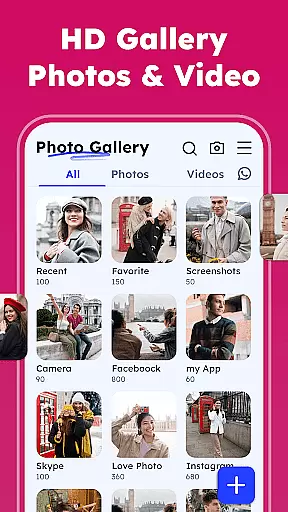
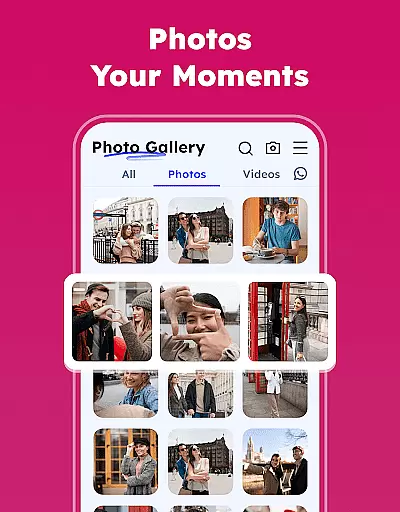
Gallery - Photos & Videos is a comprehensive photography app designed to help users efficiently manage, edit, and protect their digital media assets. This feature-rich application offers a secure and user-friendly interface that makes organizing photos and videos effortless while providing advanced tools for customization and privacy protection.
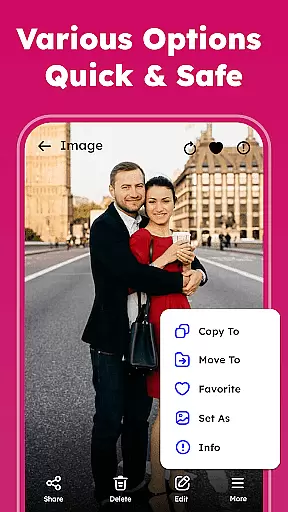
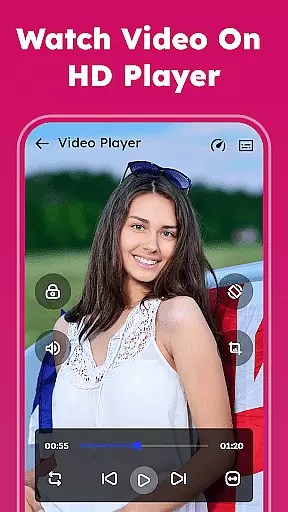
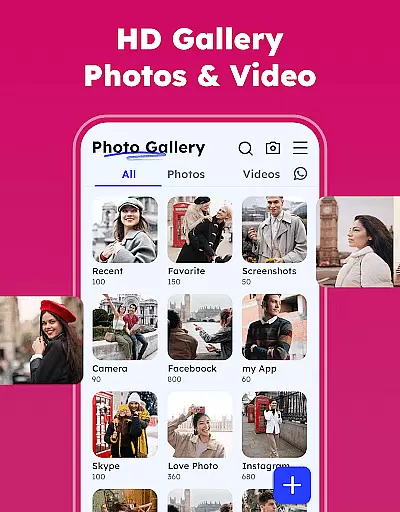
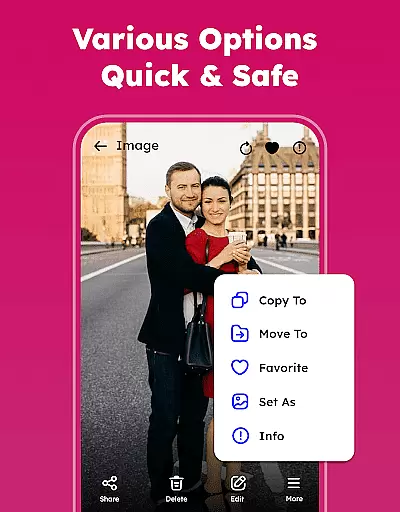
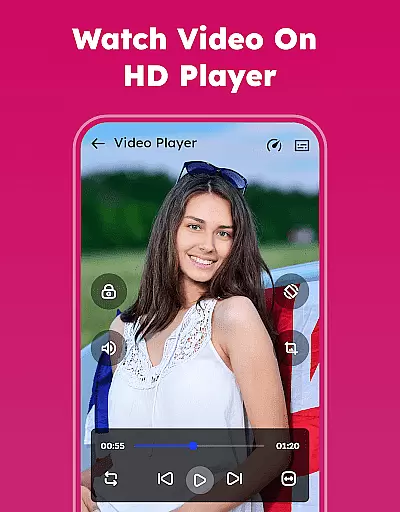
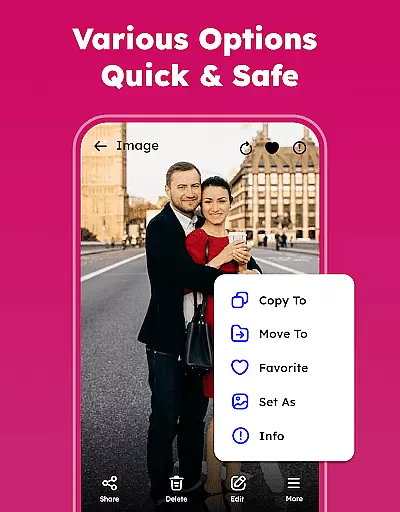
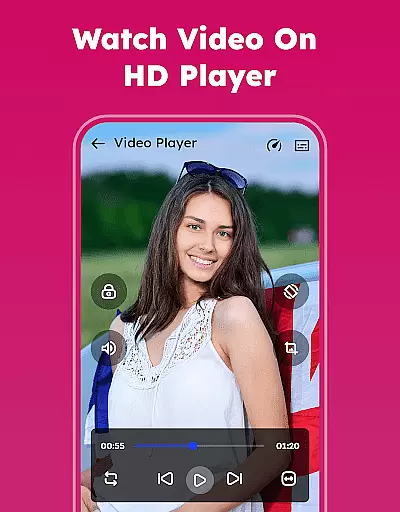
The app's core functionality includes photo editing, album organization, duplicate file removal, and offline access. Users can enjoy smooth video playback, restore accidentally deleted media from the trash, and even lock sensitive content with password protection. Its intuitive design allows for seamless navigation and quick access to essential features, making it an ideal choice for daily photo and video management.
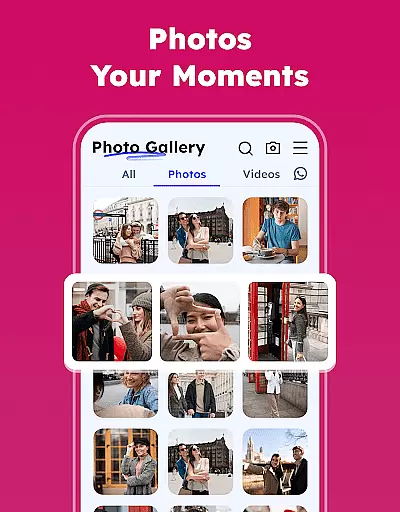
Whether you're looking to relive cherished memories or need a reliable tool for professional media management, Gallery - Photos & Videos provides a complete solution. The app's ability to automatically categorize media by people, places, and events, combined with its powerful search capabilities, ensures users can easily find and share their favorite moments across multiple devices.
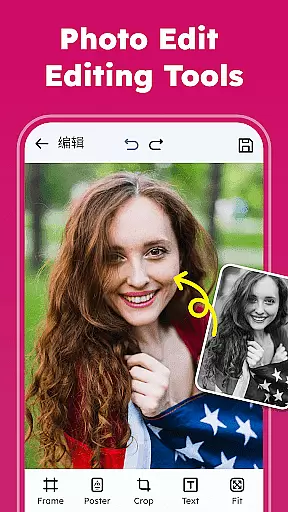
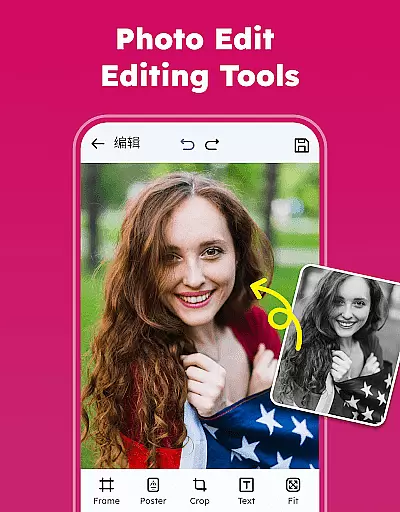
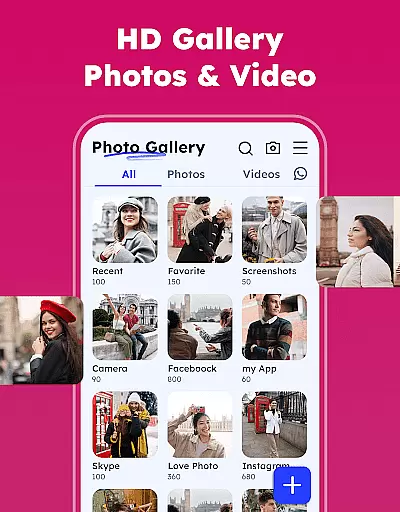
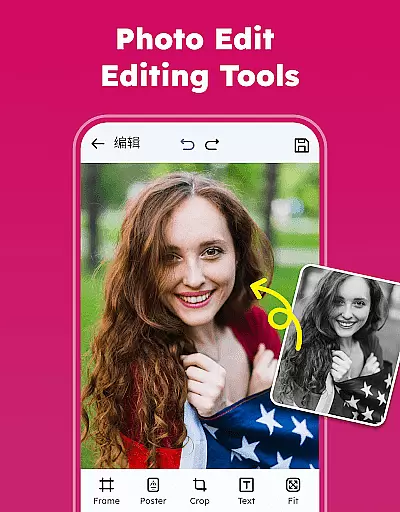
Gallery - Photos & Videos distinguishes itself through an impressive array of features designed to enhance user experience. The app's photo editor offers professional-grade tools including various filters, emojis, and creative effects that allow users to transform ordinary images into stunning works of art. Its advanced organizational capabilities enable users to sort media by name, date, size, or category, while the automatic categorization system in Explore helps maintain a well-structured gallery.
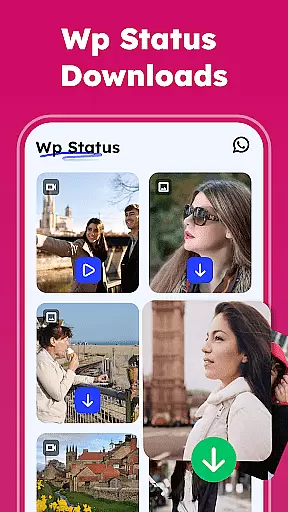
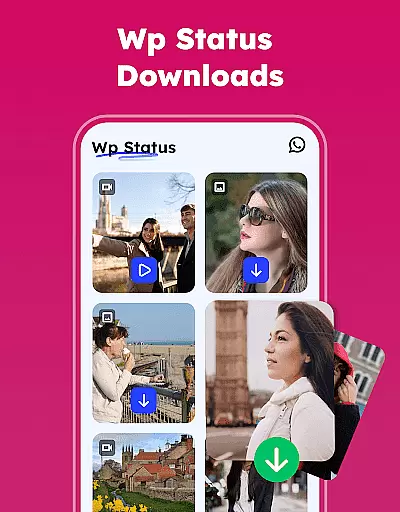
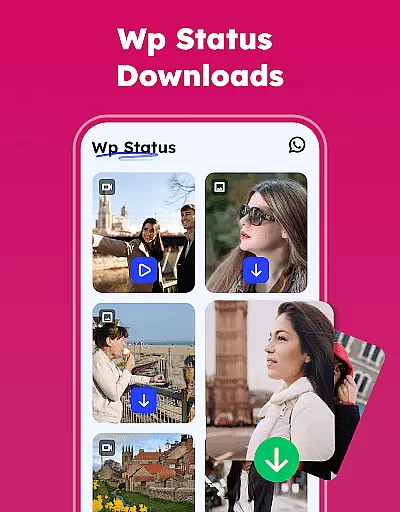
Security and privacy are paramount in this application, featuring a robust Gallery Lock system that protects sensitive content with PIN or password protection. The app also addresses storage optimization through its duplicate media removal tool, helping users reclaim valuable space on their devices. Additionally, the WA Status Saver feature and social media sharing options provide convenient ways to engage with friends and family.
What sets Gallery - Photos & Videos apart from competitors is its commitment to accessibility and performance. The lightweight design ensures smooth operation across various devices, while supporting all major image and video formats. Users can personalize their experience through customizable themes and album settings, creating a gallery that perfectly matches their preferences and workflow requirements.
Real-time capture and preview functionality is essential for any photography app, ensuring users can instantly see the results of their shots. The Gallery - Photos & Videos app excels in this area by providing a seamless experience that minimizes lag between capturing and viewing photos or videos.
This application leverages advanced processing capabilities to deliver crisp, clear previews immediately after a photo or video is taken. This allows users to quickly assess their work and make necessary adjustments without delay, enhancing the overall photography experience.
For content creators and casual photographers alike, this feature ensures that no moment is missed due to buffering or delayed previews. Users can trust that what they see in the preview is an accurate representation of the final product, which is crucial for maintaining creative control.
Ultimately, the real-time capture and preview feature in this app empowers users to take better photos and videos more efficiently. By reducing the wait time between shots and previews, it enhances productivity and allows users to focus on capturing the perfect moment with confidence.
AI beauty and enhancement features are increasingly popular in photography apps, offering users the ability to refine and enhance their images with natural-looking results. The Gallery - Photos & Videos app incorporates sophisticated AI algorithms that intelligently apply enhancements while preserving the authenticity of the original image.
These AI-driven tools analyze facial features and skin tones to apply adjustments that look genuine and unforced. Whether smoothing skin, brightening eyes, or enhancing smiles, the modifications are subtle enough to maintain the subject's natural appearance, avoiding the over-processed look common in less advanced applications.
Users benefit from these enhancements by achieving professional-quality edits without requiring extensive photo editing skills. The app's intuitive interface makes it easy to apply these enhancements with just a few taps, streamlining the editing process and saving valuable time.
The emphasis on naturalness in AI beauty and enhancement features ensures that edited photos remain true to life, enhancing personal memories without distorting reality. This approach not only improves the aesthetic appeal of images but also respects the integrity of the captured moments, making the app a reliable choice for those seeking both quality and authenticity in their photo editing experience.
User-friendly interface
Comprehensive editing tools
Robust security features
Efficient storage management
Offline functionality
Requires permissions for full features
Limited cloud integration
Some features may be complex
Occasional performance issues
Ads in free version

A collection of tools and reference tables for DPs, ACs, DITs and Operators.
 4.70
4.70
Gallery show photo, video, slideshow, is perfect 3D effect private photo albums.
4.80
Long exposure camera with computational photography
2.60
Find time and duration of different sunlight phases at any location
4.90
An interval timer to automate photo taking process for timelapse
2.90
The #1 app for B&W film developing featuring an advanced darkroom timer.
4.10
Create amazing frames with up to five photos. Rounded corners, effects and more!
3.60
Create AI photos & videos with Enhancer; restore, fix, beautify, enhance photos
4.50
Luminar: Photo Editor - easy picture editing with AI
4.20
Cartoon and artistic effects for your photos and videos
4.70
Amazing Photo Effects - The most fun you can have with your photos!
4.70
Easily create custom gifts, cards, photo books & more on the Shutterfly app!
4.60
Create collages easily! Nice pic collage maker & background eraser for Instagram
4.50
AI photo editor with hair editor, retouch tools, hair color changer & filters!
4.50
AI photo enhancer with Sora 2! Enhance, descratch, and colorize your old photos.
4.50
Effortlessly organize, view and share your photos & videos with Gallery app!
4.40
Natural Beauty, Selfie Retouch
4.30
Virtual makeup, hair filters & body tuner—edit from face to full body!
4.20
Photobooth mini FULL app will allow you to add more fun to your parties
4.00










User Reviews