
Luminar: Photo Editor is a comprehensive mobile photo editing application designed for both Android and ChromeOS users. This app combines powerful AI-driven tools with an intuitive, interactive interface that responds to touch gestures, providing users with a seamless editing experience. The streamlined design offers unparalleled control through smoothly gliding sliders and realistic dials, eliminating complicated processes and enhancing creativity.
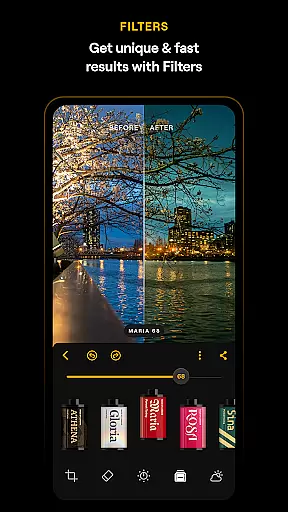
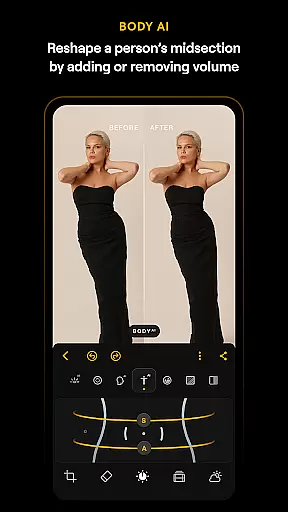
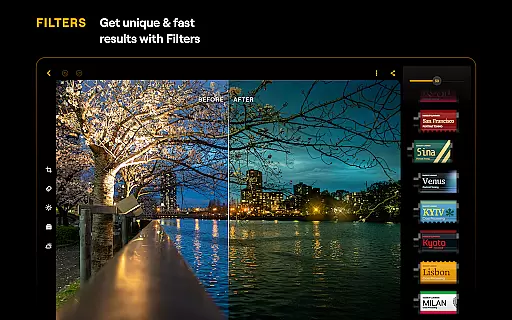
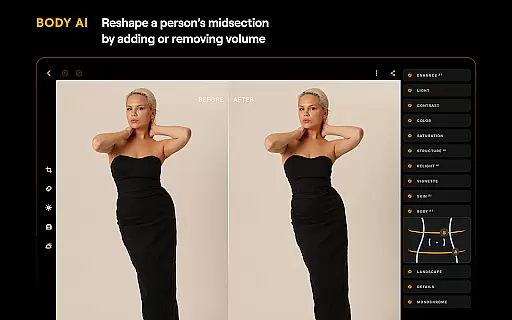
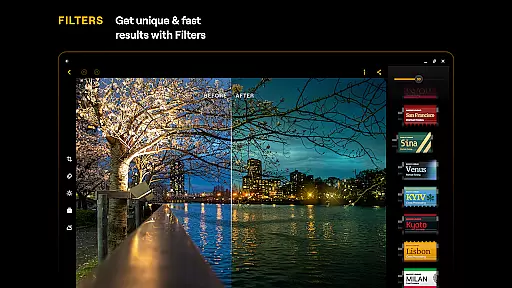
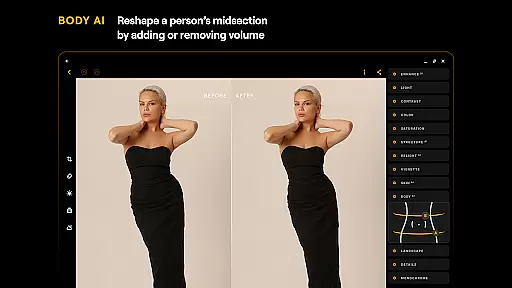
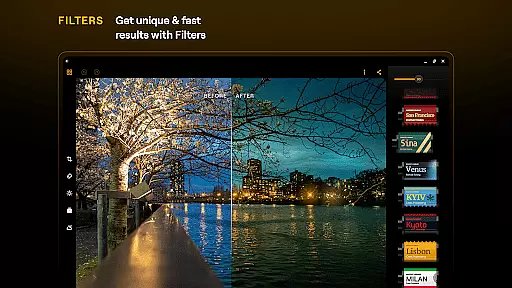
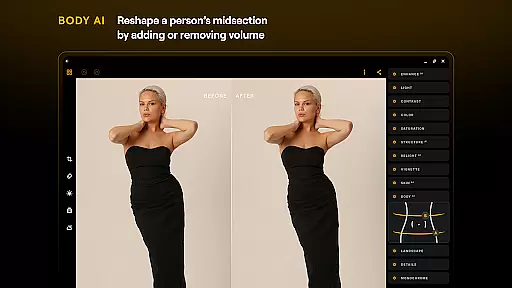
Equipped with smart AI enhancements like SkyAI, EnhanceAI, StructureAI, RelightAI, SkinAI, and BodyAI, Luminar allows users to effortlessly improve their photos by adjusting skies, colors, tones, clarity, and more. These features ensure professional-quality results in seconds. Additionally, the app includes advanced tools such as Curves, Details, Crop, Landscape, Monochrome, Erase, and Photo Filters, making it an all-in-one powerhouse for photo editing needs.
Designed specifically for devices running Android 11 or later and ChromeOS with Android Runtime support, Luminar integrates seamlessly into users' workflows. Whether you're a beginner or a professional photographer, this app provides a range of functionalities including detail enhancement, color adjustment, and retouching, ensuring your images stand out with striking visual impact.
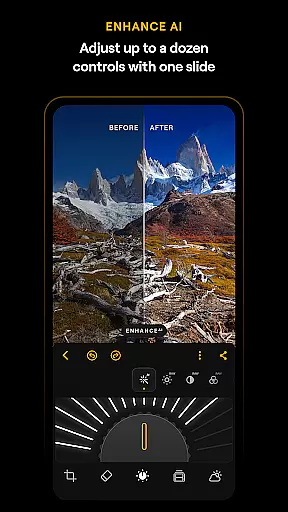
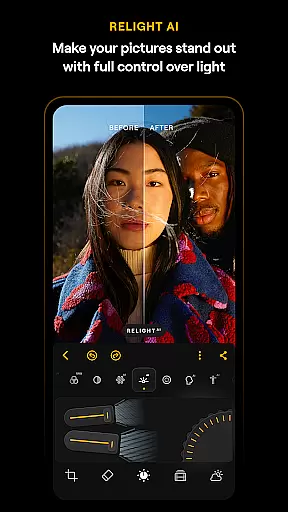
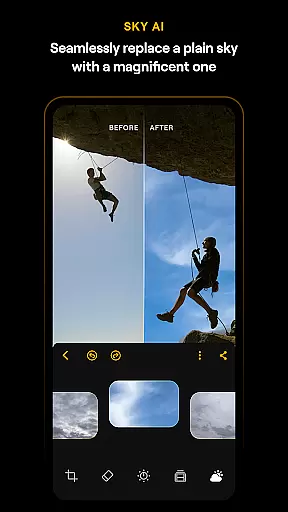
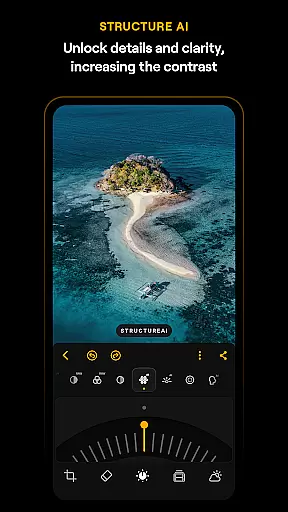
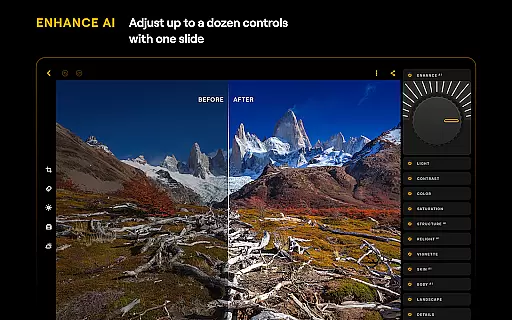
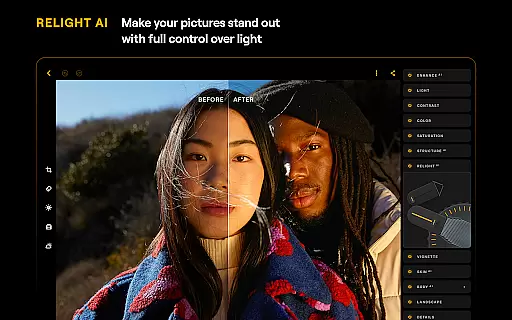
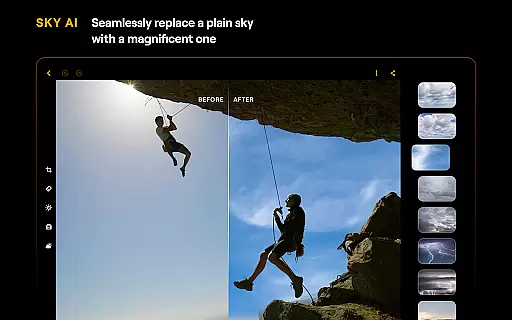
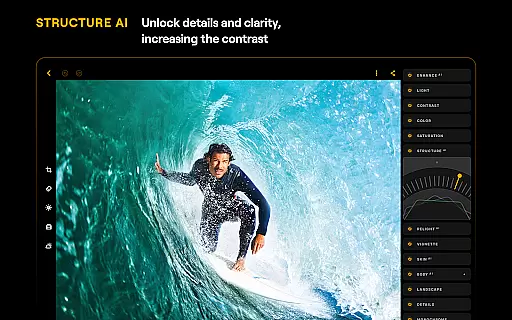
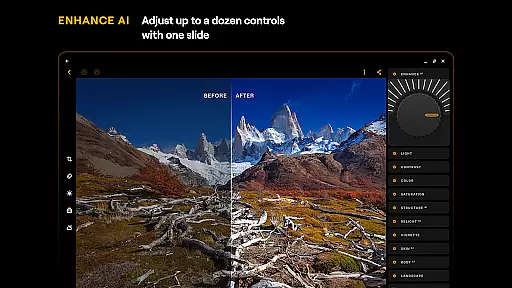
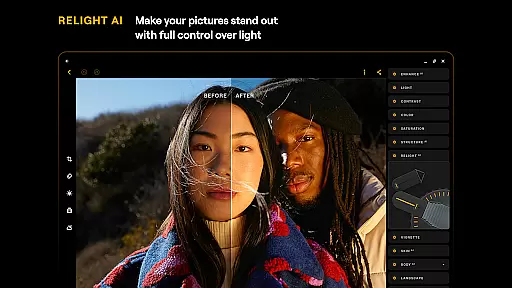
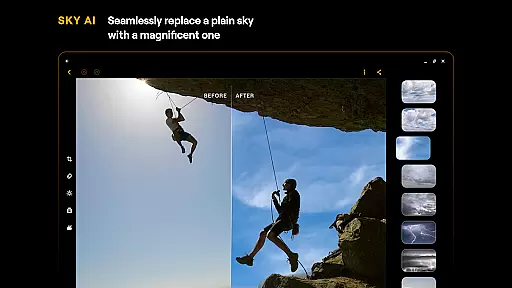
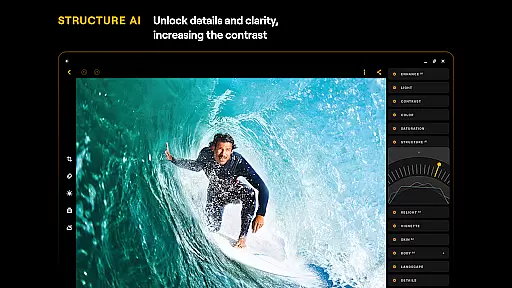
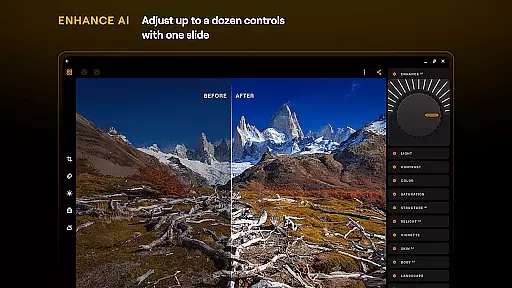
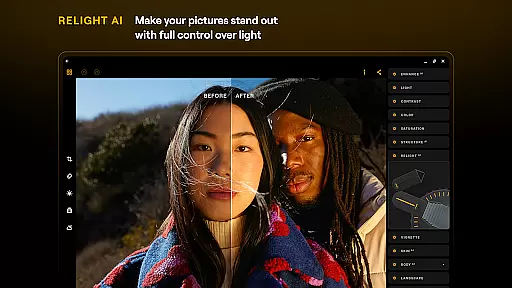
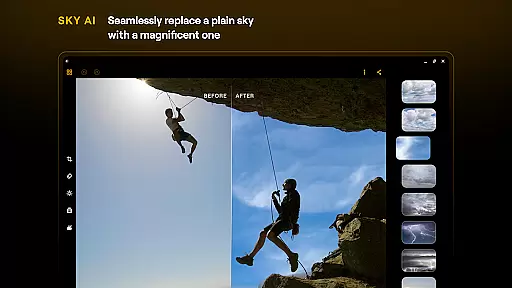
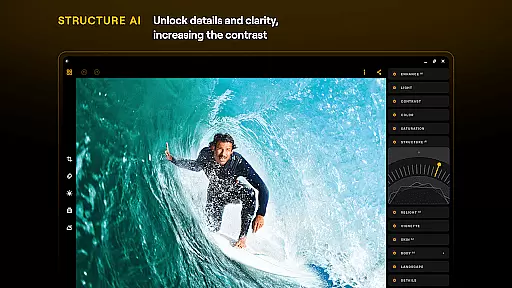
Luminar: Photo Editor stands out due to its robust feature set tailored for creative professionals and hobbyists alike. One of its key highlights is the suite of AI-powered tools that automate complex editing tasks. For instance, SkyAI can replace dull skies with vibrant ones, while EnhanceAI adjusts multiple parameters with a single slide, delivering professional-grade edits quickly. StructureAI enhances image details, and RelightAI gives users dynamic control over lighting conditions, allowing for precise artistic expression.
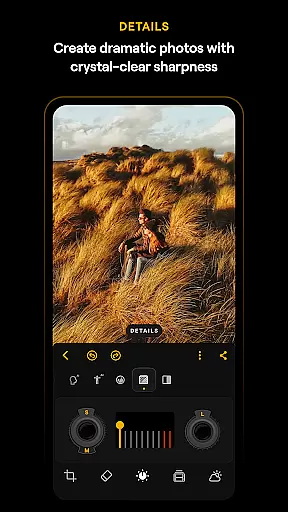
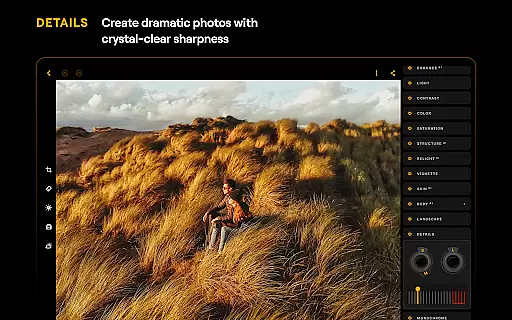
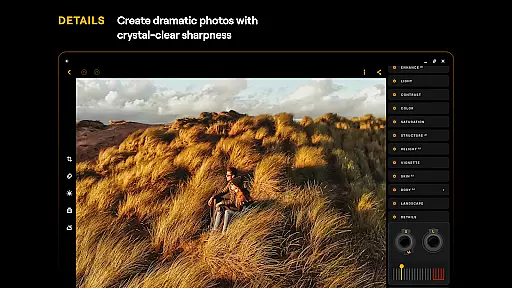
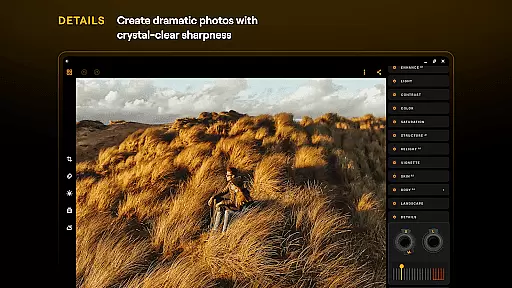
Beyond AI capabilities, Luminar offers traditional yet powerful editing tools. The Curves tool enables precise color and tone adjustments, helping achieve the perfect balance and mood in photos. The Details feature sharpens images with just a tap, bringing them to life with enhanced clarity. Users can also crop, align, flip, and rotate images effortlessly using the Crop tool, ensuring compositions are visually appealing. Furthermore, specialized filters like Landscape and Monochrome transform ordinary shots into stunning masterpieces, adding depth and style.
The app's compatibility with RAW files is another significant advantage, allowing photographers to edit high-quality images directly on their mobile devices without losing detail. Its seamless integration with Android and ChromeOS ensures a smooth user experience, whether editing on a phone or Chromebook. With these features, Luminar empowers users to unleash their creativity and produce exceptional photographs efficiently.
Real-time capture and preview functionality is essential for ensuring that every photo taken meets the user's expectations without delay. Luminar: Photo Editor offers a seamless experience by providing instant feedback on images captured through its interface, allowing users to adjust settings on-the-fly.
The application leverages advanced AI-driven tools to enhance the real-time editing process. Users can witness changes as they happen, whether it's adjusting lighting with RelightAI or enhancing details with StructureAI. This immediate visual response empowers photographers to make precise modifications efficiently.
With an intuitive design featuring smoothly gliding sliders and spinning dials, Luminar ensures that controlling various aspects of photography is both straightforward and engaging. The realistic touch response, complete with motion and sound, makes the act of capturing and previewing photos not just productive but also enjoyable.
This feature significantly benefits users by reducing post-processing time, enabling them to focus more on creativity rather than corrections. Whether you're a beginner or a professional, having such powerful capabilities at your fingertips transforms how you interact with your subjects and environment during shoots.
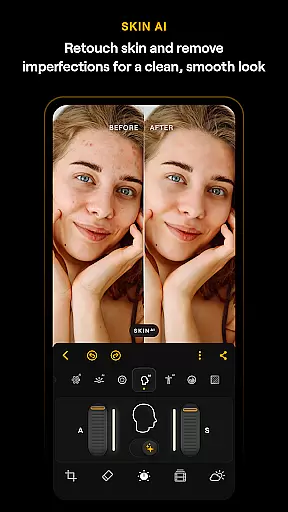
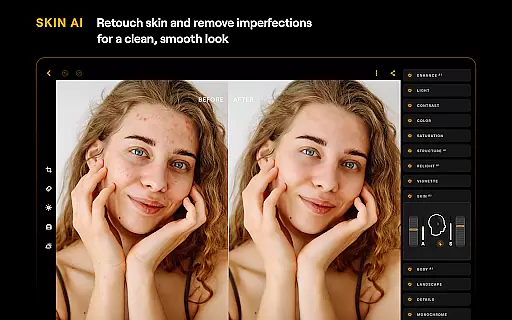
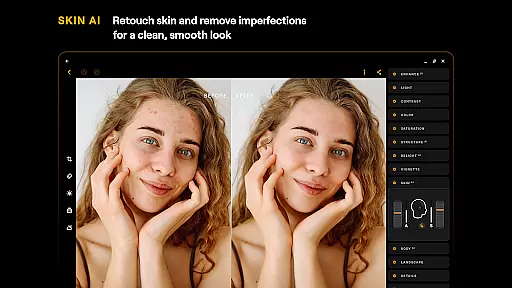
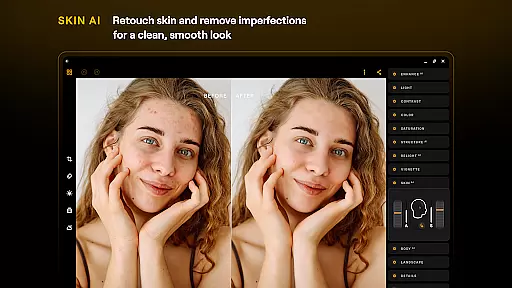
AI Beauty & Enhancement Naturalness in photo editing refers to the ability of software to improve image quality while maintaining authenticity. Luminar: Photo Editor excels in this area by offering features like SkinAI, which automatically retouches skin imperfections for a clean yet genuine look.
Through cutting-edge technology, Luminar provides unparalleled control over enhancements. EnhanceAI allows users to adjust color, tone, and clarity effortlessly, ensuring professional results without compromising natural aesthetics. These smart AI tools work harmoniously to deliver striking visual impacts while preserving originality.
The all-in-one powerhouse includes options such as Curves and Details, giving photographers precise adjustments at their fingertips. By converting color photos into stunning black-and-white masterpieces with Monochrome or removing distracting elements with Erase, each tool contributes to creating naturally enhanced images.
Ultimately, these capabilities enable both amateur and expert photographers alike to produce high-quality edits that retain true-to-life qualities. With Luminaru2019s comprehensive suite of functions, achieving beautifully balanced photographs becomes an accessible reality for everyone involved in digital photography.
User-friendly interface
Advanced AI tools
Comprehensive editing options
Supports RAW files
Cross-platform compatibility
Paid subscription required
Auto-renewal policy
Limited free features
High system requirements
Occasional performance issues

Viewfinder, Light meter, Reciprocity failure time, DOF & Bellows Extension
 4.60
4.60
Natural Beauty, Selfie Retouch
4.30
Take videos and pictures with the popular TikTok TIME WARP SCAN filter.
4.60
Turn your phone into a professional camera - full DSLR manual photography
4.30
A must-have app for landscape photographers
4.60
AI Photo Editor with 100+ Filters, Effects! Remove BG, Retouch & Photo Enhancer.
4.80
Turn photos into cartoons & avatars! - Photo Editor, Cartoon Face!
3.90
Welcome to ProShot, the most powerful camera app on Android.
4.20
Discover How to Plan any Sun, Moon and Milky Way Photo You Imagine in Seconds
4.70
Easily view, share, delete photos with Gallery.
4.70
Enhance, upscale, and transform your images — on your device, without limits
4.70
AI-powered video creator by MiniMax - Where ideas meet cinema
4.20
All-in-One Editor & AI Photo Enhancer, Collage, Cartoonify, Funny Stickers & BGS
4.10
Remote control of the phone camera from your Wear OS smartwatch
3.70
Be your best in every shot! Fix, edit and retouch your face in selfies & photos.
3.70
An interval timer to automate photo taking process for timelapse
2.90
Professional video recording application with manual controls for filmmakers!
2.80
HD Photo gallery and photo manager to edit, hide private photos, videos & albums
4.2
Over 800 film simulation recipes for Fujifilm. Black Friday Offer!
4.1



User Reviews