
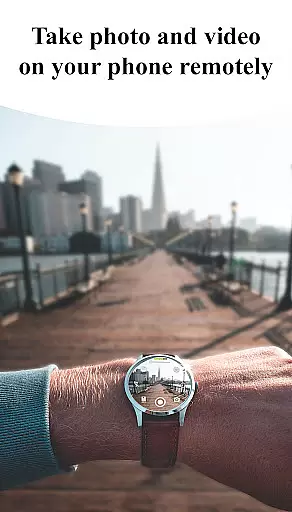
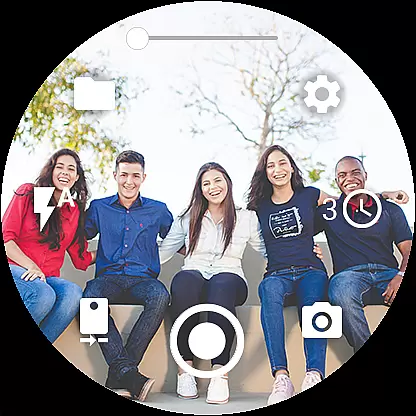
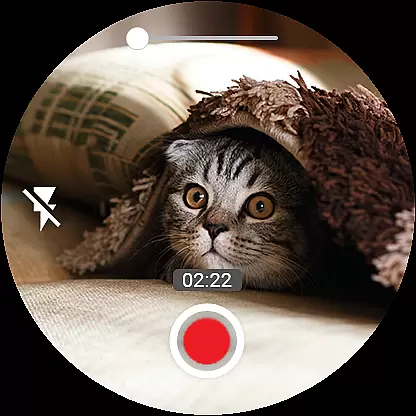
Camera Control for Wear OS is a powerful photography app that allows users to remotely control their phone's camera directly from a Wear OS smartwatch. With this app, you can capture photos, record videos, and even create timelapse sessions effortlessly. It supports advanced camera modes like Bokeh, HDR, Night, and Auto, ensuring enhanced image quality based on your device's compatibility.
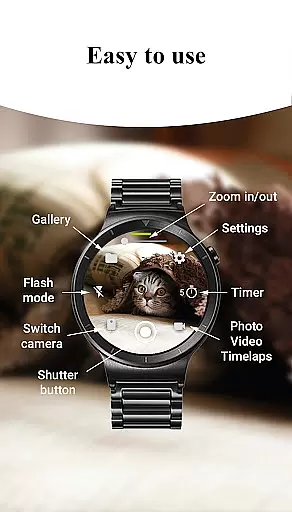
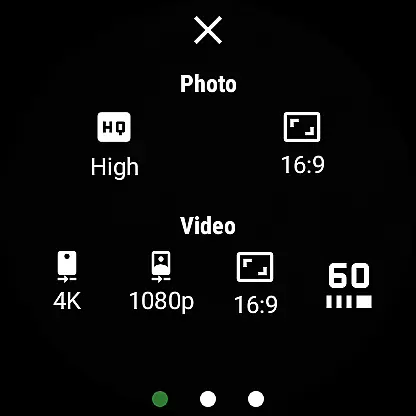
The app provides convenient features such as timer setup, flash and flashlight control, quick camera switching, and zoom control. You can adjust photo and video quality settings directly from your watch, making it versatile for both front and rear cameras. Additional functionalities include wide-angle camera support, high-framerate video recording, aspect ratio options, stunning 4K video capture, geotagging, and more. Whether you're an amateur photographer or a professional videographer, Camera Control for Wear OS offers a seamless experience for capturing moments with precision and ease.
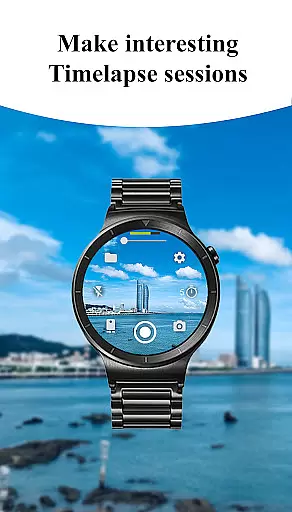
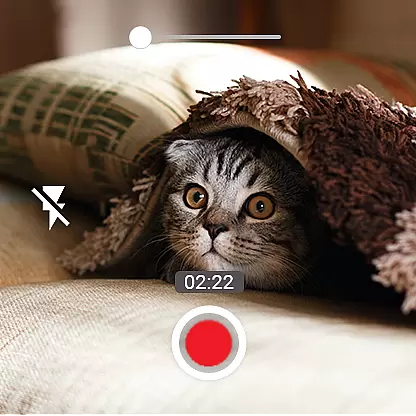
One of the standout features of Camera Control for Wear OS is its three shooting modes: photo capture, video recording, and timelapse creation. These modes allow users to explore various creative possibilities while maintaining complete control over their phone's camera. The app also includes advanced camera modes such as Bokeh, HDR, Night, and Auto, which enhance image quality depending on the user's device capabilities.
In addition to these core functionalities, the app offers several other notable features. Users can set up timers directly from their smartwatch for precise shooting, access multiple flash modes, and activate the flashlight independently. Quick camera switching between front and rear cameras ensures versatility in photography, while zoom control enables effortless zooming in and out. Furthermore, the app supports wide-angle photography, high-framerate video recording at 30 or 60 frames per second, aspect ratio options (4:3 and 16:9), stunning 4K video capture, geotagging, camera orientation lock, and more.
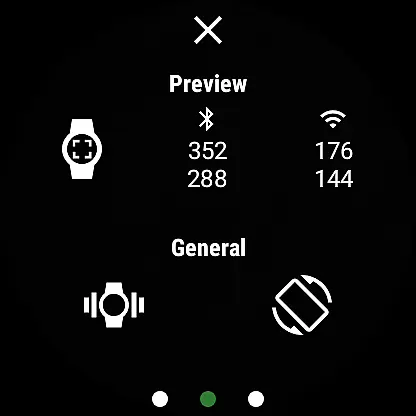
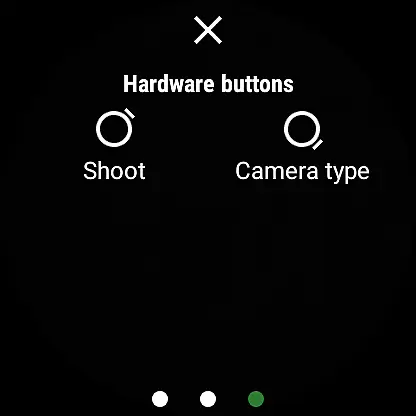
With gesture and button control, flexible storage options, organized timelapse folders, complication support for quick access, and automatic image rotation on the watch, Camera Control for Wear OS provides a comprehensive suite of tools for photographers and videographers alike.
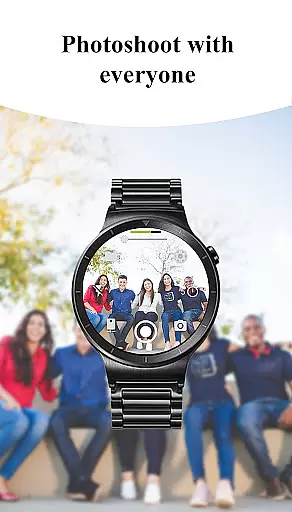
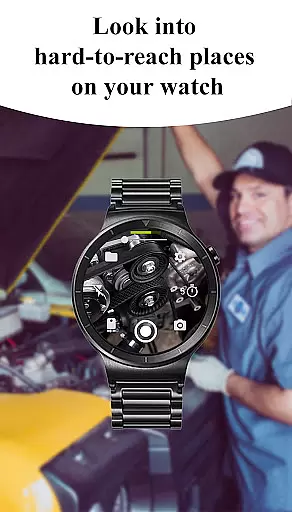
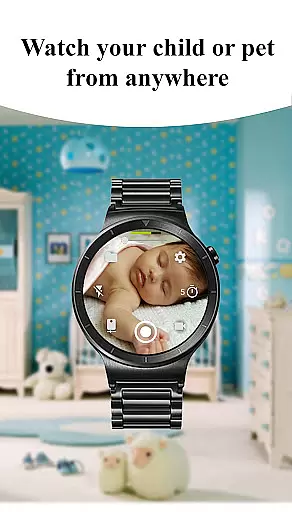
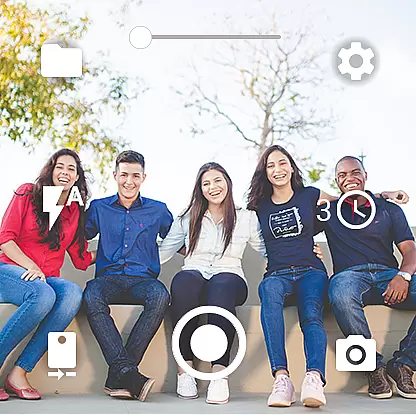
Real-time capture and preview functionality is essential for ensuring that users can take photos or record videos with precision and confidence. This app offers seamless control over your phone's camera directly from your Wear OS smartwatch, allowing you to see a live preview of what your phone's camera sees.
With features like quick camera switching between front and rear cameras, flash and flashlight control, and zoom control, the app ensures that you have all the necessary tools at your fingertips. These capabilities allow you to adjust settings on-the-fly and capture the perfect shot without needing to interact directly with your phone.
The inclusion of advanced camera modes such as Bokeh, HDR, Night, and Auto modes enhances image quality based on the environment you're shooting in. Additionally, setting up timers directly from your watch adds another layer of convenience for precise photo, video, and timelapse shooting.
Overall, this real-time capture and preview feature empowers users by providing them with an efficient way to control their smartphoneu2019s camera remotely while enjoying a high degree of customization and ease-of-use.
AI beauty and enhancement features are increasingly popular among photography apps, aiming to improve image aesthetics while maintaining natural-looking results. Although not explicitly stated in its description, Camera Control for Wear OS likely incorporates AI-driven enhancements to elevate photo quality taken through its interface.
By offering advanced camera modes including Bokeh, HDR, Night mode, and more, it suggests that sophisticated algorithms work behind the scenes to optimize each shot according to lighting conditions and subject matter. Such intelligent processing helps achieve professional-grade images without requiring manual adjustments.
Moreover, options like screen-off capture and gesture/button controls indicate thoughtful design considerations aimed at making photography more accessible and intuitive. Users benefit from these enhancements as they simplify capturing stunning visuals effortlessly.
In summary, whether through direct AI enhancements or smart integration of device capabilities, this app strives to deliver enhanced yet natural-looking photographs, empowering users to capture life's moments beautifully and authentically.
User-friendly interface
Wide range of shooting modes
Advanced camera settings
Convenient remote control
Comprehensive feature set
Device compatibility may vary
Limited to Wear OS devices
Some features require specific hardware
Premium version may be costly
Occasional connectivity issues

[3DSteroid Pro] is a stereoscopic application for Android.
 4.30
4.30
Easily stitch panoramas from multiple photos or video.
4.40
Photobooth mini FULL app will allow you to add more fun to your parties
4.00
What celebrity do you look like? Celebs will find your celebrity match!
4.10
AI photo editor with hair editor, retouch tools, hair color changer & filters!
4.50
Turn your phone into a professional camera - full DSLR manual photography
4.30
USB Storage Access for Photos, Videos, Music and Documents
3.80
Create AI photos & videos with Enhancer; restore, fix, beautify, enhance photos
4.50
AI photo enhancer with Sora 2! Enhance, descratch, and colorize your old photos.
4.50
Your personal guide to the sun and moon. Plan ahead, visualize and predict!
4.70
Easily create custom gifts, cards, photo books & more on the Shutterfly app!
4.60
Photo editor & gallery. Crop pictures & edit photos offline, no wifi!
4.50
Search, tag and rate your way to an organized image gallery
4.40
Transform Photos: Edit, Beautify and Craft Memories & Make Collages!
4.10
live datamoshing
4.00
Pet Camera
3.70
Create amazing frames with up to five photos. Rounded corners, effects and more!
3.60
Application for remote controlling DSLR
3.00
Remote control the phone camera shutter from your smartwatch and take a picture
1.60




User Reviews