
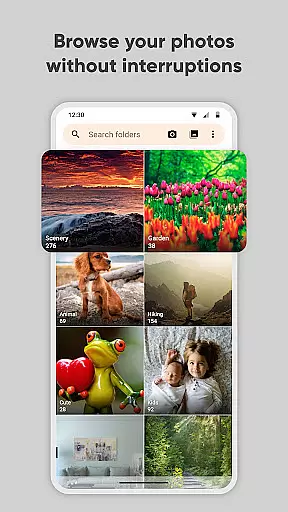
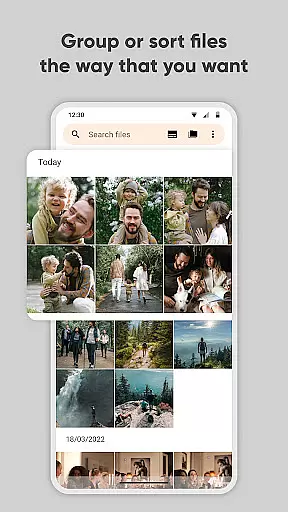
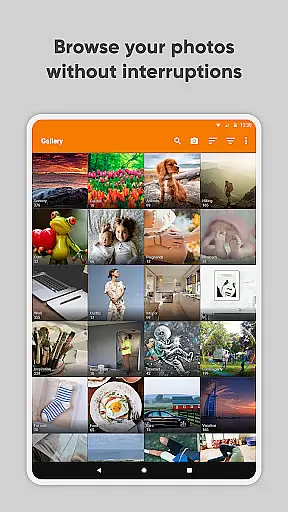
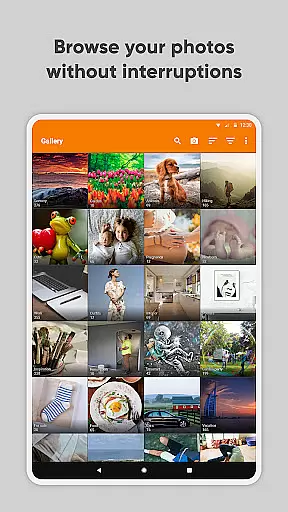
Simple Gallery Pro is a comprehensive photography app designed to enhance the way you manage, edit, and protect your media files on Android. This app combines an intuitive interface with powerful features, making photo management effortless and enjoyable. With support for a wide range of file formats including JPEG, PNG, MP4, and RAW, it ensures compatibility with virtually any media file you may have.
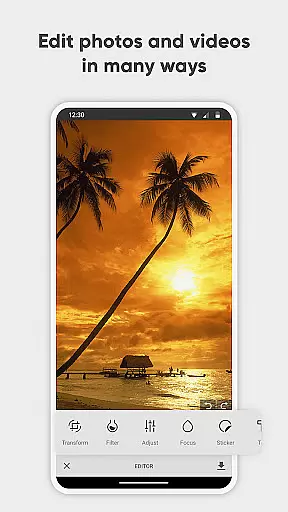
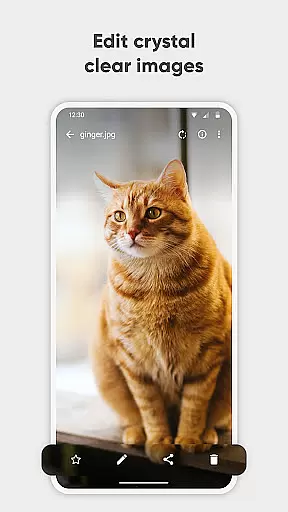
One of the standout features of Simple Gallery Pro is its advanced photo editing capabilities. Users can easily crop, rotate, flip, and resize images, or apply filters to enhance their photos instantly. The app also includes a recovery function for accidentally deleted files and allows users to create hidden galleries for sensitive content. Its customization options extend to UI adjustments and functional preferences, ensuring that the app truly adapts to individual needs.
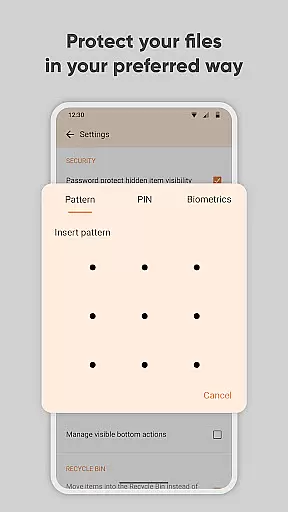
This app is particularly useful for photographers and hobbyists who require both versatility and security in managing their digital assets. By offering privacy features such as PIN protection, pattern locks, and fingerprint scanning, Simple Gallery Pro ensures that your private photos and videos remain secure. The app's offline functionality further enhances user privacy while providing a stable and uninterrupted experience.
Simple Gallery Pro stands out with its extensive feature set tailored for both casual users and photography enthusiasts. The app provides an advanced photo editor that simplifies the editing process through intuitive gestures. You can effortlessly crop, rotate, and apply filters to your images, turning complex edits into quick adjustments. This capability ensures that your photos look their best without requiring advanced technical skills.
Beyond editing, Simple Gallery Pro offers robust file management features. It supports a wide array of file types, including JPEG, PNG, MP4, and RAW, allowing users to work with diverse media formats seamlessly. The app also includes a unique recovery system for deleted files, giving peace of mind against accidental loss. Additionally, users can create hidden galleries to store private images and videos securely, away from prying eyes.
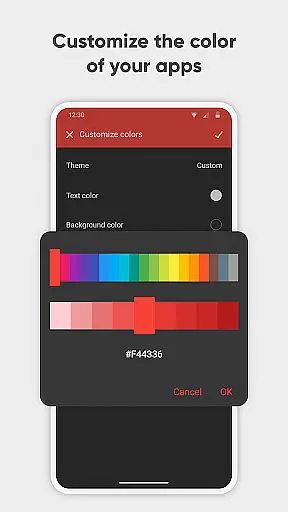
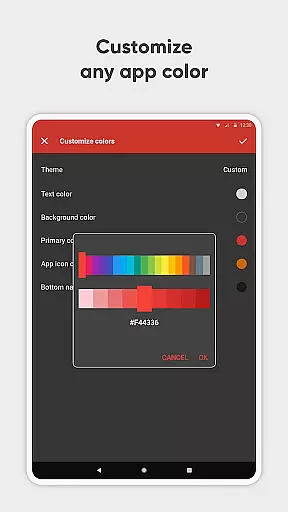
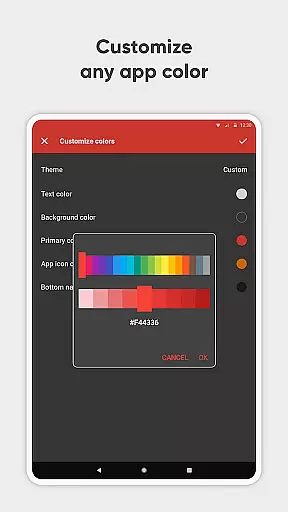
Customization is at the heart of Simple Gallery Pro's design. The app allows users to personalize everything from the user interface to the functional layout of toolbars. This flexibility ensures that the app fits perfectly into any workflow. Privacy-conscious users will appreciate the inclusion of security features like PIN, pattern, and fingerprint protection, which safeguard sensitive content effectively. Moreover, the app operates fully offline, enhancing privacy and reliability.
Real-time capture and preview functionality is essential for ensuring that every photo or video taken meets the user's expectations without delay. Simple Gallery Pro offers an intuitive interface where users can instantly see the results of their captures, making it easier to adjust settings on-the-fly.
The application supports a wide array of file types including JPEG, PNG, MP4, and RAW, which ensures that no matter the format, you can view your creations immediately after capture. This flexibility enhances the photography experience by allowing photographers to experiment with different formats without losing the immediacy of preview.
With real-time previews, users can make instant decisions about their photos and videos, such as cropping, applying filters, or adjusting exposure. This immediate feedback loop empowers creators to refine their work efficiently, ensuring that the final product is exactly what they envisioned.
AI beauty and enhancement features are becoming increasingly popular in photography apps, offering users the ability to improve their images with just a few taps. Simple Gallery Pro leverages advanced algorithms to provide natural-looking enhancements that preserve the authenticity of the original photo.
Unlike other applications that may over-process images, Simple Gallery focuses on maintaining the natural essence of photos while subtly enhancing key features. This approach ensures that edits look realistic and not overly artificial, providing a more pleasing aesthetic that respects the integrity of the image.
Users benefit from customizable enhancement options that cater to individual preferences, allowing for personalized adjustments that align with their unique style. Whether it's smoothing skin tones or boosting colors, the AI-driven tools within Simple Gallery Pro deliver professional-quality results with minimal effort.
User-friendly interface
Extensive file format support
Advanced photo editing tools
Secure privacy features
Fully customizable design
Limited cloud integration
No built-in social sharing
Premium-only availability
Occasional performance lags
Steep learning curve for beginners

Add Watermark - Sign your pictures with a text or logo. Effective, quick, easy!
 4.50
4.50
Virtual makeup, hair filters & body tuner—edit from face to full body!
4.20
Create Business Headshots, Polaroid Filter, Retake Photos,Profile Pics,AI Photos
4.50
Photo Exif Editor allows to view, add and modify EXIF data of multiple photos
4.50
Use AI Video Generator to turn your words to ai generated videos.
4.50
Turn photos into cartoons & avatars! - Photo Editor, Cartoon Face!
3.90
The original Rarevision VHS look seen everywhere!
4.70
Remote control the phone camera shutter from your smartwatch and take a picture
1.60
Edit photos with the picture generator: PS2 & AI Clay filters, cartoon effects.
4.50
Pro version: AR sun/moon tracker for any date. Tool for photographers & planners
4.90
AI Photo Editor with 100+ Filters, Effects! Remove BG, Retouch & Photo Enhancer.
4.80
See your baby AI baby face generator AI baby maker Face generator babymaker fun!
4.70
Viewfinder, Light meter, Reciprocity failure time, DOF & Bellows Extension
4.60
Automatically backup your photos and videos to computer, NAS and Cloud services
4.60
Easily create custom gifts, cards, photo books & more on the Shutterfly app!
4.60
AI photo editor with hair editor, retouch tools, hair color changer & filters!
4.50
AI portrait generator and polaroid AI selfie, fun AI generated AI photo creator!
4.30
Luminar: Photo Editor - easy picture editing with AI
4.20
Professional camera app that brings DSLR manual photography controls to Android.
4.20




User Reviews