
Lumii is an advanced AI Photo Editor that combines professional editing tools with smart AI features, enabling users to effortlessly enhance photo quality, remove backgrounds, retouch selfies, and apply over 100 trendy filters and effects. Designed for both amateur and professional photographers, Lumii makes photo editing simple, fast, and fun without requiring advanced skills. Available on Android, this app allows users to create artistic, high-quality photos with ease.
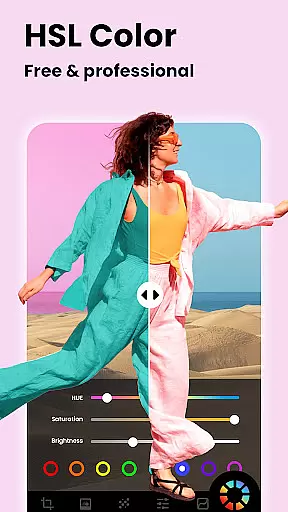
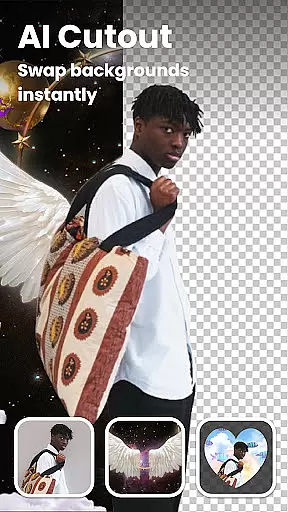
One of the standout features of Lumii is its ability to provide users with powerful editing options such as Auto Background Eraser, AI Photo Enhancer, and HSL Color adjustments. These features ensure that users can achieve professional-grade edits while enjoying a seamless and intuitive interface. Whether you're looking to enhance portraits, design creative compositions, or simply add stylistic filters, Lumii offers all the necessary tools in one comprehensive package.
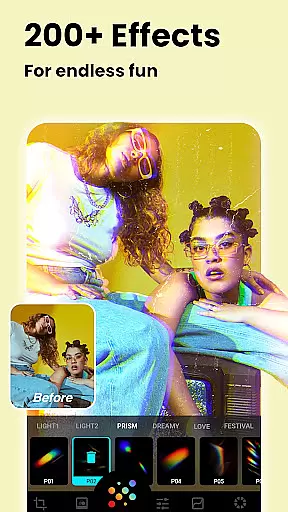
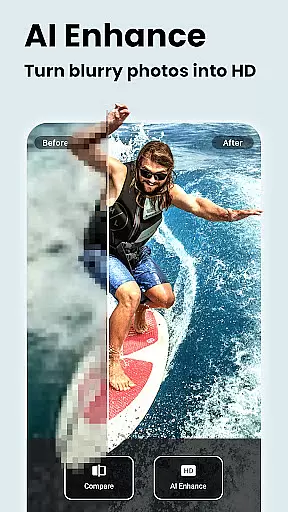
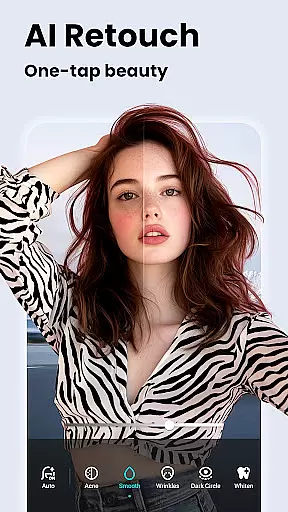
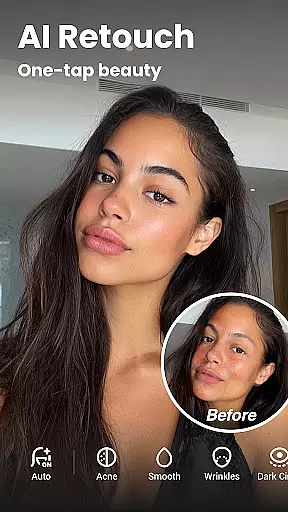
Lumii stands out with its extensive range of features tailored to meet diverse photo editing needs. The app includes over 100 photo effects and filters, customizable filter options, and advanced tools like HSL color control and curves adjustment. Users can also take advantage of AI-powered features such as AI Photo Enhancer, which turns low-quality images into HD masterpieces, and Auto Retouch, which smooths skin and whitens teeth at a single tap.
In addition to these powerful features, Lumii provides creative tools like Double Exposure for blending images, Glitch Photo Editor for adding unique effects, and BG Blur for creating professional bokeh effects. With functionalities such as selective image enhancement, rotation, cropping, and text addition, Lumii ensures that users have everything they need to produce stunning visuals. Its user-friendly interface and offline convenience make it accessible to everyone, regardless of their editing expertise.
Real-time capture and preview functionality is essential for any photography app, allowing users to see exactly what their photo will look like before taking the shot. Lumii offers a seamless experience by providing instant feedback on filters and effects applied, ensuring that users can make real-time adjustments to achieve their desired outcome.
The app's sophisticated AI algorithms analyze the scene and optimize settings such as exposure, white balance, and contrast automatically. This empowers users to take professional-quality photos without needing in-depth knowledge of photography. The immediacy of seeing changes reflected in real time enhances the creative process and allows for quick iterations.
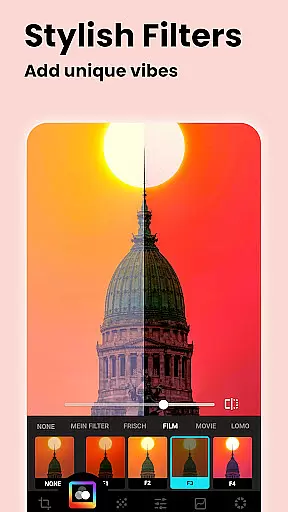
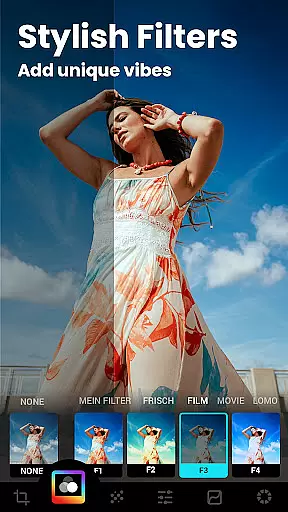
With Lumii's real-time capabilities, users can experiment with over 100 trendy photo filters and effects, including Film, LOMO, and Retro styles, directly within the viewfinder. This feature not only saves time but also elevates the user's photography game by enabling them to fine-tune artistic elements on the fly.
Ultimately, Lumii's real-time capture and preview empower users to confidently create stunning images, knowing precisely how the final photo will appear. This contributes significantly to a more engaging and satisfying photo editing journey.
AI beauty and enhancement features are revolutionizing mobile photography by offering natural-looking improvements to selfies and portraits. Lumii stands out with its advanced AI-driven tools that enhance image quality while maintaining authenticity. Users can effortlessly smooth skin, whiten teeth, and remove blemishes with just one tap, achieving polished yet genuine results.
The app leverages powerful AI technology to intelligently detect facial features and apply enhancements that look realistic rather than artificial. This ensures that edited photos retain their original charm and character, avoiding the overly processed appearance common in other apps. By prioritizing naturalness, Lumii delivers professional-grade retouching suitable for both casual snapshots and serious portrait work.
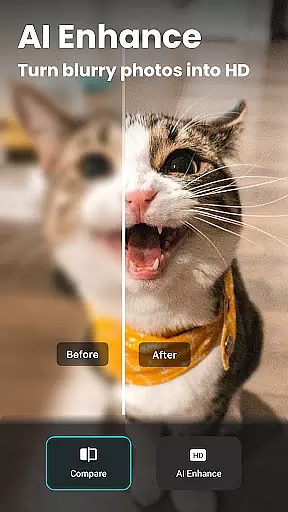
In addition to basic touch-ups, Lumii provides specialized tools like AI Photo Enhancer, which turns low-resolution or blurry images into sharp, high-definition masterpieces. These capabilities extend beyond simple beautification, enhancing overall picture clarity and detail without compromising the subject's true likeness.
By focusing on natural enhancement, Lumii caters to users who value authenticity in their edits. Whether refining a single portrait or batch-processing multiple shots, the app consistently produces impressive yet believable outcomes, making it an indispensable tool for modern photographers.
Powerful AI tools
100+ trendy filters
User-friendly interface
Advanced editing options
Free to use
Limited to Android
Some features may require learning
Occasional glitches reported
No iOS version available
Ads outside editing mode

Photo editor: face & body editor, beauty cam, filters and quality enhancer.
 4.00
4.00
Search, tag and rate your way to an organized image gallery
4.40
Professional video recording application with manual controls for filmmakers!
2.80
Natural Beauty, Selfie Retouch
4.30
Create collages easily! Nice pic collage maker & background eraser for Instagram
4.50
Turn your phone into a professional camera - full DSLR manual photography
4.30
Light-weight Media Gallery app for Android made with Jetpack Compose
4.60
Enhance, upscale, and transform your images — on your device, without limits
4.70
Photo & Video Gallery app to manage albums and save WA Status easily.
4.70
Perfect body tune & face app - photo retouch, makeup, slim body & beautify face.
4.80
Viewfinder, Light meter, Reciprocity failure time, DOF & Bellows Extension
4.60
Easily create custom gifts, cards, photo books & more on the Shutterfly app!
4.60
Edit like a pro with Hypic. Apply filters, AI effects, & magic touch.
4.40
A reflected light meter with spot metering and incident light metering.
4.40
Create AI Photos, Improve and restore quality of blurry, old or damaged pics.
4.20
Hair color changer, AI haircut app, fun hair editor and buzz cut filter for all!
3.80
Pet Camera
3.70
Raw Image Viewer. Gallery with support of raw images (.cr3, .cr2, .nef, .raf).
2.00
Add a dreamy vibe to your selfies and videos with soft style filters
4.5









User Reviews