
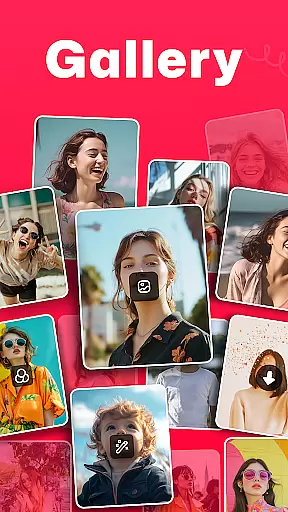
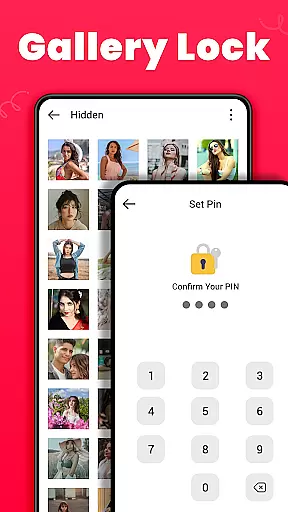
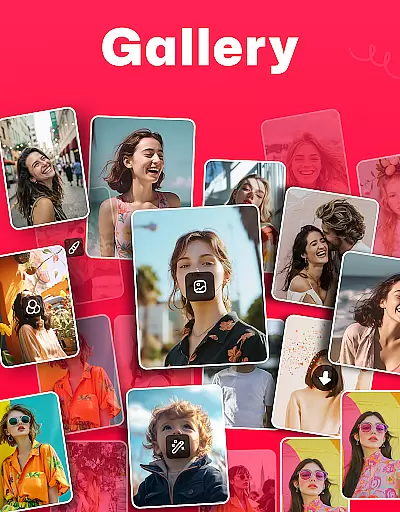
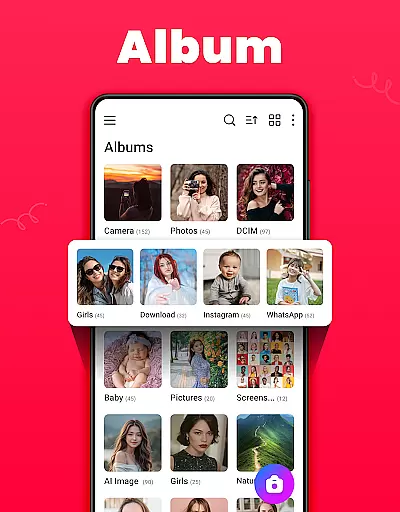
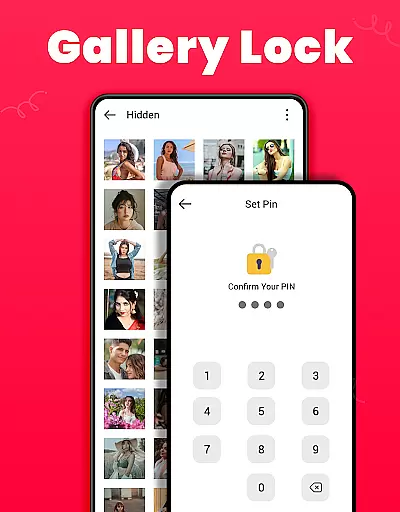
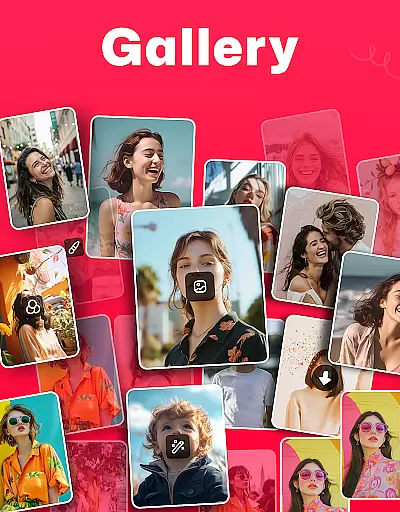
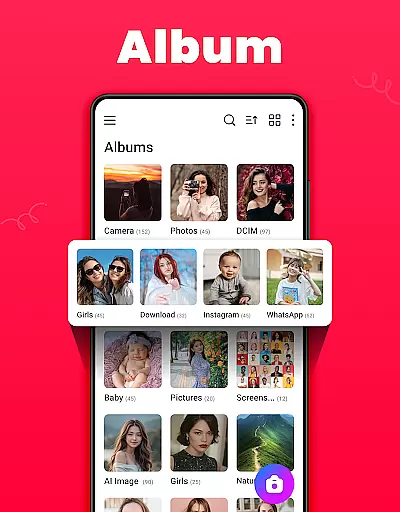
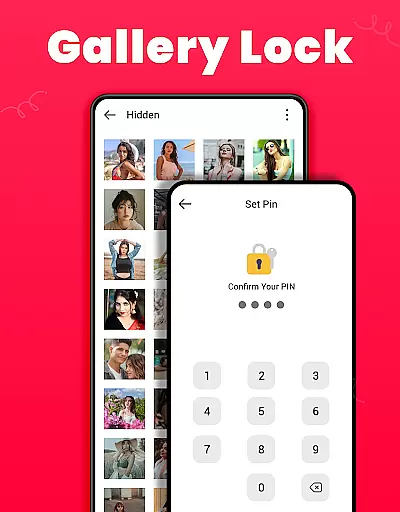
Gallery is a comprehensive offline photo and video management app designed for Android users. This application allows you to organize, edit, and share your media files effortlessly. The app automatically categorizes photos and videos based on their paths, making it easy to locate specific files. Additionally, Gallery offers a secure vault feature where users can protect sensitive content with a PIN or password, ensuring privacy and security.
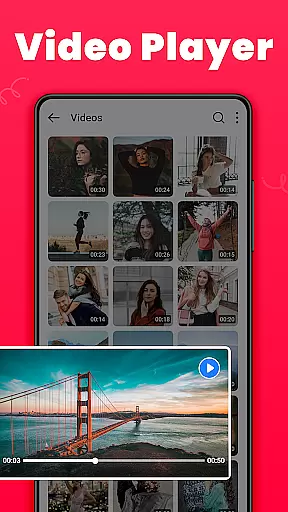
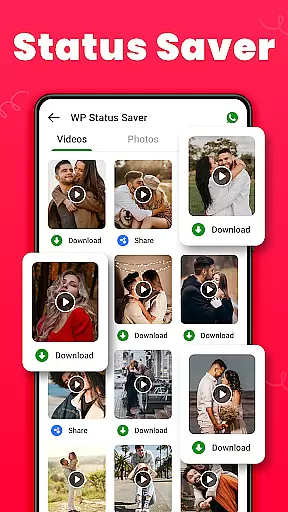
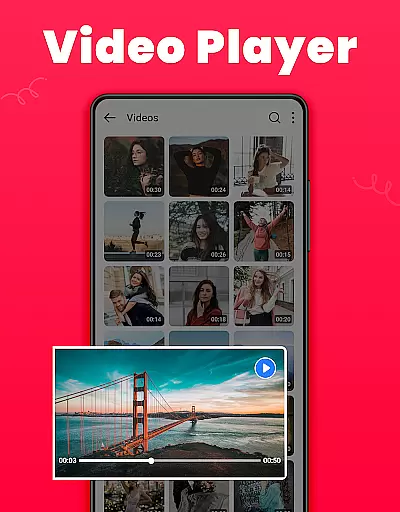
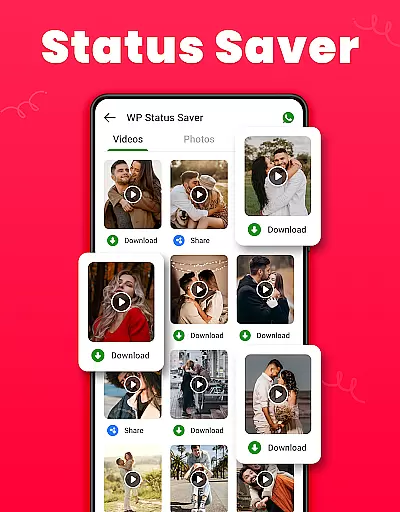
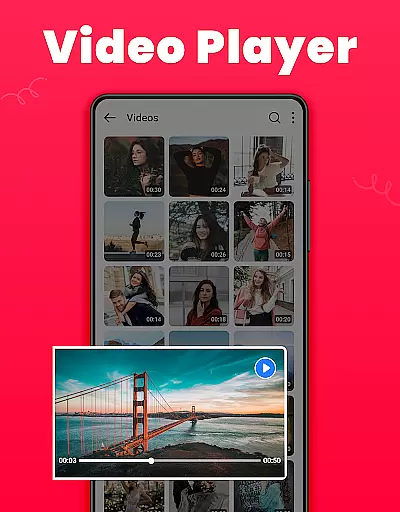
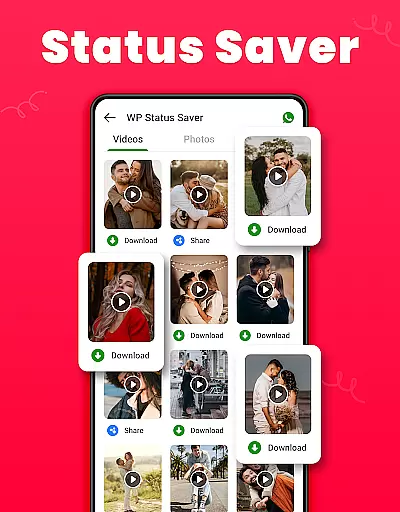
Beyond basic management capabilities, Gallery provides advanced features such as photo editing tools, HD video playback, and the ability to recover deleted media from a Recycle Bin. Users can also download and save WhatsApp statuses directly within the app. With its user-friendly interface and powerful functionalities, Gallery serves as an all-in-one solution for managing personal media collections while maintaining privacy.
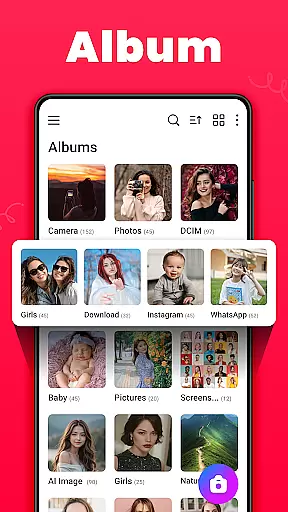
Gallery stands out with its rich set of features tailored for efficient media management. One notable aspect is its robust organizational system that automatically sorts media files by path, name, date, and other criteria. This ensures that users can quickly find and manage their photos and videos without hassle. Furthermore, the app supports both list and grid views, catering to different user preferences.
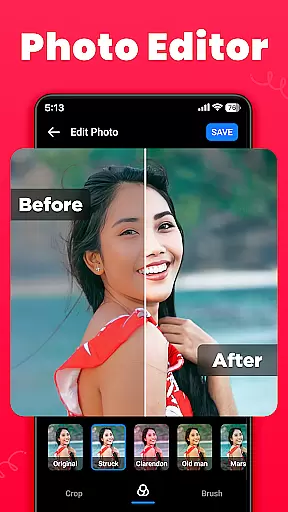
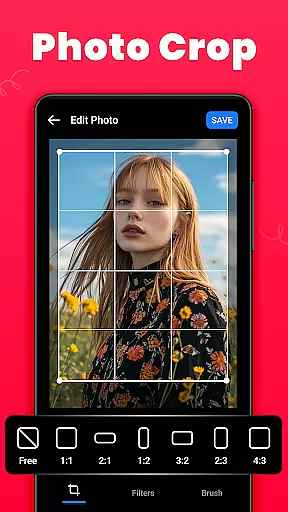
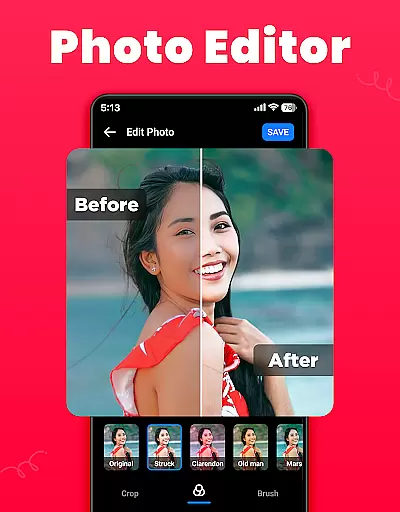
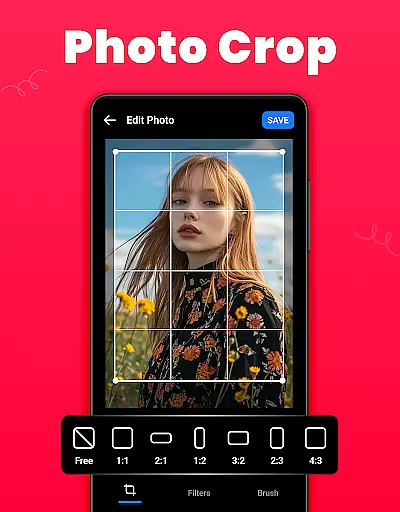
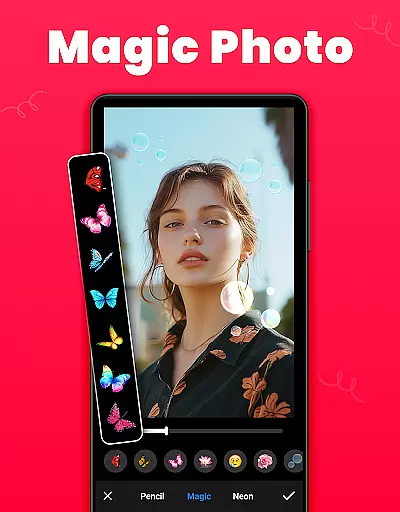
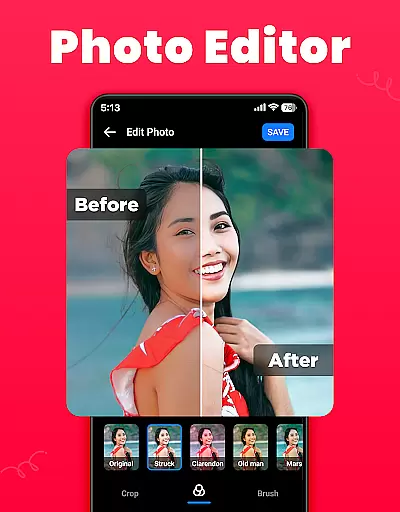
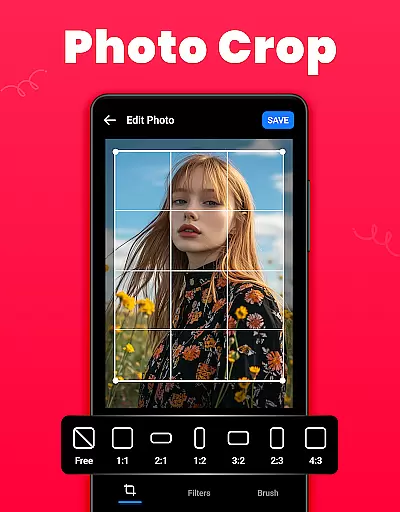
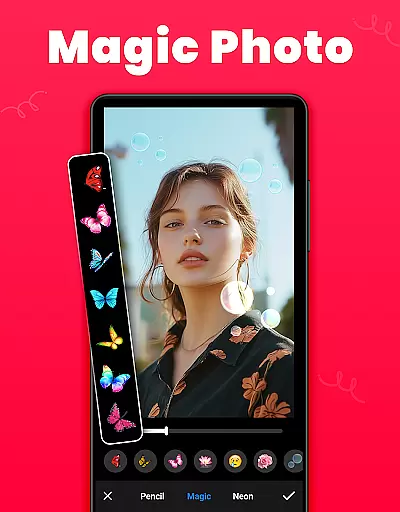
The inclusion of a secure vault for hiding private photos and videos adds an extra layer of protection. Users can apply filters, crop images, and use brush tools for creative edits. The app's ability to restore mistakenly deleted media from the Recycle Bin is particularly valuable, preventing accidental data loss. Moreover, Gallery supports setting wallpapers, creating favorites lists, and sharing content across various social media platforms. These features collectively enhance the overall user experience, making Gallery a versatile tool for photography enthusiasts.
Real-time capture and preview functionality is essential for ensuring that users can instantly see the results of their photography. This feature allows users to adjust settings such as exposure, focus, and white balance on the fly, providing immediate feedback on how these changes affect the image.
The Gallery app offers a seamless real-time capture experience by integrating advanced camera controls within its interface. Users can take high-quality photos and preview them instantly without any lag, making it easier to capture the perfect shot every time.
This instant feedback loop not only enhances the user's ability to take better photos but also significantly improves the overall photography experience. With real-time preview, users can experiment with different settings and compositions, thus learning and improving their skills more rapidly.
AI beauty and enhancement features have become increasingly popular in photography apps, allowing users to improve their photos with just a few taps. The key to successful AI enhancements lies in maintaining the natural look of the subjects while still elevating the overall quality of the image.
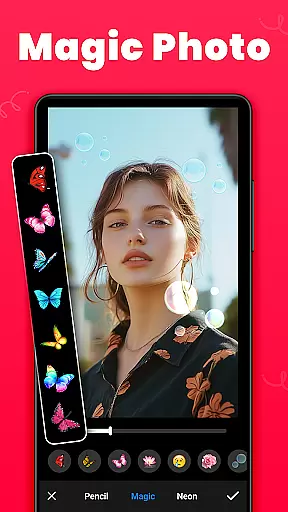
In the Gallery app, AI-driven tools offer various enhancements such as skin smoothing, blemish removal, and facial feature adjustments. These tools are designed to enhance portraits subtly, ensuring that the final result looks realistic and not overly processed.
By prioritizing naturalness, the Gallery app ensures that users can achieve professional-looking results without sacrificing authenticity. This approach not only boosts user satisfaction but also encourages more frequent use of the app for editing and sharing photos.
User-friendly interface
Secure vault for privacy
HD video playback
Photo editing tools
Recycle Bin for recovery
Requires permissions
Limited customization
Occasional bugs
Ads in free version
Large app size

AI portrait generator and polaroid AI selfie, fun AI generated AI photo creator!
 4.30
4.30
All-in-One Editor & AI Photo Enhancer, Beautify & Retouch, Collage, Cartoonify
4.20
Photo editor & gallery. Crop pictures & edit photos offline, no wifi!
4.50
Unblur, enhance & restore photos with powerful AI photo enhancer tools.
4.60
Unlock the full potential of your DJI drone with Litchi
4.50
A unique animation app. Powerful, easy to use, and lots of fun.
4.30
Welcome to ProShot, the most powerful camera app on Android.
4.20
Discover How to Plan any Sun, Moon and Milky Way Photo You Imagine in Seconds
4.70
Try an anime version, cartoon yourself, and generate AI hug or aging videos!
3.70
Add Watermark - Sign your pictures with a text or logo. Effective, quick, easy!
4.50
Transform photos into videos! Create realistic or anime-style images easily!
4.50
AI photo enhancer with Sora 2! Enhance, descratch, and colorize your old photos.
4.50
Use AI Video Generator to turn your words to ai generated videos.
4.50
What celebrity do you look like? Celebs will find your celebrity match!
4.10
Professional quality photo edits with the new Snapseed.
4.00
Turn photos into cartoons & avatars! - Photo Editor, Cartoon Face!
3.90
Professional video recording application with manual controls for filmmakers!
2.80
Raw Image Viewer. Gallery with support of raw images (.cr3, .cr2, .nef, .raf).
2.00
Snap photos remotely using your Garmin watch as the camera trigger
4.2



User Reviews