
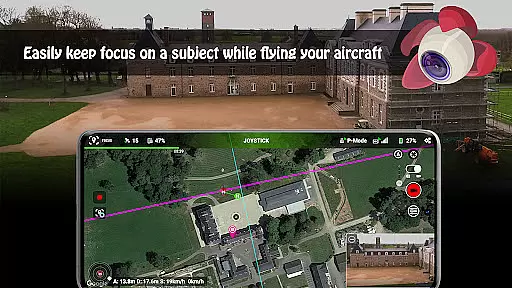
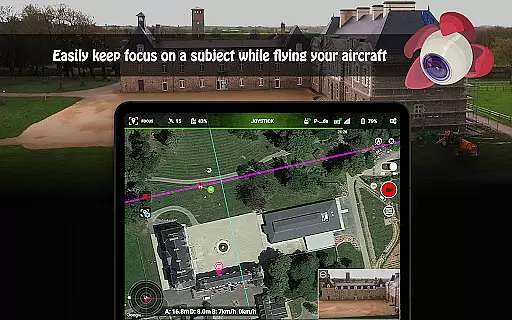
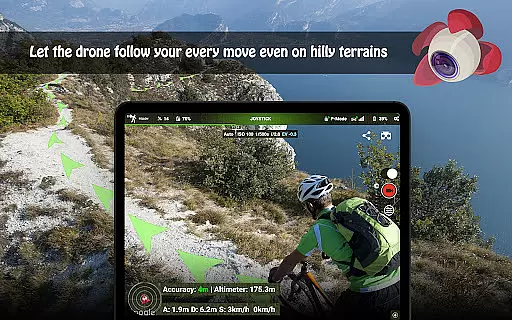
Litchi for DJI Drones is the premier application designed to unlock the full potential of your DJI drone. With compatibility across a wide range of models, Litchi offers an intuitive yet powerful flight experience. The app boasts features such as Waypoint mode, which allows seamless flight plan syncing across all devices, and Panorama mode for capturing stunning aerial shots. Whether you're a professional or a beginner, Litchi provides tools like Track mode and Follow mode that utilize advanced computer vision algorithms to keep subjects perfectly framed.
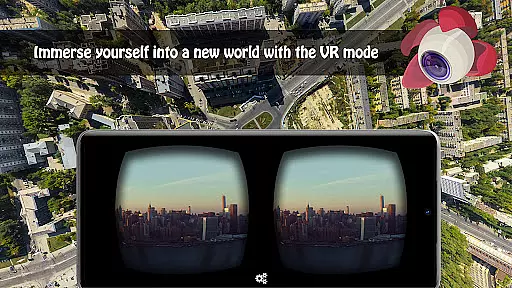
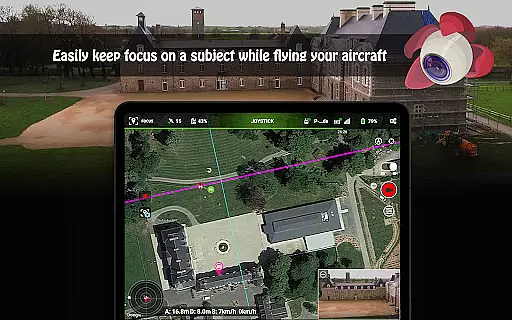
Additionally, Litchi enhances user experience with VR mode for immersive FPV experiences and Focus mode to assist with gimbal and yaw control. Users can also livestream their drone's video feed directly to platforms like Facebook or use the Litchi Vue app for nearby device streaming. With support for bluetooth controllers, custom RC key functions, and automatic video recording, Litchi ensures a comprehensive and enjoyable drone flying experience.
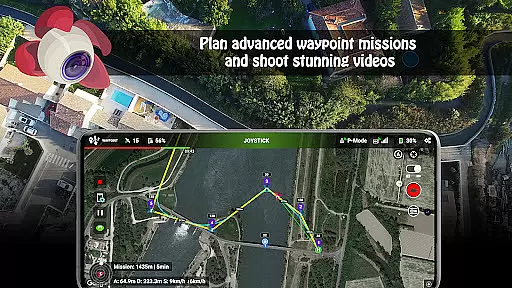
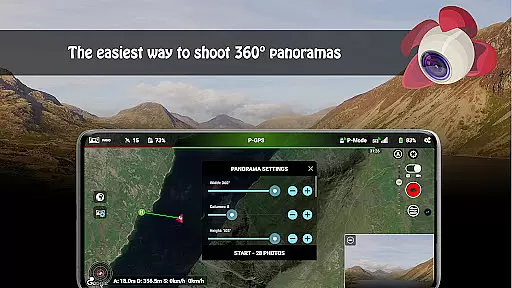
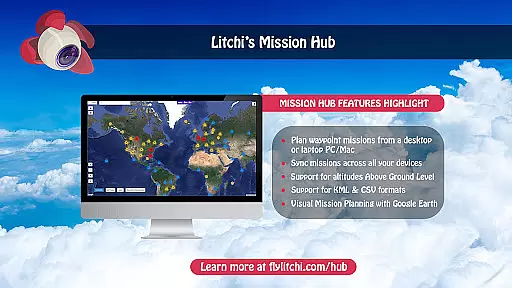
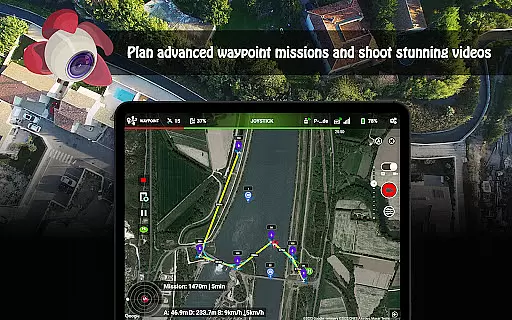
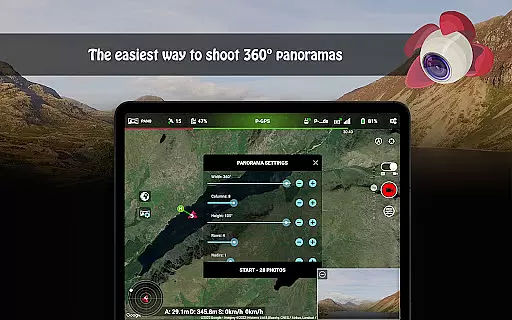
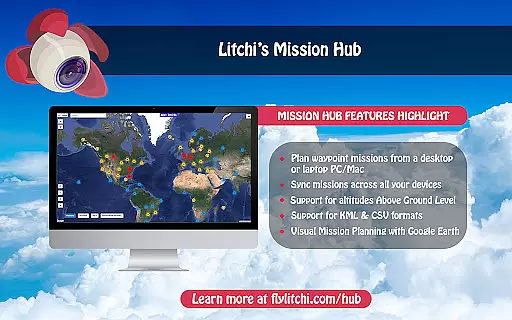
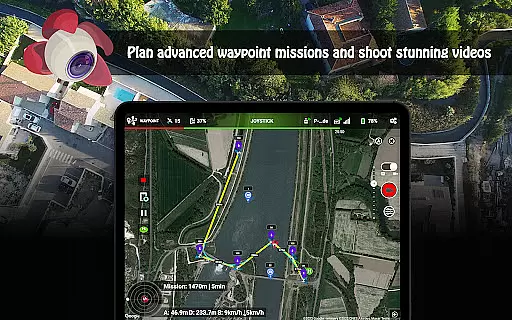
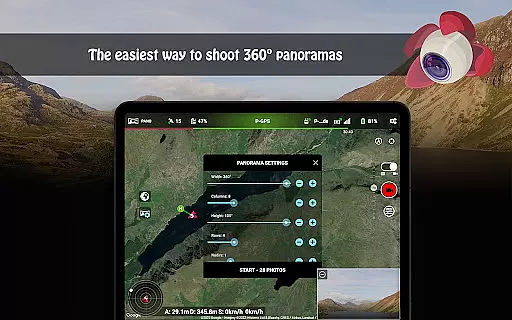
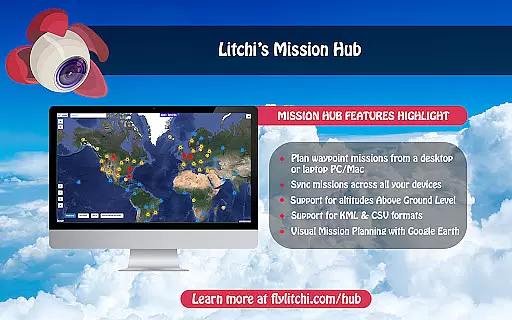
Litchi stands out with its rich feature set tailored for DJI drone enthusiasts. One of the core functionalities is the Waypoint mode, offering users the ability to create detailed flight plans on various platforms including PC/Mac, with real-time syncing across devices. This mode empowers both professionals and beginners to execute precise autonomous flights. Additionally, the Panorama mode simplifies capturing horizontal, vertical, and 360 spherical panoramas, making it easy to get breathtaking aerial shots.
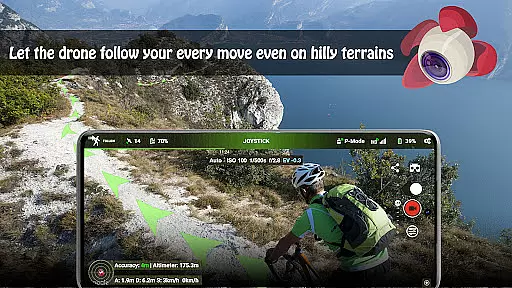
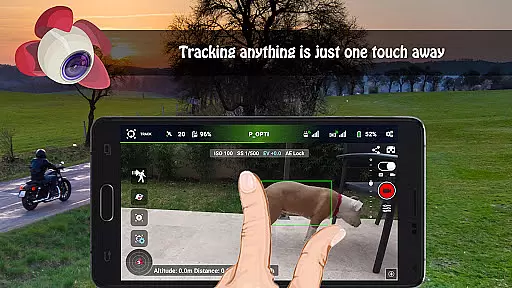
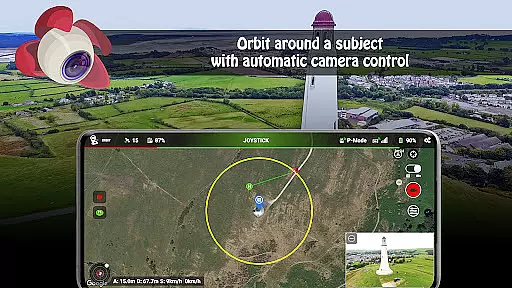
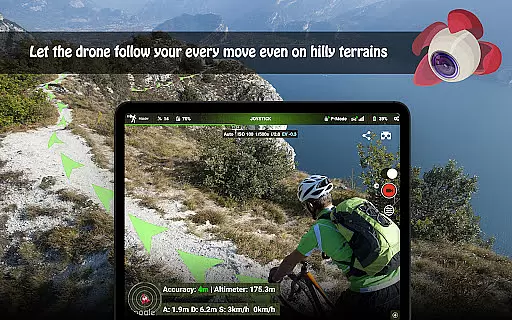
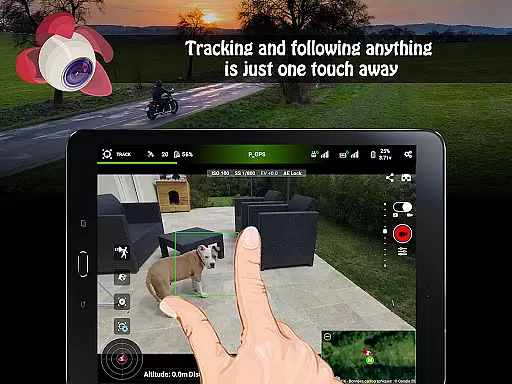
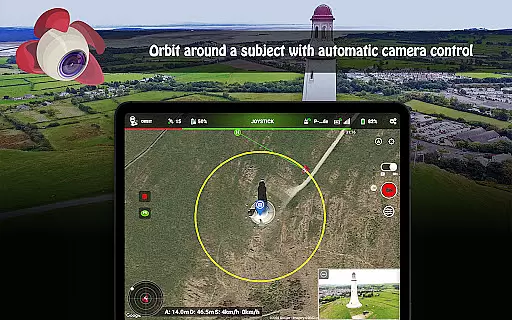
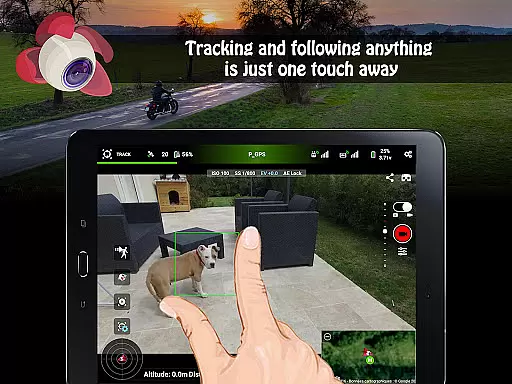
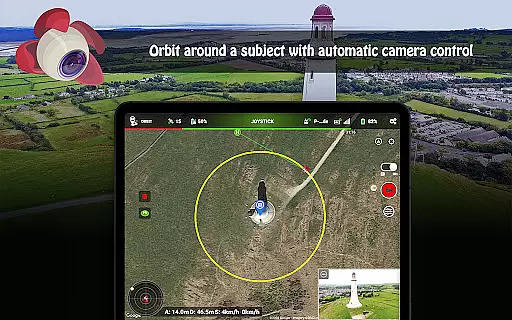
The app also includes innovative modes like Track and Follow, utilizing cutting-edge computer vision to autonomously frame subjects. For immersive experiences, Litchi's VR mode leverages mobile phone capabilities to deliver an engaging FPV encounter when paired with compatible goggles. Moreover, features like Orbit mode, livestreaming capabilities, and integration with Airdata UAV for human-readable flight logs underscore Litchi's commitment to providing a versatile and powerful toolset for drone pilots.
Real-time capture and preview functionality is essential for drone photography, allowing users to see exactly what the camera captures as it happens. Litchi for DJI Drones excels in this area by providing a seamless live feed from the drone's camera directly to the user's device.
The app ensures minimal latency between the drone's actions and the video feed displayed on your smartphone or tablet. This immediacy allows photographers and videographers to make instant adjustments to their shots, ensuring they capture the perfect moment every time.
With compatibility across various DJI drone models, Litchi offers a consistent and reliable real-time viewing experience. Users can confidently frame their shots, adjust camera settings on the fly, and monitor their drone's surroundings to ensure safe and successful flights.
This feature not only enhances the creative process but also contributes significantly to flight safety. Pilots can maintain situational awareness while focusing on getting the best possible footage, making Litchi an invaluable tool for both amateur enthusiasts and professional content creators.
While primarily known for its robust flight features, Litchi also incorporates AI beauty and enhancement tools that bring natural-looking improvements to aerial photography. These intelligent enhancements work subtly to improve image quality without compromising the authenticity of the captured scenes.
The application's advanced algorithms analyze each frame in real-time, automatically adjusting parameters such as color balance, exposure, and contrast. This process results in more vibrant and visually appealing images while maintaining the natural essence of the original shot.
Litchi's enhancement features are particularly beneficial when shooting challenging lighting conditions common in outdoor photography. The AI intelligently compensates for harsh shadows or bright highlights, ensuring well-balanced and professional-quality images.
Unlike heavy-handed filters or presets, Litchi's approach to image enhancement preserves the unique characteristics of each photograph. This natural enhancement capability empowers users to produce stunning aerial imagery that accurately represents the beauty of the landscapes they capture.
Intuitive interface
Wide drone compatibility
Advanced waypoint planning
Immersive VR experience
Seamless device syncing
No Mini 3 support
Separate goggles needed
Internet required initially
Complex for beginners
Premium pricing

Search, tag and rate your way to an organized image gallery
 4.40
4.40
Create funny photos and videos with the popular Time Warp Scan filter.
4.90
Pet Camera
3.70
Superimpose one photo on top of another using the original Superimpose app!
3.20
A reflected light meter with spot metering and incident light metering.
4.40
USB Storage Access for Photos, Videos, Music and Documents
3.80
Professional photography on your mobile phone
4.20
A light meter for true photographers.
4.20
Photo & Video Gallery app to manage albums and save WA Status easily.
4.70
Photo editor: AI filters, photo enhancer, pic collage maker, AI art generator.
4.80
Android Native system HD camera app. Never been so simple and faster.
4.70
Automatically backup your photos and videos to computer, NAS and Cloud services
4.60
Add Watermark - Sign your pictures with a text or logo. Effective, quick, easy!
4.50
Create Business Headshots, Polaroid Filter, Retake Photos,Profile Pics,AI Photos
4.50
AI portrait generator and polaroid AI selfie, fun AI generated AI photo creator!
4.30
Smart, light, and fast photo and video gallery
4.30
Photo editor: face & body editor, beauty cam, filters and quality enhancer.
4.00
Photobooth mini FULL app will allow you to add more fun to your parties
4.00
Over 800 film simulation recipes for Fujifilm. Black Friday Offer!
4.5




User Reviews