
Superimpose is a powerful mobile application that allows users to create professional-grade superimposed or juxtaposed photos directly on their iPhone. With just a few taps, you can seamlessly blend images without the need for a computer or expensive software.
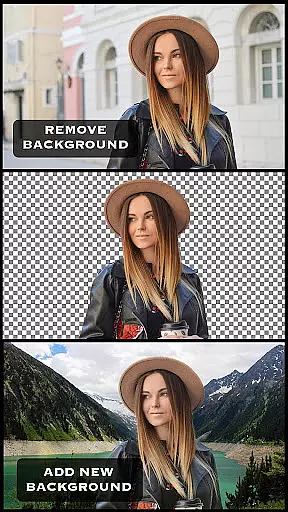
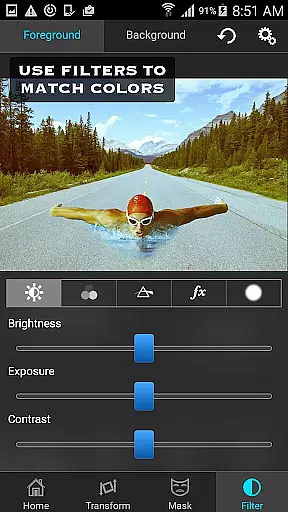
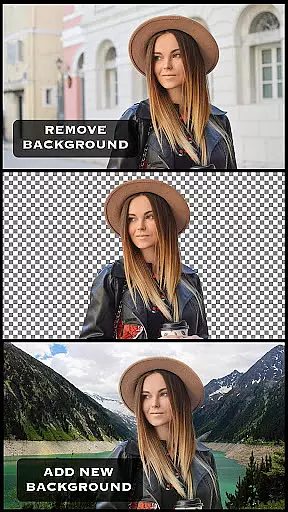
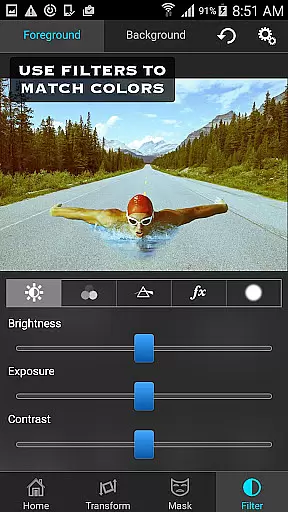
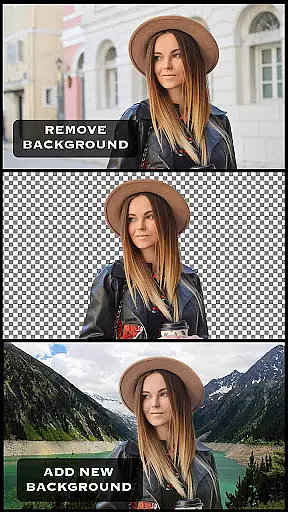
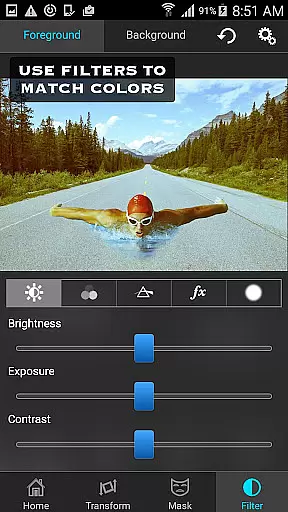
The app offers an extensive range of masking tools to remove unwanted portions of the foreground image and smoothen edges for a polished look. You can move, scale, resize, rotate, and flip the foreground image to perfectly position it on the background. Additionally, Superimpose provides advanced photo editing features such as adjusting colors, exposure, contrast, hue, and saturation to match both images in terms of color.
Whether you're looking to create artistic compositions or perform serious photo editing tasks like blending textures or overlaying borders, Superimpose has got you covered. Its innovative masking technology and adjustable transparency with 18 blending modes make it a top choice for photography enthusiasts.
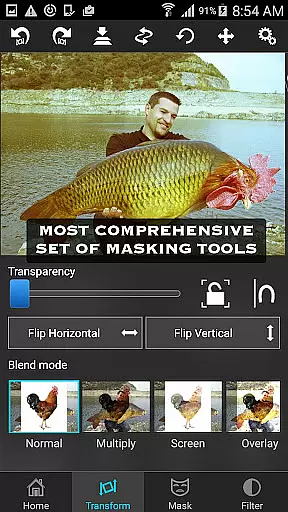
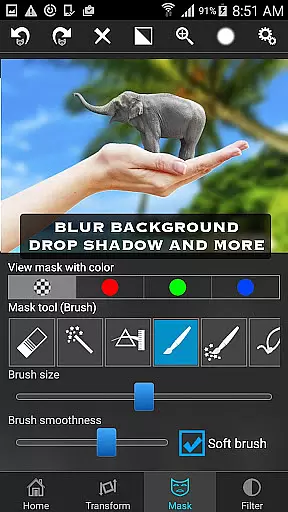
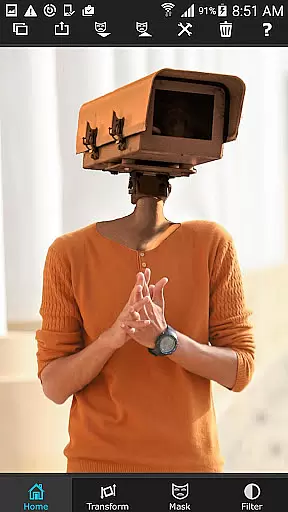
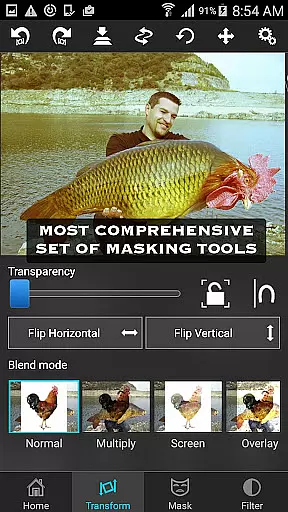
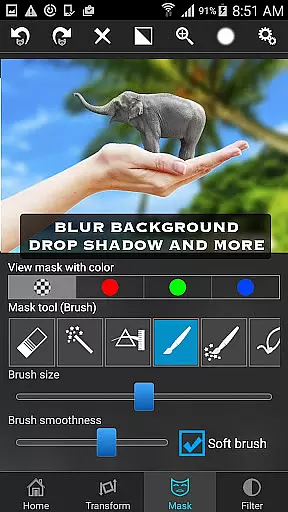
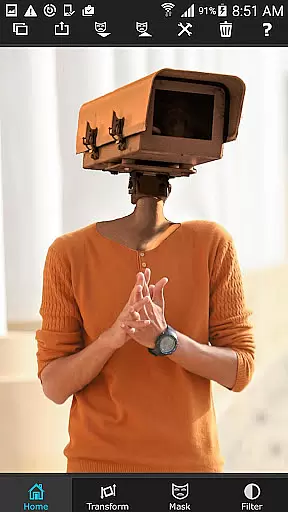
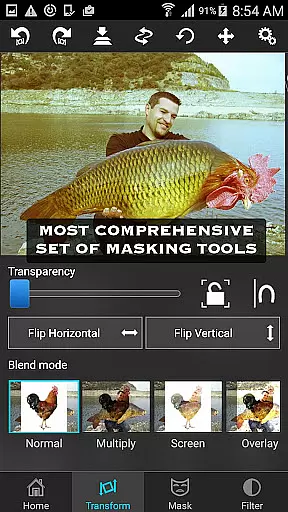
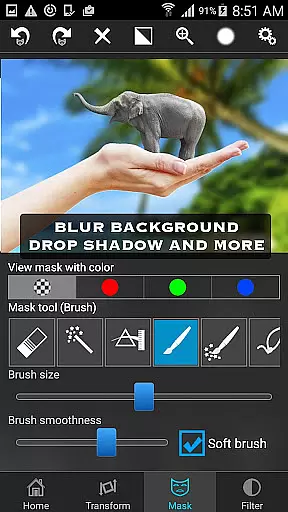
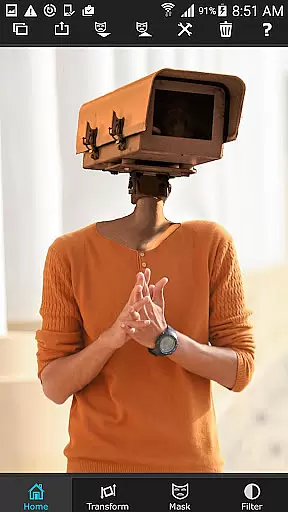
Superimpose stands out with its comprehensive suite of features designed for both casual users and professional photographers. The app includes a wide array of masking tools such as brush, lasso, global color similarity, rectangle, ellipse, linear, bi-linear, and radial gradient masking. These tools allow precise control over which parts of the image are revealed or hidden.
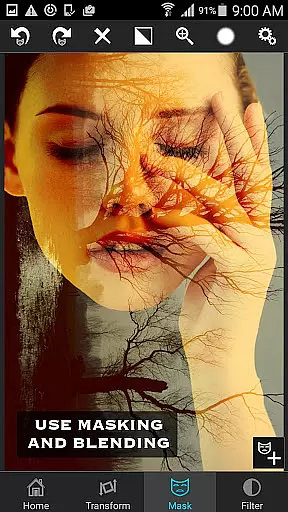
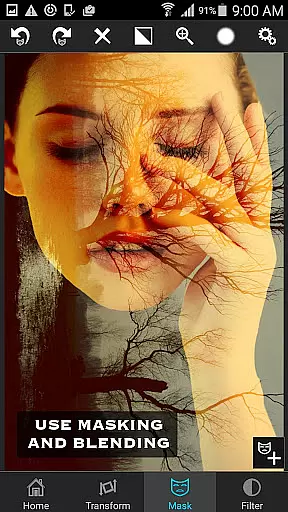
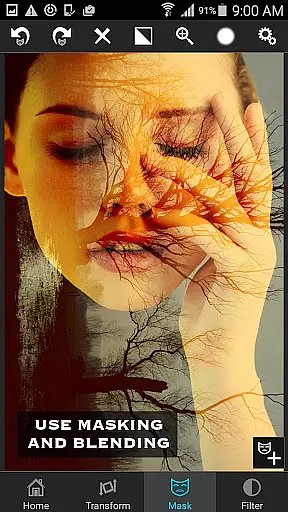
In addition to masking, Superimpose offers advanced editing capabilities including color adjustment, exposure correction, contrast enhancement, hue modification, and saturation tuning. This ensures that your final composition looks cohesive and visually appealing. The app also supports double exposure techniques with adjustable transparency levels and 18 different blending modes.
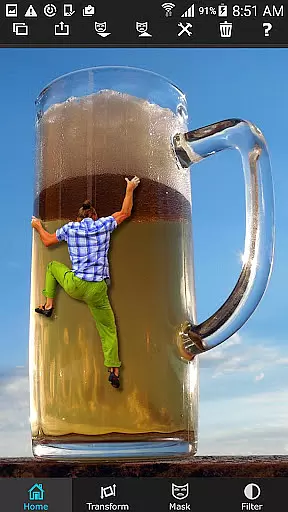
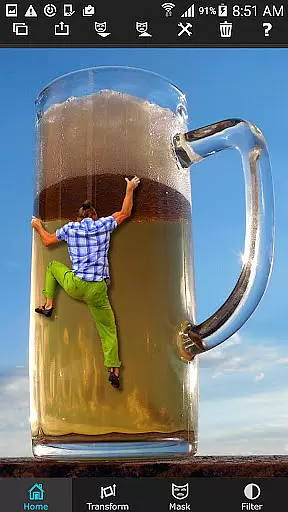
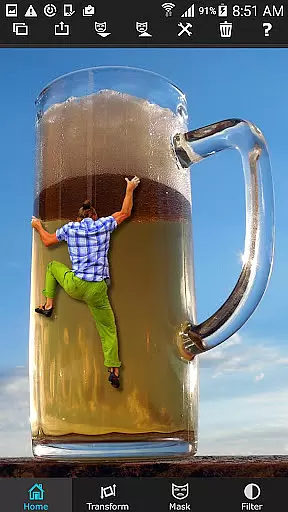
One of the standout features of Superimpose is its user-friendly interface that simplifies complex photo editing tasks. Whether you're cutting out objects from one photo and placing them into another or creating intricate layered designs, Superimpose makes the process intuitive and efficient. Share your creations with friends and amaze them with your newfound photo editing skills.
Real-time capture and preview functionality is essential for photography apps as it allows users to see the results of their edits instantly. Superimpose offers a dynamic interface where users can load background and foreground images, then immediately view the effects of their manipulations.
The app provides a suite of masking tools that let users remove unwanted portions of the foreground image with precision. As users adjust the mask or apply smoothing to the edges, they can see the changes in real time, ensuring that the final composition meets their expectations without any surprises upon completion.
Furthermore, Superimpose enables users to modify the position, size, rotation, and flip of the foreground over the background. The instant feedback provided by the app empowers users to make creative decisions swiftly and effectively, enhancing their overall editing experience.
While Superimpose does not focus on AI beauty enhancements, it excels in providing natural-looking edits through its powerful manual editing tools. Users have access to a wide array of adjustments such as exposure, contrast, hue, and saturation, which allow for color matching between foreground and background images.
These manual controls ensure that edited photos retain a realistic appearance, avoiding the over-processed look that can occur with automated enhancement features. By fine-tuning each element separately, users achieve a balanced and authentic result that preserves the original aesthetics of their photographs.
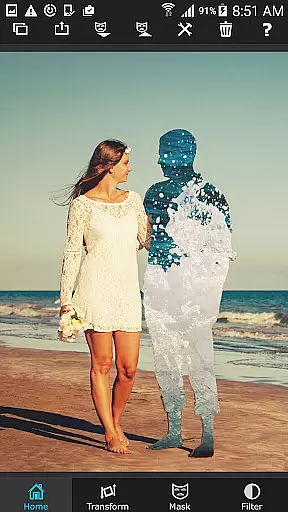
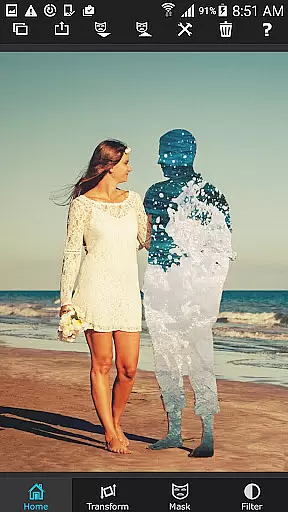
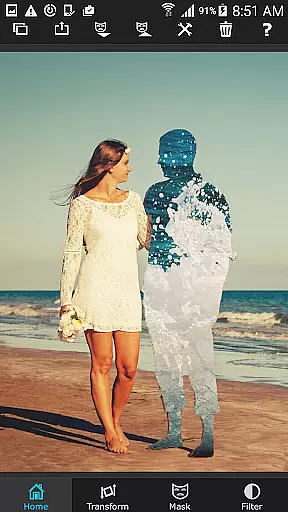
For those looking to blend textures or create double exposures, Superimpose's adjustable transparency and 18 blending modes offer further opportunities to craft visually stunning images while maintaining the integrity and natural essence of the original content.
User-friendly interface
Extensive masking tools
Advanced color adjustments
Supports double exposure
Eighteen blending modes
Limited to iOS devices
No Android version available
Some features may require practice
Occasional performance issues
Premium price point

Trendy TikTok time warp scan funny filter app brings you unique photos & videos.
 4.40
4.40
1M influencer's special filter
4.60
Application for remote controlling DSLR
3.00
Viewfinder, Light meter, Reciprocity failure time, DOF & Bellows Extension
4.60
Cartoon and artistic effects for your photos and videos
4.70
Gallery Slideshow is slideshow maker app for slideshow from your gallery photos.
3.90
GCamera allows all GCam features on all phone models! Better photos with GCamera
3.30
Remote control the phone camera shutter from your smartwatch and take a picture
1.60
Discover & download millions of art for The Frame TV or Hisense CanvasTV
4.60
A must-have app for landscape photographers
4.60
Add Watermark - Sign your pictures with a text or logo. Effective, quick, easy!
4.50
Cut and paste photo editor & eraser to customize photos easy and swap faces fun
4.50
Create collages easily! Nice pic collage maker & background eraser for Instagram
4.50
Turn your phone into a professional camera - full DSLR manual photography
4.30
What celebrity do you look like? Celebs will find your celebrity match!
4.10
How old age camera Gender Swap App Face Shape Hairstyle App Hair Styler App fun!
4.00
Astrophotography with your smartphone, photo live stacking and much more!
3.90
Pet Camera
3.70
Professional video recording application with manual controls for filmmakers!
2.80




User Reviews