
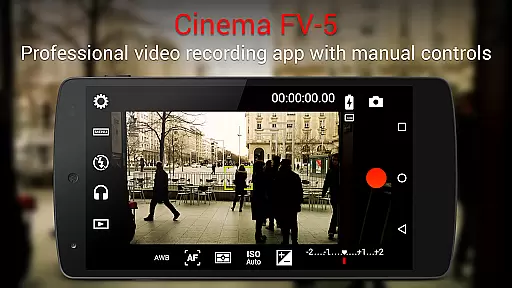
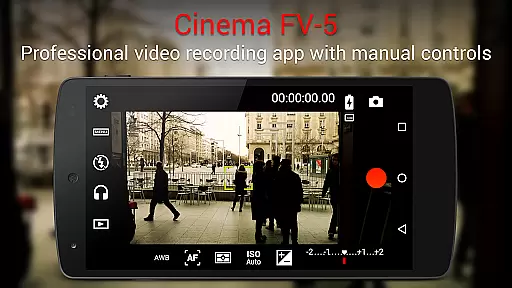
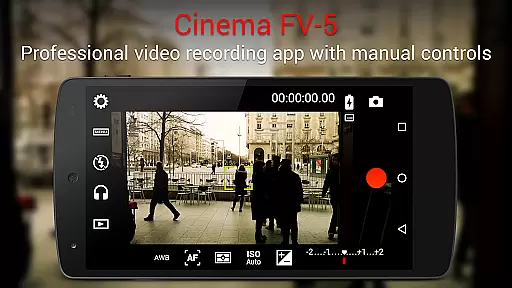
Cinema FV-5 stands as a professional-grade video camera application tailored for mobile devices, offering an extensive suite of manual controls at users' fingertips. Designed with both enthusiast and professional videographers in mind, this app enables the capture of high-quality footage through top-tier control options, ideal for postproduction refinement. With features ranging from adjustable image sensor parameters to professional sound metering, it empowers creators to unleash their imagination and creativity without bounds.
Among its standout capabilities, Cinema FV-5 allows videographers to adjust exposure compensation, ISO, light metering modes, focus settings, and white balance, even during recording sessions. The inclusion of advanced electronic viewfinder functionalities, such as live RGB and luminance histograms, alongside professional audio monitoring options, ensures that every aspect of video production is meticulously catered to. This makes it particularly suitable for short- to medium-sized productions where capturing the best material is crucial.
The app's compatibility extends to Android-based compact cameras, enhancing its utility by leveraging high-quality, optically stabilized zoom lenses. By supporting 4K UHD video recording on eligible devices and providing comprehensive video clips organization options, Cinema FV-5 positions itself as an indispensable tool for filmmakers seeking to produce content that stands out. Its versatility and robust feature set make it an excellent choice for those looking to elevate their mobile videography to professional standards.
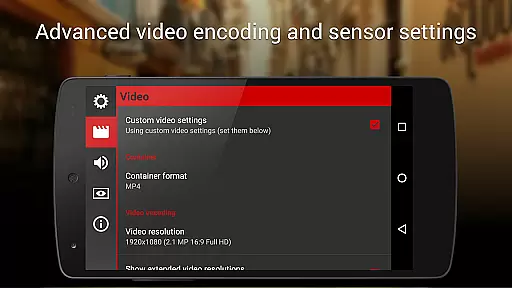
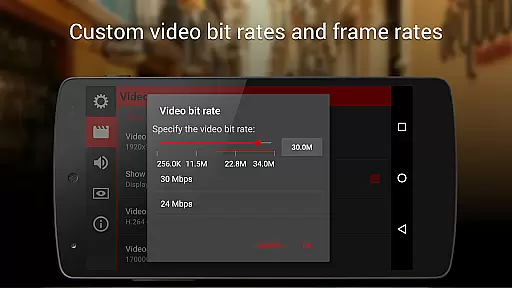
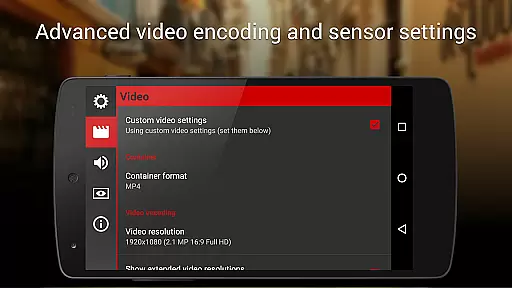
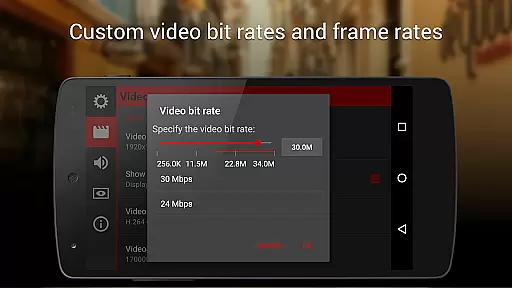
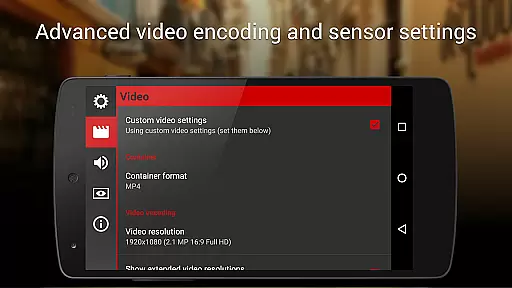
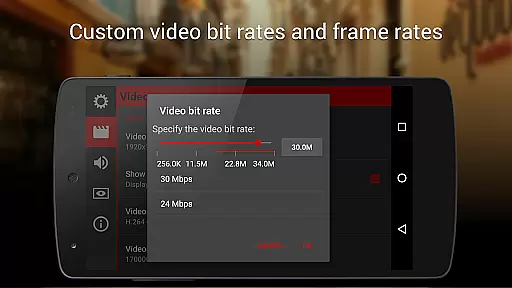
Cinema FV-5 distinguishes itself through a plethora of sophisticated features designed to meet the demands of professional videography. One of its core strengths lies in providing users with unparalleled control over image sensor parameters, including exposure compensation, ISO sensitivity, light metering modes (matrix/center/spot), focus modes, and white balance adjustments. These controls are accessible not only before but also during recording, allowing videographers to adapt swiftly to changing lighting conditions or creative needs.
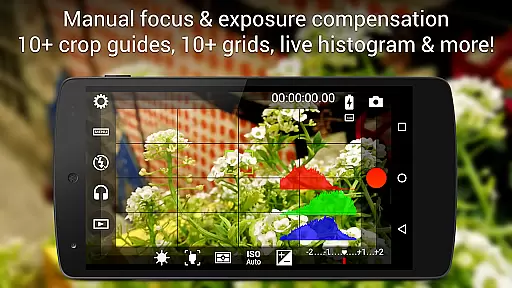
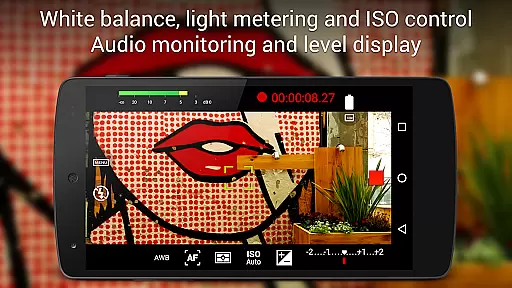
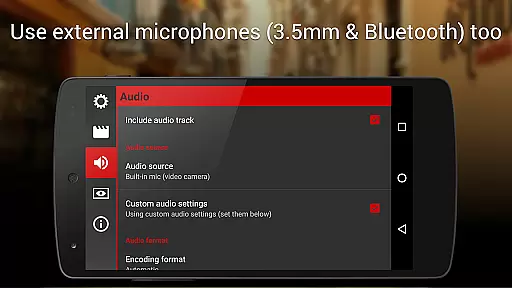
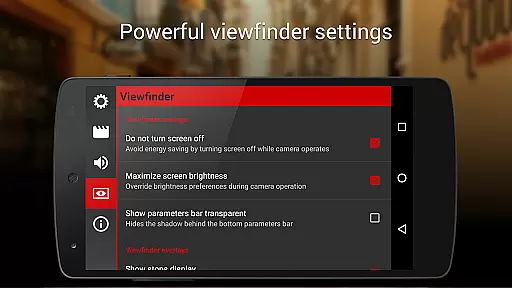
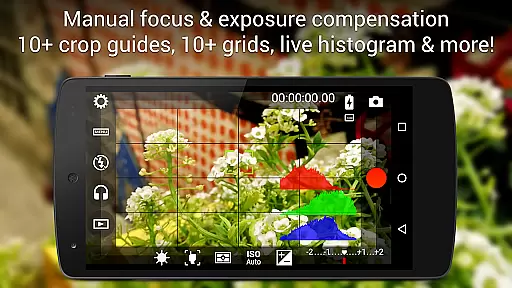
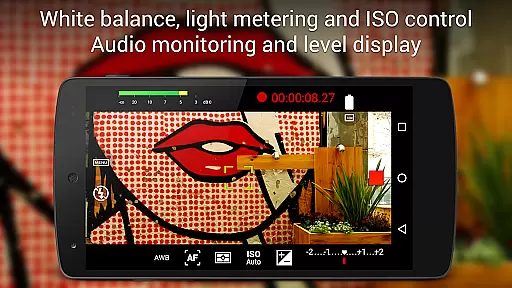
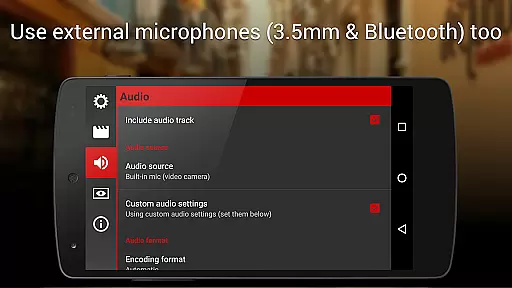
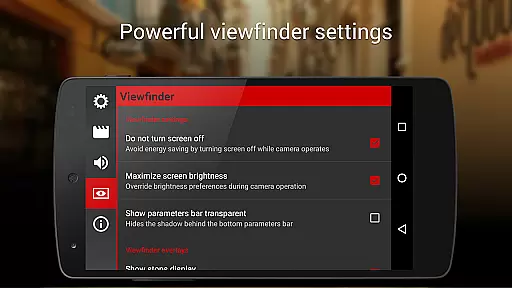
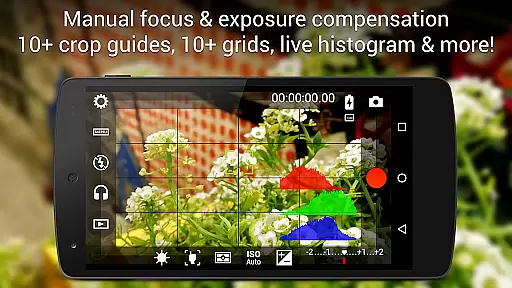
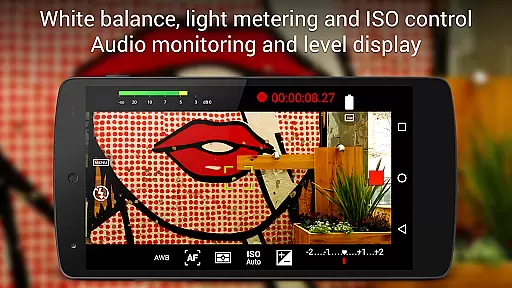
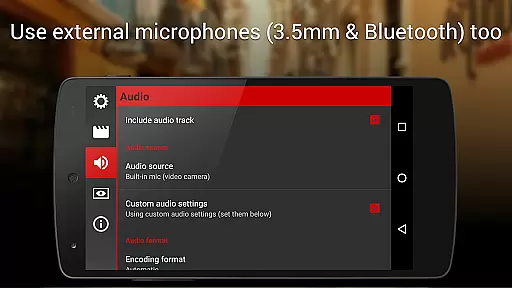
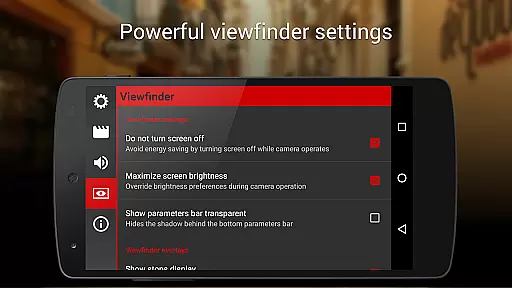
Beyond its manual controls, Cinema FV-5 boasts an advanced electronic viewfinder equipped with live RGB and luminance histograms, ensuring precise exposure and color accuracy throughout the recording process. Additionally, the app offers professional sound metering options, displaying audio peaks and sound clipping warnings, thus guaranteeing optimal audio quality. Users can select from various audio input sources, including built-in microphones, external wired microphones, or wireless Bluetooth headsets, further enhancing audio flexibility.
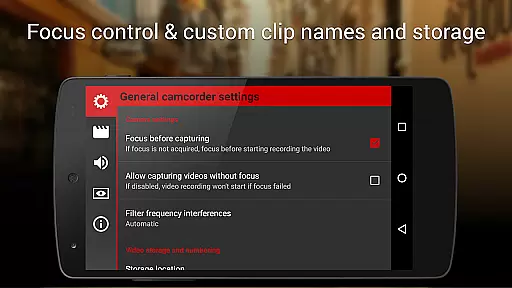
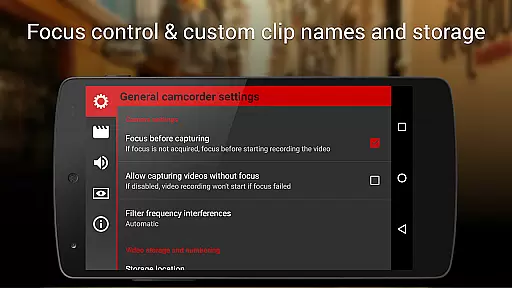
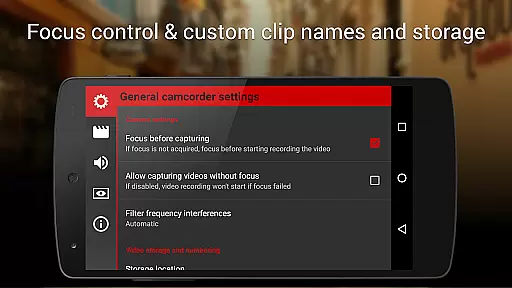
Another remarkable feature is the app's support for 4K UHD video recording on compatible devices, coupled with customizable file naming conventions and storage locations for efficient media management. By integrating seamlessly with Android-based compact cameras, Cinema FV-5 facilitates the use of high-quality, optically stabilized zoom lenses, broadening its appeal to filmmakers who demand exceptional image clarity and stability. Overall, these features collectively establish Cinema FV-5 as a premier choice for mobile videography enthusiasts and professionals alike.
Cinema FV-5 excels in real-time capture and preview capabilities, offering videographers precise control over their footage. The application provides professional manual controls that allow users to adjust image sensor parameters such as ISO, exposure compensation, and white balance even during recording. This ensures that the captured video accurately reflects the creator's vision without any post-production adjustments.
The app features an advanced electronic viewfinder with live RGB and luminance histograms available during recording. These tools enable users to monitor exposure levels and make necessary adjustments on-the-fly, ensuring optimal image quality. Additionally, focus can be locked or adjusted throughout the recording process, giving filmmakers greater creative freedom.
Sound monitoring is another critical aspect of Cinema FV-5's real-time functionality. With professional sound metering options like audio peak displays and clipping warnings, users can ensure high-quality audio capture alongside their visuals. This comprehensive approach to both visual and auditory elements makes Cinema FV-5 a powerful tool for producing top-notch video content directly from mobile devices.
While primarily focused on professional video capture, Cinema FV-5 also incorporates features that enhance the natural beauty of the footage without relying on artificial enhancements. By providing extensive control over camera settings, the app allows users to optimize their shots for the most authentic representation possible. Adjustments to light metering modes, focus, and white balance contribute to achieving a natural look that remains true to the original scene.
The ability to use different audio input sourcesu2014including built-in microphones, external wired microphones, or wireless Bluetooth headsetsu2014ensures that sound quality matches the visual fidelity. This attention to detail extends to customizable file names and organization options, which help maintain the integrity of the original recordings by keeping them well-organized and easily accessible for editing.
Although it doesn't rely on AI-driven beautification, Cinema FV-5 supports 4K UHD video recording on compatible devices, capturing every detail with stunning clarity. This feature, combined with precise manual controls, results in beautifully enhanced yet naturally presented videos suitable for various professional applications.
Professional manual controls
Live histogram display
4K UHD video support
Advanced audio options
Customizable settings
Complex for beginners
High battery consumption
Limited device compatibility
No automatic editing
Premium price tag

Photo editor: face & body editor, beauty cam, filters and quality enhancer.
 4.00
4.00
1M influencer's special filter
4.60
Cut and paste photo editor & eraser to customize photos easy and swap faces fun
4.50
What celebrity do you look like? Celebs will find your celebrity match!
4.10
Create collages easily! Nice pic collage maker & background eraser for Instagram
4.50
Gallery Slideshow is slideshow maker app for slideshow from your gallery photos.
3.90
Photo editor & gallery. Crop pictures & edit photos offline, no wifi!
4.50
Professional quality photo edits with the new Snapseed.
4.00
Solocator stamps photos you take with GPS location, Compass Direction, Date/Time
3.80
Easily view, share, delete photos with Gallery.
4.70
Amazing Photo Effects - The most fun you can have with your photos!
4.70
Movie camera, supports pro recording settings for filming. Try it and be amazed!
4.50
Future baby face generator: AI kids generator, kid face! What my baby look like?
4.40
RAW video capture with advanced controls
4.40
AI portrait generator and polaroid AI selfie, fun AI generated AI photo creator!
4.30
Smart, light, and fast photo and video gallery
4.30
Create amazing frames with up to five photos. Rounded corners, effects and more!
3.60
Application for remote controlling DSLR
3.00
HD Photo gallery and photo manager to edit, hide private photos, videos & albums
4.0



User Reviews