
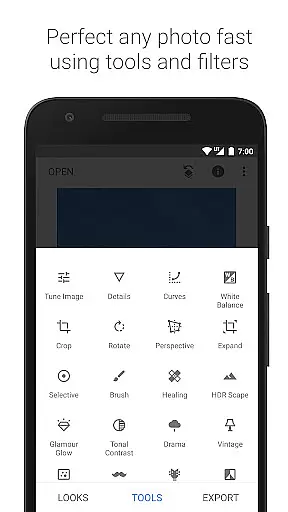
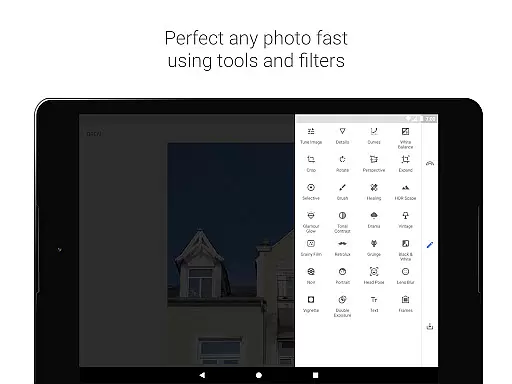
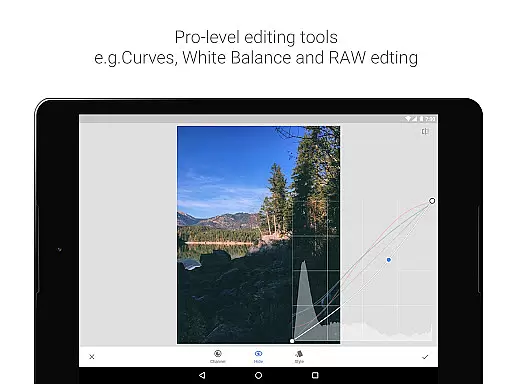
Snapseed is a comprehensive photo editing application developed by Google, offering professional-grade tools for both amateur and expert photographers. The app provides an extensive suite of 29 tools and filters, including options like Healing, Brush, Structure, HDR, and Perspective correction, making it a versatile choice for detailed photo enhancement.
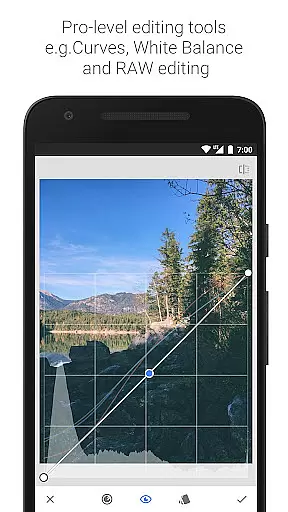
One of Snapseed's standout features is its support for both JPG and RAW file formats, allowing users to work with high-quality images directly on their mobile devices. With functionalities such as selective filter brushes, customizable looks, and precise control over image adjustments, the app ensures that users can achieve their desired results with accuracy and ease.
Whether you're looking to correct minor imperfections or apply complex filters, Snapseed caters to a wide range of photo editing needs. Its intuitive interface and powerful tools make it suitable for enhancing personal photos or creating professional-quality edits, providing significant value to users who demand precision and flexibility in their editing workflow.
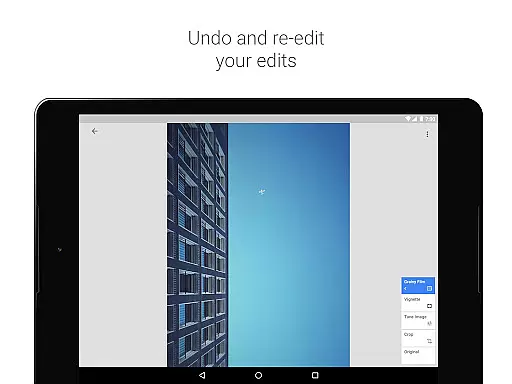
Snapseed distinguishes itself through its rich set of features tailored for detailed photo manipulation. The app includes advanced tools such as RAW Develop, which allows users to open and tweak RAW DNG files non-destructively, ensuring maximum quality retention. Additionally, the Tune Image feature offers fine-grained control over exposure and color adjustments, enabling users to perfect their images manually or automatically.
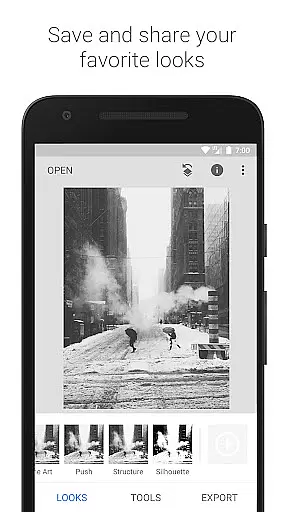
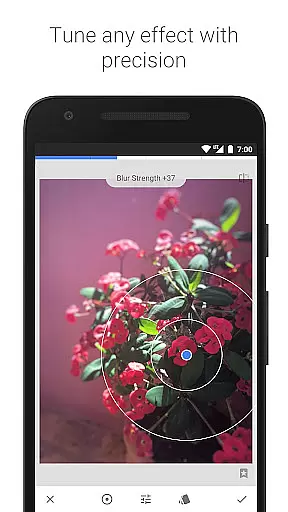
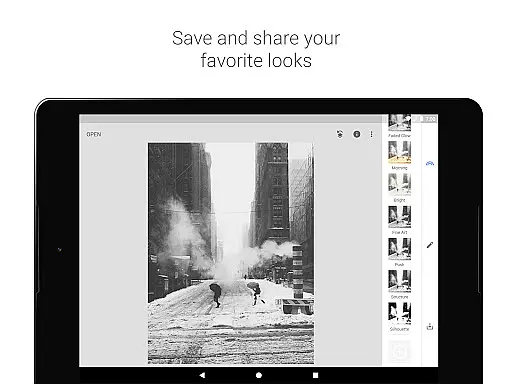
The app also excels in offering creative enhancements like Lens Blur, which simulates beautiful bokeh effects ideal for portraits, and Glamour Glow, adding a soft glow suited for fashion photography. Users can experiment with styles ranging from vintage film looks to dramatic tonal contrasts, thanks to filters like Vintage, Retrolux, and Tonal Contrast. These capabilities ensure that every photo can be transformed into a unique piece of art.
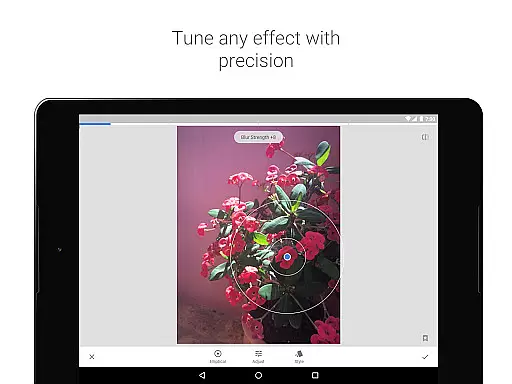
Another notable aspect is Snapseed's innovative Selective tool, utilizing 'Control Point' technology to apply enhancements precisely where needed. Combined with features like Healing to remove unwanted elements and Face Enhance for portrait-specific adjustments, Snapseed empowers users to create polished, professional-quality images effortlessly. This combination of technical precision and creative freedom makes Snapseed a top choice for mobile photo editing.
Snapseed offers a powerful real-time capture and preview feature that allows photographers to see adjustments as they are made. This immediate feedback is crucial for making precise edits without guesswork.
The application supports both JPG and RAW file formats, providing flexibility in capturing images with different levels of detail and dynamic range. This ensures that users can work with the highest quality images while maintaining the ability to make non-destructive edits.
With its selective filter brush and control point technology, Snapseed enables users to apply enhancements to specific areas of an image. This level of control ensures that edits are both accurate and visually pleasing, enhancing the overall quality of the photograph.
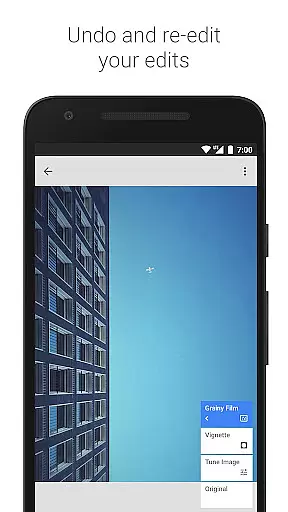
Photographers benefit from the app's advanced tools like Healing and Vignette, which help in removing unwanted elements and adding artistic touches respectively. These features collectively ensure that the final image matches the creator's vision perfectly.
Snapseed incorporates AI-driven beauty and enhancement features that elevate photo editing to new levels of naturalness and authenticity. The AI algorithms intelligently identify facial features and apply enhancements that look genuine and refined.
The Face Enhance tool focuses on key areas such as the eyes and skin, allowing for subtle improvements that maintain the subject's natural appearance. This approach avoids the over-processed look often associated with digital enhancements.
Users can take advantage of the Glamour Glow and Tonal Contrast filters to add a professional finish to their portraits. These tools bring out details in shadows and highlights, creating a balanced and aesthetically pleasing result.
By offering precise control over enhancements, Snapseed ensures that each edit enhances the photo's original qualities without introducing artificial elements. This dedication to natural-looking results makes it a preferred choice for photographers seeking authenticity in their work.
User-friendly interface
Extensive toolset
Supports RAW files
Customizable filters
Precise editing controls
Steep learning curve
Overwhelming for beginners
Limited video editing
No real-time collaboration
Occasional performance lag

Add Watermark - Sign your pictures with a text or logo. Effective, quick, easy!
 4.50
4.50
What celebrity do you look like? Celebs will find your celebrity match!
4.10
Photo prints, cards, & gifts at Walgreens. Easy ordering & fast local pickup !
4.80
Movie camera, supports pro recording settings for filming. Try it and be amazed!
4.50
Create amazing frames with up to five photos. Rounded corners, effects and more!
3.60
Easily view, share, delete photos with Gallery.
4.70
Turn photos into cartoons & avatars! - Photo Editor, Cartoon Face!
3.90
PhotoSync Bundle Add-On License. Enables all features and services in PhotoSync.
4.60
Try an anime version, cartoon yourself, and generate AI hug or aging videos!
3.70
AI Photo Editor with 100+ Filters, Effects! Remove BG, Retouch & Photo Enhancer.
4.80
Take videos and pictures with the popular TikTok TIME WARP SCAN filter.
4.60
Enhance, retouch & create your story - Share the moment with Photoshop Express.
4.60
Photo Exif Editor allows to view, add and modify EXIF data of multiple photos
4.50
Photo editor & gallery. Crop pictures & edit photos offline, no wifi!
4.50
A reflected light meter with spot metering and incident light metering.
4.40
RAW video capture with advanced controls
4.40
Smart, light, and fast photo and video gallery
4.30
Superimpose one photo on top of another using the original Superimpose app!
3.20
Snap photos remotely using your Garmin watch as the camera trigger
4.2




User Reviews