
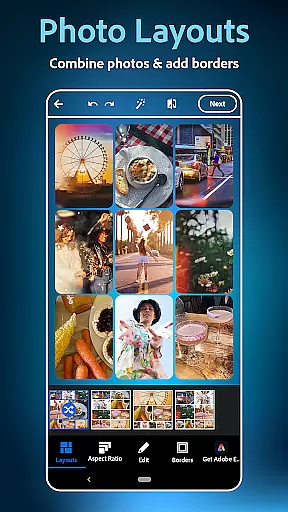
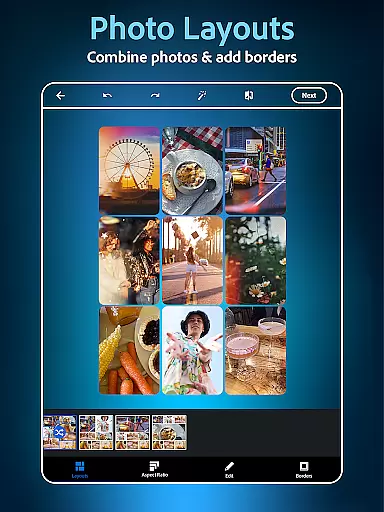
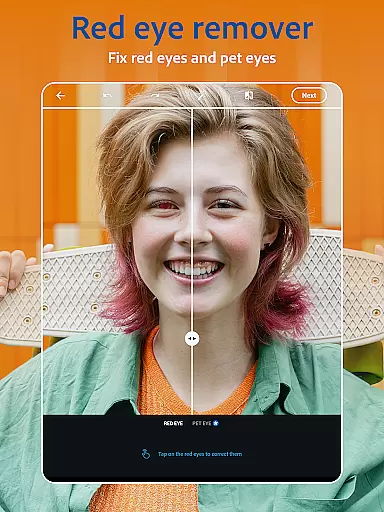
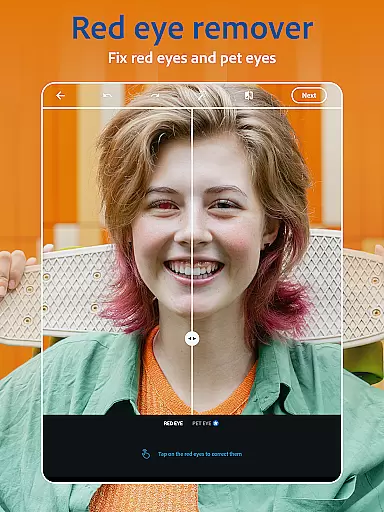
Photoshop Express is a versatile photo editing app that brings professional-grade tools to your fingertips. Designed for both amateur and experienced photographers, this application offers an extensive suite of features including AI-powered image retouching, one-tap filters, and advanced airbrush tools. The app's intuitive interface allows users to effortlessly enhance their photos with options like red-eye correction, blemish removal, and spot healing. Whether you're looking to create stunning collages or add creative text overlays, Photoshop Express provides all the necessary tools in one place.
Beyond basic editing, the app includes innovative features such as background replacement, object removal, and dehazing capabilities. Users can experiment with thousands of customization options ranging from vintage camera effects to modern graphic design elements. The built-in collage maker and face editor enable seamless photo combinations and portrait enhancements. With support for various file formats including RAW and TIFF, Photoshop Express ensures high-quality results across different devices and platforms.
This photography app proves especially valuable for social media enthusiasts who need quick yet impactful edits before posting. Its comprehensive toolset helps transform ordinary snapshots into visually compelling images ready for sharing on Instagram, TikTok, or Pinterest. By upgrading to the Premium version, users gain access to even more precise controls and exclusive features, making Photoshop Express a complete solution for anyone seeking to elevate their photo editing game.
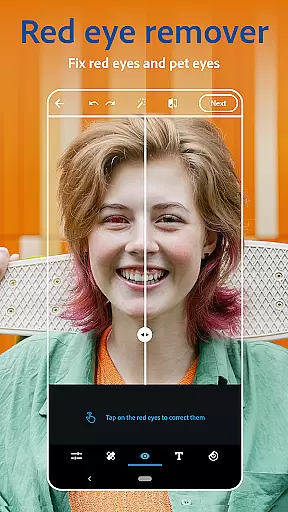
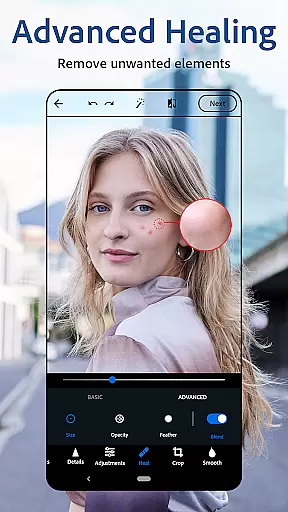
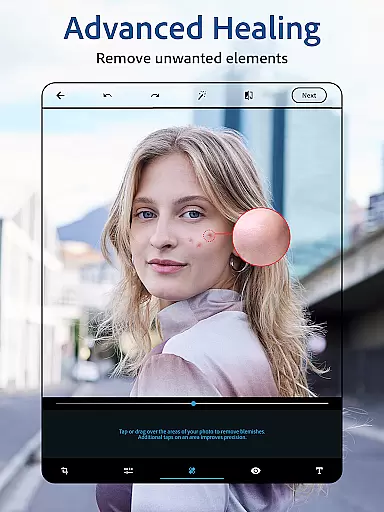
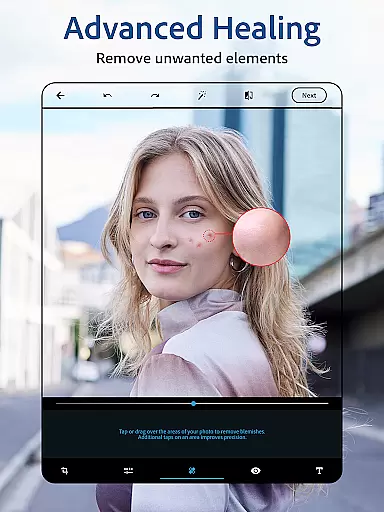
Photoshop Express stands out through its diverse range of sophisticated features designed to cater to various photo editing needs. At its core, the app functions as a powerful AI photo editor capable of performing complex tasks with minimal effort. The intelligent face editor allows users to airbrush selfies using advanced tools like blemish remover, spot healing, and red-eye correction. These features work together to produce natural-looking enhancements without requiring professional expertise.
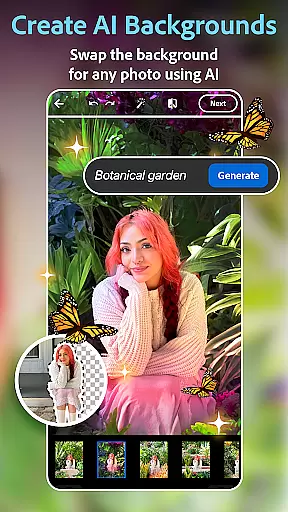
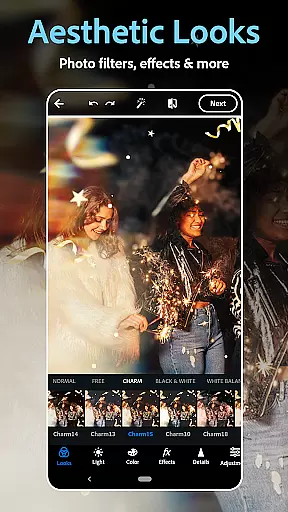
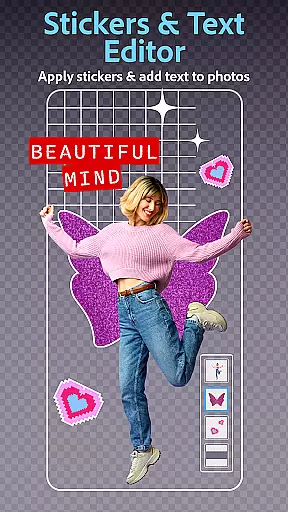
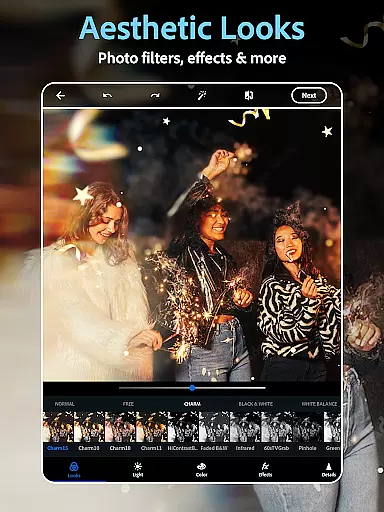
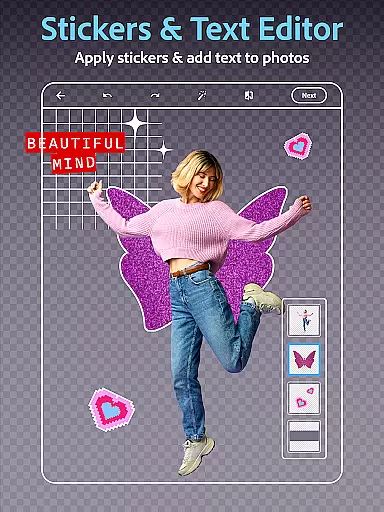
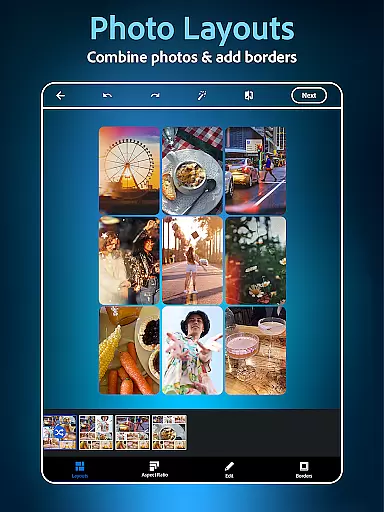
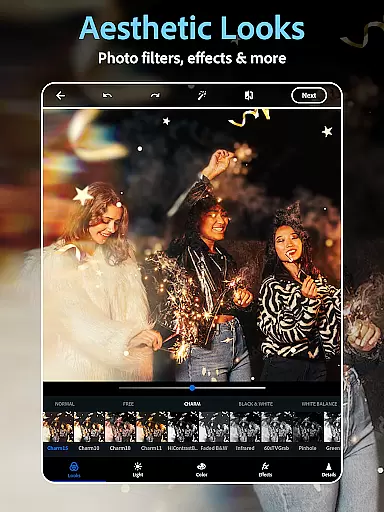
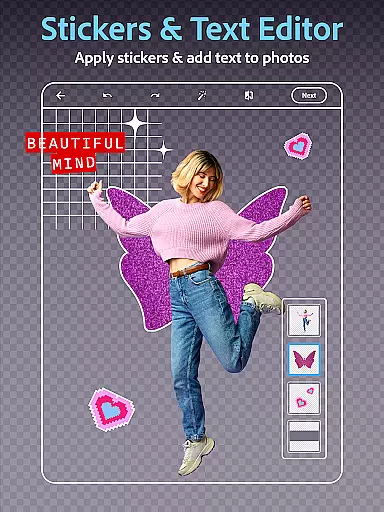
The app's collection of vintage camera filters and film effects provides endless creative possibilities. Users can choose from hundreds of presets to achieve specific aesthetic styles or recreate classic photography looks. For those interested in graphic design, the app offers robust text editing capabilities alongside a customizable collage maker. This combination enables the creation of unique compositions, memes, and personalized picture collages. Additionally, the AI-powered object removal and background replacement tools demonstrate remarkable precision in handling complex image manipulations.
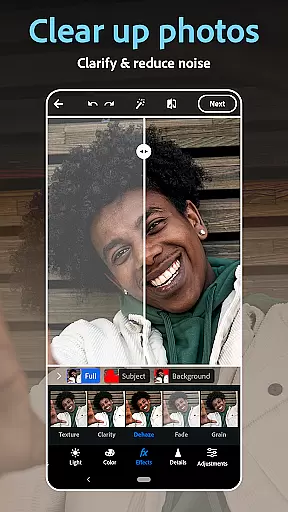
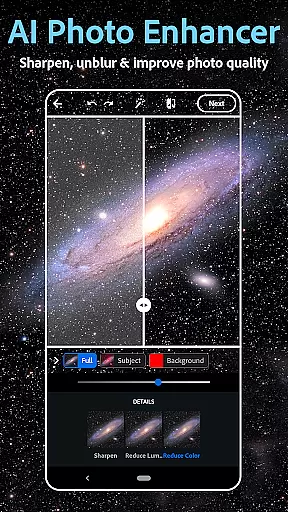
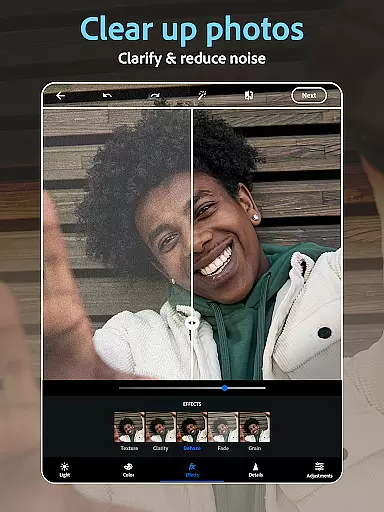
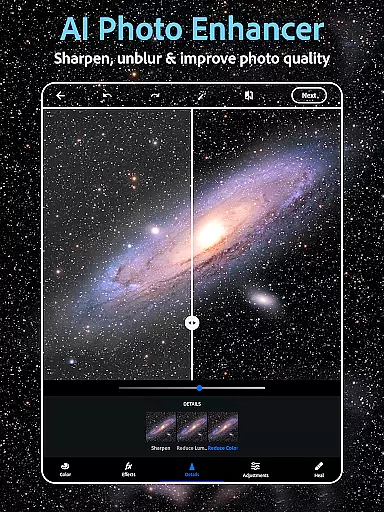
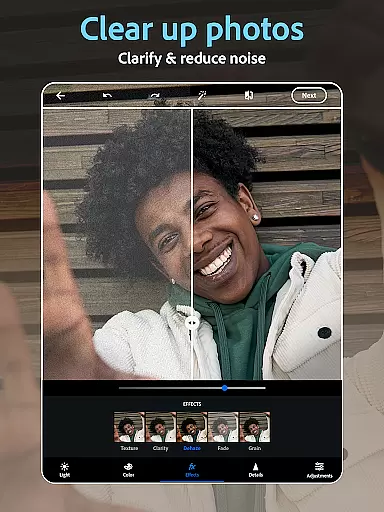
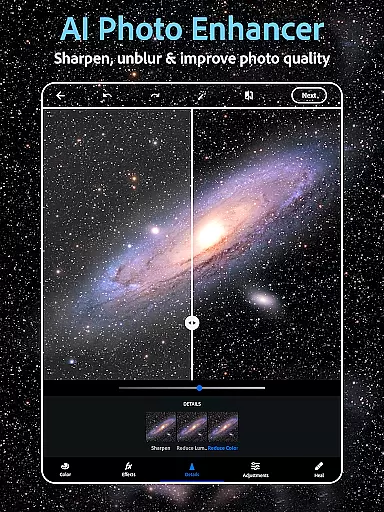
Going beyond traditional editing, Photoshop Express incorporates innovative AI image generation features. Users can leverage text-to-image functionality to create custom stickers or visualize creative concepts through generated imagery. The app also supports advanced editing techniques such as dehazing, blur reduction, and noise elimination. With its ability to handle multiple file formats and maintain high-resolution output, Photoshop Express delivers professional-quality results while maintaining user-friendly accessibility. These comprehensive features make it an indispensable tool for mobile photo editing.
Real-time capture and preview functionality is essential for ensuring that every photo taken meets the user's expectations without delay. Photoshop Express Photo Editor offers a seamless experience by providing instant feedback on images captured through its interface.
This application leverages advanced processing capabilities to deliver high-quality previews, allowing users to adjust settings such as lighting, filters, and composition before finalizing the shot. The immediacy of this feature enhances the creative process, enabling photographers to experiment with different styles and effects.
For those who value efficiency in their workflow, the real-time preview ensures that edits can be made on the fly. Whether it's adjusting the focus or applying vintage camera filters, users can see changes instantly, which streamlines the editing process and saves valuable time.
Ultimately, the real-time capture and preview feature empowers users to produce professional-grade photos with minimal effort. By offering an intuitive platform for experimentation and refinement, Photoshop Express caters to both amateur enthusiasts and seasoned professionals looking to enhance their photographic projects.
The AI Beauty and Enhancement features within Photoshop Express are designed to elevate photographs by applying natural-looking adjustments that enhance the subject's best attributes. This technology goes beyond simple filters, using sophisticated algorithms to ensure enhancements look authentic and true to life.
Users can take advantage of tools like blemish removal, spot healing, and red-eye correction, all powered by artificial intelligence. These features work together to create flawless yet believable results, preserving the original character and expression of the photograph while subtly improving its overall aesthetic appeal.
One of the standout aspects of these AI-driven enhancements is their ability to adapt to various skin tones and textures, ensuring inclusivity across diverse user bases. This adaptability not only broadens the appu2019s accessibility but also reinforces Adobeu2019s commitment to delivering personalized and respectful beauty standards.
By integrating AI beauty enhancements, Photoshop Express provides a powerful toolset for anyone looking to refine their images with a touch of elegance and sophistication. This ensures that every edited photo retains its unique charm while benefiting from subtle, professional-grade improvements.
User-friendly interface
Extensive filter collection
Powerful AI tools
Versatile editing options
Cross-platform compatibility
Premium features locked
Advanced tools complex
Occasional performance lag
Limited free content
Subscription cost high

[3DSteroid Pro] is a stereoscopic application for Android.
 4.30
4.30
Shooting photos and records video easily and efficient with professional Camera
4.30
Easily stitch panoramas from multiple photos or video.
4.40
Find time and duration of different sunlight phases at any location
4.90
Application for remote controlling DSLR
3.00
Automatically backup your photos and videos to computer, NAS and Cloud services
4.60
AI photo enhancer with Sora 2! Enhance, descratch, and colorize your old photos.
4.50
Unblur, enhance & restore photos with powerful AI photo enhancer tools.
4.60
Effortlessly make high-quality GIFs from images & videos without any watermarks.
4.70
Photo editor: AI filters, photo enhancer, pic collage maker, AI art generator.
4.80
Cartoon and artistic effects for your photos and videos
4.70
Easily view, share, delete photos with Gallery.
4.70
1M influencer's special filter
4.60
A reflected light meter with spot metering and incident light metering.
4.40
AI-powered video creator by MiniMax - Where ideas meet cinema
4.20
Create & Edit with AI: AI Remove, Enhance, Retouch, Filter
4.10
Catch sunlight, sunrise sunset times and sun phases with the AR sun tracker.
4.10
USB Storage Access for Photos, Videos, Music and Documents
3.80
Hair color changer, AI haircut app, fun hair editor and buzz cut filter for all!
3.80




User Reviews