
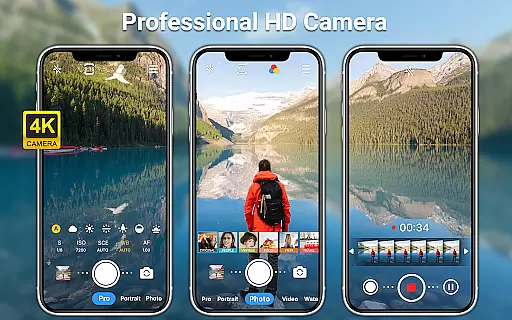
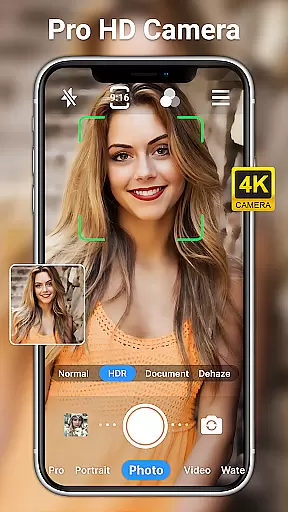
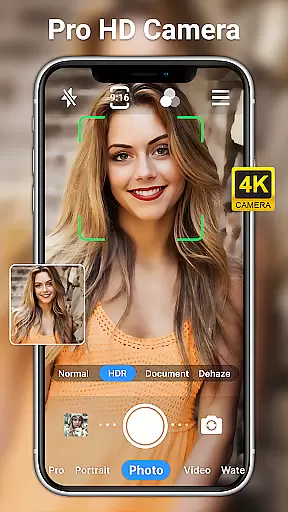
HD Camera for Android is a professional-grade photography application that empowers users to capture high-definition photos and videos with ease. The app offers a full suite of advanced features typically found in DSLR cameras, including 1080p HD shooting, multiple real-time filters, and precise manual controls.
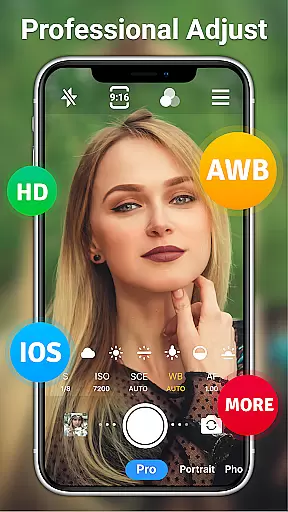
This camera app stands out with its comprehensive set of professional tools such as scene modes, ISO adjustment, white balance settings, and shutter speed control. Whether you're capturing daytime landscapes or low-light night scenes, the app ensures exceptional image quality through features like optical/digital zoom, auto-focus, and steady shooting mode.
Ideal for both amateur photographers and professionals, HD Camera for Android serves as an essential tool for anyone looking to elevate their mobile photography game. Its intuitive interface combined with powerful editing capabilities makes it perfect for creating stunning visual content on the go.
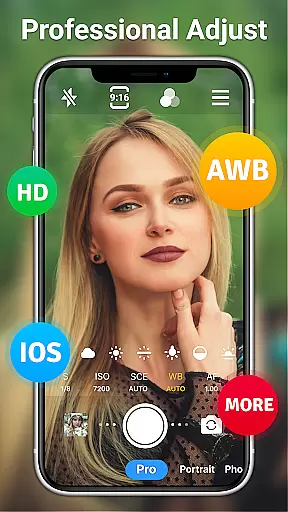
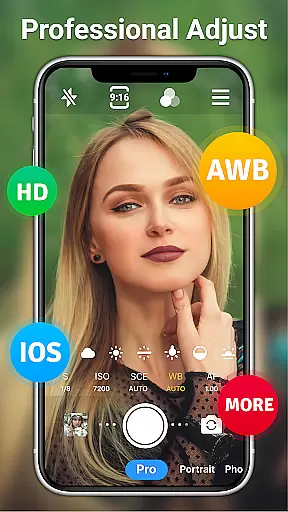
HD Camera for Android distinguishes itself through an impressive array of features designed to maximize your smartphone's photographic potential. The app provides complete manual control over key camera parameters including ISO, shutter speed, and white balance across various lighting conditions.
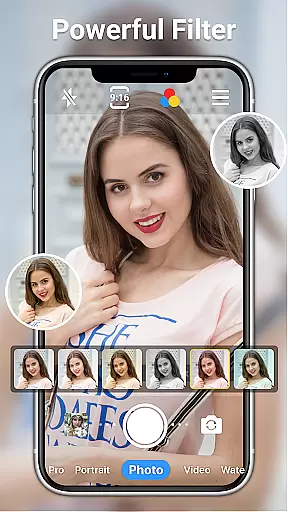
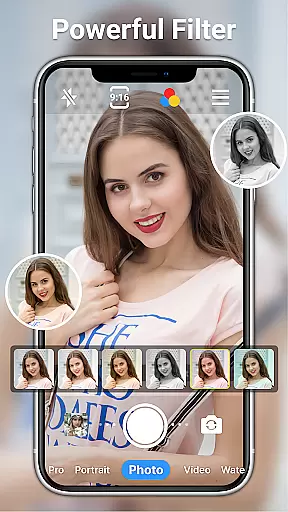
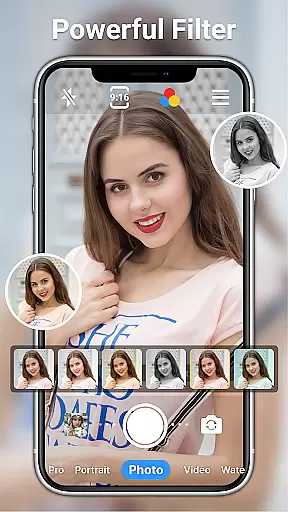
One of the standout capabilities is its professional shooting mode, which includes 10+ real-time filters, front/rear camera switching, and advanced options like timer, grid lines, and time-lapse photography. The inclusion of AI-powered photo restoration and palette generation takes image editing to the next level.
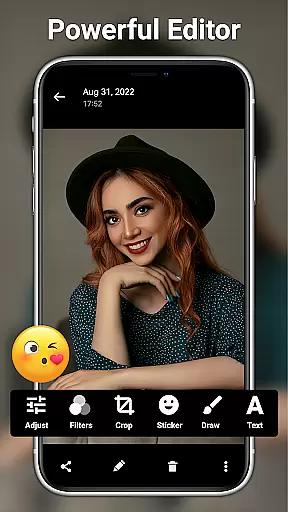
Users can benefit from practical features such as date watermarking, resolution adjustment, and sophisticated editing tools that allow fine-tuning of brightness, contrast, and saturation. These comprehensive features make HD Camera for Android a versatile solution for capturing and enhancing visual content with professional-grade quality.
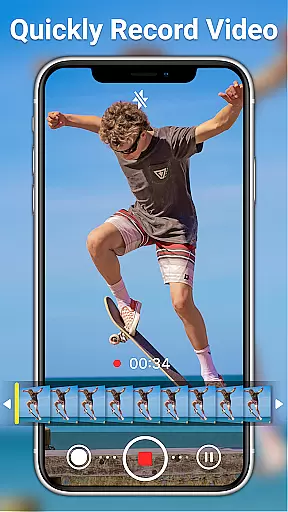
Real-time capture and preview functionality is essential for ensuring that every photo or video taken reflects the exact moment you wish to preserve. HD Camera for Android excels in this area by offering users a seamless experience with its 1080p full HD mode, allowing for the capturing of vivid colors and intricate details.
This application provides an extensive set of features designed to enhance real-time capture. Users can toggle between front and rear cameras, apply steady shooting modes, and utilize pinch-to-zoom gestures without missing a beat. The inclusion of professional shooting modes and optical/digital zoom options ensures that whether you're capturing a distant landscape or a close-up portrait, the app adjusts instantly to deliver sharp and clear images.
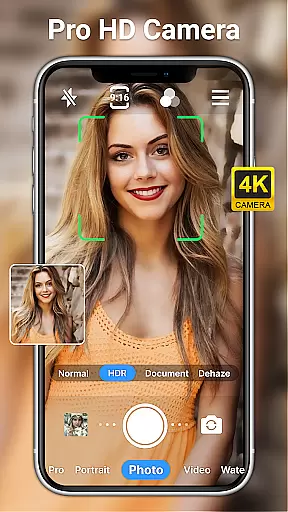
Moreover, HD Camera for Android supports various auxiliary functions that contribute to an enhanced preview experience. These include timer settings, grid overlays, and level indicators that assist in composing shots more effectively. With real-time filters and effects, users can see exactly how their photos will look before they even press the shutter button, thus providing complete creative control over the final output.
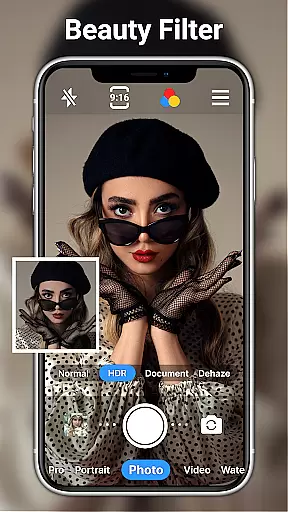
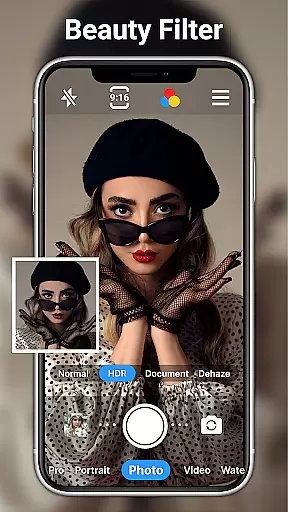
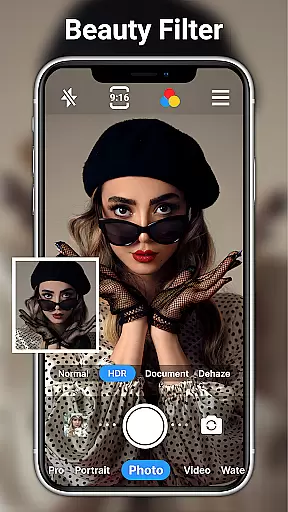
The AI Beauty and Enhancement feature within HD Camera for Android represents a significant advancement in mobile photography. This functionality leverages artificial intelligence to automatically enhance facial features while maintaining a natural appearance, avoiding the over-processed look common in lesser applications.
Users have access to one-click facial retouching that intelligently smooths skin tones, removes blemishes, and enhances eye clarity without distorting facial characteristics. The app's AI-driven algorithms analyze each face individually, applying enhancements that complement the subjectu2019s unique attributes. This personalized approach ensures that every selfie or portrait retains its authenticity while benefiting from subtle improvements.
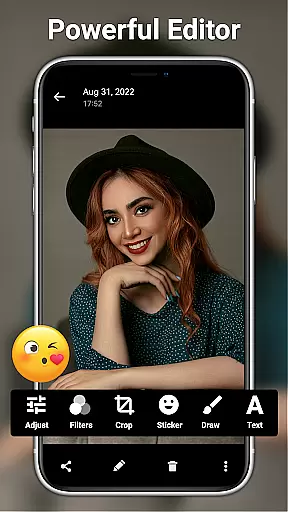
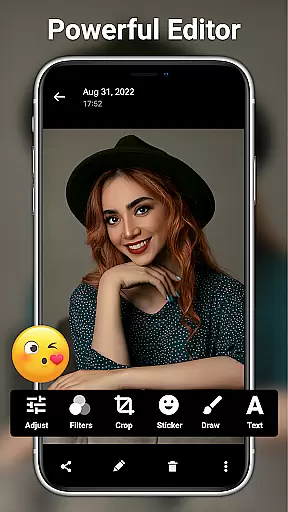
In addition to beautification, HD Camera for Android offers comprehensive editing tools that allow further customization. From adjusting brightness and contrast to adding text and stickers, these features empower users to create polished images that still appear genuine. By combining sophisticated AI technology with intuitive controls, this app delivers professional-quality results that are both impressive and believable.
User-friendly interface
Advanced manual controls
AI-powered editing tools
Real-time filters and effects
Comprehensive free features
Occasional performance lag
Interface complexity
Battery consumption
File size limitations
Learning curve

[3DSteroid Pro] is a stereoscopic application for Android.
 4.30
4.30
Photobooth mini FULL app will allow you to add more fun to your parties
4.00
Photo Exif Editor allows to view, add and modify EXIF data of multiple photos
4.50
Movie camera, supports pro recording settings for filming. Try it and be amazed!
4.50
Professional quality photo edits with the new Snapseed.
4.00
Fit multiple photos on one post. Create carousels & scroll layouts for Instagram
4.50
Snap photos remotely using your Garmin watch as the camera trigger
4.0
Your personal guide to the sun and moon. Plan ahead, visualize and predict!
4.70
Try an anime version, cartoon yourself, and generate AI hug or aging videos!
3.70
Collage your moments in one tap: 1000+ layouts, filters, stickers, and texts.
4.90
Perfect body tune & face app - photo retouch, makeup, slim body & beautify face.
4.80
The original Rarevision VHS look seen everywhere!
4.70
A must-have app for landscape photographers
4.60
Discover & download millions of art for The Frame TV or Hisense CanvasTV
4.60
Turn your phone into a professional camera - full DSLR manual photography
4.30
Professional photography on your mobile phone
4.20
What celebrity do you look like? Celebs will find your celebrity match!
4.10
All-in-One Editor & AI Photo Enhancer, Collage, Cartoonify, Funny Stickers & BGS
4.10
The #1 app for B&W film developing featuring an advanced darkroom timer.
4.10



User Reviews